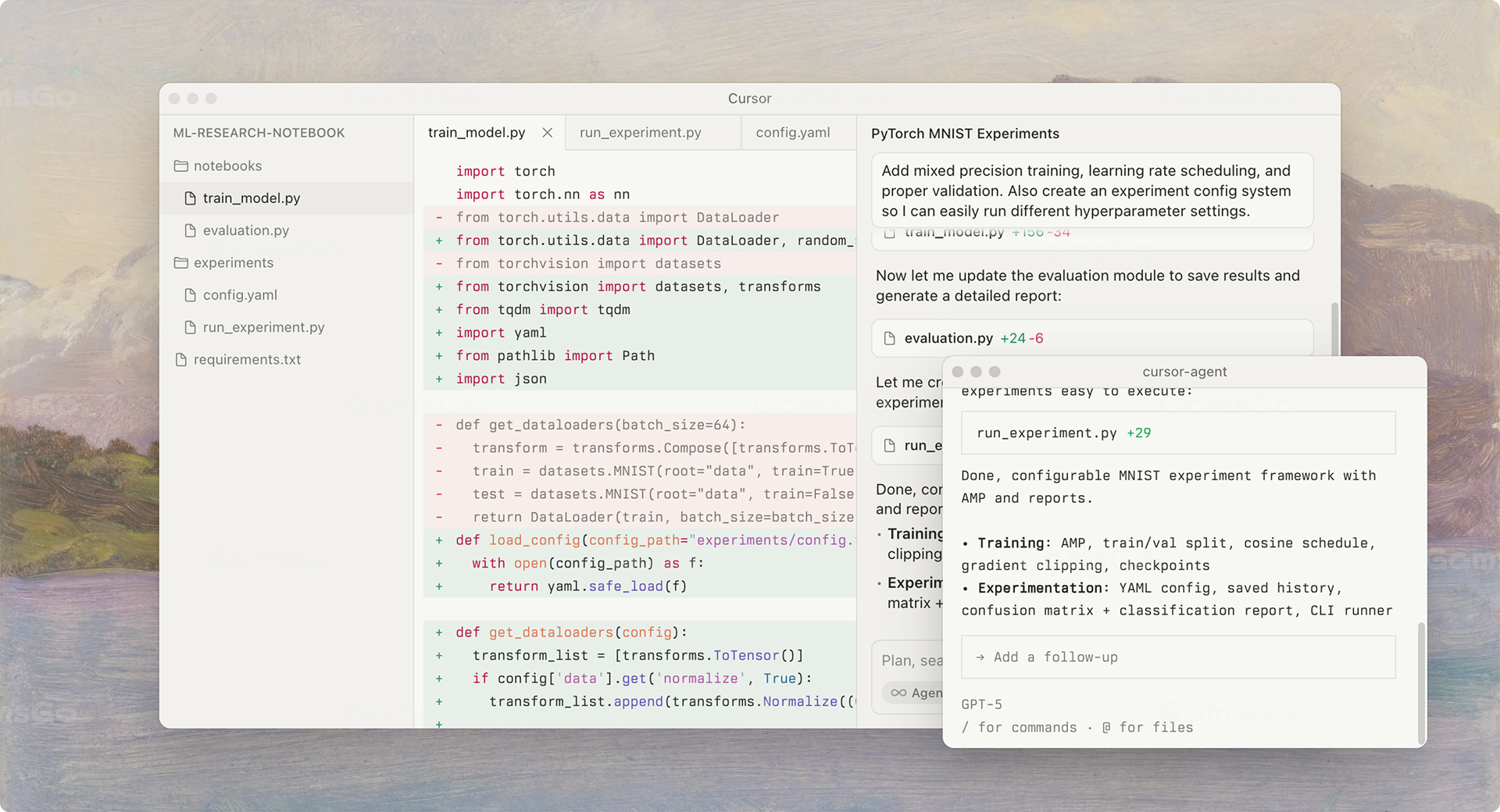
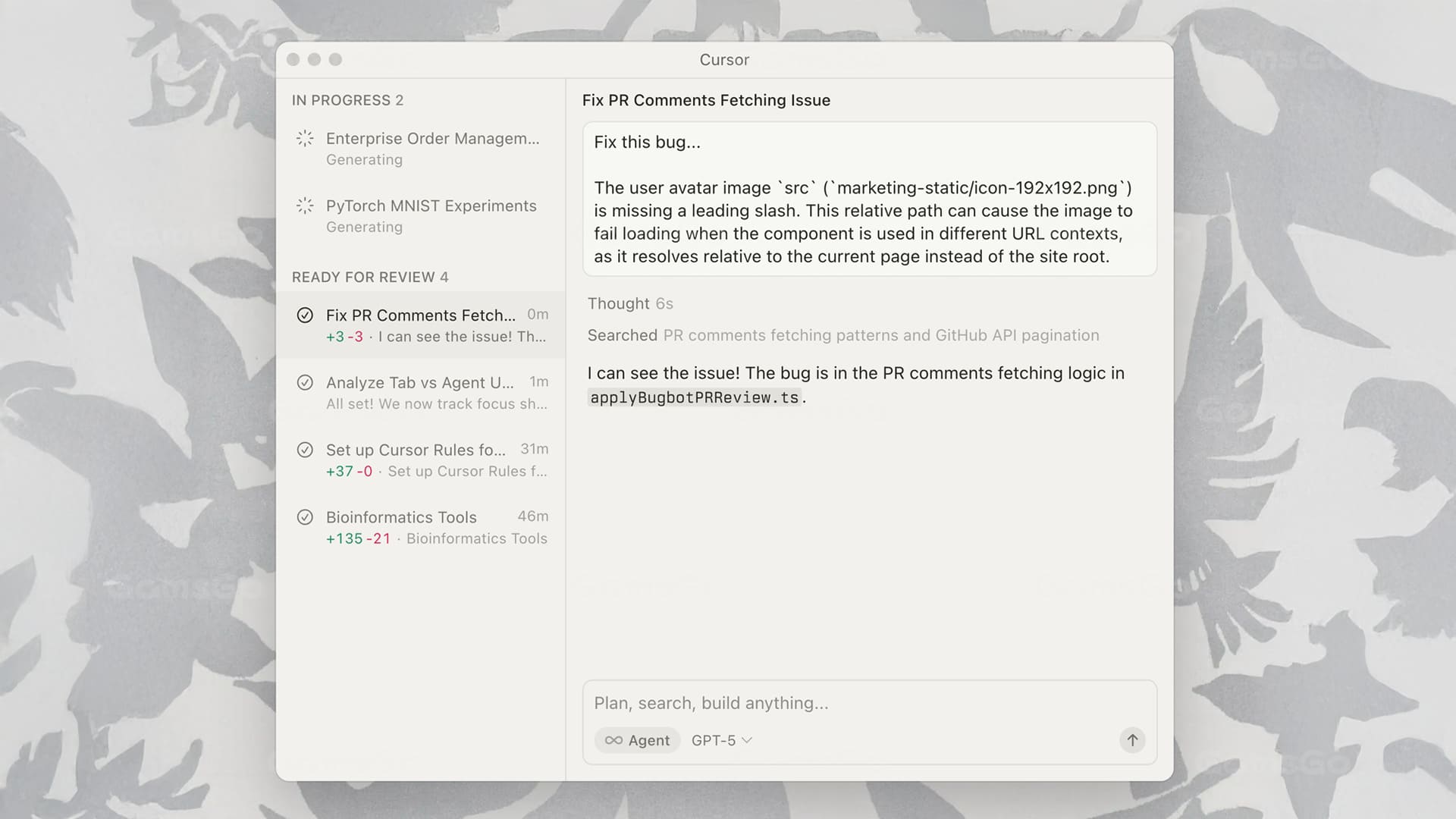
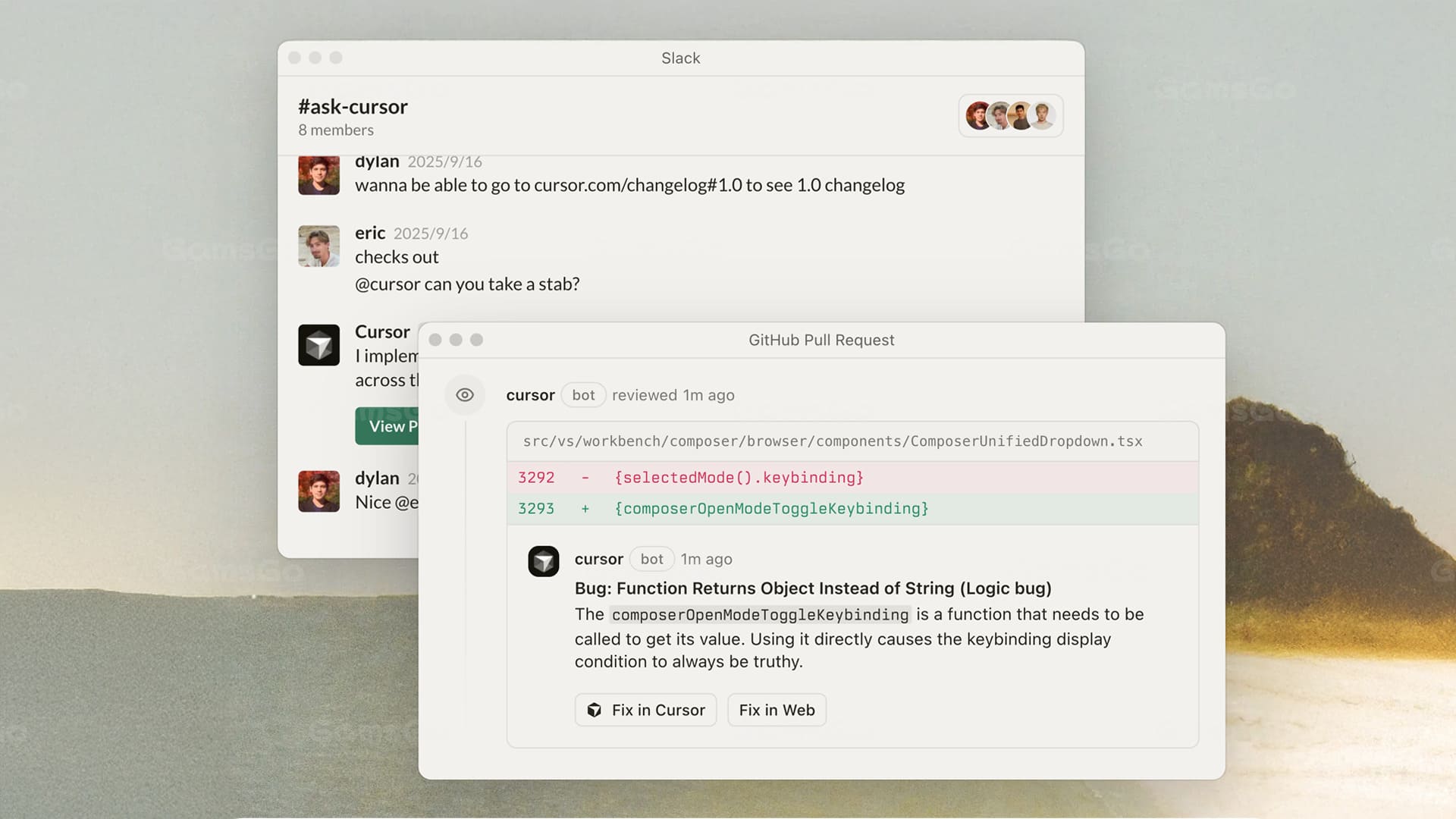
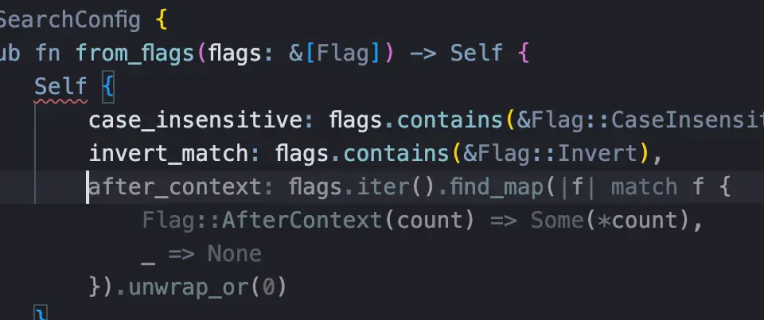
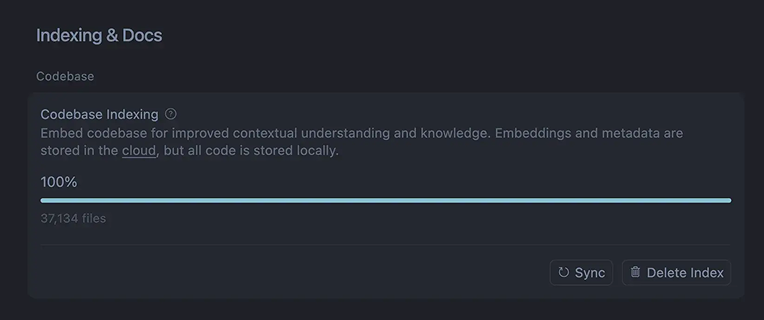
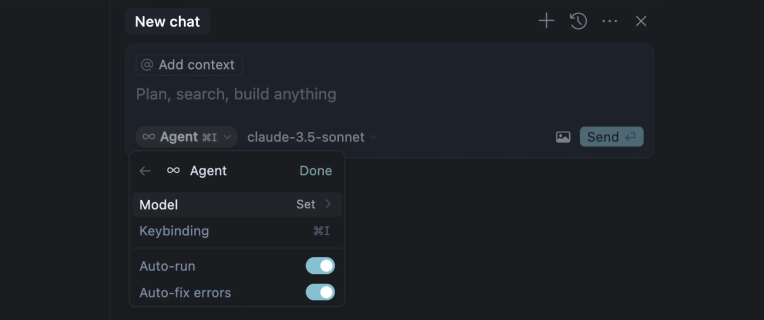
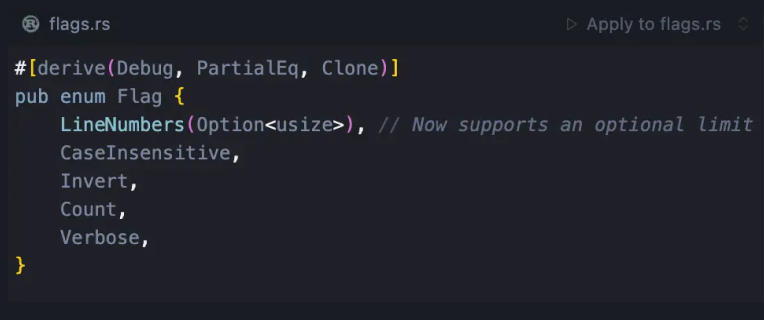
Cursor is a revolutionary AI-powered programming development tool centered around an integrated development environment (IDE) that combines a traditional code editor with advanced AI technology. It aims to significantly enhance programming efficiency and lower the barrier to coding, making it easy to use for both professional programmers and beginners alike
Pro
Non-renewal
Passkey
Mobile, PC, Web
Cursor is a revolutionary AI-powered programming development tool centered around an integrated development environment (IDE) that combines a traditional code editor with advanced AI technology. It aims to significantly enhance programming efficiency and lower the barrier to coding, making it easy to use for both professional programmers and beginners alike
ji***12 joined 1hours ago
ad***o4 joined 1hours ago
da***ru joined 1hours ago
da***ru joined 1hours ago
la***97 joined 2hours ago
vk***59 joined 2hours ago
fu***37 joined 5hours ago
mu***38 joined 5hours ago
mf***ha joined 5hours ago
ad***oo joined 5hours ago
lu***84 joined 6hours ago
da***ru joined 6hours ago
em***er joined 7hours ago
st***93 joined 8hours ago
lo***dk joined 8hours ago
da***ru joined 8hours ago
un***ck joined 8hours ago
da***93 joined 10hours ago
va***zz joined 16hours ago
gu***32 joined 18hours ago
Subtotal:
--
Promo code & Coupon:
--
Total:
--
--
Cursor
An AI-Powered Assistant for Multi-File Intelligent Code Generation and Real-Time Refactoring
Delivering a more efficient and highly interactive development experience
AI Empowering the Entire Development Lifecycle
Deep Contextual Understanding with End-to-End Workflow Coverage
Multi-File Dependencies and Calls, No More Fragmented Snippets
From Natural Language to Code
Deep contextual understanding of code semantics with seamless integration of Git, static analysis tools (e.g., ESLint, PyLint), debuggers, and CI/CD pipelines, supporting cross-file calls, debugging, and performance optimization
Analyze code semantics and detect potential errors
Intelligent Debugging and Refactoring
With deep integration of Git, linting, and CI/CD toolchains, efficiently identify and resolve bugs while ensuring consistent code style and optimized module refactoring
High-Precision Code Completion and Generation
Intelligent Code Generation
Leverage large-scale pre-trained models to generate highly accurate code based on the context of functions, classes, and modules
Your everyday AI coding assistant
Smart, comprehensive, and efficiency-boosting — making every line of code smarter
AI Code Completion
Powered by AI models, it understands context in real time and automatically generates or completes high-quality code
Cross-File Insight & Full Control
Understands the entire project structure, supporting cross-file analysis and optimization
Natural language programming
Express your requirements in simple natural language, and the AI will generate or modify the code
AI-Assisted Debugging
Automatically detects potential errors and provides optimization and refactoring suggestions
Cursor Evaluation Scores
GG Review Board
4.8
Great
Functionality
4.8
Ease of Use
4.6
Innovation
4.6
Cost-effectiveness
4.8
In actual use, Cursor makes a strong first impression as intelligent, intuitive, and highly efficient. It not only provides standard code completion features but also leverages AI to understand the structure of entire projects, enabling cross-file intelligent analysis that makes locating issues and optimizing logic remarkably fast. Its natural language interaction is particularly impressive — with just a simple description, Cursor can automatically generate or modify code, significantly lowering the learning curve and operational effort. For daily development, feature iteration, or code refactoring, Cursor offers practical assistance that frees developers from repetitive tasks. Additionally, its AI-assisted debugging is thoughtful and effective, automatically detecting potential errors and providing optimization suggestions, improving code quality and team collaboration. With a clean interface and intuitive workflow, both beginners and experienced developers can get up to speed quickly
Pros
Comprehensive, highly intelligent, and user-friendly — significantly enhancing development efficiency
Highly innovative and aligned with the AI programming trend
Cons
Still has a learning curve for completely non-technical users
Some advanced features require a paid subscription, making the cost relatively high
What Do Our Users say
Street Cred
Incredible product and support.Cursor works so well and has helped me going from "just designing" to actually shipping high quality user experiences.
aubrey evans
GB
These guys literally changed the world — now all developer conversations are just about vibe coding :)
Mr Antakia
USA
Arguably, it is the best IDE on the market right now. All features are excellent, and the product is compatible with VSCode extensions, making it very easy to migrate (in just a few clicks)
Vicky Beristain
USA
Amazing product. There are some flaws but the team is constantly improving at a fairly rapid pace.
Scott Avery
GB
Incredible product and support.Cursor works so well and has helped me going from "just designing" to actually shipping high quality user experiences.
aubrey evans
GB
These guys literally changed the world — now all developer conversations are just about vibe coding :)
Mr Antakia
USA
Arguably, it is the best IDE on the market right now. All features are excellent, and the product is compatible with VSCode extensions, making it very easy to migrate (in just a few clicks)
Vicky Beristain
USA
Amazing product. There are some flaws but the team is constantly improving at a fairly rapid pace.
Scott Avery
GB
Avec Cursor, je code plus vite et avec moins d’erreurs. L’assistant comprend vraiment le contexte de mes projets
Fast G
FR
Un outil moderne et pratique qui devient vite indispensable dans le travail quotidien
Lilian Lacave
FR
커서 덕분에 코드 작성 속도가 확실히 빨라졌어요. 자동 완성과 디버깅 지원이 정말 편리합니다
사층언니
KR
Cursor macht komplexe Projekte übersichtlicher. Besonders die nahtlose Navigation zwischen Dateien ist beeindruckend
Michael Tönnies
DE
Avec Cursor, je code plus vite et avec moins d’erreurs. L’assistant comprend vraiment le contexte de mes projets
Fast G
FR
Un outil moderne et pratique qui devient vite indispensable dans le travail quotidien
Lilian Lacave
FR
커서 덕분에 코드 작성 속도가 확실히 빨라졌어요. 자동 완성과 디버깅 지원이 정말 편리합니다
사층언니
KR
Cursor macht komplexe Projekte übersichtlicher. Besonders die nahtlose Navigation zwischen Dateien ist beeindruckend
Michael Tönnies
DE
Buy Cursor 1 Month Subscription
Buying Guide
You know the moment. Agent mode finally nails a gnarly refactor across ten files — and then the credit meter tells you that's most of your month gone. Cursor's free Hobby plan is fine for poking at a side project, but if you actually code for a living, you're going to buy Cursor Pro sooner or later.
The good news: you don't have to pay Cursor's full price to do it. On GamsGo, you can buy Cursor Pro at a discounted price — even Cursor Pro Plus if you burn through usage quickly — and you can start with just a 1-month subscription instead of committing to a year.
What You Get When You Buy Cursor Pro?
Here is what buying Cursor Pro changes in a normal week of shipping code:
Monday, new feature. Describe the feature in plain English, and Agent mode scaffolds the functions, wires up the API calls, and drafts the tests — instead of you starting from a blank file.
Tuesday, bug hunt. Cursor reads the whole project's logic, flags the likely cause of a failing test, and proposes the fix in one pass instead of a slow print-statement hunt.
Wednesday, unfamiliar codebase. Ask Cursor to explain a module you inherited, and it walks through the classes, dependencies, and data flow in plain language.
Thursday, background work. Kick off a Cloud Agent on a repetitive refactor and keep working in a different file — it runs in the background and opens a PR when it's done.
Friday, model choice. Switch between Claude, GPT, and Grok depending on the task — Cursor's Auto mode picks a sensible default, or you pick manually for a hard problem.
That is the real pitch: buying Cursor Pro isn't "more requests"; it's not running out of runway on the day you actually need the Agent most.
Cursor Pro vs Cursor Pro Plus vs Ultra: What's the Difference?
Once you've settled on a term length, the next decision is which tier to buy. Short answer: same editor on all three, different usage pool size. Here's the exact breakdown:
Feature
Pro
Pro Plus
Ultra
Price
$20/month
$60/month
$200/month
3rd-party model usage pool
~$20
~$70 (~3.5x Pro)
~$400 (~20x Pro)
1st-party model pool (Composer, Grok-based)
Unpublished — "generous"
Unpublished — "generous"
Unpublished — "generous"
Tab, Cloud Agents, MCPs/skills/hooks
✓ Full access
✓ Full access
✓ Full access
Priority access to new features
✗
✗
✓
Grok Bot included
✗
✗
✓
Upgrade when...
Default starting plan
Pro's pool runs dry before the billing cycle ends
Pro Plus's pool also runs dry monthly
All three tiers ship the exact same editor and feature set — the money buys usage pool size, not capability. That leaves one practical question: what does actually getting one of these tiers cost you, before and after GamsGo's discount.
Read More
Official Price $22.00 /month vs GamsGo Special $17.99 /month