Kling 3.0 Motion Control: AI Image to Video

Kling 3.0 Motion Control is a motion transfer tool that animates photos with reference-based motion, smoother character movement, and stronger facial consistency — for AI dance, performance, and motion-driven videos. Upload a still image and a motion reference to generate dynamic, identity-consistent clips within a single workflow on the Rita platform.

KLING 3.0 MOTION CONTROL IN 3 STEPS

Kling 3.0 motion control
STEP 1

Add your references

Upload images, video clips or audio to share your vision. Supports up to 9 images, 3 videos, and 3 audio inputs.

Kling 3.0 motion control ai video
STEP 2

Describe what you want

Use natural language prompts and motion settings to define the style, speed, and camera angles. You can also upload a reference dance or performance clip to guide the movement directly.

kling ai motion control
STEP 3

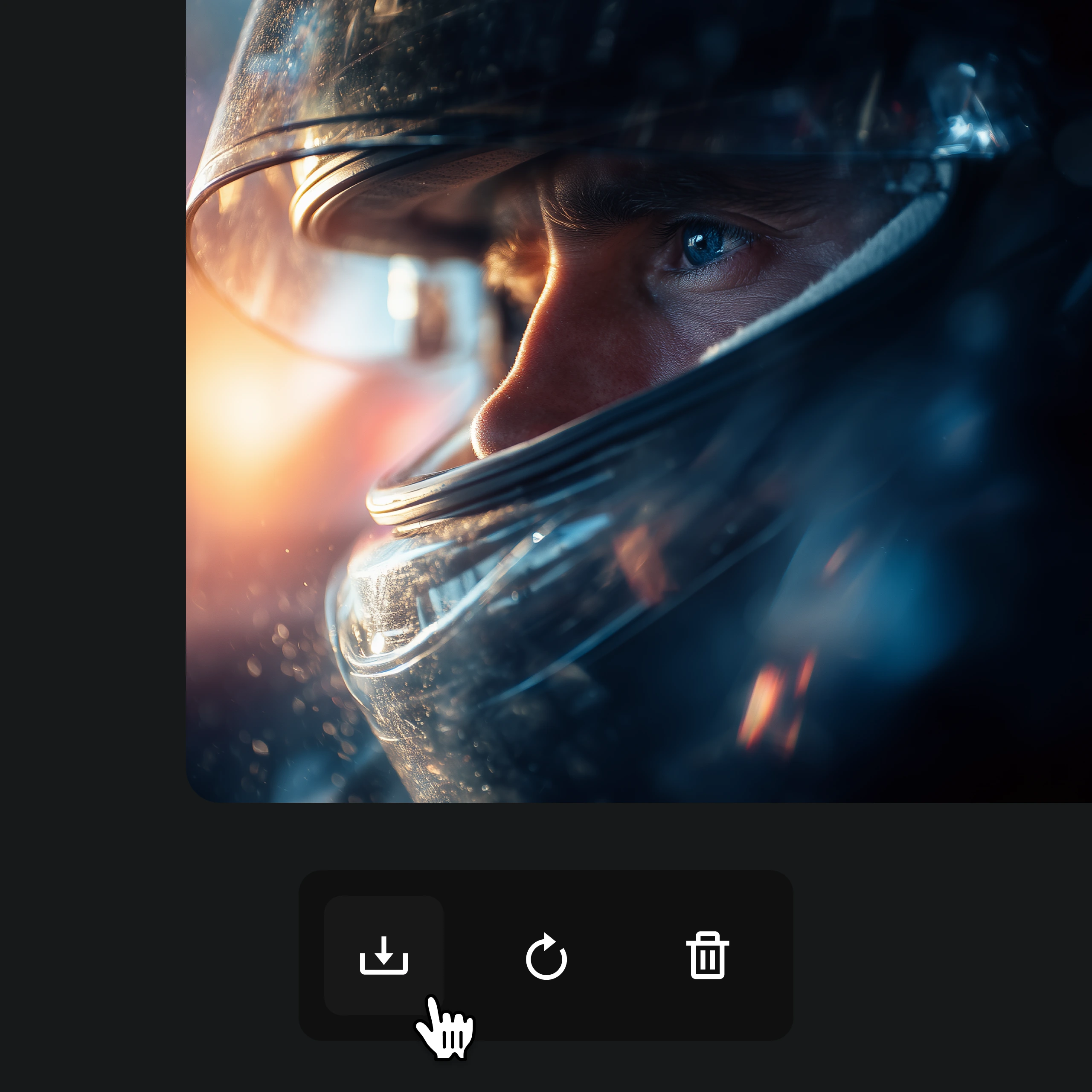
Generate and download

Click "Generate" and watch the AI follow your exact motion in seconds. Download the finished clip, share it directly, or iterate on the result with adjusted settings.

WHY KLING 3.0 MOTION CONTROL STANDS OUT

Kling 3.0 Motion Control animates still images with precise reference-based motion transfer, smoother character movement, and stronger facial consistency.

Reference-Based Motion Transfer

Precise control for motion, character movement, and image-to-video generation.

Kling 3.0 Motion Control gives you better control over motion, timing, and movement style. Animate still images with a reference clip and produce cleaner, more intentional results than prompt-only generation. Whether you are choreographing a dance tutorial, creating a product showcase with guided camera movement, or animating a character for social media, the reference-based pipeline ensures your creative intent carries through from input to output.

  • Reference-guided motion
  • Fine-grained timing control
  • Cleaner image-to-video output

Make Photos Dance

Turn any image into a dynamic dance video in seconds.

Upload a photo and transform it into dynamic motion content. Perfect for short-form dance, performance, and stylized movement — starting from a single still frame. Ideal for TikTok dance challenges, Instagram Reels, music video concepts, and any scenario where you need a still portrait to perform choreographed movement with natural body flow and expressive timing.

  • Dance from a single image
  • Performance-driven motion
  • Stylized movement presets

Stronger Facial Consistency

Keep faces clearer and more stable during motion, angles, and framing changes.

Kling 3.0 Motion Control improves facial stability during motion-heavy scenes, helping characters look more consistent while moving, turning, and performing. A stronger fit for creators who need cleaner identity consistency across a clip. This is especially valuable for branded avatar content, influencer-style videos, and any project where the subject's face must remain recognizable throughout rapid movement, head turns, and changing camera angles.

  • More stable facial identity
  • Cleaner motion-driven portraits
  • Better consistency across movement

Complex Motion Performance

Handle fast action, dance scenes, and expressive motion more naturally.

From dance clips to performance-driven animation, Kling 3.0 Motion Control is built for harder motion scenes where timing, body movement, and visual stability matter. It handles multi-step choreography, rapid hand gestures, full-body spins, and physically demanding sequences with greater coherence than prompt-only generators — making it the go-to choice for creators producing dance covers, fitness demonstrations, and action-driven short-form content.

  • Dance and action scenes
  • Stronger control in complex motion
  • Built for motion-heavy generation

Use Kling 3.0 Motion Control on Rita

What creators say about the model—and about shipping real work on Rita.

More reliable than most AI motion tools

Kling 3.0 Motion Control feels much more reliable than most AI motion tools. I tried it mainly to make photo dance content, but what surprised me was how stable the motion looked from start to finish. Kling 3.0 Motion Control gives better control over movement, and the final video feels smoother and more usable than a lot of other AI motion generators I have tested. I ran the same portrait through five different dance references and every output kept the subject recognizable.

EHElena Hart

The first tool clean enough to publish

This is the first AI motion tool that made image-to-motion results feel clean enough to publish. A lot of tools can animate a still image, but the motion usually feels awkward or overly synthetic. With Kling 3.0 Motion Control, the movement looks more natural, the subject stays more consistent, and the overall result feels closer to a real short-form video workflow. I used it for a client's Instagram Reel and they approved the first draft without revisions.

RMRylan Moore

Holds up when motion gets complex

Kling 3.0 Motion Control does a better job when the motion gets more complex. I used it for AI dancing and more expressive movement, and it held up better than I expected. The timing feels more coherent, body motion is easier to control, and the output does not fall apart as quickly when the scene becomes more dynamic. Even a fast hip-hop routine with arm isolation and footwork came through with the subject's face intact.

STSienna Tate

Noticeably better for make photo dance

For make photo dance projects, Kling 3.0 gives noticeably better motion control. I have tested a lot of AI dance video generators, and most of them are fun but inconsistent. Kling 3.0 Motion Control feels more intentional. It keeps the character more stable while turning a static image into motion, which makes the result look less like a gimmick and more like actual content. I generated a 10-second dance clip from a single headshot and it looked natural enough for a product ad.

JPJonah Pierce

Rita got our team from zero to first video in one afternoon

We onboarded on Rita without a long setup. Invites, roles, and where to click Generate were obvious enough that our producer ran the first successful clip the same day. Having Kling 3.0 Motion Control in the same workspace as the rest of our stack cut a lot of context switching.

TKTaylor Kim

Quotas and pricing feel predictable on Rita

I like that Rita shows what a run will cost before I commit, and top-ups are straightforward. We budget monthly for client work and rarely get surprised by burn rate compared with other hosted tools we tried last quarter.

JBJordan Blake

Switching models without juggling five subscriptions

We bounce between Seedance and Kling depending on the shot. Rita keeps models in one billing surface and one library, which matters when a campaign needs two looks in the same week.

SRSam Rivera

Generation status is clear enough to run client reviews live

Queue position and completion states are readable, so I can screen-share with stakeholders without apologizing for a black box. When something fails, the error is usually actionable instead of a generic timeout.

CPChris Park

Downloads and versions fit our post pipeline

We pull MP4s straight into Premiere and keep iterations labeled by timestamp. Rita's flow is simple enough that our junior editor handles exports without me babysitting every render.

MEMorgan Ellis

Fewer mystery failures than other hosted generators we used

We still retry shots when prompts are ambitious, but Rita has been more stable for overnight batches. That reliability is worth as much as raw model quality when you are on a hard delivery date.

JFJamie Foster

A favorite with dancers, animators, and short-form creators

Pick Your Plan

Your personal AI assistant

MonthlyYearly

Kling 3.0 Motion Control FAQ

Common questions about Kling 3.0 Motion Control and reference-based motion transfer.

Kling 3.0 Motion Control is a reference-based motion transfer tool that gives you precise control over motion in AI-generated videos. Upload an image, provide a motion reference, and generate stunning motion content with strong identity consistency. It is purpose-built for making photos dance, animating characters, and producing performance-driven clips — and is available on the Rita platform for both free and premium users.

Upload a reference image, describe the desired motion or dance style (or upload a reference clip), and Kling 3.0 Motion Control generates a high-quality video with natural, fluid movement that stays faithful to your input. The model analyzes the reference motion frame by frame, maps it onto your uploaded subject, and preserves facial identity throughout the entire sequence — all within the Rita platform's generation workflow.

You can try Kling 3.0 Motion Control on the Rita platform — no credit card required to get started. Simply sign up, select Kling 3.0 Motion Control as your model, upload a reference image and a motion clip, and click Generate to create your first AI dance or motion video.

Both target professional motion quality, but Kling 3.0 Motion Control is purpose-built for reference-based motion transfer and stronger facial identity consistency, while Sora 2 leans into photoreal realism and iterative editing workflows. For creators who need to make photos dance or animate a specific subject with controlled choreography, Kling 3.0 Motion Control on the Rita platform offers a more specialized and dependable pipeline.

Dance clips, performance-driven animation, character motion, short-form social content, and stylized movement — all starting from a single still image and a motion reference. Common use cases include TikTok dance challenges, Instagram Reels, music video concepts, branded avatar content, and fitness demonstrations. The Rita platform makes it easy to iterate on each clip until the motion matches your creative vision.

Yes. Motion Control videos can be used for commercial purposes including social media content, marketing campaigns, and music videos. The Rita platform supports commercial usage across its plans, making it straightforward to produce branded dance content, product showcases, and promotional clips. Check the specific plan terms for commercial usage details.

Kling 3.0 Motion Control supports reference motion uploads from 3 to 30 seconds, and the output length usually follows the uploaded reference video. In some motion control setups, the maximum output can be 10 or 30 seconds depending on the mode. If the reference motion is too fast or too complex, the final clip may be shorter than the reference. For best results on the Rita platform, use a clean, well-paced reference clip with clearly visible body movement.

Ready to shoot with Kling 3.0 Motion Control?

Turn your images into cinematic motion videos with reference-based control — no filming equipment or choreography studio needed.

Kling 3.0 Motion Control — reference-based motion transfer, performance animation, and identity-consistent clips. Available now on Rita with free quotas.

Kling 3.0 Motion Control — AI Image to Video & Photo Dance