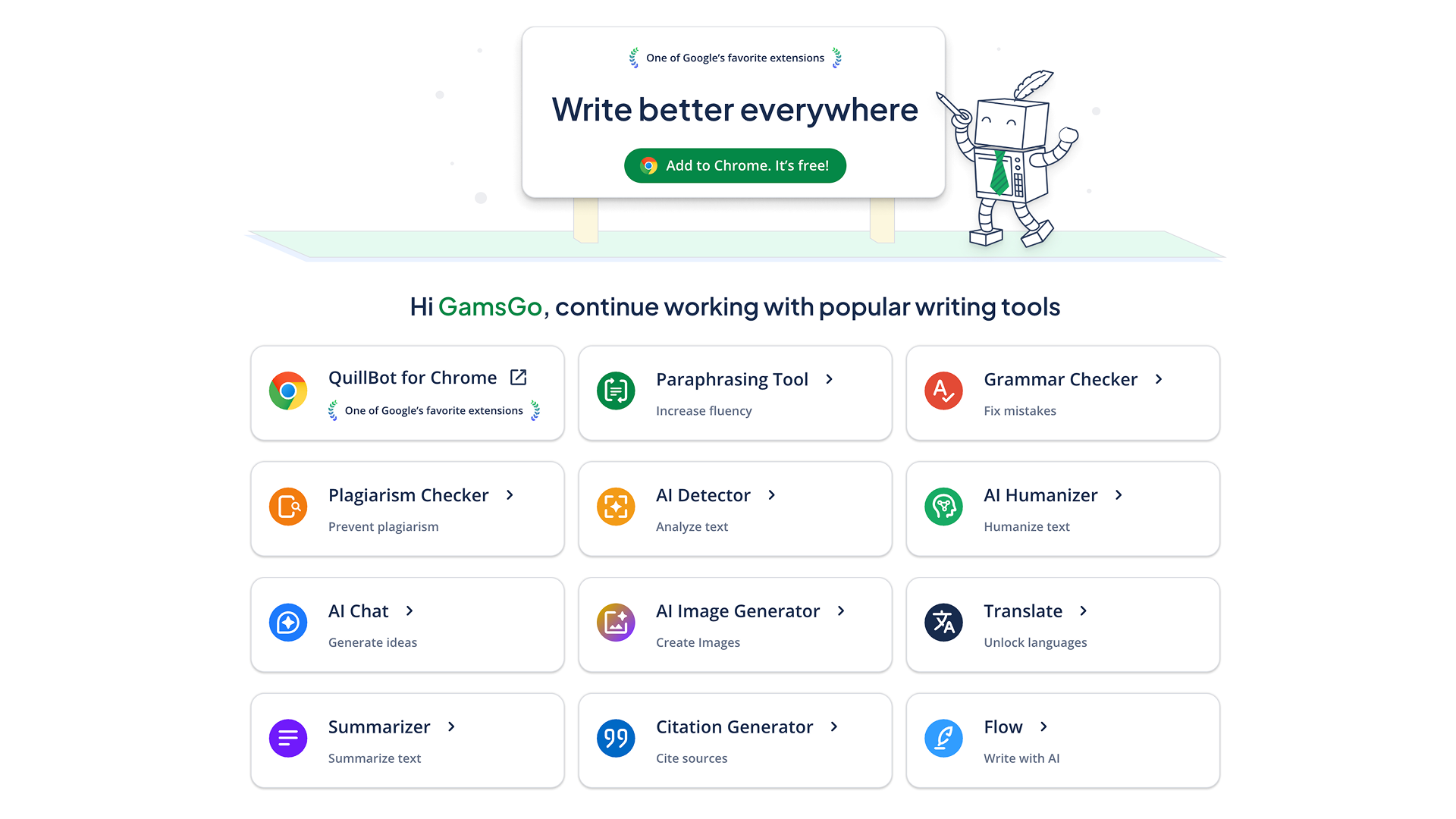
कई लोग हर दिन English emails, paper paragraphs, product introductions या ad copy लिखते हैं। लेकिन असली कठिनाई अक्सर “लिख देने” में नहीं, बल्कि sentences को अधिक accurate और natural बनाने में होती है। QuillBot इसी तरह की writing need के लिए बनाया गया tool है। यह grammar check करने, sentences rewrite करने, content summarize करने, text translate करने और citations generate करने में मदद कर सकता है। यह students, workplace users और content creators के daily use के लिए suitable है। फिलहाल QuillBot 5 million से ज्यादा बार download किया जा चुका है और दुनिया भर के writers द्वारा widely used है।
अगर आप कभी-कभी सिर्फ कुछ sentences rewrite करते हैं, तो QuillBot का free version मूल रूप से काफी है। लेकिन जब आपको long content बार-बार rewrite करना हो, अधिक writing modes के बीच switch करना हो, या AI detection जैसी features use करनी हों, तो free version की limits ज्यादा obvious हो जाती हैं। उदाहरण के लिए, हर rewrite 125 words तक limited है, available modes कम हैं, और AI detection attempts limited हैं। अगर आप इन features को ज्यादा smoothly use करना चाहते हैं, तो QuillBot Premium upgrade करने पर विचार कर सकते हैं। GamsGo फिलहाल QuillBot Premium accounts $5.99/month पर provide करता है। Official monthly plan की तुलना में, यह उन users के लिए ज्यादा suitable है जो budget control करना चाहते हैं, इसे short time के लिए use करना चाहते हैं, या light subscription रखना चाहते हैं।
QuillBot Subscription क्या है?
QuillBot subscription आमतौर पर उस membership service को refers करता है जो QuillBot Premium में upgrade करने के बाद मिलती है। Subscribe करने के बाद users ज्यादा writing quotas और advanced features use कर सकते हैं, जिनमें unlimited rewriting, multiple rewriting modes, advanced grammar suggestions, AI Detector, Humanizer और plagiarism checking शामिल हैं।
ये features regular writing needs वाले लोगों के लिए ज्यादा suitable हैं।
उदाहरण के लिए, जब students English papers लिखते हैं, तो उन्हें लग सकता है कि कुछ sentences बहुत conversational हैं या पर्याप्त formal नहीं हैं। इस समय वे QuillBot का use करके sentence structure adjust कर सकते हैं और paragraph को academic writing के tone के ज्यादा करीब बना सकते हैं। जब workplace users English emails लिखते हैं, तो वे इसका use tone को अधिक polite और concise बनाने के लिए भी कर सकते हैं, और बहुत stiff expressions से बच सकते हैं। Cross-border e-commerce, advertising या content operations में काम करने वाले लोगों के लिए QuillBot product descriptions और ad copy rewrite करने, repeated expressions कम करने और text को अधिक smoothly पढ़ने योग्य बनाने में भी उपयोगी हो सकता है।
QuillBot Premium और Free Version में क्या अंतर है?
QuillBot Premium free version के आधार पर अधिक usage limits हटाता है और writing tools का अधिक complete set भी unlock करता है। Main differences के लिए आप नीचे दी गई table देख सकते हैं:
Feature | Free Version | QuillBot Premium |
Paraphrasing Suggestions | हर बार 125 words तक limited | Unlimited word paraphrasing, long documents support के साथ |
Writing Modes | केवल 2 basic modes | 9+ professional modes, जिनमें Academic, Creative, Concise और Expand शामिल हैं |
Plagiarism Checker | Supported नहीं | Originality verify करने में मदद के लिए हर महीने 20 pages checking |
Synonym Options | Basic options | अधिक precise word choices के लिए advanced synonym depth |
Tone Control | Basic | अलग-अलग readers और contexts के लिए advanced tone adjustment |
Browser Extension / Document Integration | Partial features | Microsoft Word और Google Docs के साथ deeper integration |
Actual user experience से देखें तो QuillBot Premium उन लोगों के लिए अधिक suitable है जो QuillBot को daily writing tool की तरह use करते हैं, बजाय उन users के जो सिर्फ temporarily एक-दो sentences rewrite करना चाहते हैं।
उदाहरण के लिए, आप English paper लिख रहे हैं और conversational expressions को academic writing के लिए ज्यादा suitable sentences में बदलना चाहते हैं। या आपको client को formal email भेजना है और आप चाहते हैं कि tone polite हो, लेकिन बहुत stiff न हो। इन situations में Premium के rewriting modes, tone control और grammar suggestions ज्यादा practical हैं। इसे citation formats check करने और submission से पहले बार-बार checking में लगने वाला time कम करने के लिए भी use किया जा सकता है।
अगर आपके writing workflow को rewriting और grammar checking से ज्यादा की जरूरत है, तो आप QuillBot को Gemini Pro और Grok AI subscriptions के साथ भी use कर सकते हैं। Gemini और Grok materials organize करने, outlines generate करने और content ideas add करने के लिए ज्यादा suitable हैं। QuillBot English polishing, sentence rewriting, tone adjustment और citation format checking पर ज्यादा focus करता है। यह division of work ज्यादा clear है, और आपको सभी writing tasks एक ही tool को देने की जरूरत नहीं है।
QuillBot Subscription खरीदने के लिए GamsGo क्यों चुनें?
जब बहुत से लोग QuillBot discounts ढूंढते हैं, तो वे असल में अक्सर सिर्फ feature introduction की परवाह नहीं करते। वे यह भी देखते हैं कि price worth it है या नहीं, account stable है या नहीं, और problem होने पर after-sales support मिल सकता है या नहीं।
GamsGo डिजिटल सब्सक्रिप्शन platform पर price direct है: आप QuillBot Premium account $5.99/month में खरीद सकते हैं, जो official monthly subscription price, लगभग $8.33/month, से कम है। उन users के लिए जो Premium को सिर्फ short time के लिए use करना चाहते हैं, या एक साथ high subscription cost pay नहीं करना चाहते, यह monthly payment method ज्यादा flexible है।
- Account Compliance and Stability: GamsGo unified automated management system use करता है और बताता है कि उसके accounts regular channels से paid हैं, जिससे account abnormalities के कारण usage interruptions को जितना संभव हो कम किया जाता है। जिन लोगों को हर दिन emails लिखने, papers revise करने या English content process करने की जरूरत होती है, उनके लिए stability बहुत important है। अगर account बीच में use नहीं हो पाए, तो हाथ में मौजूद writing tasks प्रभावित होंगे।
- Privacy Protection and Secure Payment: आपका payment और order process GamsGo platform पर complete होगा। GamsGo की privacy और security policy के अनुसार, platform credit card numbers जैसी sensitive payment information store नहीं करता। उन users के लिए जो multiple subscription platforms पर बार-बार payment information fill नहीं करना चाहते, यह ज्यादा worry-free है।
- After-Sales Guarantee: GamsGo 24/7 online customer service provide करता है। Order-related problems को order records के जरिए भी track किया जा सकता है। अगर users को account use करते समय problems मिलती हैं, तो वे बार-बार खुद cause check किए बिना, handling के लिए directly platform customer service से contact कर सकते हैं।
- Centralized Subscription Management: QuillBot के अलावा, GamsGo Gemini Pro और Figma जैसी AI subscription services भी provide करता है। अगर आपके workflow में writing, search, design या code assistance भी शामिल है, तो same platform पर multiple tools manage करना हर subscription को अलग-अलग record करने से ज्यादा clear है।
Overall, GamsGo के advantages मुख्य रूप से price, after-sales support और subscription flexibility में दिखते हैं। जिन users को QuillBot Premium चाहिए लेकिन subscription costs भी control करनी हैं, उनके लिए GamsGo द्वारा दिया गया $5.99/month plan light use और short-term use के लिए ज्यादा suitable है।