Adobe’s official subscription price is $69.99 per month. If you do not use Adobe tools every day, this cost is not very cost-effective. But on GamsGo, you can enjoy the same Adobe Creative Cloud Pro plan benefits as the official plan at more than half off. Photoshop, Premiere Pro, After Effects, and AI features such as Generative Fill are all included. Come and choose your plan now.
What is Adobe Creative Cloud?
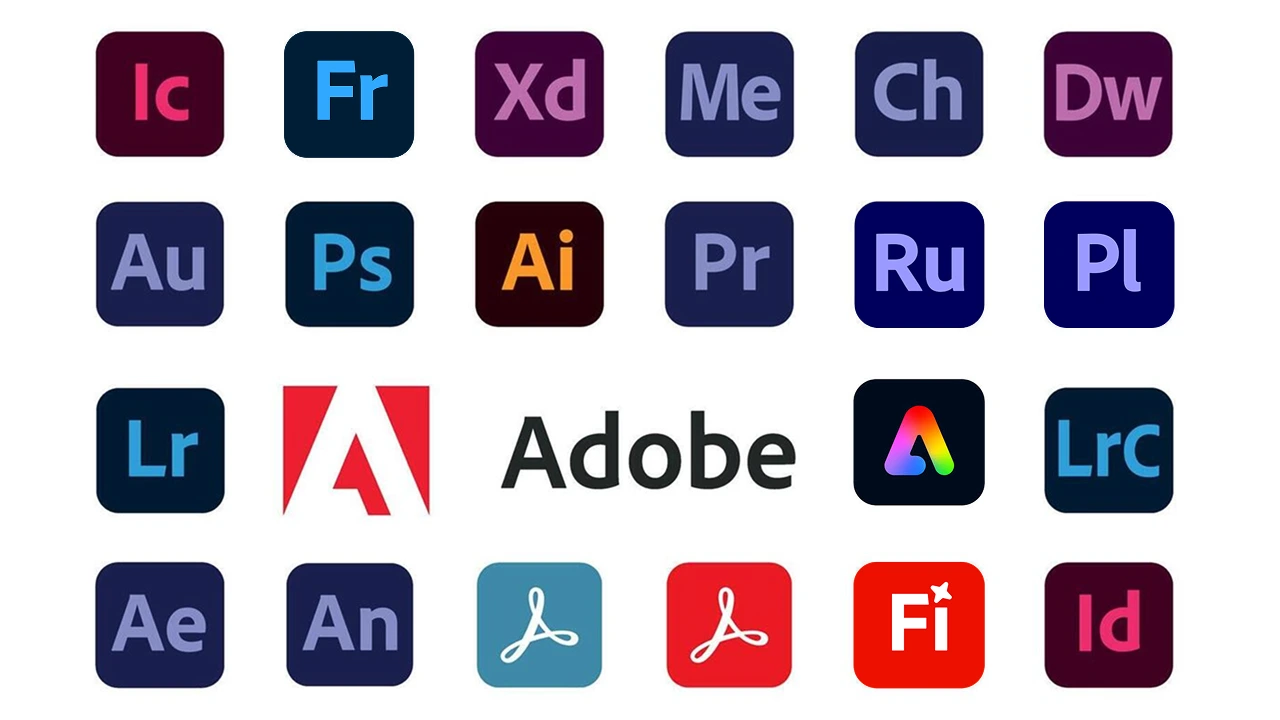
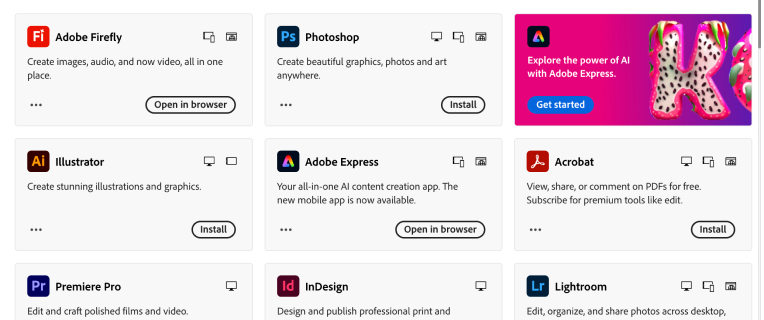
Adobe Creative Cloud is a creative software subscription service launched by Adobe. It includes common tools such as Photoshop, Illustrator, Premiere Pro, After Effects, Lightroom, InDesign, Acrobat, and more. It covers scenarios such as image editing, graphic design, video editing, motion graphics, layout design, photo retouching, and PDF processing. If you often work on interface drafts or team design files, a Figma design account can also be useful.
After subscribing to Adobe Creative Cloud, you can use a single app or the full app suite according to your plan. You can also get cloud storage, font resources, template materials, and cross-device collaboration features.
Simply put, Adobe Creative Cloud is very suitable for designers, video creators, photographers, students, and content teams. It helps them complete creative tasks such as design, editing, photo retouching, and content delivery more efficiently.
What does the Adobe Creative Cloud Pro plan include?
The official price of the Creative Cloud Pro plan is $69.99 per month. It includes more than 20 creative apps and Adobe Firefly creative AI. It can be used for images, video, and audio.
You can use Adobe Photoshop, Illustrator, Premiere Pro, After Effects, InDesign, and Acrobat Pro for creation. At the same time, you can use standard creative AI image and vector features without limits, such as text to image in Firefly and Generative Fill in Photoshop.
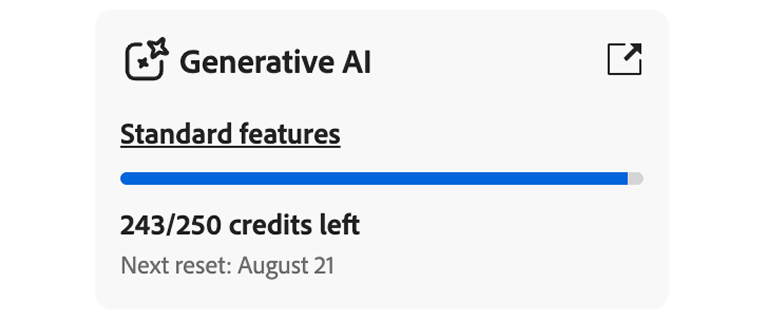
In addition, you will also get 4,000 credits. These credits can be used for advanced creative AI video and audio features, such as text to video and audio translation. At the same time, this plan also includes extra benefits such as templates, cloud storage, and thousands of fonts from the Adobe Fonts library. For ready-made creative assets, an Envato Elements subscription can help expand your material library.
Besides Adobe Creative Cloud Pro subscription, you can also buy different creative tools on GamsGo, such as CapCut membership and Canva design subscription. The prices are all very affordable, so your creation will not be limited.
Why buy an Adobe Creative Cloud account on GamsGo?
The official Adobe Creative Cloud subscription price is high. If you only use it for daily photo editing, video editing, or design materials, subscribing alone for a long time can bring a lot of cost pressure. GamsGo provides a more flexible and cost-effective way to buy an Adobe Creative Cloud account. It is suitable for users who want to reduce software usage costs.
There are several main reasons to choose GamsGo to buy an Adobe Creative Cloud Account:
- Lower price: GamsGo’s advantage is that it provides cheaper Adobe Creative Cloud account plans. Buying through GamsGo can save 60%.
- More flexible plan choices: GamsGo usually provides Adobe Creative Cloud account plans with different periods. Users can choose according to their project cycle, usage frequency, and budget. They do not need to take on long-term subscription pressure from the beginning.
- Multiple payment methods: It supports many payment methods. The operation is convenient, and it covers users in more regions.
- Security is guaranteed: When you meet a problem, you can contact GamsGo customer service for help. Customer service is online 24/7.
In short, if you want to use Adobe Creative Cloud at a lower cost, and you do not want to bear the high cost of the official long-term subscription, then buying a suitable Adobe Creative Cloud Account on GamsGo is your best choice!
More about Adobe accounts
Can works created with an Adobe account be used for commercial purposes?
Yes. About commercial use, you need to understand the following simple rules:
- Ownership of works: You own all content created with the software, including the exclusive intellectual property rights of graphic visuals, film and TV effects, audio editing, interactive prototypes, and more. For example, videos edited with Premiere, audio made with Audition, and prototype drafts made with XD. It should be noted that if Adobe Stock assets are embedded in the work, their copyright must follow the corresponding asset license terms.
- No extra fees: During commercialization, whether you take client projects, do brand marketing, or distribute on multiple platforms, you do not need to pay Adobe any extra royalties or profit sharing.
- Smooth client delivery: You can safely and legally deliver the final project work to clients. They can directly use it for commercial promotion or business operations. This ensures that the legal evidence chain of the whole commercial process is complete.
In other words, you can use the works you create with Adobe software for commercial purposes without worries. You can turn your creativity into real income. For teams that need faster video templates and stock footage, a Motion Array account can support commercial video delivery.
Can I update the software to the latest version after buying an Adobe Creative Cloud account?
Yes. After you buy the Adobe Creative Cloud Pro plan, you have official genuine permissions. You can directly download and install the latest feature updates and security patches through the Adobe Creative Cloud desktop app at any time. This keeps your Adobe Creative Cloud tools always in the latest version. If your workflow includes PDF reading, conversion, and annotation, a UPDF PDF editor can also improve document handling.
Can I still use AI features after the generative AI credits of Adobe Creative Cloud Pro are used up?
Yes. Even if all your 4,000+ high-value monthly credits are used up, you can still use AI features such as Generative Fill. The only difference is that the processing speed will drop from fast mode to standard mode. For most professional users, the initial credits provided by Adobe Creative Cloud Pro are enough to cover daily high-frequency creation. Compared with the normal version, Adobe Creative Cloud Pro can save you more than 50% of waiting time when processing complex visual composites. It greatly improves delivery efficiency. If you need more AI-assisted visual creation, a Midjourney AI account or Runway video AI account can be a practical addition.