Plan | Devices | Monthly | Annual |
CapCut Standard | Mobile | $5.99 | $89.99 |
CapCut Pro | Mobile, PC & Web | $19.99 | $179.99 |
CapCut Teams | Mobile, PC & Web Collaboration & Shared | $24.99 | $214.99 |
As you can see, on GamsGo, you can subscribe to CapCut Team for $7.99 per month. Over the long term, you can meet your whole team’s video editing needs at a lower cost.
Can CapCut edit videos offline?
Yes. Edits made offline are saved locally, and they can be synced to the cloud once you reconnect to the internet. Note that online template assets and some AI features usually require an internet connection.
Does CapCut update its content actively?
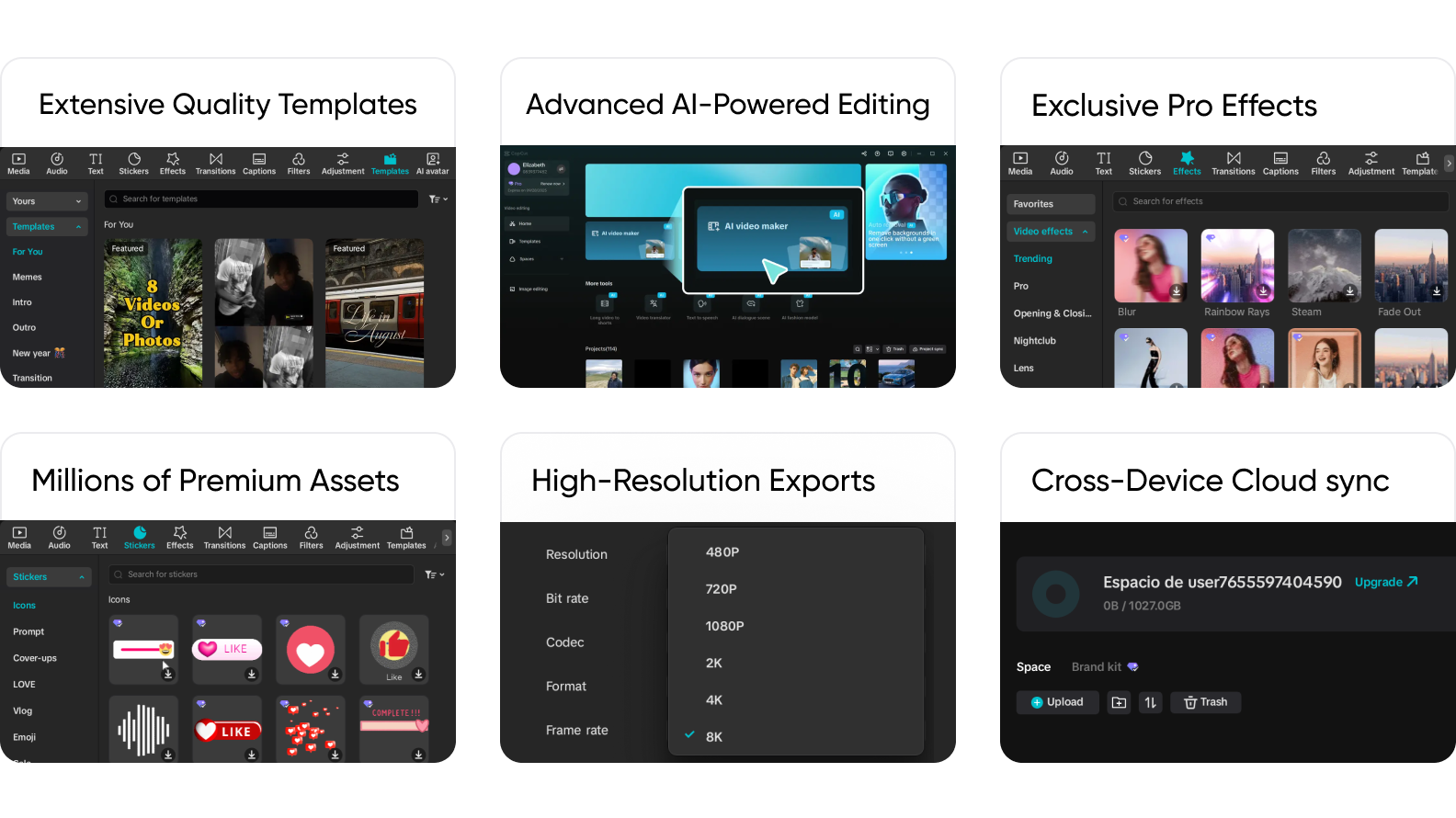
Yes. CapCut quickly updates trending creation templates, filters, stickers, effects, and more, so your edits stay aligned with current trends.
Is CapCut Pro suitable for beginners?
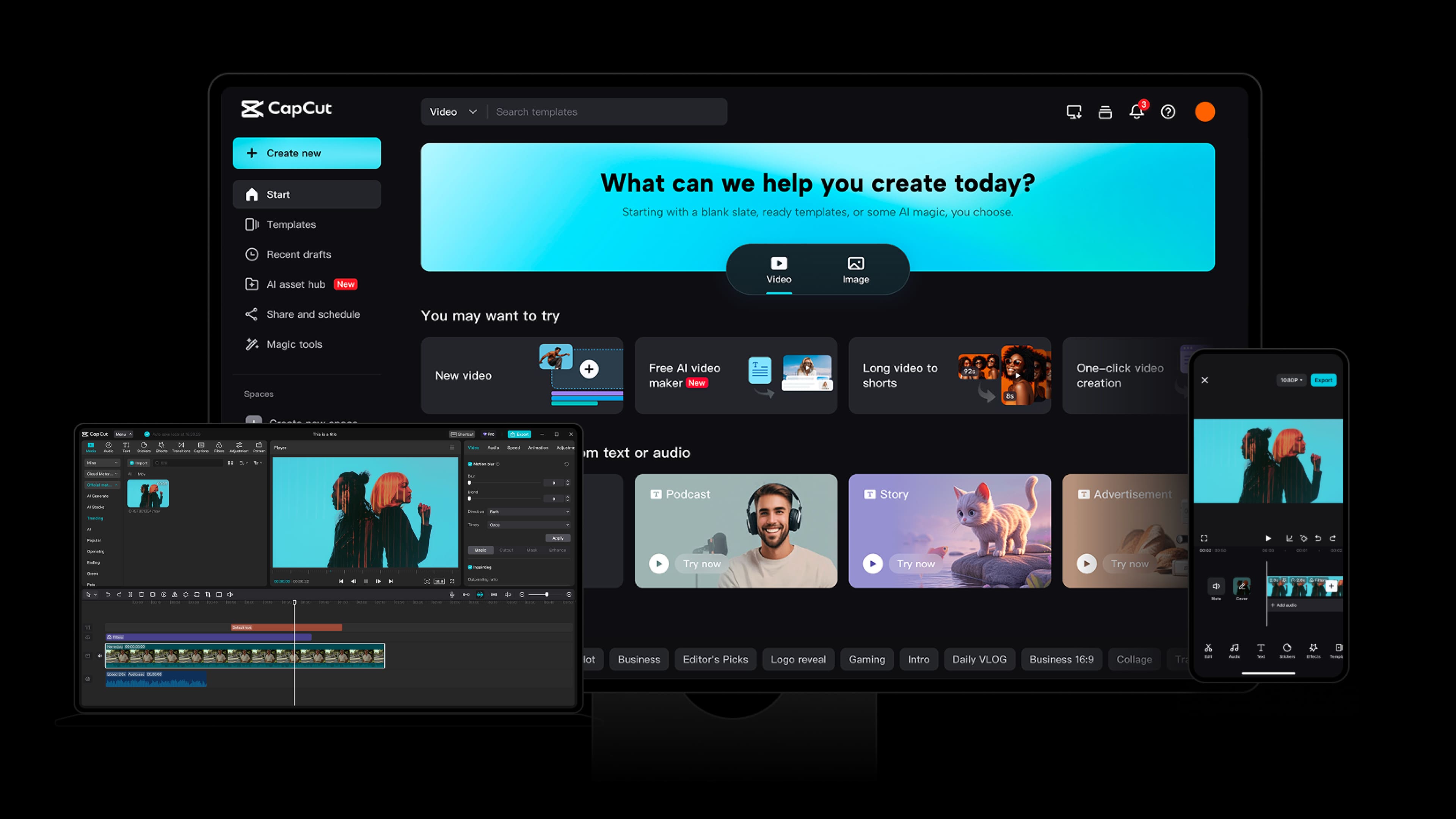
Very suitable. With a simple drag-and-drop timeline workflow for cutting, transitions, captions, and effects, plus features like one-click templates, auto captions, and smart background removal, beginners can produce finished videos quickly. In addition, whenever a new feature is released, the official Help Center provides detailed guides, which greatly lowers the learning and usage barrier for new users.
What devices does CapCut support?
The CapCut subscription provided by GamsGo supports Android and iOS mobile devices, Windows (PC), Mac, and the CapCut web version, so you can start creating videos anytime, anywhere.
If I uninstall CapCut, will my work be lost?
Usually not. Videos exported to local storage will not be lost. For unexported video projects saved in CapCut Cloud, your data will be restored after you log in again. Note that drafts in CapCut may be deleted automatically after uninstalling, so export important unfinished projects or enable cloud storage before uninstalling.