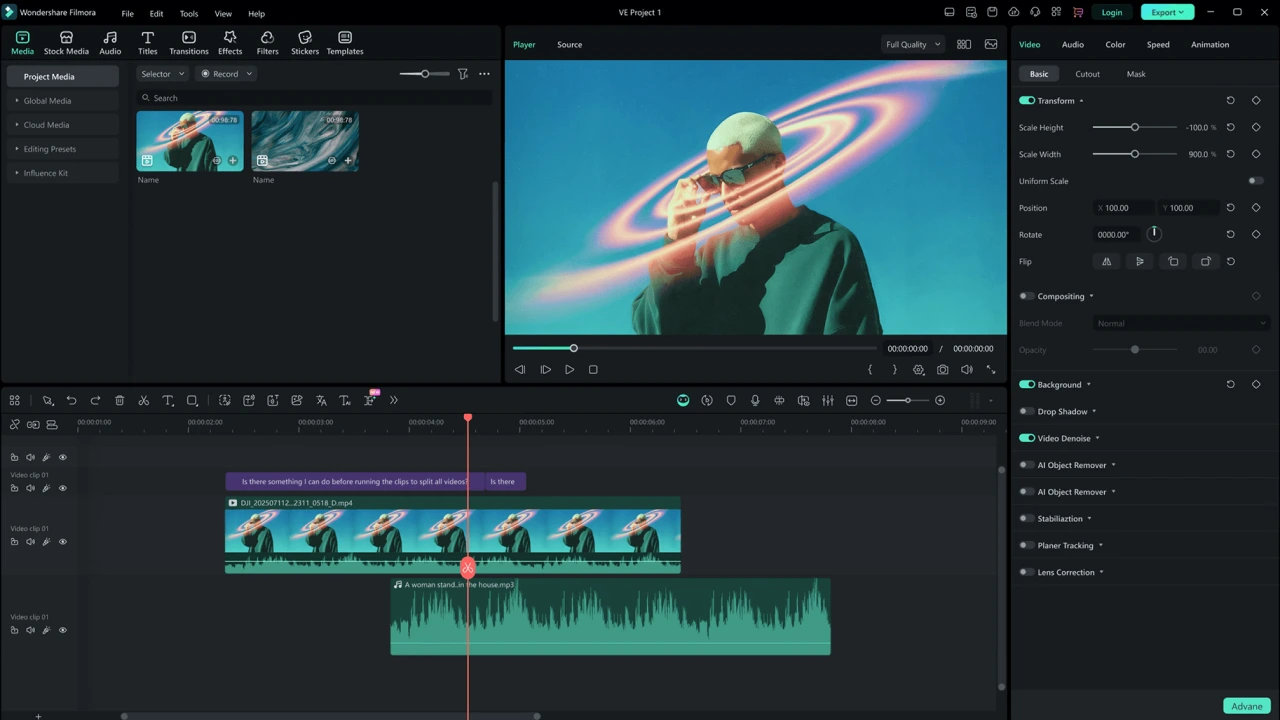
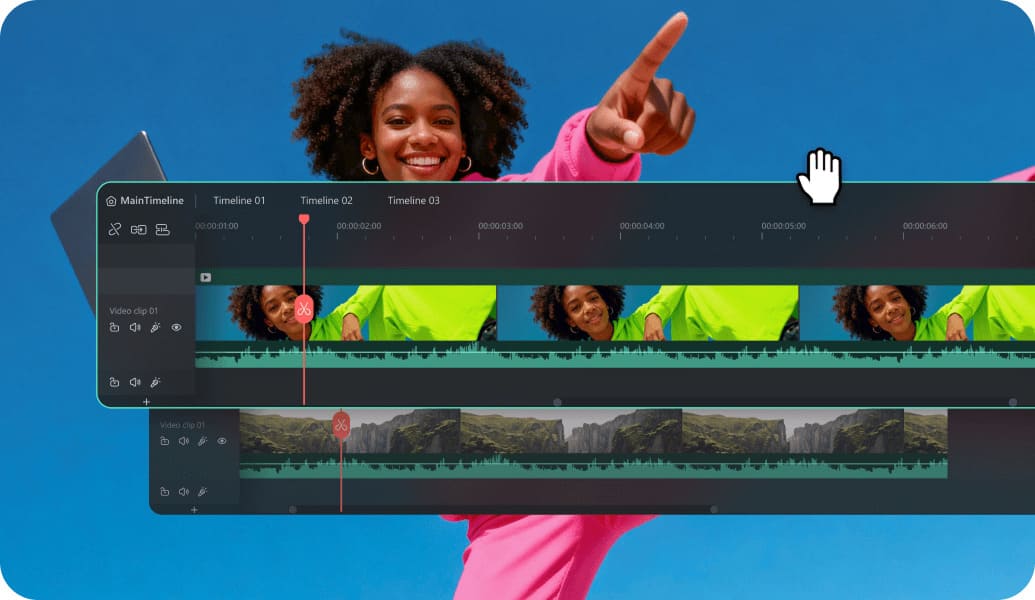
Wondershare Filmora is a video editing tool used by millions of creators. It packs powerful editing features and advanced AI tools into a single interface. No matter your skill level, you can easily turn raw clips into high-quality videos.
But as your editing needs grow, the free version's export watermarks and limited AI credits will start to hold you back. To keep working efficiently, many regular creators upgrade to the Filmora Advanced plan. You have a smarter option, though: with GamsGo, you can buy an official Filmora Advanced subscription account at an affordable price and enjoy unrestricted, pro-level editing.
What is Wondershare Filmora 15?
Filmora 15 is the newest release of Wondershare Filmora. It brings major upgrades in three main areas:
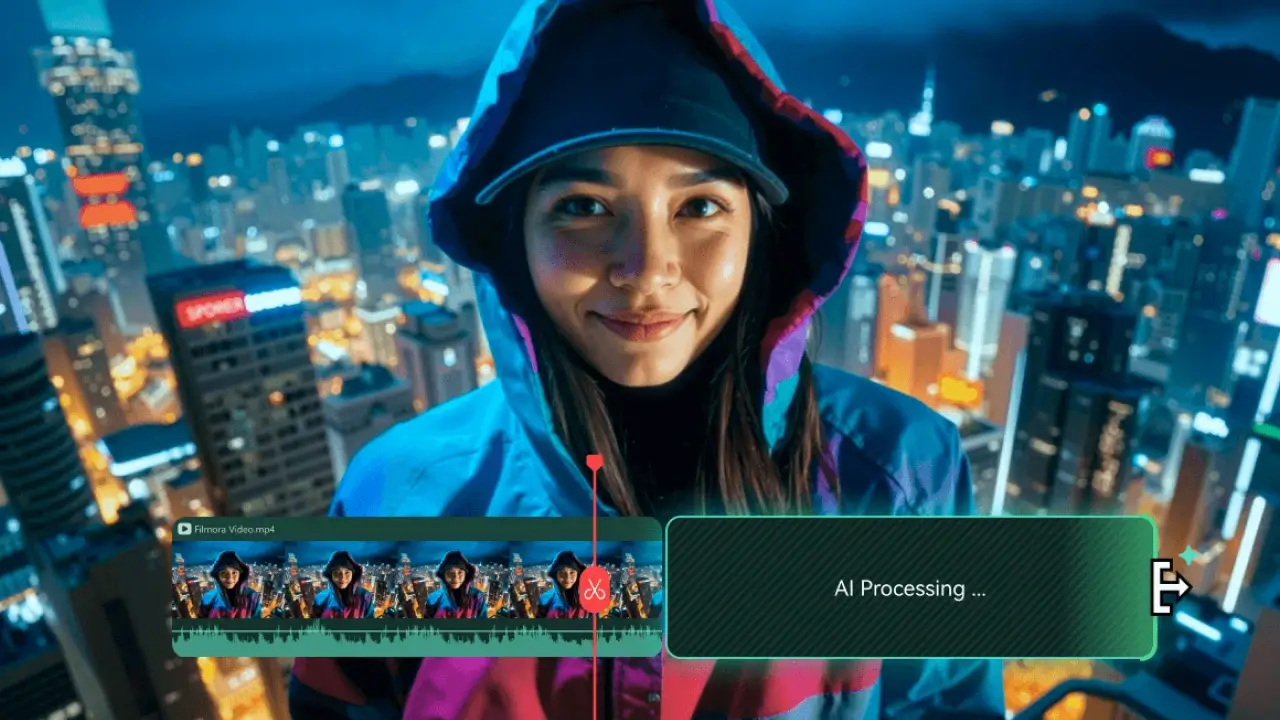
- AI Tool Collection: Filmora 15 brings Sora 2 and Veo 3.1—two major AI video generation models—straight into the editing interface so you can use them directly. It also introduces the AI Mate assistant, which lets you use text commands to trigger editing actions, saving you the hassle of clicking through menus.
- More Professional Tools: Filmora 15 adds Pen Path and Planar Tracking features, giving your visual effects another big step up.
- Higher Audio Precision: Filmora 15 upgrades to a 32-bit audio pipeline. This keeps more sound detail during recording and mixing, making it less likely to distort when you adjust the volume or reduce noise in post-production.
You can download Wondershare Filmora 15 for free and try out all the basic editing tools. But if you want a better editing experience with Filmora, you can buy a Filmora 15 Advanced subscription.
How much do Wondershare Filmora subscription plans cost?
Filmora currently offers several plans, ranging from the free version to business plans. Here is an overview of the main options:
| Plan | Billing Method | Official Price Reference |
| Free version | Free forever | $0 |
| Filmora Basic | Monthly subscription | $9.99/month |
| Filmora Advanced | Annual subscription | $49.99/year |
| Filmora Perpetual | One-time purchase | $99.99 (Win) / $109.99 (Mac) |
| Filmora Team | Per person, per year | $155.88/person/year |
| Filmora student plan | Monthly | $19.99/month |
For users who need video editing on a long-term basis, subscribing to Filmora Advanced is the best-value option. On GamsGo, you can buy a Filmora Advanced account at a discounted price of $4.50/month, which further reduces your actual cost.
Which Wondershare Filmora Subscription Plan Is Right for You?
The real differences in feature coverage between the plans can have a major impact on how you use the software. You can choose based on the features you actually need. The table below shows the main differences between Wondershare Filmora’s key subscription plans:
| Comparison Dimension | Free | Filmora Basic | Filmora Advanced | Filmora Perpetual | Filmora Team |
| Target users | Try features first | Occasional editing | Advanced creators | Users who do not want a subscription | Teams or companies |
| Watermark-free export | ❌ | ✅ | ✅ | ✅ | ✅ |
| AI credits | 100 trial credits | Usually not included | 1,000/month, reset monthly | Fixed total | Requires custom plan setup |
| AI feature access | For trial use only | More limited | Better for long-term use | Available, but credits do not renew | Better for team management scenarios |
| Cloud storage | ❌ | Approx. 1GB | Approx. 10GB | Approx. 1GB | Requires separate setup |
| Major version upgrades, such as V16 | ❌ | Supported during subscription | Supported during subscription | Usually requires an extra payment | Supported during subscription |
| Cross-platform use | Available for trial | ✅ | ✅ | Usually limited to the purchased operating system | ✅ |
| Recommendation | Only for trying it out | Basic editing | Long-term AI creation | Light AI users | Commercial collaboration |
When making your choice, do not focus only on which plan has the most features. What matters more is how you usually use Filmora. If you create short videos, ad materials, course content, or frequently use features such as automatic captions, AI text-to-video, and vocal processing every month, the monthly AI credits included with Filmora Advanced can support a more stable content production workflow.
What Can Filmora Advanced Be Used For?
The most direct value of the Filmora Advanced plan is that it truly opens up Filmora 15’s AI toolset, and these tools are among the most practical ones in real editing workflows. The Filmora Advanced plan includes 1,000 AI credits per month, which can be used for the following tools. These tools are not available at all in the free version or the Basic version:
- AI Auto Captions: Upload a video, and AI automatically recognizes the speech and generates subtitles. You can also adjust font styles and animation effects in batches. For a 15-minute video, manually typing and syncing subtitles could take 1–2 hours. With this feature, it can be done in under 8 minutes.
- AI Vocal Remover: Upload a song with vocals, and AI separates the vocals from the background music. You can keep or delete the two tracks separately. For example, travel vlog creators can remove vocals from a song they like and use it directly as background music, without worrying about copyright issues.
- AI Remover: Select unwanted elements in a video, such as passersby in the corner of the frame, subtitles you forgot to turn off while recording, or objects that accidentally entered the shot. AI fills the selected area using the surrounding image, and the result usually looks natural.
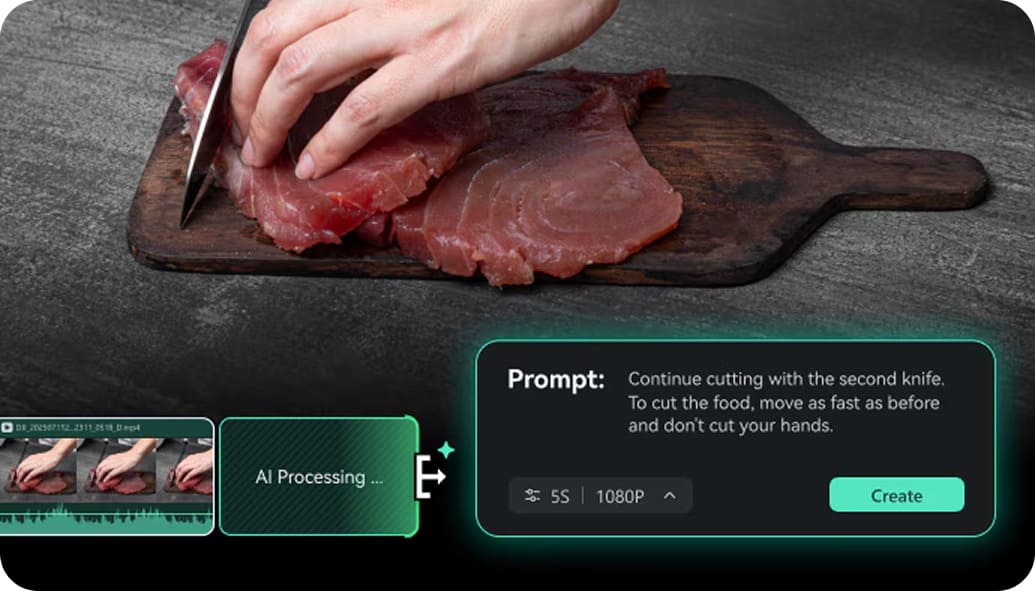
- Text to Video: Describe a scene, and Filmora uses Sora 2 or Veo 3.1 to generate matching video footage that can be used directly on the timeline. This is useful when you need B-roll but do not have existing material, such as when explaining a concept and needing a supporting scene.
- AI Video Enhancer: Upscale 1080P footage shot on a phone to a higher resolution through GPU processing, making the image details clearer. This is useful for projects that combine footage from different sources.
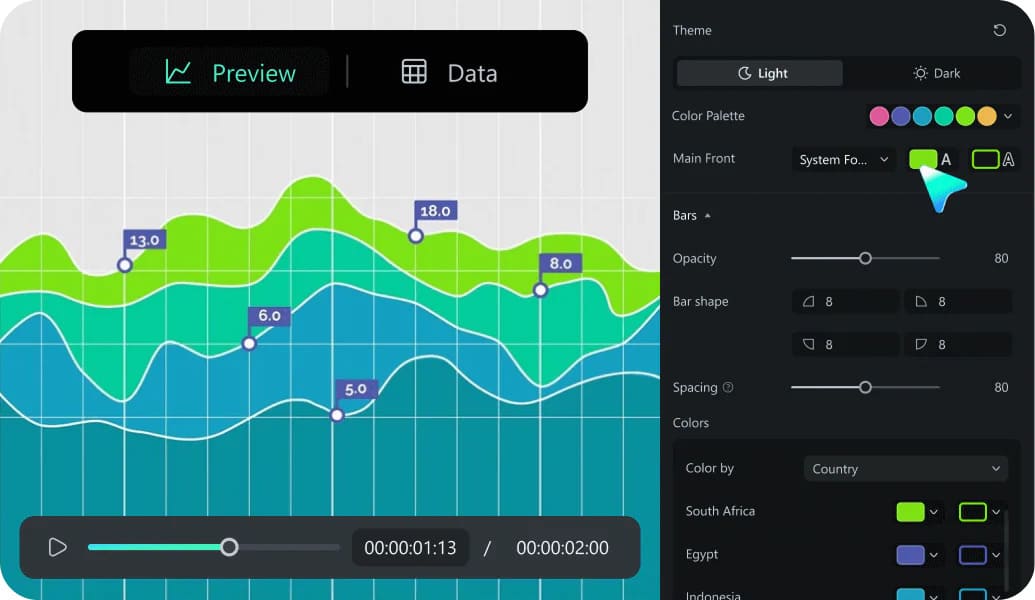
In addition to AI features, the Filmora Advanced plan also fully opens the complete set of editing tools, including keyframe animation, color grading, multi-track audio, 4K/8K export, and the new Filmora 15 features such as Pen Path, Planar Tracking, and dual-screen monitoring. In the free version, even if you can see these tools in the interface, exported videos will still carry a watermark. These differences in core features are the real value of subscribing to Filmora Advanced.
Why Subscribe to Filmora Advanced on GamsGo?
The Filmora Advanced accounts offered by GamsGo are priced lower than the official rate, averaging as low as $4.50 per month. That is the most straightforward reason. Beyond price, the reason to choose GamsGo is that the entire purchase process comes with safeguards:
- Compliant account sources: The Filmora accounts sold on GamsGo are obtained through proper authorized channels. Account ownership is clear, and users do not share the same account with others. Each account is an independent personal subscription.
- Secure payment protection: GamsGo follows international payment standards and supports major credit cards as well as third-party payment methods. The checkout process is encrypted, and users’ payment information is not retained.
- Responsive customer support: If you encounter account activation issues or other usage problems after purchase, GamsGo provides online customer support, with response times usually within 24 hours.
- Flexible purchase periods: You are not forced to pay annually. You can buy monthly or half-year plans, which suits users with different usage frequencies and avoids locking you into a full year upfront.
GamsGo currently provides subscription services for several mainstream software products, and Filmora Advanced is one of the better-reviewed categories on the platform. Besides Filmora Advanced, you can also get Gemini Pro, Dreamina Basic, and PicWish Pro on GamsGo. Use them to plan scripts, create AI visuals, and polish thumbnails or product images before the final edit.
More Information About Filmora Advanced
Will I Lose My Data After My Filmora Advanced Subscription Expires?
After your subscription expires, the project files you created in Filmora will not disappear. However, you will no longer be able to export videos without a watermark, and AI features will stop working.
Videos that have already been exported and saved will not be affected. No matter what happens to your subscription later, those generated video files remain yours. If you plan to pause your subscription after finishing a project, it is best to export all needed versions before the subscription expires.
Are Filmora Advanced’s AI Credits Enough?
For users who mainly edit videos and only use AI assistance occasionally, 1,000 credits are usually enough to support normal monthly use. If your main work involves frequently generating AI video assets, you should plan your credit usage in advance or consider buying extra credit packs. Official add-on packs are available in 300/500/1,000-credit options, starting at $9.99.
Which Devices and Systems Does Filmora Advanced Support?
A Filmora Advanced subscription supports Windows 10/11 and macOS. The same account can be used to log in on both systems, so you do not need to buy separate licenses. The minimum configuration for running 1080P projects is an Intel i3 processor with 4GB of memory. If you need to edit 4K or 8K content, the official recommendation is at least 16GB of memory and a dedicated graphics card with 4GB of VRAM.