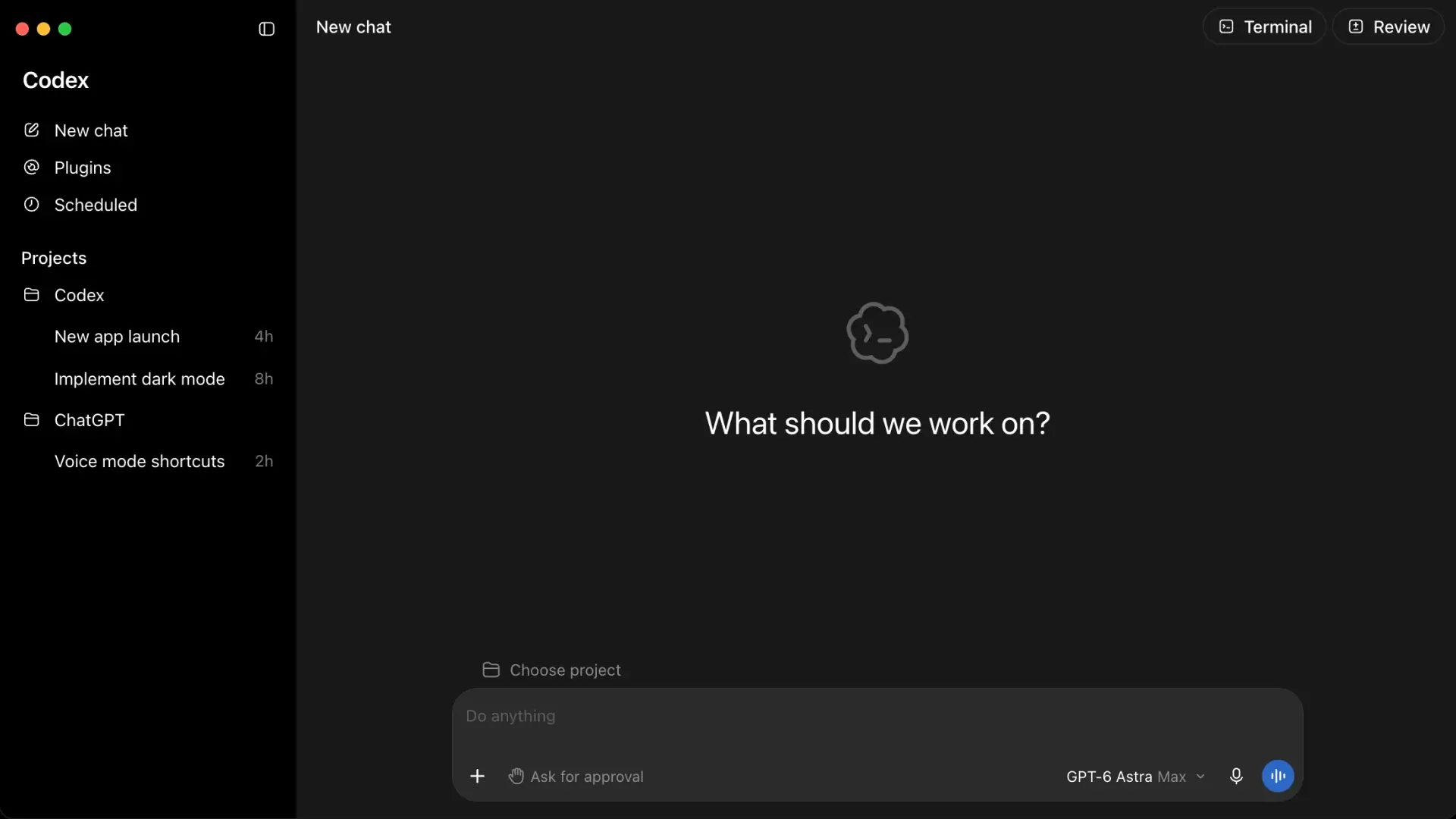
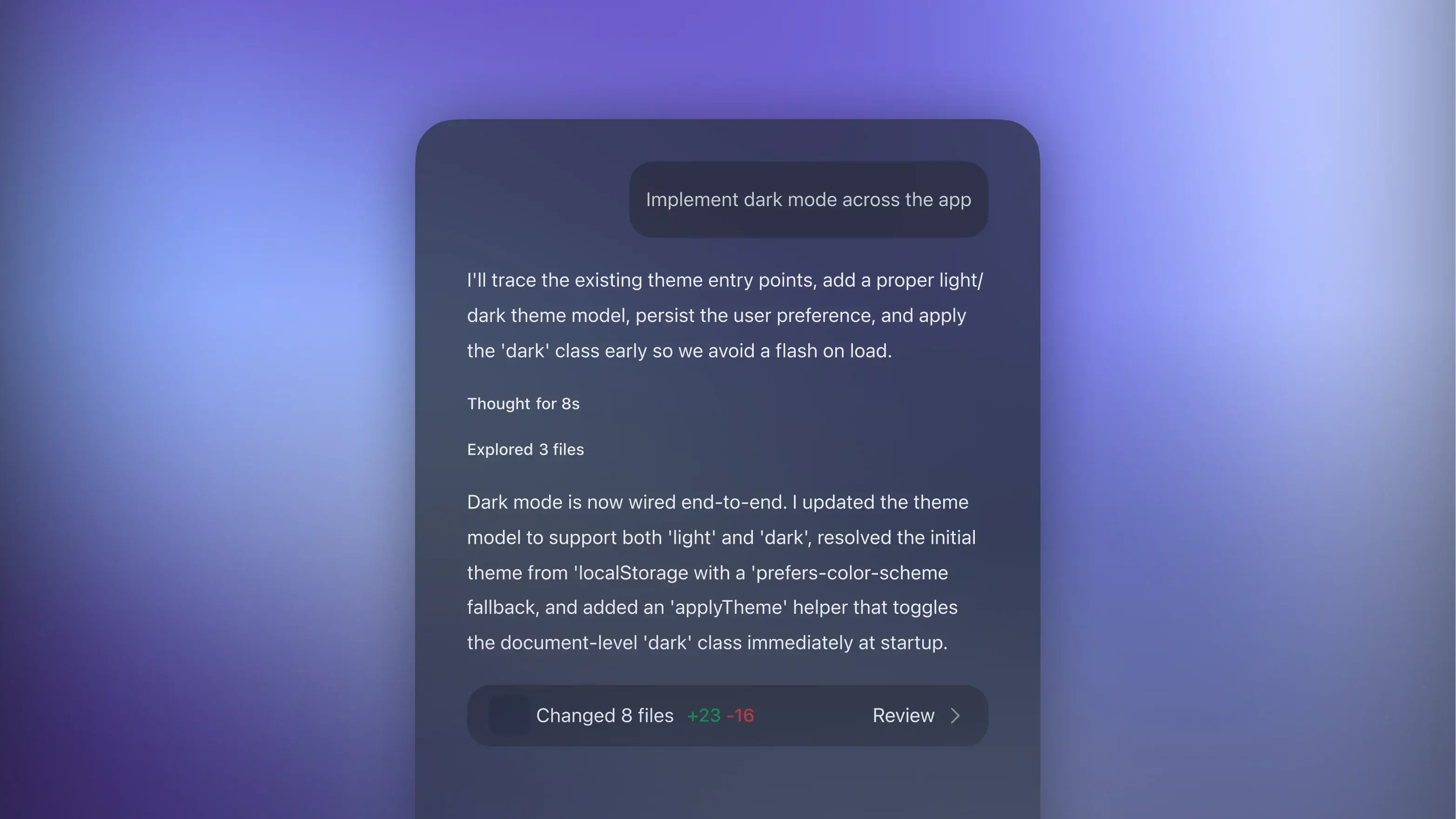
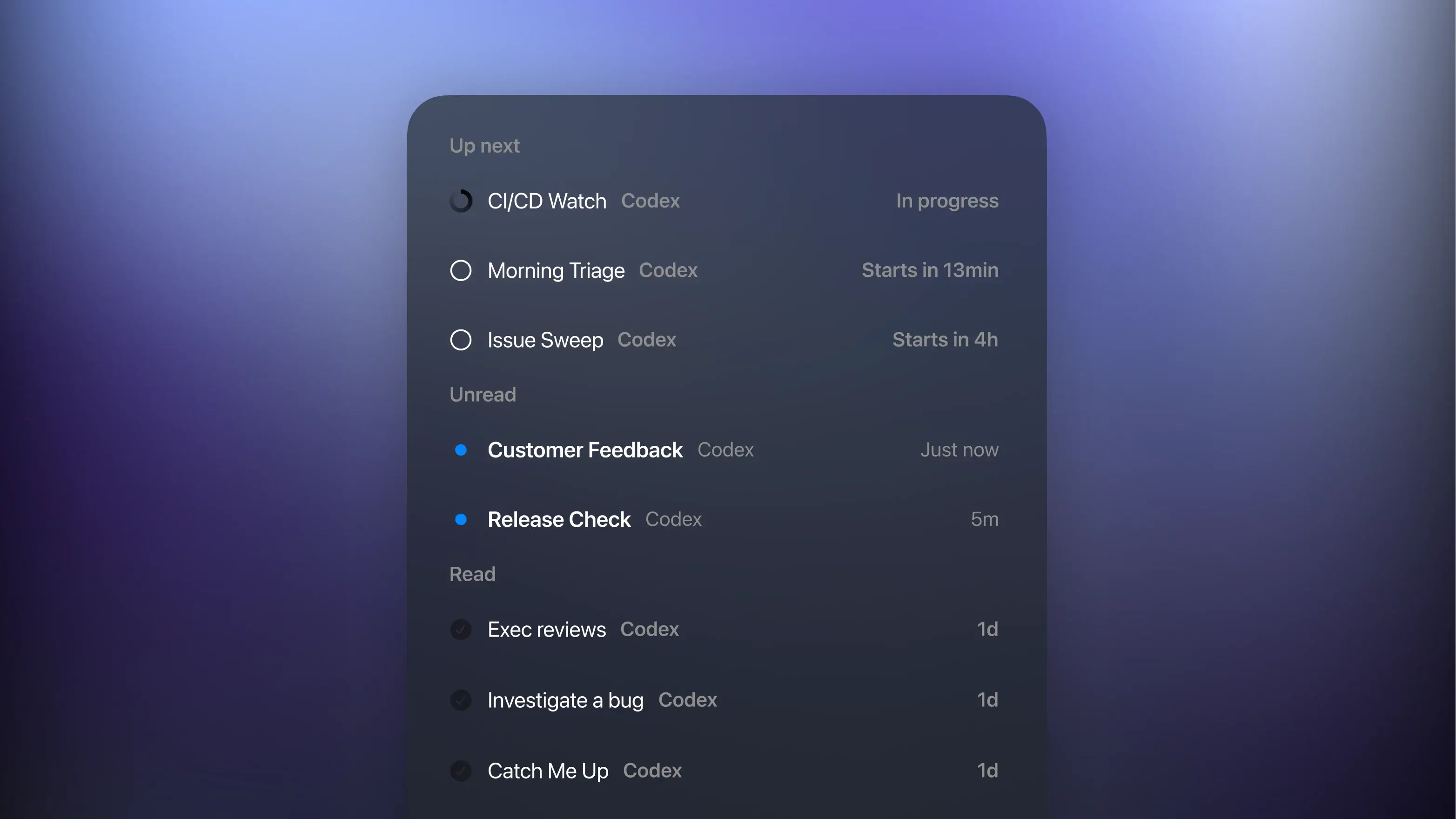
Codex is OpenAI's coding agent, and it works more like a teammate you hand tasks to than an autocomplete tool. You describe the change, for example, "add pagination to the orders page" or "find out why this test fails on CI", and Codex reads through the repository, edits the files involved, runs your tests, and comes back with a diff for you to review.
Codex access comes with a ChatGPT subscription, so the plan you pick decides how much coding work you can get through each week. On GamsGo, you can buy a private Codex account on Plus, Pro-100, or Pro-200, with savings of up to 31% off OpenAI’s monthly price.
What Can You Do With a Codex Account?
Most people start Codex on small, well-defined jobs and give it bigger ones once they trust the output. Here is what that looks like in practice:
- Ship a feature end to end. Ask for product search, and Codex builds the search box, connects it to your filtering logic, adds a message for searches that find nothing, and writes tests for all three. You review one set of changes instead of stitching the pieces together yourself.
- Track down bugs. Paste an error or describe the symptom, such as users being unable to sign in, and Codex follows the request through your code, points to where it breaks, and reruns the tests after the fix.
- Clean up old code. If the same validation rules are copied into five different forms, Codex can move them into one shared function, update every place that used them, and run the existing tests to confirm nothing changed for your users.
- Review pull requests. With the GitHub integration turned on, Codex reviews pull requests automatically and flags likely bugs, giving you a second reader before a teammate opens the code.
In every case, you see the edited files and test results first, and you decide what gets committed.
You are not tied to one place to work, either. Codex runs in the terminal through the Codex CLI, inside VS Code and other supported editors through its extension, and on the web, where you can send a task to a cloud environment and keep working while it runs. The iOS app lets you check on those tasks away from your desk, and the Slack integration lets your team hand Codex a task straight from a conversation.
How Do Codex Credits and Usage Limits Work?
Codex does not count tasks. It counts how much work each message takes. Fixing the wording of one error message barely registers, while tracing a failed checkout through a form, an API, and a database means reading more files, running more commands, and carrying a longer conversation, and your usage allowance drops to match. The rules also differ by plan:
- Plus: Usage resets in five-hour windows, with a weekly limit on top, so a heavy few days early in the week can leave you short later on.
- Pro-100 and Pro-200: There is currently no five-hour window, which leaves the weekly allowance as the only ceiling to plan around.
- Extra credits: If you run out before a reset, Plus and Pro accounts can buy ChatGPT credits to keep going. These are paid separately and are not part of the GamsGo plan price.
Work you run locally and tasks you send to the cloud come out of the same allowance, and the Usage page in Codex settings shows what is left and when it resets.
If you regularly hit the weekly limit before a deadline, a second agent with its own allowance can take the overflow. A Claude Pro account includes Claude Code, which also runs in the terminal and edits files in your repository, so switching between the two does not change how you work.
How Does Codex Compare to Cursor and Copilot?
Codex, Cursor, and GitHub Copilot can all make changes across several files, so the real difference is where the work happens and what your subscription pays for:
| Tool | Where You Work |
|---|
| Codex | The terminal, your editor, the web, or iOS, with tasks that can run in a cloud environment while you do something else |
| Cursor | Its own editor, built on VS Code, with suggestions as you type and an agent that edits files and runs commands |
| GitHub Copilot | Extensions for VS Code, JetBrains IDEs, and other editors, plus an agent that works on GitHub repositories and opens pull requests |
If you already use ChatGPT or prefer handing off whole tasks, Codex fits in naturally. If you would rather have AI working alongside every line you type, an editor-based tool will feel more familiar.
For an editor with AI built in from the start, compare a cheap Cursor account. To add suggestions and agent tools to the editor you already use, look at a GitHub Copilot plan.
Why Buy a Codex Account on GamsGo?
Buying through GamsGo gets you the same ChatGPT tier for less, with a checkout built around short commitments:
- Savings on every tier. You pay $3.01 less than OpenAI's price on Plus, $31.01 less on Pro-100, and $54.01 less on Pro-200, every month you keep the plan.
- An account that is yours alone. All three plans are private, so the usage allowance and chat history belong to you and nobody else.
- No long commitment. Plans run for one month, and you decide at checkout whether auto-renewal stays on.
- Help at any hour. If your access details have not arrived, the sign-in fails, or the account shows a different tier from the one you ordered, 24/7 support can sort it out.
Whichever tier you choose, you get the Codex access that comes with that ChatGPT plan at a lower monthly price. If you mainly use ChatGPT for writing, research, or everyday questions and rarely open a code editor, compare the plan options on our ChatGPT Plus account page instead.