CURSOR

CURSOR

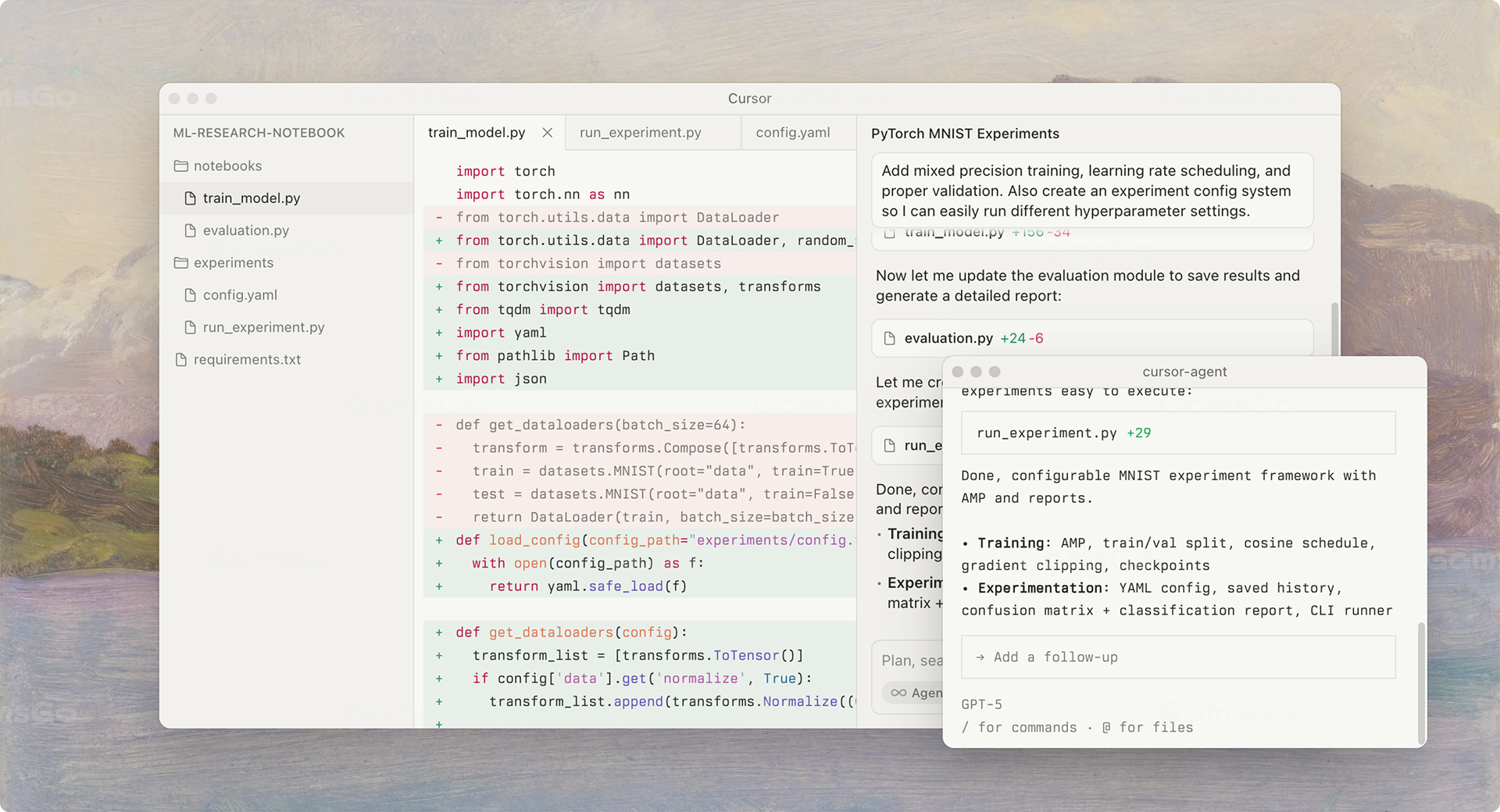
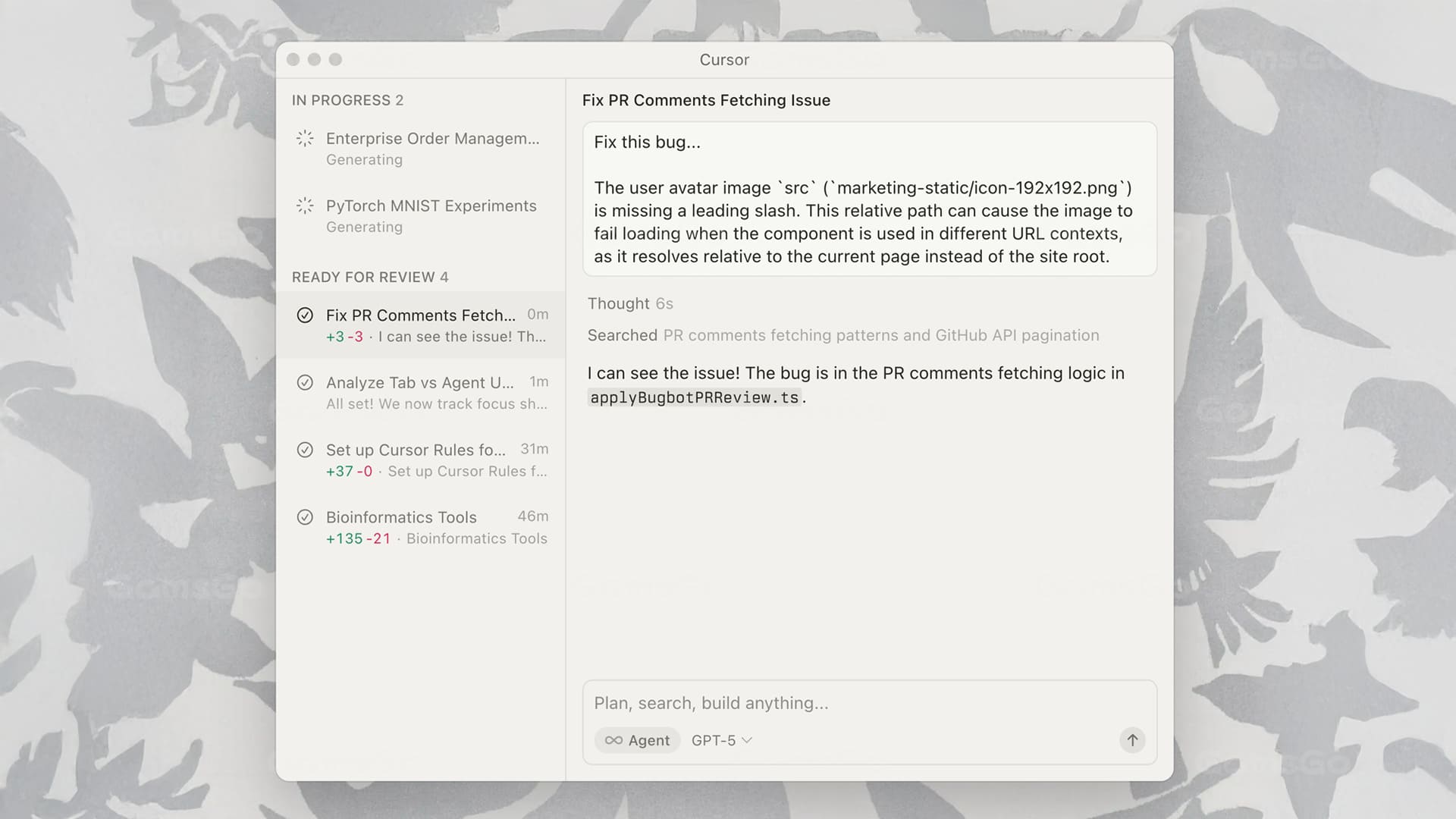
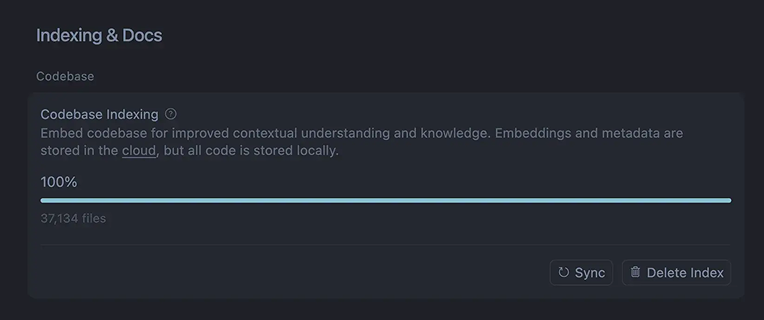
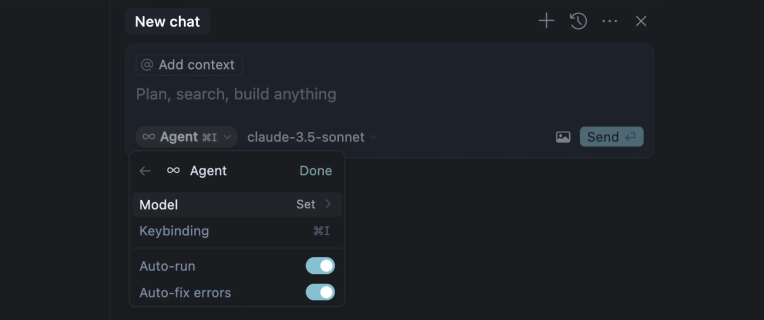
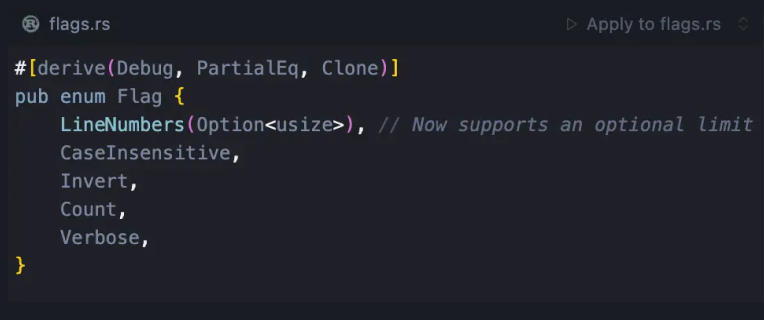
Cursor is an AI coding editor that uses the context of your project to help complete, explain, and edit code. Describe what you need in natural language, and Agent can help with development tasks across multiple files, investigate issues, and verify changes.
Premium, One Account
Non-renewal
Passkey
Mobile, PC
Cursor is an AI coding editor that uses the context of your project to help complete, explain, and edit code. Describe what you need in natural language, and Agent can help with development tasks across multiple files, investigate issues, and verify changes.
fm***rf joined 1 hours ago
ry***59 joined 1 hours ago
tc***75 joined 2 hours ago
al***ht joined 3 hours ago
lo***on joined 3 hours ago
as***dj joined 3 hours ago
se***oo joined 5 hours ago
ro***99 joined 6 hours ago
ni***ma joined 6 hours ago
me***aa joined 6 hours ago
gi***si joined 8 hours ago
zo***eb joined 8 hours ago
po***zn joined 10 hours ago
ta***rk joined 10 hours ago
lo***an joined 10 hours ago
li***19 joined 10 hours ago
ta***rk joined 12 hours ago
jo***au joined 12 hours ago
th***06 joined 15 hours ago
ho***84 joined 20 hours ago
Subtotal:
--
Promo code & Coupon:
--
Total:
--
-- 

Cursor

An AI-Powered Assistant for Multi-File Intelligent Code Generation and Real-Time Refactoring

Delivering a more efficient and highly interactive development experience

AI Empowering the Entire Development Lifecycle

Deep Contextual Understanding with End-to-End Workflow Coverage

cursor ai

Multi-File Dependencies and Calls, No More Fragmented Snippets

From Natural Language to Code

Deep contextual understanding of code semantics with seamless integration of Git, static analysis tools (e.g., ESLint, PyLint), debuggers, and CI/CD pipelines, supporting cross-file calls, debugging, and performance optimization
cursor pro

Analyze code semantics and detect potential errors

Intelligent Debugging and Refactoring

With deep integration of Git, linting, and CI/CD toolchains, efficiently identify and resolve bugs while ensuring consistent code style and optimized module refactoring
cursor subscription

High-Precision Code Completion and Generation

Intelligent Code Generation

Leverage large-scale pre-trained models to generate highly accurate code based on the context of functions, classes, and modules

Product Comparison

Features, performance & pricing at a glance

Feature
Weekly AI usage allowance
Unlimited Tab code completions
Agent coding and cross-file editing
Cloud agents and automated tasks
Bugbot AI code review
Third-party models such as Claude and GPT
X Subscription Plus
Basic allowance
Not supported
X Subscription Premium
4 times that of Plus
Supported, additional fees apply
X Subscription Plus
Weekly AI usage allowance
Basic allowance
Unlimited Tab code completions
Agent coding and cross-file editing
Cloud agents and automated tasks
Bugbot AI code review
Third-party models such as Claude and GPT
Not supported
X Subscription Premium
4 times that of Plus
Supported, additional fees apply

Your everyday AI coding assistant

Smart, comprehensive, and efficiency-boosting — making every line of code smarter

cursor subscription

AI Code Completion

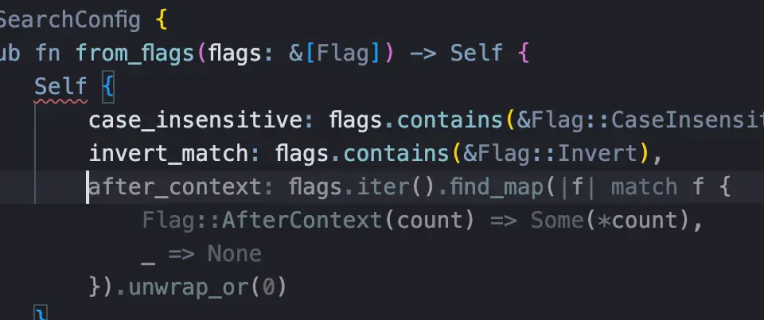
Powered by AI models, it understands context in real time and automatically generates or completes high-quality code
cursor subscription
cursor ai plans

Cross-File Insight & Full Control

Understands the entire project structure, supporting cross-file analysis and optimization
cursor ai plans
cursor subscription

Natural language programming

Express your requirements in simple natural language, and the AI will generate or modify the code
cursor subscription
cursor pro plan

AI-Assisted Debugging

Automatically detects potential errors and provides optimization and refactoring suggestions
cursor pro plan

Cursor Evaluation Scores

GG Review Board

4.8
Great
Functionality
4.8
Ease of Use
4.6
Innovation
4.6
Cost-effectiveness
4.8
In actual use, Cursor makes a strong first impression as intelligent, intuitive, and highly efficient. It not only provides standard code completion features but also leverages AI to understand the structure of entire projects, enabling cross-file intelligent analysis that makes locating issues and optimizing logic remarkably fast. Its natural language interaction is particularly impressive — with just a simple description, Cursor can automatically generate or modify code, significantly lowering the learning curve and operational effort. For daily development, feature iteration, or code refactoring, Cursor offers practical assistance that frees developers from repetitive tasks. Additionally, its AI-assisted debugging is thoughtful and effective, automatically detecting potential errors and providing optimization suggestions, improving code quality and team collaboration. With a clean interface and intuitive workflow, both beginners and experienced developers can get up to speed quickly
Pros
Comprehensive, highly intelligent, and user-friendly — significantly enhancing development efficiency
Highly innovative and aligned with the AI programming trend
Cons
Still has a learning curve for completely non-technical users
Some advanced features require a paid subscription, making the cost relatively high

What Do Our Users say

Street Cred

Incredible product and support.Cursor works so well and has helped me going from "just designing" to actually shipping high quality user experiences.
aubrey evans
GB
These guys literally changed the world — now all developer conversations are just about vibe coding :)
Mr Antakia
USA
Arguably, it is the best IDE on the market right now. All features are excellent, and the product is compatible with VSCode extensions, making it very easy to migrate (in just a few clicks)
Vicky Beristain
USA
Amazing product. There are some flaws but the team is constantly improving at a fairly rapid pace.
Scott Avery
GB
Avec Cursor, je code plus vite et avec moins d’erreurs. L’assistant comprend vraiment le contexte de mes projets
Fast G
FR
Un outil moderne et pratique qui devient vite indispensable dans le travail quotidien
Lilian Lacave
FR
커서 덕분에 코드 작성 속도가 확실히 빨라졌어요. 자동 완성과 디버깅 지원이 정말 편리합니다
사층언니
KR
Cursor macht komplexe Projekte übersichtlicher. Besonders die nahtlose Navigation zwischen Dateien ist beeindruckend
Michael Tönnies
DE

Buy Cursor 1 Month Subscription

Buying Guide

You know the moment. Agent mode finally nails a gnarly refactor across ten files — and then the usage meter tells you that's most of your allowance gone. Cursor's free plan is fine for poking at a side project, but if you actually code for a living, you're going to need a paid plan sooner or later. 

Cursor is now part of The X Subscription, and Cursor Pro is closed to new sign-ups. Its replacement is X Subscription Premium, which bundles Cursor with Grok in one plan. The good news: you don't have to pay the full price for it. On GamsGo, you get a private Premium account for $24.49/month instead of the official $30/month, billed one month at a time with no yearly commitment.

What You Get When You Buy Cursor Pro?

Buying Cursor Pro today means getting X Subscription Premium. Here is what it changes in a normal week of shipping code:

  • Monday, new feature. Describe the feature in plain English, and Agent mode scaffolds the functions, wires up the API calls, and drafts the tests — instead of you starting from a blank file.
  • Tuesday, bug hunt. Cursor reads the whole project's logic, flags the likely cause of a failing test, and proposes the fix in one pass instead of a slow print-statement hunt.
  • Wednesday, unfamiliar codebase. Ask Cursor to explain a module you inherited, and it walks through the classes, dependencies, and data flow in plain language.
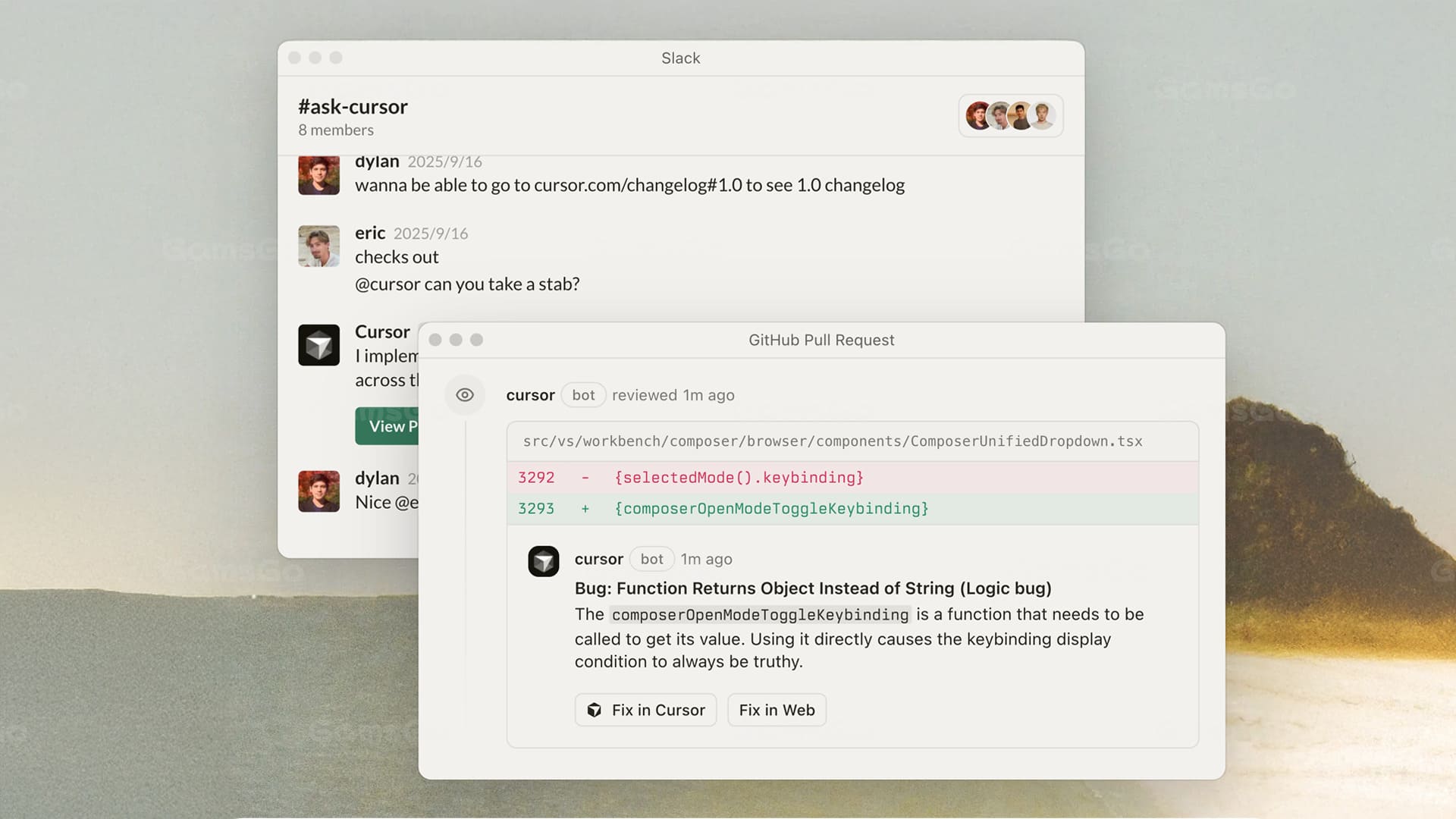
  • Thursday, background work. Kick off a Cloud Agent on a repetitive refactor and keep working in a different file — it runs in the background and opens a PR when it's done. Code reviews are included too.
  • Friday, beyond the editor. The same plan unlocks Grok for research, chat, voice, and image and video generation, plus Grok Bot to handle tasks for you. Cursor and Grok draw from one weekly usage allowance, so you can spend it wherever the work is.

That is the real pitch: Premium isn't just "more requests"; it's at least twice the coding usage on Grok models compared with the old Cursor Pro plan, with an allowance that refreshes every week, so one heavy day doesn't wipe out your month.

One thing to know before you buy: third-party models such as Claude and GPT are still available in Cursor, but on X Subscription plans they are billed separately at API prices instead of coming from your included allowance. Your included usage covers Grok models.

Cursor Pro vs X Subscription Premium: What's the Difference?

If you've used Cursor Pro before, here's what changes when you move to X Subscription Premium. Short answer: same editor, more coding usage on Grok models, and Grok included in the same plan.

FeatureCursor Pro (legacy)X Subscription Premium
Price$20/month (closed to new sign-ups)$30/month official · $24.49/month on GamsGo
Coding usage on Grok modelsStandard Pro allowanceAt least 2× Cursor Pro
Usage resetsMonthlyWeekly
Third-party models (Claude, GPT)Included usage pool (~$20)Available, billed separately at API prices
Tab, Agent, Cloud Agents, code reviews✓ Full access✓ Full access
Grok chat, voice & Imagine✗✓ Same weekly allowance
Grok BotSeparate usage✓ Included
Best forExisting subscribers who mainly code with Claude or GPTNew users, and anyone who wants Cursor and Grok in one plan

The editor is the same; the money buys more Grok-powered usage and the Grok apps on top. On GamsGo, that costs $24.49/month for a private account that only you use, about 18% less than the official price.

Read More
Official Price $33.00 /month vs GamsGo Special $25.49 /month
PURCHASE NOW