Why Buy an HBO Max Account on GamsGo?
On GamsGo, a shared HBO Max Premium profile costs from $4.64 a month on the 6-month plan — about 80% less than the official Premium price of $22.99 a month.
Besides saving on your subscription, you get a secure checkout, flexible payment options and reliable after-sales support:
- Secure Checkout: GamsGo follows the GDPR's data protection requirements, and its payment process meets PCI-DSS (Payment Card Industry Data Security Standard) requirements. SSL encryption protects your personal information while you browse, log in and pay.
- Flexible Payment Options: Pay with Visa, Mastercard, American Express, Discover, Bancontact, iDEAL, Apple Pay, Google Pay, or more than 50 other payment methods.
- 24/7 After-Sales Support: Can't log in, or something isn't working as described? Contact our 24/7 support team with your order details or screenshots. We'll look into it and keep you updated until the issue is resolved.
Watching more than HBO? You can also get a Netflix Premium account or a Disney+ account on GamsGo for less.
How Do You Buy an HBO Max Account on GamsGo?
Buying HBO Max Premium on GamsGo takes a few steps:
- Choose your subscription period and renewal option. Select a 3-month or 6-month plan, then choose whether to enable auto-renewal.
- Add GamsCare+ if you want refund protection. It's optional.
- Review the price and pay. Confirm the total, apply any eligible coupon, and pay with any of GamsGo's 50+ supported payment methods.
- Get your login and sign in. Find your login details in your GamsGo order, sign in on the HBO Max app or hbomax.com, and open your profile.
If you need help getting started, contact GamsGo customer support through your order.
What You Get With Your GamsGo HBO Max Account?
You’ll receive the login details for a shared HBO Max Premium account, with a dedicated profile assigned to you. Choose a 3-month or 6-month subscription period.
Once you sign in, you get:
- Ad-free streaming: Watch HBO Originals, Warner Bros. films and DC titles without ad breaks.
- Up to 4K picture quality: Sharper, more detailed picture on supported titles and devices.
- Downloads for offline viewing: Save movies and episodes to your device and watch them without an internet connection.
- Your own profile: Your watch history, My List and recommendations stay yours.
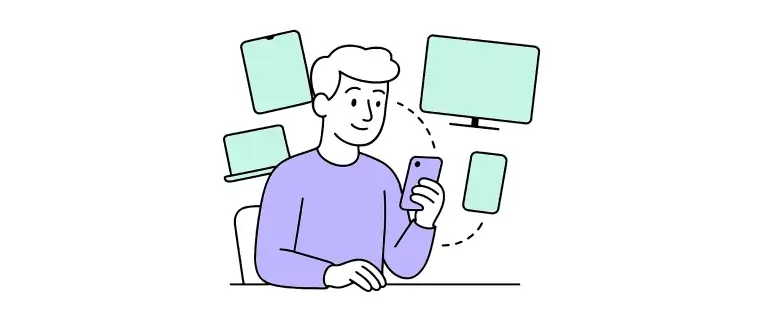
Your profile streams on one device at a time, and you can switch between your phone, tablet, PC, smart TV, PlayStation and Xbox.
Is It Safe to Buy an HBO Max Account on GamsGo?
Yes. All orders and payments on GamsGo are processed within the platform. The platform complies with GDPR data protection requirements, its payment process meets PCI-DSS standards, and SSL-encrypted connections protect your information during browsing, login and payment.
For extra peace of mind, add GamsCare+ at checkout. It covers your whole subscription period: if your subscription is interrupted, you can request a refund of the remaining subscription fee, minus the GamsCare+ service fee (non-refundable).
Without GamsCare+, your purchase includes the right to use the service only, and no refund or compensation is given if the subscription ends.