What Can Presenti AI Be Used For?
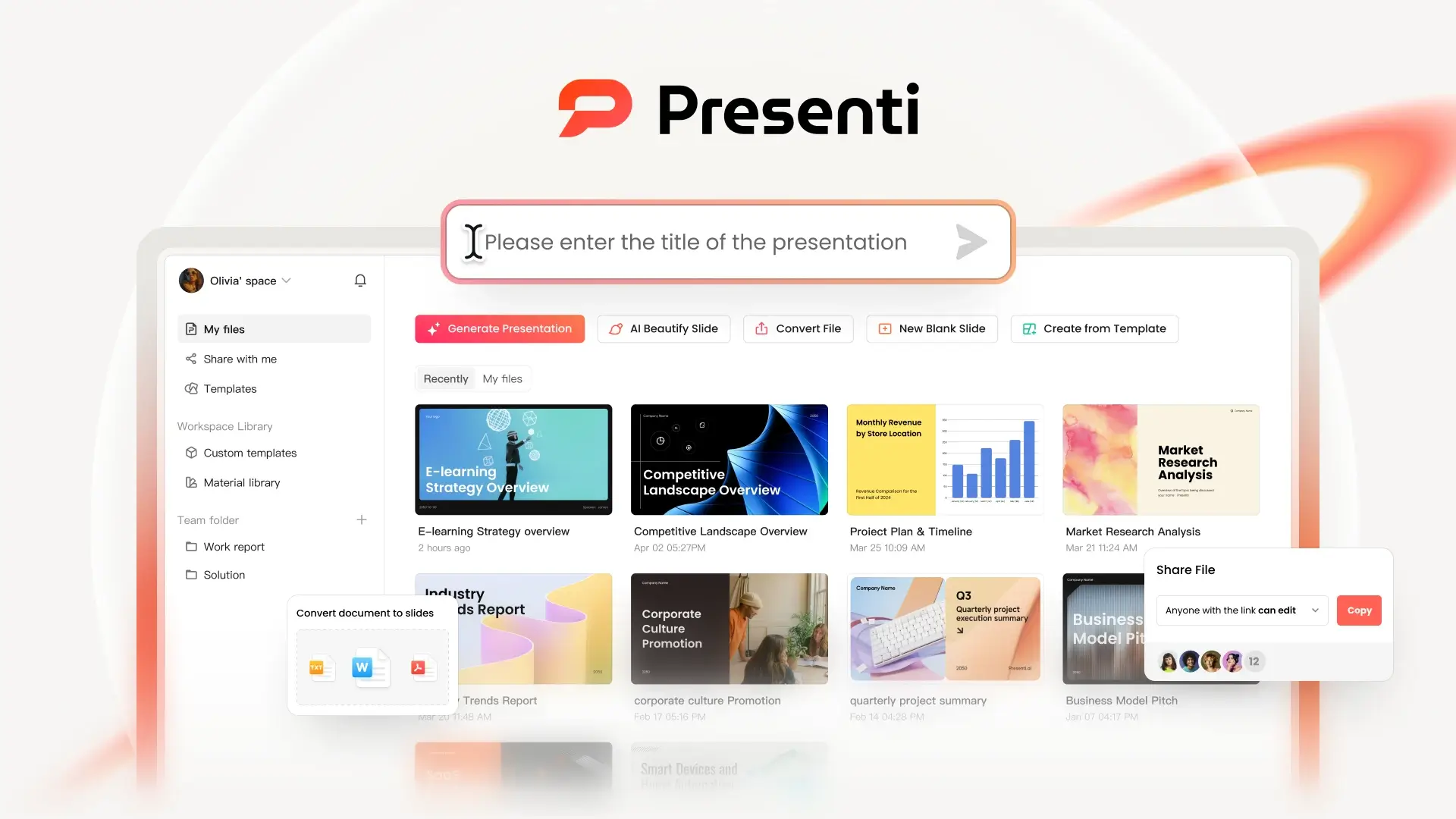
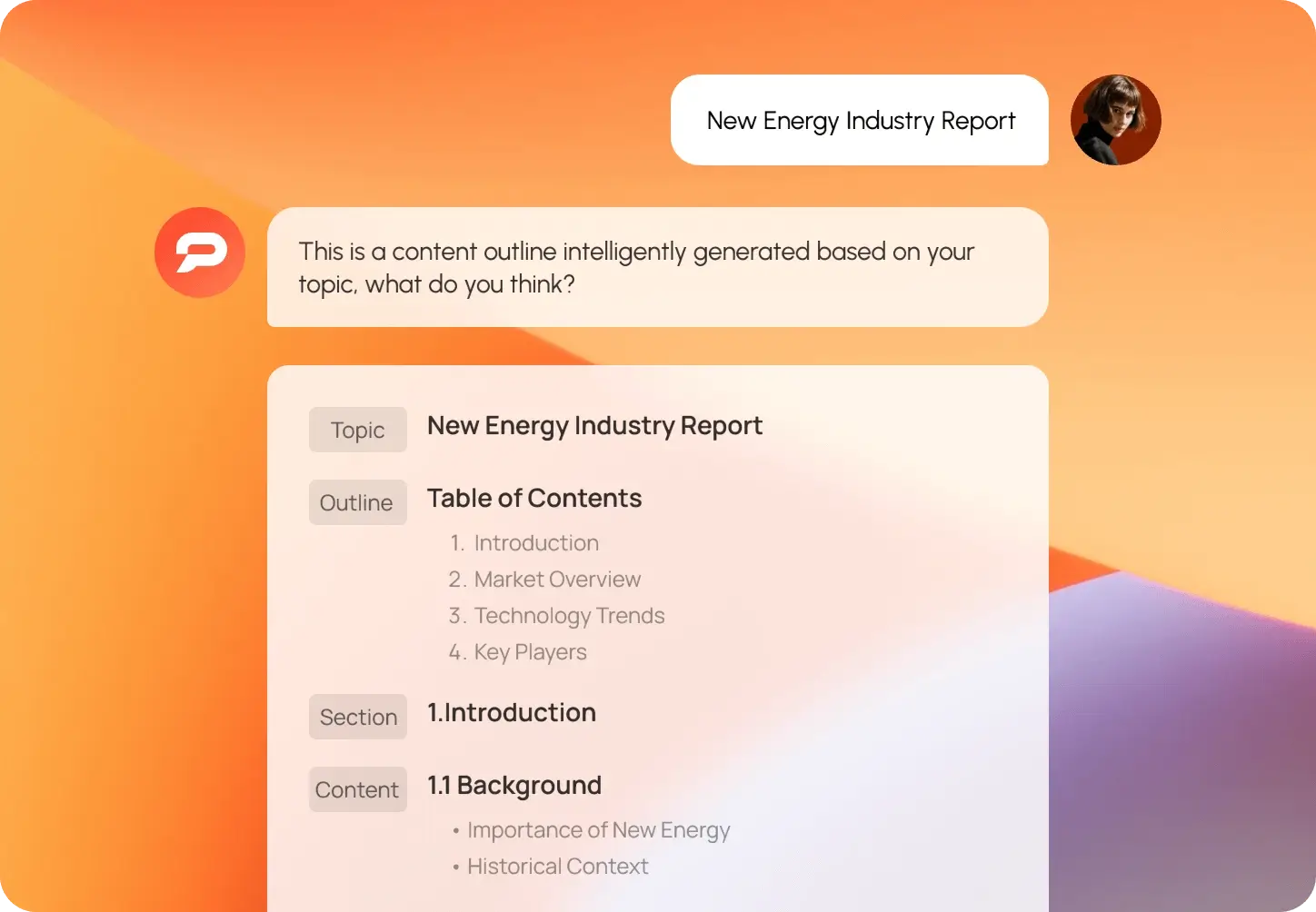
Presenti AI is an AI presentation maker designed to automatically create presentations. You only need to enter a topic, a few keywords, or a piece of text, and Presenti AI can automatically
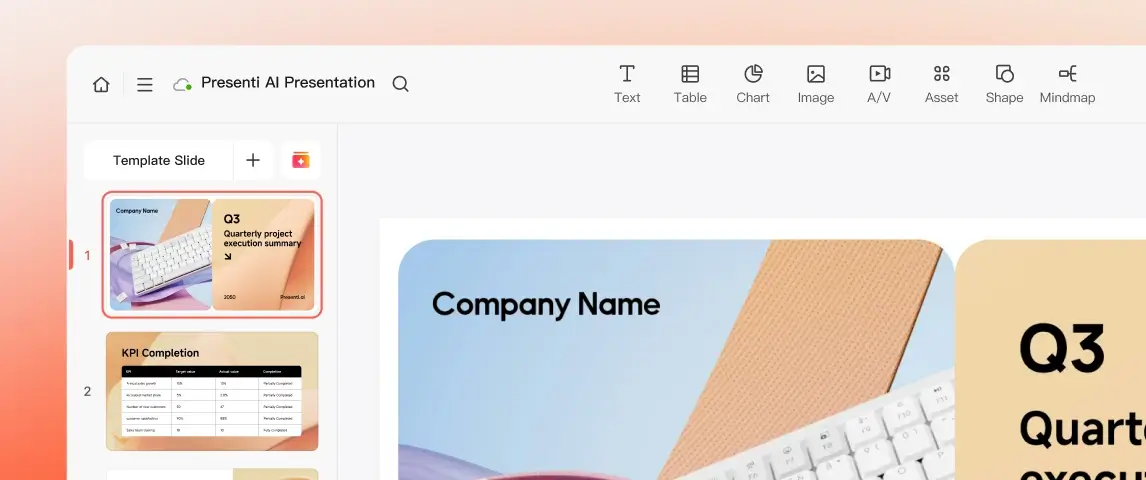
generate a complete presentation structure and organize the content into clear PPT slides, helping you significantly reduce the time spent creating presentations.
In practice, Presenti AI can be used in many common scenarios:
- Work reports and project summaries: In the workplace, many people need to create presentation slides on a regular basis. With Presenti AI, you only need to enter the project topic or paste in document content, and it can automatically generate a well-structured presentation outline and organize it into complete slides, greatly improving your preparation efficiency.
- Business proposals and startup pitches: When preparing a business proposal or investor pitch deck, you often need to quickly organize your business logic and turn it into a clear presentation. With Presenti AI, you only need to enter a topic or key points, and the AI can automatically generate a well-organized PPT covering sections such as the problem, solution, and market opportunity, ready to present.
- Class presentations and study reports: When preparing a class presentation or research report, you usually need to structure your key points first and then split the content into multiple PPT slides. With Presenti AI, you only need to enter the topic or paste in your research materials, and it can automatically generate a presentation outline and turn the key points into clear PPT slides.
- Content creation and information organization: When organizing articles, notes, or long documents, you usually need to extract the key points first and then reorganize them into a presentation format. With Presenti AI, you only need to paste in text or import materials, and the AI can automatically identify the key information and break the content into well-structured PPT slides, helping you work more efficiently.
So whether you are creating work reports, business proposals, class presentations, or organized content summaries, Presenti AI can help you make presentations more efficiently.
Is Presenti AI Free?
Yes, Presenti AI offers a basic trial version. You can first try some free Presenti AI features, such as generating simple presentation content or testing how well its AI PPT generation works.
If you want access to more complete features, you can choose to buy a Presenti Plus account on GamsGo. You can get these upgraded benefits:
- Create more complete presentations: The Plus version can generate more complete PPTs, including presentations with up to around 25 slides.
- Unlock more templates and design styles: You can access more professional templates, layouts, and color schemes, making your generated presentations more polished and better suited for formal use.
- Unlimited AI presentation generation: Plus users can generate AI presentations without usage limits and create different versions of outlines or slide structures as many times as needed.
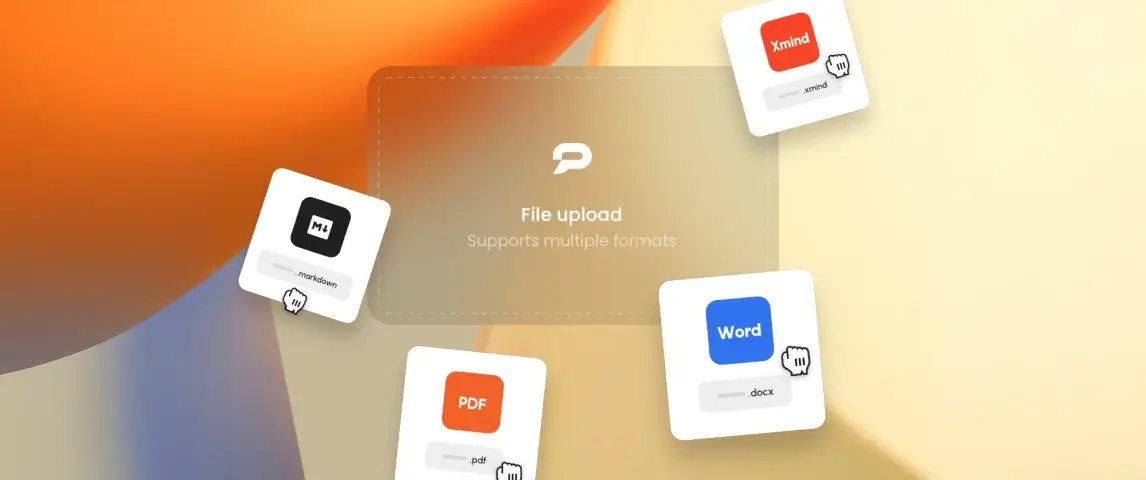
- Support for multiple file import formats: You can directly upload TXT, Word, PDF, Markdown, or XMind files and let the AI automatically turn the document content into a presentation structure.
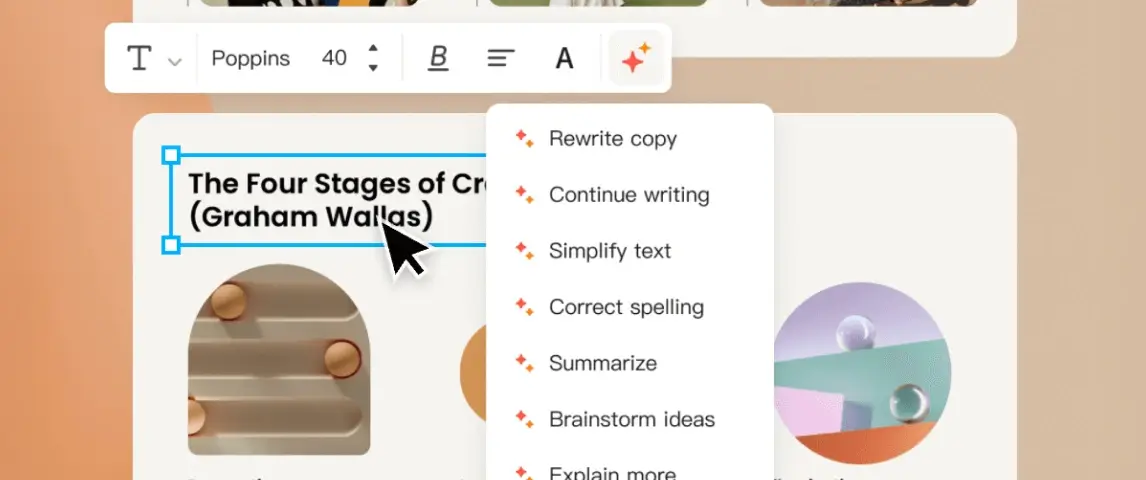
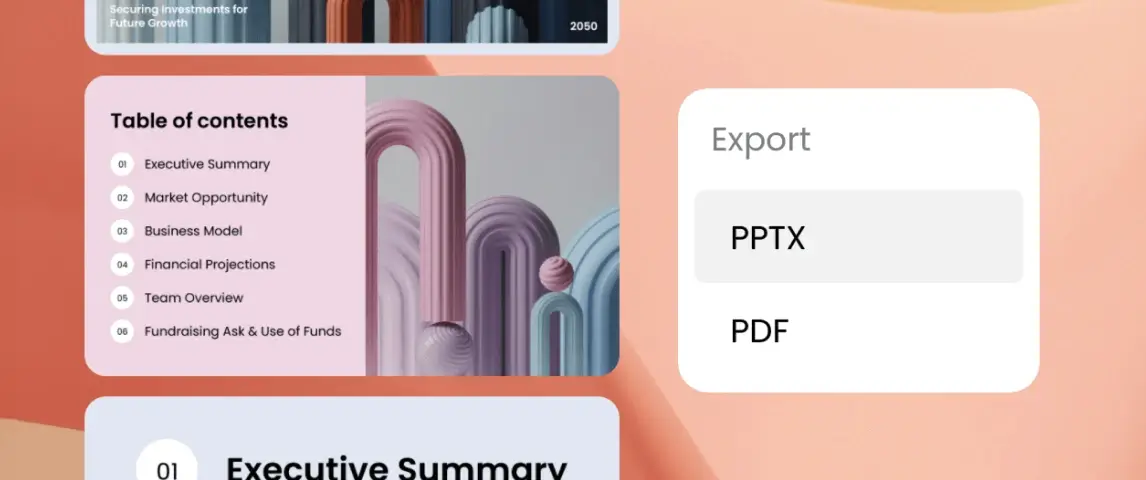
- Download editable presentation files: Generated presentations can be exported as PPTX or PDF files, which you can continue editing in PowerPoint or other presentation software after downloading.
For users who create PPTs frequently, upgrading provides a more stable and complete AI presentation maker experience.
Why Buy a Presenti Plus Account on GamsGo?
GamsGo is a secure and reliable platform. It supports major global payment methods such as Visa, Mastercard, and American Express, and uses secure payment systems to protect every transaction.
The official subscription price of Presenti AI is $10 per month. On GamsGo, however, you can buy a Presenti Plus account for just $7.69 per month and enjoy features such as unlimited AI presentation generation, multi-format document import, and editable PPT downloads.
If you run into any issues while using the service, GamsGo’s 24/7 customer support team is also available to help, usually replying within just a few minutes.
By purchasing Presenti Plus on GamsGo, you can enjoy the full Presenti AI experience at a lower price and make creating professional presentations much easier. At the same time, GamsGo also offers subscription services for a range of AI tools, including ChatGPT Plus, Gemini Pro, and Claude Pro, so you can enjoy more discounts on one platform.