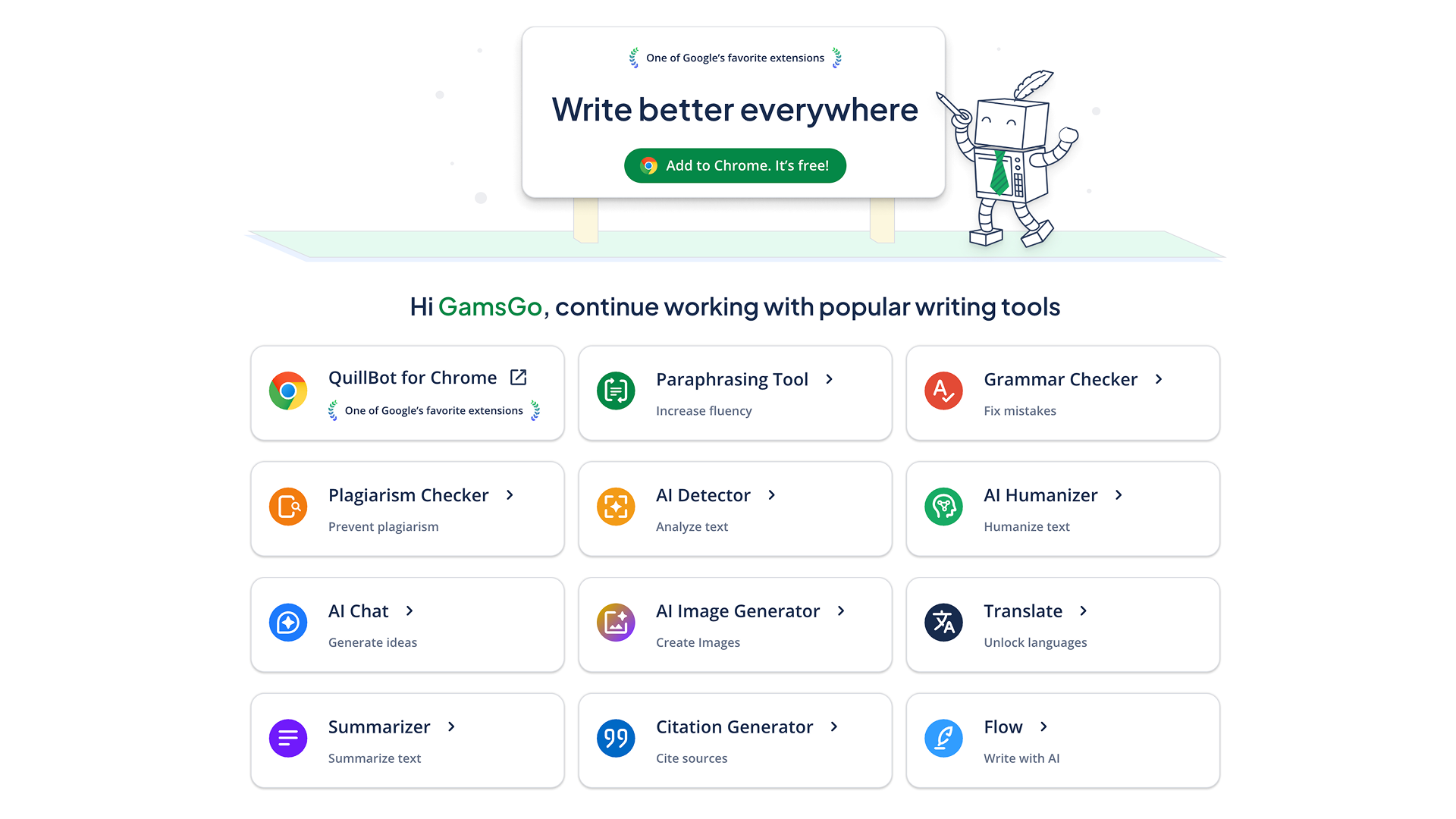
Many people write English emails, paper paragraphs, product introductions, or ad copy every day. But the real difficulty is often not “writing it out,” but making the sentences more accurate and more natural. QuillBot is a tool designed for this kind of writing need. It can help you check grammar, rewrite sentences, summarize content, translate text, and generate citations. It is suitable for daily use by students, workplace users, and content creators. Currently, QuillBot has been downloaded more than 5 million times and is widely used by writers around the world.
If you only rewrite a few sentences occasionally, the free version of QuillBot is basically enough. But when you need to rewrite long content frequently, switch between more writing modes, or use features such as AI detection, the limits of the free version become more obvious. For example, each rewrite is limited to 125 words, there are fewer available modes, and AI detection attempts are limited. If you want to use these features more smoothly, you can consider upgrading to QuillBot Premium. GamsGo currently provides QuillBot Premium accounts at $5.99/month. Compared with the official monthly plan, it is more suitable for users who want to control their budget, use it for a short time, or keep a light subscription.
What Is a QuillBot Subscription?
A QuillBot subscription usually refers to the membership service you get after upgrading to QuillBot Premium. After subscribing, users can use more writing quotas and advanced features, including unlimited rewriting, multiple rewriting modes, advanced grammar suggestions, AI Detector, Humanizer, and plagiarism checking.
These features are more suitable for people with regular writing needs.
For example, when students write English papers, they may find that some sentences are too conversational or not formal enough. At this time, they can use QuillBot to adjust sentence structure and make the paragraph closer to the tone of academic writing. When workplace users write English emails, they can also use it to make the tone more polite and more concise, and avoid expressions that are too stiff. For people in cross-border e-commerce, advertising, or content operations, QuillBot can also be used to rewrite product descriptions and ad copy, reduce repeated expressions, and make the text read more smoothly.
What Is the Difference Between QuillBot Premium and the Free Version?
QuillBot Premium removes more usage limits based on the free version and also unlocks a more complete set of writing tools. You can refer to the table below for the main differences:
Feature | Free Version | QuillBot Premium |
Paraphrasing Suggestions | Limited to 125 words each time | Unlimited word paraphrasing, with support for long documents |
Writing Modes | Only 2 basic modes | 9+ professional modes, including Academic, Creative, Concise, and Expand |
Plagiarism Checker | Not supported | 20 pages of checking per month to help verify originality |
Synonym Options | Basic options | Advanced synonym depth for more precise word choices |
Tone Control | Basic | Advanced tone adjustment for different readers and contexts |
Browser Extension / Document Integration | Partial features | Deeper integration with Microsoft Word and Google Docs |
From the actual user experience, QuillBot Premium is more suitable for people who use QuillBot as a daily writing tool, rather than users who only want to temporarily rewrite one or two sentences.
For example, you are writing an English paper and need to change conversational expressions into sentences that are more suitable for academic writing. Or you need to send a formal email to a client and want the tone to be polite, but not too stiff. In these situations, Premium’s rewriting modes, tone control, and grammar suggestions are more practical. It can also be used to check citation formats and reduce the time spent repeatedly checking before submission.
If your writing workflow needs more than rewriting and grammar checking, you can also use QuillBot together with Gemini Pro and Grok AI subscriptions. Gemini and Grok are more suitable for organizing materials, generating outlines, and adding content ideas. QuillBot focuses more on English polishing, sentence rewriting, tone adjustment, and citation format checking. This division of work is clearer, and you do not need to give all writing tasks to the same tool.
Why Choose GamsGo to Buy a QuillBot Subscription?
When many people look for QuillBot discounts, what they really care about is often not only the feature introduction. They also care about whether the price is worth it, whether the account is stable, and whether they can find after-sales support when problems happen.
The price on the GamsGo digital subscription platform is direct: you can buy a QuillBot Premium account for $5.99/month, which is lower than the official monthly subscription price, about $8.33/month. For users who only want to use Premium for a short time, or do not want to pay a high subscription cost at once, this monthly payment method is more flexible.
- Account Compliance and Stability: GamsGo uses a unified automated management system and states that its accounts are paid through regular channels, reducing usage interruptions caused by account abnormalities as much as possible. For people who need to write emails, revise papers, or process English content every day, stability is very important. Once the account cannot be used halfway, the writing tasks at hand will be affected.
- Privacy Protection and Secure Payment: Your payment and order process will be completed on the GamsGo platform. According to GamsGo’s privacy and security policy, the platform does not store sensitive payment information such as credit card numbers. For users who do not want to repeatedly fill in payment information on multiple subscription platforms, this is more worry-free.
- After-Sales Guarantee: GamsGo provides 24/7 online customer service. Order-related problems can also be tracked through order records. If users encounter problems while using the account, they can directly contact platform customer service for handling, without repeatedly checking the cause by themselves.
- Centralized Subscription Management: In addition to QuillBot, GamsGo also provides AI subscription services such as Gemini Pro and Figma. If your workflow also involves writing, search, design, or code assistance, managing multiple tools on the same platform is clearer than recording each subscription separately.
Overall, GamsGo’s advantages are mainly reflected in price, after-sales support, and subscription flexibility. For users who need QuillBot Premium but also want to control subscription costs, the $5.99/month plan provided by GamsGo is more suitable for light use and short-term use.