Steam Accounts for Sale – Popular Games, Fast Delivery
Steam has more than 132 million monthly active users and is home to countless classic games. However, some older titles have been removed from the store and are no longer available to buy directly. For players hoping to experience these games, a Steam account that already includes them offers another option.
Buying an account can also help you stretch your gaming budget. An account containing several games you want to play may cost less than buying each title separately, allowing you to enjoy more games for less.
Whether you want to play games that are no longer available to buy or save money on your next purchase, GamsGo can help. Explore a range of Steam accounts with games included, backed by platform after-sales support.
What Is a Steam Account?
A Steam account is a personal account used to access Valve’s Steam platform. It lets you purchase, download, and launch games, as well as use features such as friends chat and the Steam Community.
Your account is linked to your game and DLC licenses, achievements, friends list, and in-game inventories. Each account also has a Steam ID, a unique number that identifies it.
About Steam
Steam is a digital game distribution platform developed and operated by Valve, primarily for PC gaming. Players can browse and purchase games, download and install them through the Steam client, receive automatic updates, and use the community to read reviews, share guides, and discuss games.
Its catalog ranges from AAA releases to niche indie titles, covering genres such as action, RPG, simulation, strategy, and racing. Alongside paid games, Steam offers free-to-play titles to suit different interests and budgets.
Steam also offers features such as the Workshop, online multiplayer, and Steam Cloud saves. The platform supports Windows, macOS, Linux, and Steam Deck, although compatibility and available features vary by game.
Why Buy a Steam Account With Games?
If you want to play a particular game, buying a Steam account that includes it often costs less than buying the game directly from the store. You can use the money you save to try other titles on your wish list, giving you more gaming choices for the same budget.
With this purchasing option, keeping to your budget does not have to depend solely on waiting for store sales. When you want to play a game, you can buy an account that includes it, then log in to Steam and download the game after delivery, without repeatedly putting off your plans while waiting for a discount.
In addition, some games lose their store purchase options after they are delisted, but copies already in a library can remain available to download and install. Steam accounts with games are therefore also an option for classic game enthusiasts, giving players who missed the chance to buy these titles an opportunity to experience them.
Why Buy Steam Accounts on GamsGo?
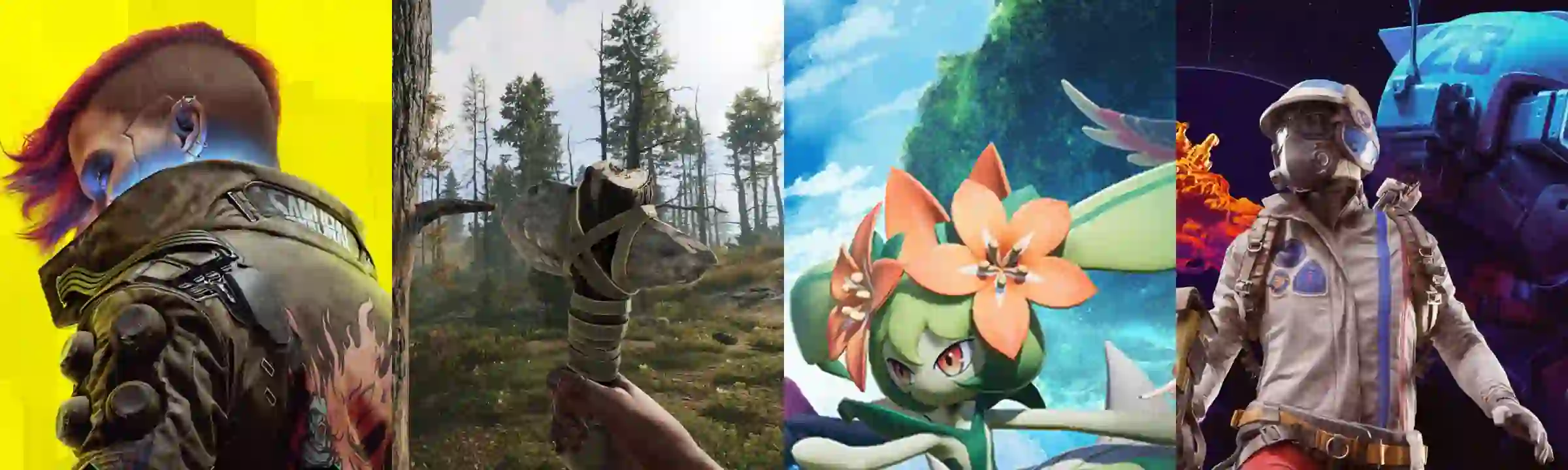
GamsGo brings together sellers who have passed identity and eligibility checks, offering Steam accounts with games such as Rust, Palworld, and Cyberpunk 2077. Whether you enjoy survival games, co-op adventures, or story-driven experiences, there are options to suit your interests.
Price is another reason to choose GamsGo. For example, an account containing the standard edition of Stardew Valley can cost around 80% less than the game’s Steam store price, helping you enjoy a game you want for less.
DealShield protects your payment through escrow. The platform holds the funds after payment and releases them according to the order’s settlement rules following delivery and verification. If a dispute arises, the relevant funds are frozen while the platform reviews the case, giving you support with both payment protection and dispute resolution.
Prompt delivery helps you start playing sooner, while after-sales support adds reassurance to your purchase. During the warranty period, covered issues such as login failures or an account that does not match its description can be raised through your order to request a replacement or refund. If you cannot reach a resolution, you can ask the platform to intervene.
How Do You Buy a Steam Account on GamsGo?
To buy a Steam account on GamsGo, choose the game you want, complete payment, then receive and verify the account details. Follow these steps:
-
Sign in: Visit GamsGo and log in or create an account.
-
Choose your account: Open the Steam accounts page, select the game you want, and check the edition, regional restrictions, delivery time, and warranty period.
-
Complete payment: Click “Buy Now,” review the order total, and pay using one of the methods available at checkout.
-
Receive the account: Wait for the seller to deliver the account credentials and any other required login information within the promised delivery time.
-
Verify the account: Sign in to Steam and check that the account works and its game library matches the listing.
-
Confirm receipt: Once you have verified everything, confirm receipt through your order to complete the transaction.
If delivery is delayed or there is a problem with the account, contact the seller through your order and request platform assistance where the issue qualifies for after-sales support.
Popular Products
-
ARC Raiders Accounts
-
EA SPORTS FC Accounts
-
Minecraft Accounts
-
Xbox Game Pass Accounts
-
Fortnite Accounts
FAQ
How Do You Find Your Steam ID?
Sign in to Steam, open your profile, and select “Edit Profile.” Check the profile link beneath the “Custom URL” field. If you have not set a custom URL, the 17-digit number in that link is your SteamID64.
If you already have a custom URL, temporarily clear the field to reveal the numeric ID in the link below. You do not need to save the change.
Can Two People Use the Same Steam Account?
Steam does not support two people playing games simultaneously on different devices using the same account. Games associated with an account are licensed for the account holder’s personal use.
Members of the same household can use their own accounts to share eligible games through Steam Families. Whether two people can play the same game at once depends on how many available copies the family library contains.
Can You Transfer Games to Your Existing Steam Account?
No. Activated game and DLC licenses cannot be transferred from one Steam account to another. Steam accounts also cannot be merged, even if both belong to the same person.
Steam Families lets eligible household members access certain shared games, but the licenses remain linked to the original purchasing account. Sharing does not transfer them to your account.
Can You Play Every Steam Game in Offline Mode?
No. Games that require an active internet connection or rely on an external launcher will not work through Steam’s Offline Mode. Online multiplayer services are also unavailable while offline.
Games that support offline play typically need to be downloaded, updated, and launched online first. Before disconnecting, make sure the game has completed its initial setup and launches successfully.
Can You Change a Steam Account’s Store Country?
Yes, provided the change reflects where you actually live. If you move to another country or live there for an extended period, you can update your store country when making a purchase with a local payment method.
You can change your store country once every three months, and it must match your country of residence. Redeeming a game key or Steam Wallet code cannot change your store country.