What Is Figma?
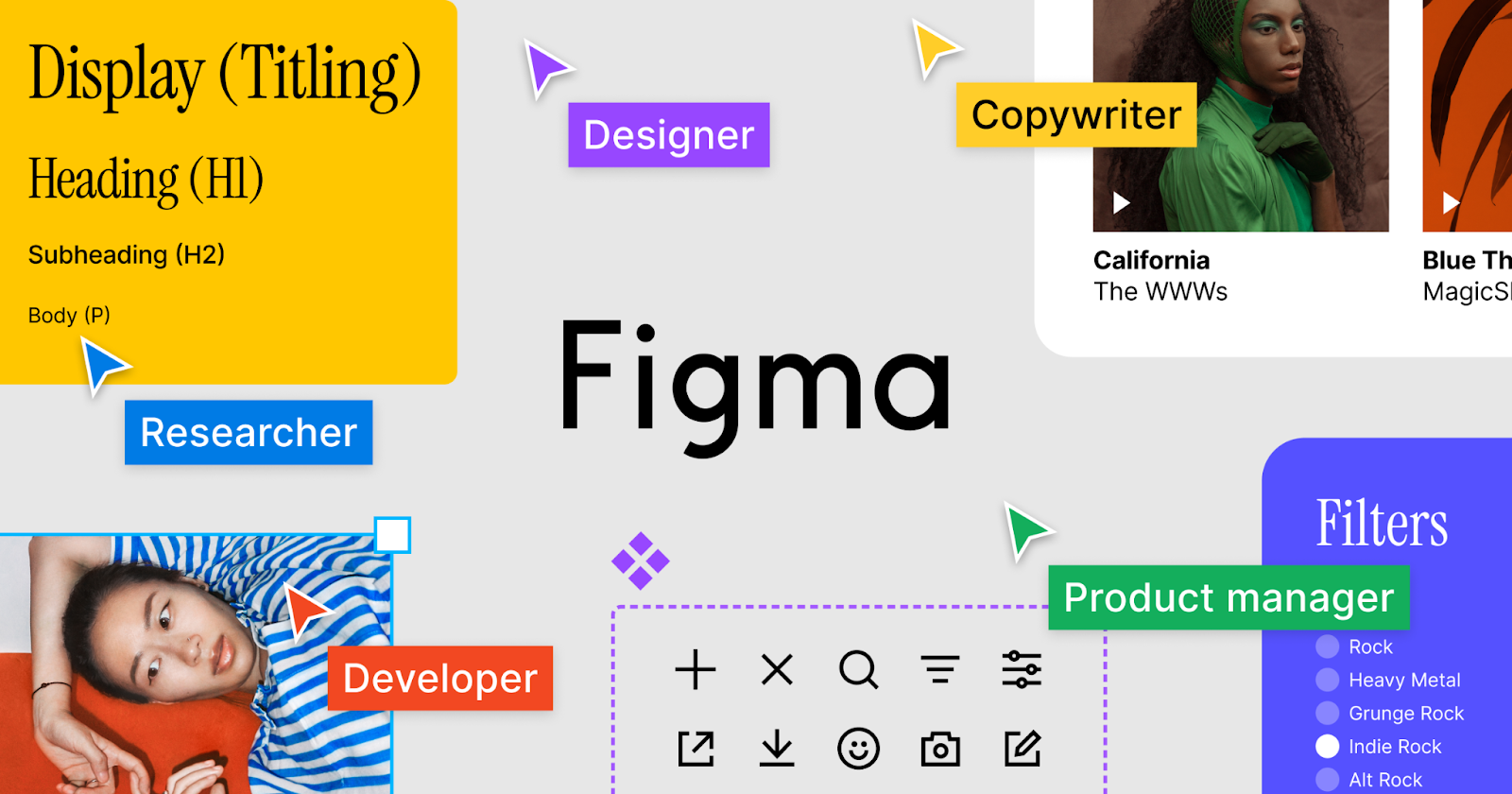
Figma is an online collaborative design platform for product teams, primarily used for UI/UX design, prototyping, design reviews, whiteboarding, and developer handoff. Compared to traditional local design software, Figma's main advantage is "online multiplayer collaboration." Team members can edit, comment, and view versions in real time within the same file, keeping design drafts, interactive prototypes, and developer specs all in one workspace.
Figma's product line goes beyond just a design tool. The official website lists products including Figma Design, Dev Mode, FigJam, Figma Slides, Figma Draw, Figma Buzz, Figma Sites, Figma Make, AI, and MCP. These cover multiple stages, from design and developer handoff to team communication.
However, Figma's free Starter plan has clear feature limits, such as a maximum of 3 projects and no access to collaborative features like team libraries. For users who need to manage multiple projects or collaborate with a team, upgrading to a paid plan is practically a must.
How to Choose a Figma Subscription Plan?
You can choose a Figma subscription based on your specific needs. Currently, the official plans include Starter, Professional, Organization, and Enterprise. Among these, the Figma Professional plan is the most popular paid option for individual designers, small teams, and freelancers:
Plan | Best For | Price Reference | Key Benefits |
Starter | Students starting out, individual trial users, lightweight projects | Free | Basic design, prototyping, comments, unlimited drafts, basic templates |
Professional | Freelance designers, small teams, client projects | Around $16/mo when billed annually | Unlimited files and projects, team libraries, advanced prototyping, Dev Mode, version history, 3,000 AI credits/mo |
Organization | Multi-team companies, design system teams | From $55/mo | Multi-team management, shared libraries, centralized administration, basic security controls |
Enterprise | Large enterprises, multiple brands, cross-department collaboration | From $90/mo | Enterprise-level security, SCIM management, workspace controls, design system scaling |
Figma Education Plan | Eligible students, teachers, and educational institutions | Free for eligible users | Professional or Enterprise-level education benefits for classrooms, courses, and learning projects |
GamsGo Figma Pro Plan | Individual users who want to use Figma Pro at a lower cost | $11.99/mo | Suitable for short-term projects, freelance client work, temporary design handoff, or low-cost access to Pro features |
If you are just learning Figma, the Starter plan is enough. But if you take on client projects, manage multiple files, use team component libraries, or hand off designs to developers, the Figma Professional plan is much more practical. By purchasing a Figma Pro account on GamsGo, you can enjoy the exact same powerful features as the official version but at a lower price.
What Can You Do With a Figma Pro Subscription?
A Figma Pro account gives you access to a range of powerful features to improve design efficiency and collaboration for both individuals and teams. These features go beyond basic design tools, covering advanced collaboration, prototyping, developer handoff, and the latest AI design capabilities. Here are the core features of Figma Pro:
- Unlimited files and projects: Better suited for managing multiple projects than the free version. You can organize files by client, product line, feature module, or version iteration. You don't have to constantly delete old projects, and it's much easier to archive your deliverables.
- Team libraries: Teams can share buttons, icons, colors, fonts, components, and styles to maintain a consistent look. For example, if a button, navigation bar, or form component gets updated, team members can just reuse it, reducing repetitive work and visual inconsistencies.
- Advanced prototyping: Great for creating interactive demos that feel like the real product. You can use variables, conditional logic, animations, and interactive flows to show scenarios like logins, purchases, filtering, or pop-ups. This makes it easier for clients, product managers, or QA testers to understand your design intent.
- Dev Mode: Developers can check dimensions, spacing, colors, styles, and asset export info, cutting down the communication time from design to code. This is very handy for teams that frequently hand off front-end pages or app interfaces.
- AI design assistance: A Figma Pro Full seat currently includes 3,000 AI credits/mo. These can be used for certain AI features, like image editing, content generation, and optimizing design workflows. AI credits reset every month and do not roll over; the actual usage depends on the AI features you use.
- Version history: Figma automatically saves file versions, making it easy for the team to review edit histories, restore older versions, or compare designs from different stages. For multiplayer projects, this effectively lowers the risk of accidental deletions, mistakes, and version mix-ups.
These Figma Pro features work together to build an efficient, collaborative, and capable design setup. It boosts the productivity of individual designers and, more importantly, helps teams work together easily, ensuring high-quality and consistent design output. For users looking for professional results and better teamwork, Figma Pro is an essential tool.
Why Choose GamsGo for Your Figma Subscription?
GamsGo understands users’ concerns about account legality, usage stability, and personal privacy security. Therefore, GamsGo is committed to providing transparent and reliable services. This allows you to focus on creation without worries. Below are the core reasons to choose the GamsGo digital subscription platform:
- Discounted pricing: GamsGo offers Figma Pro for just $11.99 a month, much lower than the official $20. This means you get the exact same service at nearly a 40% discount, significantly reducing the cost of using professional tools.
- Flexible options: Besides the 1-month Figma Pro account, GamsGo also offers a 12-month Figma Education account for $29.99. If you care more about long-term costs, you can pick the plan that best fits your usage timeline.
- Account stability and security: All Figma accounts provided by GamsGo are legally subscribed through official channels and managed centrally. We strictly follow Figma's usage policies and payment guidelines to ensure account stability and compliance. Every account is carefully screened and tested, so you won't face the risk of suspension or bans due to account issues while using it.
- Quality customer service: GamsGo has a dedicated customer service team ready to answer your questions and provide technical support. Whether you have questions before buying or run into issues while using the software, we will offer prompt and helpful assistance to make sure your experience goes smoothly.
- Privacy and security guarantees: We take user privacy very seriously. When handling your personal information, the GamsGo platform strictly follows international data protection standards, like GDPR and CCPA. We do not collect unnecessary personal data, and all data transfers use industry-leading encryption to keep your privacy as safe as possible.
GamsGo doesn't just offer a cheap Figma Pro account; it provides a complete, worry-free, and convenient service experience. In addition, GamsGo also offers subscription services for various AI tools, including Boardmix subscriptions, Meshy AI Pro accounts, and QuillBot Premium subscriptions. You can get all the tools you need at a lower cost.