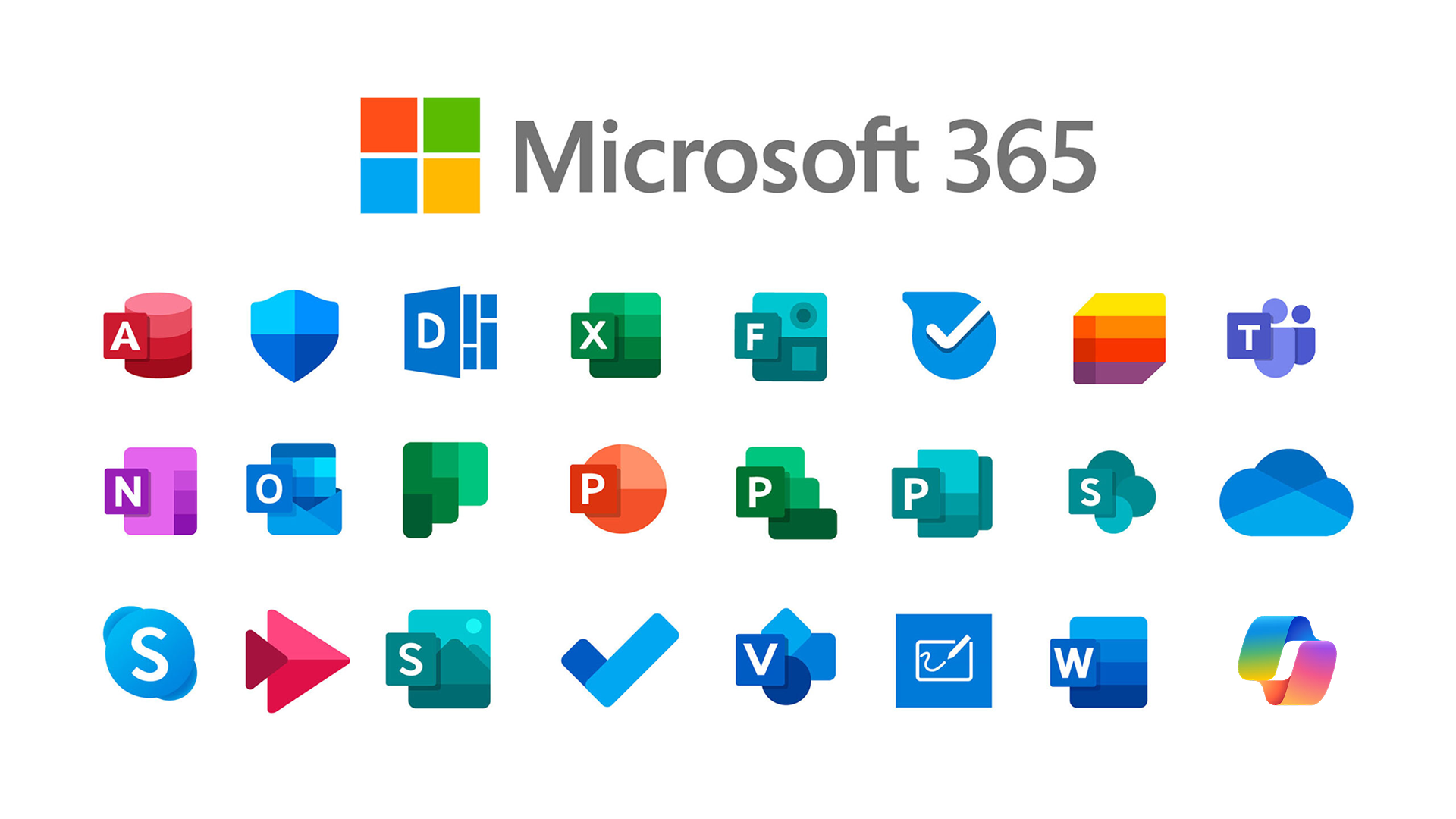
Microsoft 365, formerly known as Office 365, is Microsoft’s subscription-based office suite. It includes the apps most people already know: Word, Excel, PowerPoint, Outlook, Teams, and more. According to Microsoft’s own figures, Microsoft 365 now has more than 380 million monthly active users worldwide, making it one of the most widely used office software subscriptions today.
The official Personal plan costs about $69.99 per year, while the Family plan goes up to $99.99. That price can feel a bit much if you are a student, freelancer, or just trying to keep your software costs down. If you are comparing the Office 365 subscription price and want a cheaper way to use the genuine version, GamsGo offers a lower-cost option for subscribing to Microsoft 365.
What Is Microsoft 365?
Microsoft 365 is a subscription-based office platform from Microsoft. It used to be called Office 365 and was officially renamed in 2020. It is not just one piece of software. It brings together more than a dozen apps, including Word, Excel, PowerPoint, Outlook, Teams, OneNote, and OneDrive, so you can use them on PC, Mac, tablets, and phones after subscribing.
It also works differently from the old one-time-purchase version of Office. With Microsoft 365, you pay by subscription and keep getting software updates and cloud services while your plan is active. Each Microsoft account comes with 1TB of OneDrive cloud storage. Your files can sync across devices, so you do not have to keep copying documents from one computer to another.
For most users, the value of a Microsoft 365 subscription is simple: one subscription covers almost every office need. Writing documents, making spreadsheets, joining video meetings, and backing up files to the cloud are all included.
How Much Does a Microsoft 365 Subscription Cost?
Microsoft currently offers several subscription plans. Prices vary a lot depending on the version and the number of users.
| Plan | Best For | Official Monthly Price | Official Annual Price |
| Microsoft 365 Personal | One person | $39/month | $398/year |
| Microsoft 365 Family | Up to 6 people | $50/month | $498/year |
| Microsoft 365 Business Basic | Small teams/businesses | $6.00/user/month | Billed annually |
| Microsoft 365 Business Standard | Mid-sized teams | $12.50/user/month | Billed annually |
| Microsoft 365 Education | Students and teachers | Free or low-cost | Depends on school policy |
| GamsGo Microsoft 365 account | Individual users | $4/month | $42/month |
Buying a Microsoft 365 subscription directly at the full official price is not always the best choice. Users who want to buy a Microsoft 365 account for less can subscribe through GamsGo and get the same feature experience at a price 50% lower than the official rate.
What Do You Get with a Microsoft 365 Account?
Some people think buying a Microsoft 365 account only means getting a few Office apps. But once you subscribe to Microsoft Office 365, you will see that it covers a full set of work needs. Taking the Personal and Family plans as examples, you get:
- Full Office apps. Word, Excel, PowerPoint, Outlook, OneNote, and Teams are included. You do not need to pay for each app separately. One subscription covers most daily office tasks.
- 1TB cloud storage. OneDrive automatically backs up and syncs your files. When you change devices, you can pick up where you left off. You also do not have to worry about losing files if your local hard drive fails. The free version of OneDrive only gives you 5GB, which can run out after storing just a few large files.
- Real-time collaboration. Multiple people can edit the same document at the same time, and changes are easy to track. This helps avoid sending files back and forth or dealing with messy versions.
- Built-in meetings and messaging. Teams supports video meetings, instant messaging, and file sharing. The communication tools needed for remote work are already included, so you do not have to install extra third-party software.
- Full mobile support. Full apps are available on both iOS and Android, with no device number limit. The free mobile version only supports viewing and basic editing. More advanced formatting and features are not available there.
- Ongoing feature updates. All new features during the subscription period are pushed to users at no extra cost, including PowerPoint AI design suggestions and Excel Power Query. With a one-time purchase version, the feature set stays at the level it had on the day you bought it.
Overall, the value of Microsoft 365 is not just “subscribing to Office 365.” It puts document writing, spreadsheet work, remote meetings, cloud backup, and cross-device work into one subscription. For most users, it also saves the trouble of paying for several separate tools.
What Is the Cheapest Way to Buy Microsoft 365?
The official Microsoft 365 price is public, but the actual amount you pay can be much lower than the price on Microsoft’s website. These are common ways to get a Microsoft 365 subscription discount:
- Student discount: Students with a school email can apply for an Office 365 student discount. In some cases, it may be completely free, but student status usually needs to be verified every year.
- Retailer promotions: Some retailers offer Microsoft 365 subscription gift card cashback or bundle deals during certain holidays.
- Annual plan vs monthly plan: Choosing an annual plan usually saves about 15%–20% compared with paying monthly.
- Buying a Microsoft 365 account through GamsGo: This is currently one of the lowest-priced and most stable ways to get a discount. GamsGo offers Microsoft 365 subscription accounts from $4.99/month, which is 80% cheaper than the official $39/month price.
The student discount is the strongest official Microsoft 365 discount and is worth trying first. But for most people, buying a Microsoft 365 account through GamsGo has the lowest barrier. There are no eligibility requirements, the account can be purchased at any time, and the price is 30%–50% lower than the official price.
Why Subscribe to Microsoft 365 on GamsGo?
When users decide to buy a Microsoft 365 subscription, the biggest concern is usually whether the Microsoft Office 365 account will work steadily and whether support is available if something goes wrong. Compared with taking chances on unknown sellers, GamsGo is one of the more trusted channels to buy from.
- Compliant account source: GamsGo provides Microsoft 365 Family group slots. You can use your own account to join a Microsoft 365 Family group. This follows Microsoft’s terms of use, and each account can check its active subscription status on Microsoft’s official website.
- Simple setup: After placing an order, you only need to enter your email address. You will receive an invitation right away. Within a few minutes, you can join the Microsoft 365 Family group and unlock all features.
- Safe and clear payment: GamsGo uses Stripe for payments and supports major payment methods such as Visa, Mastercard, and PayPal. It does not save full payment details, and there are no hidden renewal charges.
- Fast after-sales support: If there is a problem with the account, you can contact GamsGo customer support directly. 7×24 customer support is available, with a response within 12 hours.
With genuine access and a lower price, GamsGo lets you get the full value of Microsoft 365 from $4/month. You can also buy subscriptions for other office tools on GamsGo, such as Boardmix Starter, QuillBot Premium, and Figma Pro.
More About Microsoft 365
Are Office 365 and Microsoft 365 the Same Product?
They are basically the same product. The name change was completed in 2020, when Microsoft officially renamed “Office 365” to “Microsoft 365.” Existing subscribers had their accounts and benefits moved over automatically, with no need to buy again. Today, whether you search for Office 365 or Microsoft 365, you end up on the same product page. The two names are often used interchangeably.
Which Countries Support Microsoft 365?
Microsoft 365 is available in more than 190 countries and regions. This includes major markets such as the United States, the United Kingdom, Canada, Australia, Japan, and Germany.
In some regions, Teams phone features may not be fully available because of local rules. This does not affect the main Office 365 account apps. You can still use Word, Excel, OneDrive, and other core apps as usual.
Will I Lose My Files When My Microsoft 365 Subscription Expires?
Your files will not disappear right away when your Microsoft 365 subscription expires. Office apps will switch to read-only mode first. You can still open and view your documents, spreadsheets, and presentations, but you cannot edit them or create new files.
OneDrive gives you 30 days of access to your cloud files after the subscription ends. After those 30 days, file deletion may become a risk. The safest choice is to renew Microsoft 365 before it expires. If you are not sure whether you will renew, download important files to your local device before the end date.
How Many Devices Can I Use With One Microsoft 365 Account?
One Microsoft 365 account allows the full Office apps to be installed on up to 5 computers or tablets. At the same time, the number of signed-in computers and tablets should not go over 5.
You can use the account on PC, Mac, iPhone, iPad, and Android devices. iOS and Android phones do not count as part of the 5-device limit. This means you can sign in on multiple phones without affecting the computer and tablet limit.