In 2025, WPS Office reached 678 million monthly active devices worldwide, including approximately 329 million PC devices. With its lightweight design, compatibility with Microsoft Word, Excel, and PowerPoint file formats, and free basic office tools, WPS has become one of the most widely used office software solutions worldwide.
However, users who rely on WPS for daily work, academic writing, and PDF editing can quickly run into the limitations of the free version. These include intrusive ads, limited PDF conversion capabilities, just 1GB of cloud storage, and restricted access to AI features. Upgrading to a premium plan also means taking on an additional recurring expense, which can be a burden for students and freelancers.
If you want to unlock more WPS Office features without paying the full subscription price, you can purchase a WPS Office account on GamsGo and enjoy Basic or Pro+ membership benefits at a more affordable price.
What Is WPS Office?
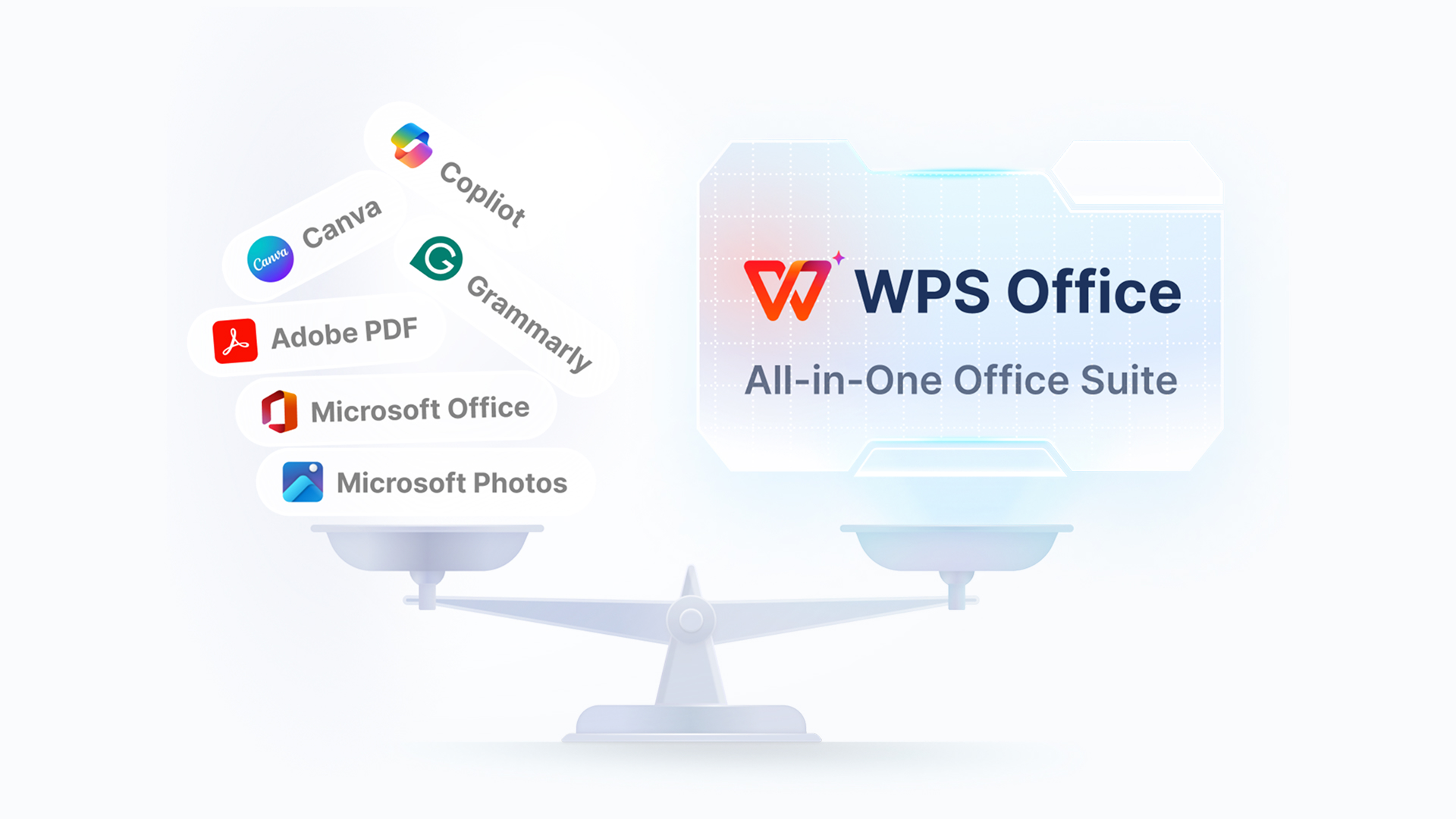
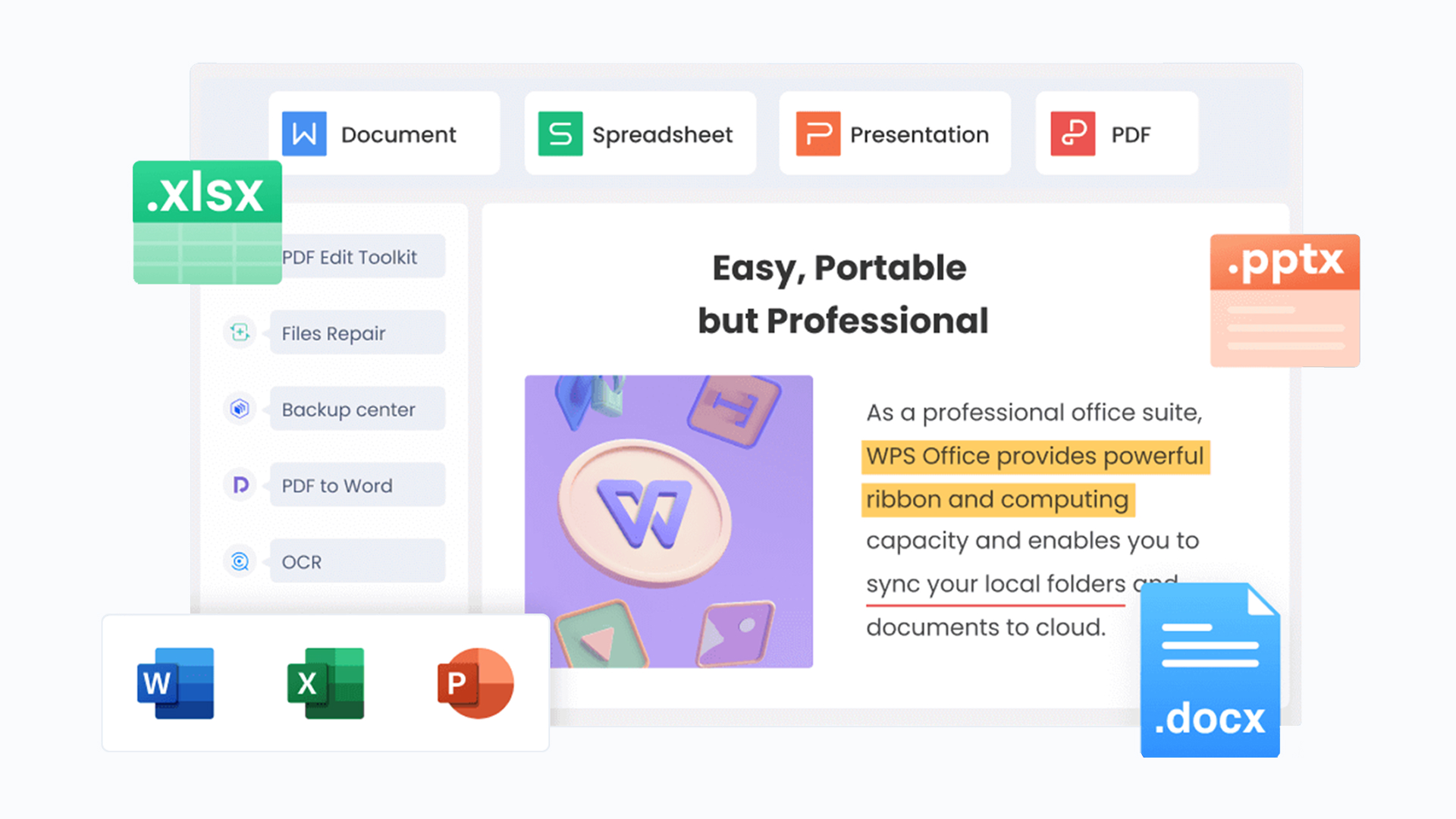
WPS Office is an all-in-one office suite developed by Kingsoft Office. It is available on Windows, macOS, Linux, Android, and iOS. The software includes three main applications: WPS Writer, WPS Spreadsheets, and WPS Presentation, which serve as alternatives to Microsoft Word, Excel, and PowerPoint. It also supports popular Microsoft Office file formats, including .docx, .xlsx, and .pptx, allowing users to open, edit, and save these files directly.
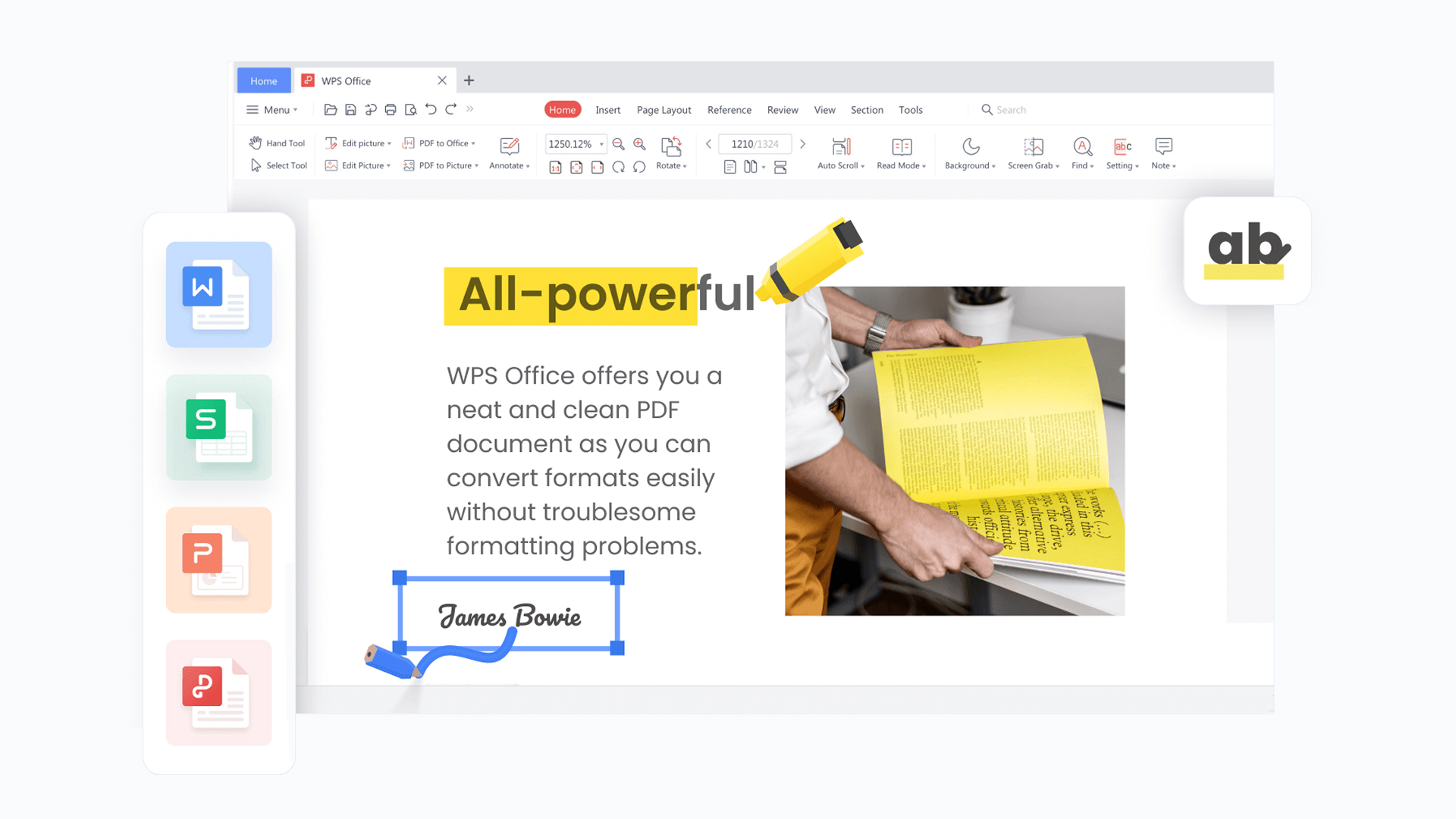
Beyond basic document editing, WPS Office includes built-in PDF tools for editing text, images, and links, as well as converting files between PDF, Word, Excel, PowerPoint, and image formats. In recent years, WPS has also expanded its AI capabilities through WPS AI, introducing features such as AI writing, text rewriting, AI-powered presentation creation, PDF question answering, and content summarization. These additions have transformed WPS from a free Microsoft Office alternative into a more comprehensive AI-powered productivity platform.
Reasons to Buy a WPS Office Account
The free version of WPS Office covers basic document editing needs. However, if you frequently work with PDFs, create professional presentations, or use AI-powered tools, a paid membership gives you access to more advanced features and a more efficient workflow.
Remove Ads for a More Focused Workspace
Ads and promotional pop-ups in the free version can interrupt your workflow, especially when you spend long hours editing documents, organizing spreadsheets, or creating presentations. Having to repeatedly close ads can affect your productivity.
With a paid membership, you can enjoy a cleaner workspace with fewer advertising interruptions, allowing you to focus more on your actual work.
This improvement is particularly valuable for students, office workers, and freelancers who handle large numbers of files every day.
Unlock Advanced PDF Editing and Conversion Tools
PDFs are among the most commonly used file formats in both education and professional environments. Whether you're editing contracts, organizing academic papers, or preparing business reports, you may need to modify or convert PDF files regularly.
WPS paid plans provide access to a more comprehensive set of PDF tools, helping you handle tasks such as:
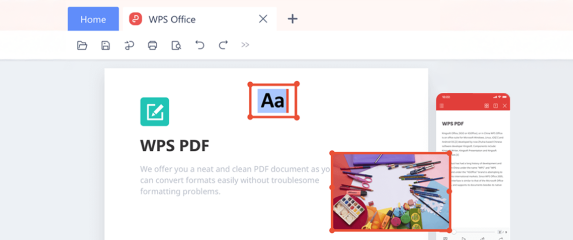
- PDF Editing: Edit text, images, and other PDF elements directly without recreating the entire document.
- Format Conversion: Convert PDFs into Word, Excel, PowerPoint, image, and other supported formats.
- Page Management: Merge, split, resize, and rearrange PDF pages to organize your documents.
- Document Annotation: Add highlights, comments, and annotations to simplify document reviews and information management.
These tools reduce the need to switch between different applications when working with documents. If your workflow mainly involves PDF editing, OCR recognition, and file management, you can also explore UPDF Pro, a dedicated PDF solution designed specifically for document processing tasks.
Get More Cloud Storage for Your Documents
The free version of WPS Office includes only 1GB of cloud storage. This can quickly become insufficient when you need to save large PowerPoint presentations, scanned files, or documents from multiple projects.
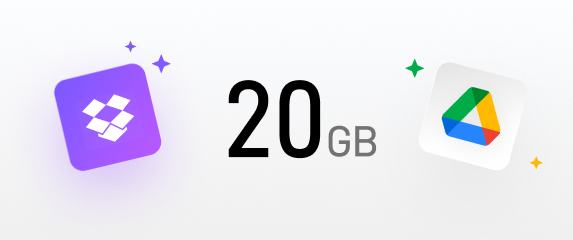
GamsGo currently offers WPS Basic and Pro+ plans, both of which include 20GB of cloud storage, giving you more room for everyday work files. With cloud storage and synchronization, you can manage your documents more easily and continue working across supported devices.
For users who frequently switch between computers, tablets, and smartphones, additional cloud storage makes file management more flexible and reduces the need to transfer documents manually.
Unlock WPS AI to Improve Productivity
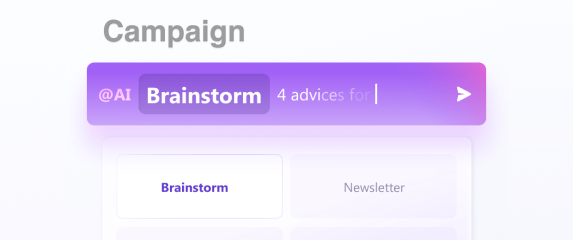
WPS Pro+ includes a range of AI-powered features, such as AI spell checking, AI translation, AI presentation generation, Chat with PDF, AI summarization, AI content generation, and AI rewriting.
For example, you can use AI to extract key points from a lengthy PDF report or quickly generate a first draft of a PowerPoint presentation from a topic or outline. These tools can save considerable time on everyday tasks.
If you need more advanced AI capabilities beyond document editing, such as content generation, complex problem-solving, and creative assistance, you can also combine WPS Office with a ChatGPT Plus account or a Gemini Pro account. These AI tools complement traditional office software and are particularly useful for users who regularly create content, conduct research, and organize information.
Access More Professional Templates
Creating a professionally formatted resume, business report, or PowerPoint presentation can take a considerable amount of time. For users who are not familiar with design and formatting, starting from a blank page can be particularly challenging.
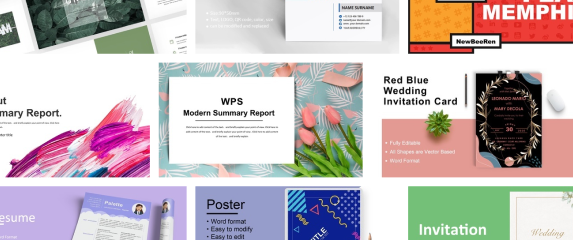
WPS paid plans provide access to a wider selection of premium templates for various purposes, including resumes, business reports, presentations, and spreadsheets. You can simply choose a suitable template, replace the placeholder content, and customize the layout to fit your needs instead of designing everything from scratch.
These templates are especially useful for professionals who regularly create presentations, job seekers preparing resumes, and students working on class projects or academic presentations.
Which WPS Office Account Should You Choose?
GamsGo offers two WPS Office membership options: WPS Basic and WPS Pro+. The main differences lie in their AI capabilities and intended use cases. Before choosing a plan, consider how often you use AI-powered tools in your daily workflow.
| User Needs | WPS Basic | WPS Pro+ |
| Everyday studying and school assignments | ✓ | ✓ |
| Regular document editing and business tasks | ✓ | ✓ |
| Limited budget and lower subscription costs | ✓ | ✗ |
| Frequent AI-assisted content creation | ✗ | ✓ |
| Improving efficiency when processing large amounts of information | ✗ | ✓ |
| Frequent use of AI-powered productivity tools | ✗ | ✓ |
| Access to a more comprehensive AI-powered workflow | ✗ | ✓ |
Note: ✓ indicates the recommended plan for each need, while ✗ means it is not the preferred option. It does not mean the plan is entirely incapable of handling that task.
WPS Office Basic
WPS Basic is suitable for users who mainly need traditional office tools and do not rely heavily on AI features.
It covers everyday document editing, spreadsheet management, presentation creation, and PDF processing. The plan also includes premium templates and 20GB of cloud storage.
If you primarily work with Word documents, organize Excel spreadsheets, create presentations for school, or edit PDFs without frequently using AI tools, Basic should meet most of your everyday needs. It is also a more budget-friendly choice for users who do not want to pay extra for advanced AI capabilities.
WPS Office Pro+
WPS Pro+ is a more comprehensive option for users who want to combine traditional office software with AI-powered productivity tools.
In addition to standard office and PDF features, Pro+ provides a broader range of WPS AI capabilities, including AI writing, translation, document summarization, PDF question answering, and AI-powered presentation generation. It also includes 20GB of cloud storage.
This plan is particularly useful for content creators who regularly write and translate articles, professionals who prepare business reports, and students or researchers who need to read academic papers and organize large amounts of information.
Keep in mind that some WPS AI features have usage limits. The number of times you can use each feature per day may vary depending on the tool and membership terms.
In short: Choose Basic if you mainly need ad-free access, PDF editing, document processing, and premium templates. If you also need AI writing, AI presentation generation, PDF question answering, and document summarization, Pro+ is the better choice.
Why Buy a WPS Office Account on GamsGo?
Choosing the right membership plan is important, but where you buy it matters too. GamsGo is a global digital subscription marketplace offering more than 200 digital services across categories such as streaming, AI tools, office software, and gaming products.
Here are some key benefits of buying a WPS Office account on GamsGo:
- Competitive Pricing: WPS Office's official annual subscription costs $69.99, while a 12-month Pro+ plan on GamsGo costs just $49.99. That's approximately 29% less than the official price, saving you $20 per year.
- Flexible Subscription Options: Choose between WPS Basic and Pro+, with both monthly and annual subscription options available. This flexibility allows you to select a plan and subscription period that match your actual needs and budget, without paying extra for features or subscription time you don't need.
- 24/7 Customer Support: If you encounter issues with account access, membership features, or subscription renewal, you can contact GamsGo's customer support team at any time. The support team is available 24/7 to help resolve problems quickly, so you can stay focused on writing documents, creating presentations, and editing PDFs without unnecessary interruptions.
- 50+ Payment Methods: GamsGo supports more than 50 global and local payment methods, including major credit and debit cards such as Visa, Mastercard, American Express, Discover, and JCB. You can also use mobile payment options like Apple Pay and Google Pay, as well as regional European methods such as iDEAL and Bancontact.
- Secure Transactions: GamsGo processes payments through international payment providers such as Stripe and PayPal and follows PCI DSS security standards. Transactions are encrypted, helping protect your payment information. Sellers on the platform also undergo identity verification and system reviews to help ensure reliable account delivery and continued access.
Whether you need an affordable office suite for everyday tasks or want to use AI to improve your writing, research, and presentation workflow, GamsGo offers WPS membership options to suit different needs. Get access to advanced office features while keeping your subscription costs under control.
FAQ
Why Was I Charged for WPS Office After a Free Trial?
Some WPS users may find that they are charged automatically after their free trial ends. This usually happens because automatic subscription renewal was enabled when they signed up for the trial. Keep in mind that uninstalling the WPS Office app does not cancel your subscription. You must cancel the subscription separately to avoid future charges.
Does WPS Office Support VBA Macros?
WPS Spreadsheets supports some VBA macros, but not all Microsoft Excel macros are guaranteed to work correctly. Certain macros may require specific VBA support components, Excel-exclusive features, or third-party add-ins that are not fully supported by WPS Office.
Can WPS Office Handle Large Excel Files and Complex Formulas?
WPS Spreadsheets can handle common Excel files, formulas, and data calculations. However, performance when working with large workbooks depends on factors such as file complexity, the number of formulas, available system memory, and device performance. If your work relies heavily on advanced Excel features, you may want to consider a Microsoft 365 account for a more complete Microsoft Office experience.
Why Does WPS Office Sometimes Change My Document Formatting When Saving?
Different office software applications may handle fonts, page layouts, charts, and advanced formatting differently. As a result, switching between WPS Office and Microsoft Office can sometimes cause layout changes or formatting inconsistencies when opening or saving documents.
Can I Use WPS Office Without an Internet Connection?
Yes. WPS Office allows you to open and edit locally saved documents, spreadsheets, and presentations even when you are offline. However, internet-dependent features such as cloud synchronization, online collaboration, and AI-powered tools generally require an active internet connection.









 WPS Pro+