I've been paying for both Spotify Premium and YouTube Music Premium since 2022. As someone who listens to music for four or more hours a day, I've had plenty of time to put both platforms through their paces.
In this YouTube Music vs Spotify guide, I'll break down pricing, bundled value, algorithm recommendations, sound quality, and more from four years of daily use. By the end, you'll know exactly which platform is worth your money and fits the way you actually listen.
Still can't decide? I also found a cheap way to get both Spotify Premium and YouTube Premium for around $10 a month. Click the image below to find out how.
Spotify vs YouTube Music Price: 2026 Plans and Costs Compared
I've been paying for both Spotify Premium and YouTube Music Premium for over three years now. That gives me a pretty clear picture of how the pricing has changed — and it's gone in one direction only: up.
When I first subscribed to Spotify in 2022, it was $9.99/mo. In January 2026, it jumped to $12.99 — a 30% increase in three years.
YouTube hasn't held back either. In April 2026, YouTube Music Premium went from $10.99 to $11.99, and YouTube Premium climbed from $13.99 to $15.99. Both platforms keep getting pricier.
Here's what the current pricing looks like side by side:
| Plan | Spotify | YouTube Music | YouTube Premium (includes Music) |
| Individual Premium | $12.99 | $11.99 | $15.99 |
| Premium Duo | $18.99 | — | — |
| Family Plan (up to 6 members) | $21.99 | $18.99 | $26.99 |
| Student Plan | $6.99 | $5.99 | $8.99 |
YouTube Music is cheaper in most tiers, but the individual plan gap is small. What actually saved me money was switching to YouTube Premium — I was already watching YouTube every day, so bundling music into that made the math obvious.
If you want both platforms without paying full price, I use GamsGo to get cheap Spotify Premium and discounted YouTube Premium — saves me close to 80% compared to official pricing.
Spotify Free vs YouTube Music Free: My Experience
Not ready to pay? Both platforms have free tiers, but neither is great.
Spotify Free on mobile locks you into shuffle mode — you can't pick a song, can't skip more than six times an hour, and ads play every few tracks. For more details on what you get and what you miss, see our Spotify Free vs Premium comparison.
YouTube Music Free lets you search and play any song. But lock your screen and the music stops — no background play, no offline downloads.
For a better experience, I'd still recommend upgrading to Premium on whichever platform you choose. Both Spotify and YouTube Music offer a free 1-month trial for new users, so you can try the full experience before deciding whether it's worth paying for.
Spotify vs YouTube Music Library: Exclusive Content and Catalog Differences
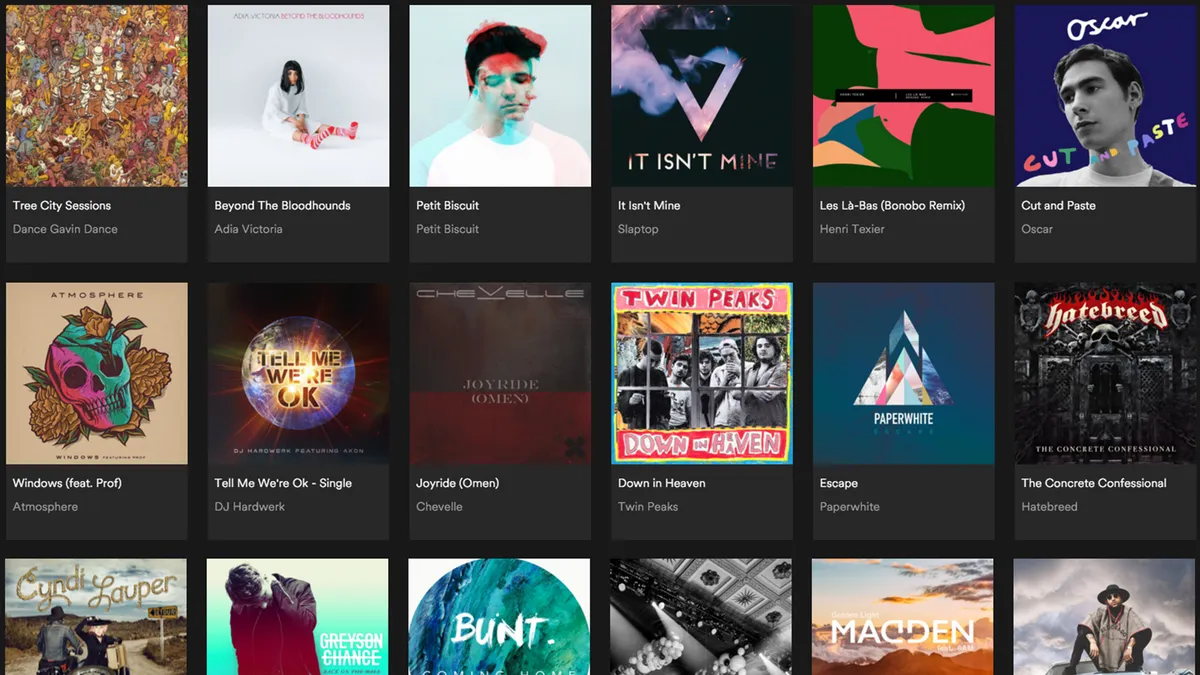
Both platforms claim over 100 million tracks, and for mainstream music — Taylor Swift, BTS, Ed Sheeran — there's zero difference. I've never searched for a popular song and found it on one but not the other.
The gap shows up as soon as you go beyond the mainstream.
YouTube Music's Exclusive Content: Covers, Live Recordings, and Music Videos
I often look for alternate versions of songs — a piano cover, a live recording, a remix. This is where YouTube Music dominates.
One example: I searched for a piano arrangement of a Japanese song. Spotify had nothing. YouTube Music pulled up six versions, including a really good one from an amateur pianist.
Spotify only carries officially distributed music. YouTube Music inherits everything uploaded to YouTube — covers, live sets, remixes, Lo-fi edits, all of it.
YouTube Music also plays full music videos with a one-tap switch between audio and video mode. Spotify's music video feature is still limited in both coverage and polish.
Spotify's Exclusive Content: Podcasts, Early Releases, and Studio Sessions
Spotify has its own exclusive content worth mentioning:
- Exclusive podcasts — Some shows I follow are only on Spotify. If your must-listen podcast is a Spotify exclusive, that's a hard lock-in.
- Spotify Singles/Sessions — Spotify's in-house studio project produces exclusive recordings. Not a huge catalog, but occasionally a nice surprise.
- Early releases — Some artists drop new songs on Spotify days before other platforms. If you chase new releases, those few days can matter.
The Downside: YouTube Music's Search Results Are Messy
Search for a song on YouTube Music, and you might get the official version, the music video version, three covers, a lyrics video, and a low-quality user upload — all mixed together.
Spotify keeps things clean with consistent metadata, clear album attribution, and structured search results.
My take: If you regularly search for covers, live recordings, remixes, or niche tracks — or you like watching music videos — YouTube Music has far more content. If you care about clean search results, chase early releases, or rely on Spotify-exclusive podcasts — stick with Spotify.
YouTube Music vs Spotify Recommendations and Playlists
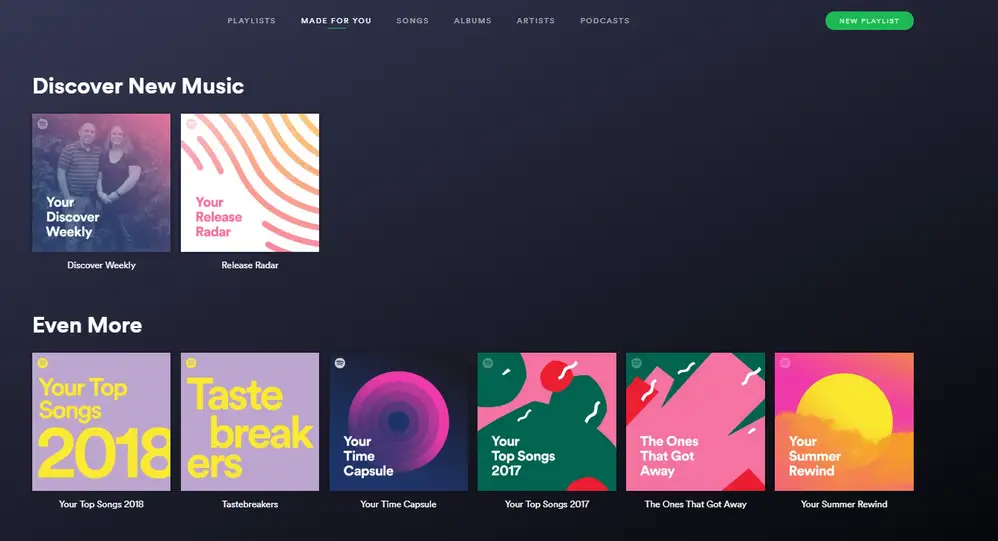
I have to be honest here: Spotify's recommendations are noticeably better.
Spotify Music Discovery: Discover Weekly and AI DJ
During my years on Spotify, opening Discover Weekly every Monday was a highlight. Out of 30 songs, I'd typically save 5 to 8.
The algorithm doesn't just match you with similar-sounding music — it analyzes what listeners with similar taste are enjoying and surfaces tracks you'd never search for on your own.
Spotify's AI DJ is worth mentioning too. An AI voice introduces songs between tracks, explains why it picked them, and nudges you into new genres. It felt gimmicky at first, but after a few weeks I was hooked.
YouTube Music Recommendations: The Shared History Problem
YouTube Music and YouTube actually run separate recommendation algorithms — one optimized for video watch time, the other for music listening patterns. But by default, they share the same watch history under your Google account.
In practice, this means your video-watching habits can bleed into your music recommendations. I noticed this after a weekend of watching home renovation videos on YouTube. The following Monday, my YouTube Music homepage had ambient background tracks and white noise mixed in.
There is a fix: create a second YouTube channel under the same Google account, then switch to that channel in the YouTube Music app. Your main YouTube stays on the original channel.
Subscriptions, history, and recommendations are fully separate between channels, and Premium benefits carry across both. The trade-off is that your new Music profile starts from scratch — no saved library, no trained algorithm.
YouTube Music's AI Playlist feature is decent — describe a mood in text and it generates a playlist. But unlike Spotify's version, it doesn't auto-refresh and the editing tools are more limited.
YouTube Music Playlist vs Spotify Playlist Ecosystem
Spotify has billions of user-created public playlists covering every niche imaginable. I once searched "3am coding Lo-fi" and found several well-curated playlists instantly. The same search on YouTube Music returned almost nothing useful.
My take: If discovering new music is your top priority, Spotify's recommendation engine and playlist ecosystem are still the best in the industry. If you mostly know what you want to hear and just need a player, YouTube Music gets the job done.
Spotify vs YouTube Music: Device and Platform Support
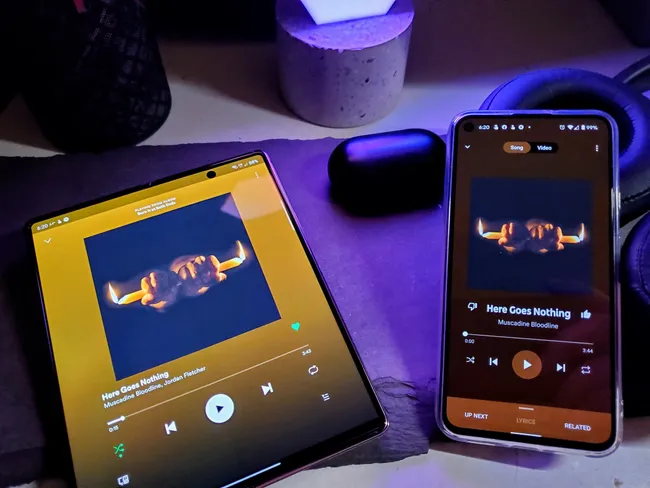
Mixed devices → Spotify. Full Google ecosystem → YouTube Music. That's the short version.
I use an Android phone, a Windows laptop, and a Nest Mini speaker. YouTube Music works seamlessly across all of them — it comes preinstalled, responds to Google Assistant voice commands instantly, and casts to the Nest without setup.
My girlfriend uses an iPhone, MacBook, and AirPods. She tried YouTube Music for a month and switched back to Spotify. Spotify Connect lets her hand off playback between devices in one tap, and its Apple Watch app is significantly better than YouTube Music's.
Spotify has a native Linux client. YouTube Music doesn't — you're stuck with the web app, which is noticeably slower and missing features.
My take: All-Google setup → YouTube Music. Multi-brand devices → Spotify. Apple ecosystem → honestly, Apple Music is the best fit.
Spotify vs YouTube Music Social Features
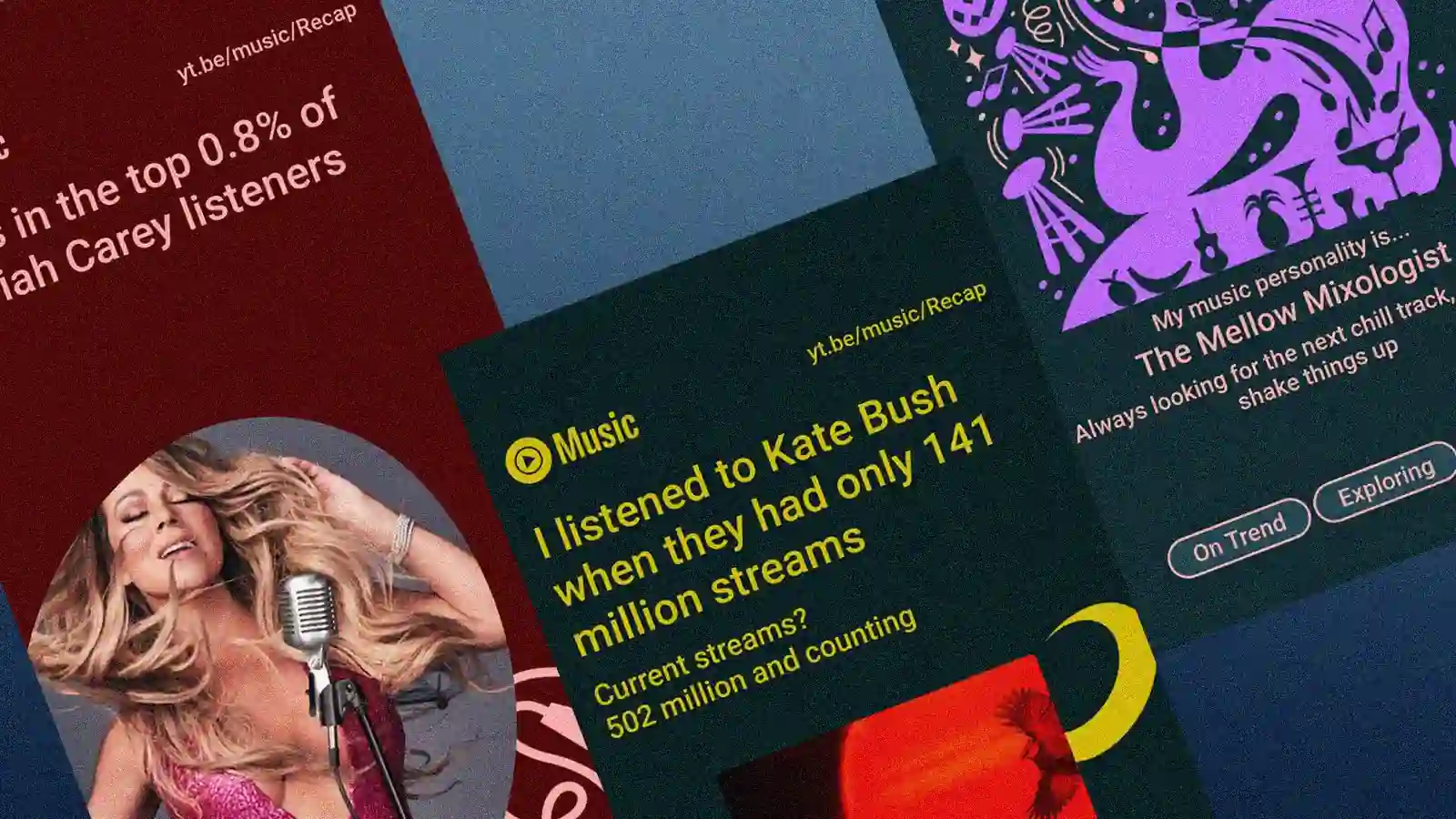
I don't use social features much myself, but I know a lot of people who won't switch platforms because of them.
Spotify Wrapped vs YouTube Music Recap
Every December my entire Instagram feed turns into Spotify Wrapped screenshots. In 2026, Spotify added "Wrapped Parties" where you compare stats with friends in real time.
YouTube Music's Recap has gotten better too. Google built Gemini AI into the 2025/2026 versions so you can generate fun summaries of your listening year.
I tried it and it's actually pretty cool, but nobody I know shared theirs. Wrapped gets posted everywhere. Recap stays on your phone.
Spotify Blend vs YouTube Music Collaborative Playlists
Spotify Blend merges your taste with a friend's into one playlist that updates daily. I've used it a few times and it's effortless.
YouTube Music has collaborative playlists where friends manually add and vote on songs. It gets the job done for a road trip playlist, but you have to put in the work yourself.
Group Listening: Spotify Jam
Spotify Jam lets up to 32 people listen together in sync. In early 2026 they added "Request to Jam" right in the app's messaging. YouTube Music has nothing like this built in.
My take: Spotify is the better pick for sharing music with friends. YouTube Music is great for listeners who mostly enjoy music on their own.
YouTube Music vs Spotify Sound Quality
Sound quality isn't what drives my platform choice. I use Bluetooth earbuds daily, and the difference between the two is basically inaudible in that setup. But if audio quality matters to you, here's the full picture.
| Category | Spotify Sound Quality | YouTube Music Sound Quality | ||
| Spotify Free | Spotify Premium | YouTube Music Free | YouTube Music Premium | |
| Bitrate | Up to 160kbps (App) Podcasts: 96–128kbps | Up to 320kbps (Lossy) / Uncapped (Lossless) Podcasts: 96–128kbps | Up to 128kbpsAuto-adjusts based on network | Up to 256kbpsCan force Always HighPodcasts share up to 256kbps |
| Codec | Ogg Vorbis (App) / AAC (Web) | Ogg Vorbis / FLAC (Lossless) / AAC | AAC & OPUS | AAC & OPUS |
| Sample Rate & Bit Depth | 16-bit / 44.1kHz | Up to 24-bit / 44.1kHz | 16-bit / 44.1kHz | 16-bit / 44.1kHz |
| Source Consistency | Official label masters, clean source | Official label masters with strict 24-bit validation | Official tracks mixed with video audio & user uploads | Official tracks mixed with video audio & user uploads |
| Volume Normalization & Dynamic Range | Built-in normalization, consistent loudness | Built-in normalization, consistent loudness | Huge loudness variance between tracks, sudden volume jumps | Huge loudness variance between tracks, sudden volume jumps |
| Spatial Audio | Not supported | Not supported | Not supported | Not supported |
Spotify vs YouTube Music Sound Quality: What I Actually Heard
I borrowed a friend's wired headphones (entry-level HiFi) and did A/B testing:
Spotify 320kbps vs YouTube Music 256kbps: Very little difference. Most tracks sounded identical. Only on complex arrangements — orchestral pieces, dense rock production — could I notice Spotify's highs were slightly crisper. In daily listening, you wouldn't catch it.
Lossy vs lossless: This is where the gap gets real. Switching to lossless on Spotify, the first thing I noticed was more "air" — better separation between vocals and instruments, tighter drum transients, richer string overtones. With a decent pair of wired headphones in a quiet room, you can clearly hear the difference.
But on Bluetooth earbuds, all of these differences get wiped out by Bluetooth compression. For my daily use, sound quality simply isn't a deciding factor.
One more thing worth flagging: volume normalization. Spotify automatically levels the volume across tracks, so switching songs doesn't blast your ears.
YouTube Music struggles with this because its content sources are mixed — studio masters, music video rips, and user uploads all at different loudness levels. I've been startled more than once by a sudden volume spike mid-playlist.
My take: Wired headphones and you care about audio fidelity → Spotify's lossless is a clear advantage over YouTube Music. Bluetooth earbuds for daily commuting → the difference is negligible.
Audio Quality Knowledge
1. Bitrate: The "Resolution" of Sound ▼
Bitrate is the volume of audio data sent every second. Generally, more data (kbps) means more audio information is preserved. Spotify Premium delivers up to 320kbps (Lossy) and a lossless option, while YouTube Music reaches 256kbps. A notable detail: YouTube Music often maintains a higher bitrate for podcasts, whereas Spotify limits them significantly compared to music.
2. Codecs: The "Packaging" Method ▼
Codecs are simply methods for "packaging" large audio files. Lossy codecs (Ogg, AAC, OPUS) are like fitting clothes into a fixed-size suitcase by throwing away tiny, unnoticeable details. In this case, the "suitcase size" (bitrate) is what really determines the quality. FLAC (Lossless), however, acts like a vacuum bag; it keeps every single detail and expands its size as needed to ensure a 100% perfect restoration of the original studio sound.
3. Sample Rate & Bit Depth: The "Capture Precision" ▼
Sample Rate is how many times sound is measured per second. High rates allow the recording to include high-frequency vibrations—like the shimmer of a cymbal—that lower rates might miss, making the sound feel smoother. Bit Depth is the accuracy of these measurements. Spotify’s 24-bit handles the range from quiet to loud with more detail than the 16-bit limit on YouTube Music.
4. Source Consistency: The "Pureness" of the Original ▼
Source Consistency is about the origin of the file. Spotify sources directly from labels with strict 24-bit master validation, ensuring consistent high quality. YouTube Music is tied to the YouTube ecosystem; it sometimes mixes official tracks with audio from music videos or user uploads. When switching modes, the source often changes, causing quality to fluctuate.
5. Volume Normalization: The "Balance" of Sound ▼
Volume Normalization is how platforms handle loudness differences between tracks. Spotify features excellent built-in normalization, making transitions from quiet ballads to heavy rock very smooth. YouTube Music’s mixed sources (studio masters vs. video rips) lead to massive loudness gaps, occasionally causing sudden, "ear-blasting" volume jumps between songs.
6. Spatial Audio: The "3D Immersion" ▼
Spatial Audio refers to 360-degree sound formats like Dolby Atmos. As of 2026, neither Spotify nor YouTube Music natively supports spatial audio. Spotify’s lossless upgrade remains focused on delivering the ultimate Stereo experience. If you are looking for the best spatial audio performance, Apple Music is still the primary choice for now.
YouTube Music vs Spotify: Which One Should You Pick?
| Go with YouTube Music / YouTube Premium if: | Go with Spotify Premium if: |
|
|
Both platforms are good enough that the "wrong" choice doesn't really exist — it comes down to which features match your habits.
The bigger question for most people is price. Official pricing for both keeps climbing, and paying full price for both at the same time isn't cheap.
That's exactly why I use GamsGo. I've been getting both Spotify Premium and YouTube Premium at a fraction of the official cost — around $10/mo total for both.
If you've already decided which platform fits you better, this is a way to get it at a much lower price. And if you love features from both, you don't have to overpay to keep them.
GamsGo is also offering an exclusive deal for our blog readers. Copy the discount code below at checkout to get an extra 3% off your order.
We’ve prepared an exclusive promo code for all blog readers:
Enjoy an additional 3% off on your next purchase!
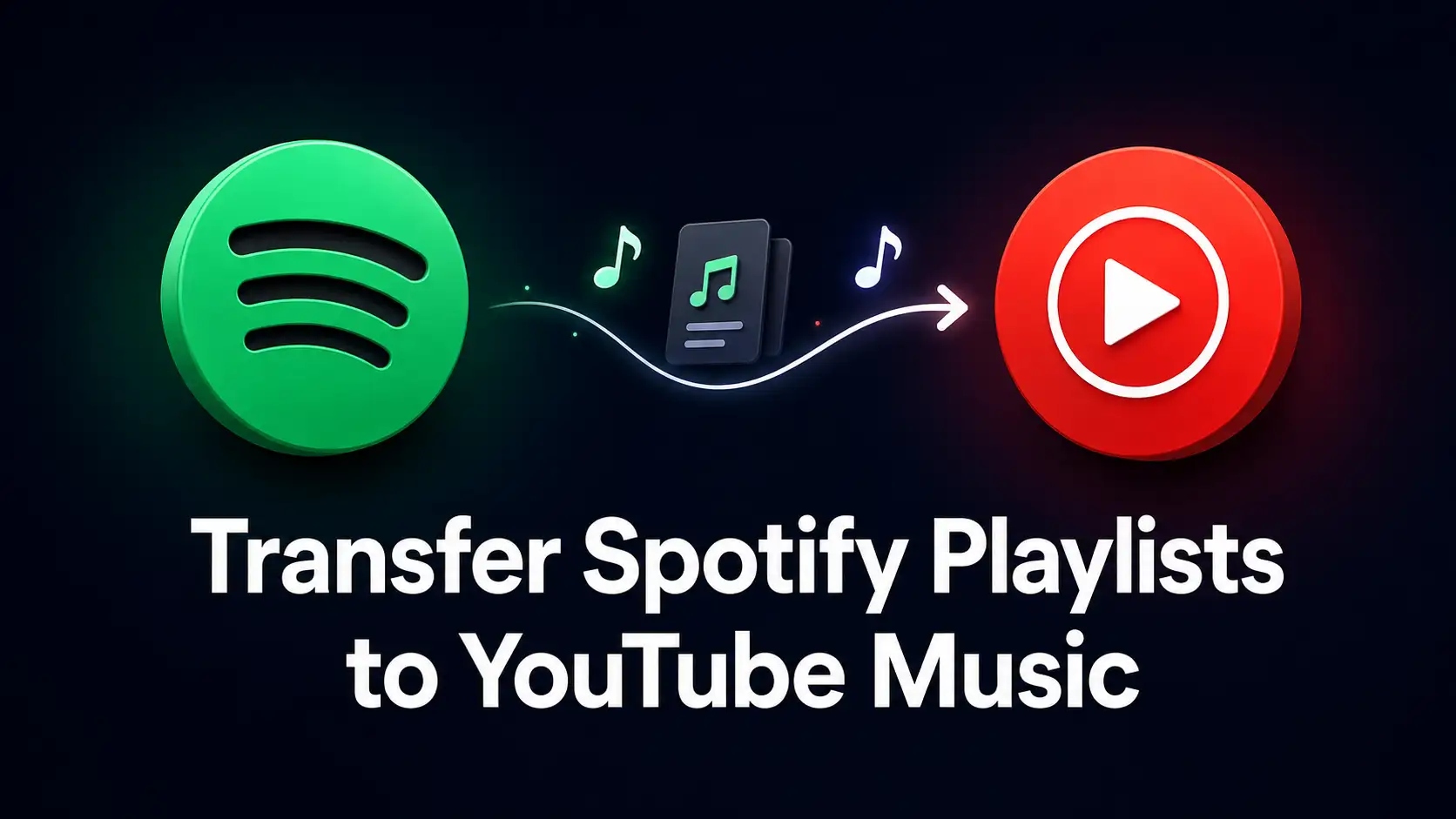
How to Switch from Spotify to YouTube Music (or Vice Versa)
I used Soundiiz and transferred all my Spotify playlists, saved songs, and followed artists to YouTube Music in about 10 minutes. FreeYourMusic and TuneMyMusic work too. Match rate was around 95%.
Here is how I usually handle the move:
- Connect the source account: I go to Soundiiz and log into my current app (like Spotify) directly from their dashboard.
- Choose my music: I select the specific playlists, liked tracks, and albums I want to keep.
- Connect the new account: I log into my destination app (like YouTube Music) so Soundiiz knows exactly where to send everything.
- Transfer: I hit the transfer button and let it run in the background. It usually only takes a few minutes, depending on how big my library is.
Once it finishes, all my tracks are waiting for me in the new app, so I don't have to rebuild my library from scratch.
My advice:Don’t cancel your old subscription immediately. I usually keep mine for one more month to verify the transfer and manually find any rare tracks or remixes that the tool might have missed.
FAQ
Which is best, YouTube Music or Spotify?、
It depends on your needs. Spotify excels in personalized recommendations, podcasts, and social sharing, making it ideal for music discovery. YouTube Music offers unmatched access to live performances, covers, and music videos. Choose Spotify for playlists, or YouTube for rare audio tracks.
Which is cheaper, YouTube or Spotify?
Their standard individual plans cost about the same in most regions. However, YouTube Premium offers better overall value as it includes ad-free YouTube videos alongside YouTube Music. Both platforms also offer discounted student plans and cost-effective family plans to lower your monthly expenses.
Which music streaming service is most affordable?
Apple Music offers great value by including lossless audio in its base plan. Factoring in perks, YouTube Premium is highly cost-effective with its bundled ad-free video and music. Ultimately, using student discounts or sharing a family plan on any platform gets you the absolute lowest price.
Is Spotify Premium Still Worth It in 2026?
Yes, absolutely. With evolving AI features like AI DJ, vast podcast libraries, and seamless cross-device integration, Spotify remains a top tier choice. If you listen daily and hate ads, Premium's offline downloads, unlimited skips, and ad-free listening make it a highly worthwhile investment.
Related Articles
Top 18 Best Thrillers on Netflix to Watch in 2026
How to Install Windows 11 for Free (or Under $5) in 2026