From original characters to anime and movie collaborations, Fortnite offers a wide range of skins that let players enter matches as their favorite characters. However, most skins cost money, and collecting several means extra spending.
For players who want more outfit options without spending more, official free rewards are worth considering. This guide covers the free skins currently available, how to get them, and the requirements for claiming them.
If the free rewards do not include the skin you want, you can also use GamsGo to buy your favorite Fortnite skins at more affordable prices and find an outfit that suits your style and budget.
What Free Fortnite Skins Are Available Right Now?
As of November 4, 2026, official information indicates that the following skins can be earned for free through account linking or mobile gameplay, without buying V-Bucks. Eligibility depends on your region, device, and the terms of each offer.
| Skin | How to Get It | Platform or Regional Restrictions | Deadline |
|---|---|---|---|
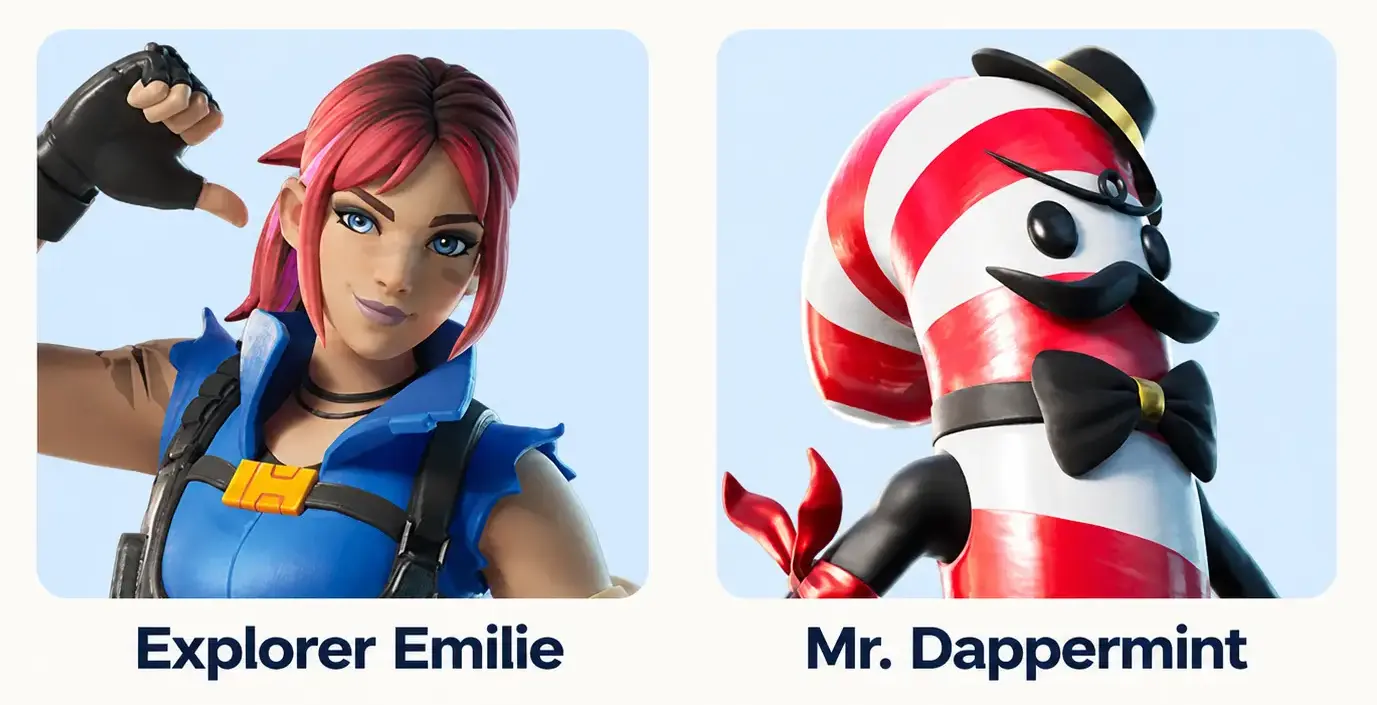
| Explorer Emilie | Link your Epic Games and LEGO accounts | Unavailable in some regions; see the official offer terms | Not announced |
| Mr. Dappermint | Link your Epic Games and LEGO accounts | Unavailable in some regions; see the official offer terms | Not announced |
| Yeddy | Play Fortnite on a mobile device and level up | Requires a mobile device that supports Fortnite | Not specified on the current official support page |
Explorer Emilie and Mr. Dappermint both include Fortnite and LEGO Styles. For eligibility details, see the LEGO account-linking offer terms and the official Yeddy unlock instructions.
How to Get Free Skins in Fortnite
The main ways to get free skins include account linking, mobile quests, limited-time events, and tournaments. The sections below explain the requirements and steps for each method so you can choose an option that suits your device and eligibility.
Link Your Epic Games and LEGO Accounts
Epic Games and LEGO offer a promotion that rewards players with free Fortnite skins. Link the Epic Games account you use to play Fortnite to your LEGO account to receive Explorer Emilie and Mr. Dappermint, with no LEGO purchase required.
- Sign in to the Epic Games account you use to play Fortnite.
- In your account settings, open Apps and Accounts.
- Find LEGO Account, then click Connect.
- Sign in to your LEGO account. If you do not have one, follow the prompts to create a free account and complete the link.
- Launch Fortnite and check your Locker for both skins.
Both skins include a standard Fortnite outfit and a LEGO minifigure Style. The offer is unavailable in some regions, so check the official offer terms before claiming.
Complete Fortnite Mobile Quests
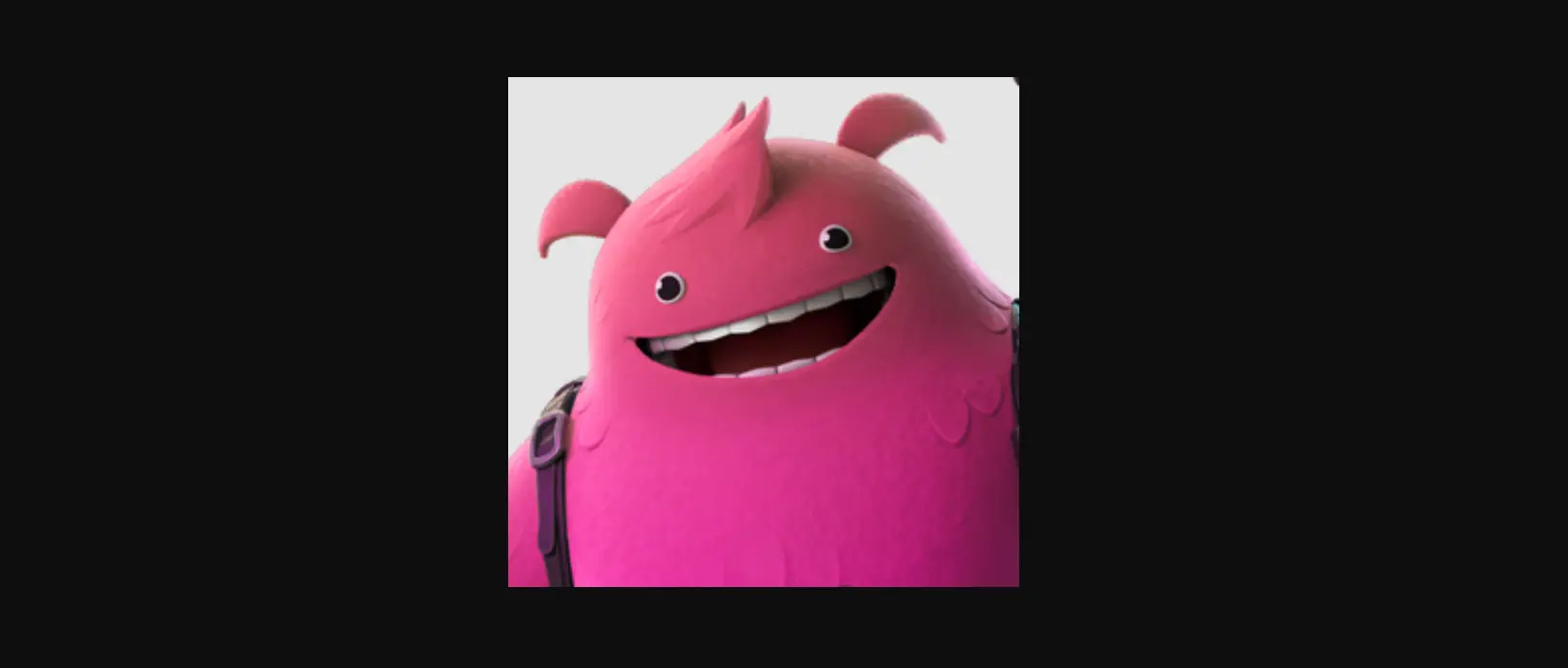
Fortnite gives mobile players the opportunity to unlock the Yeddy skin for free. According to Epic Games, playing Fortnite on a phone or tablet and leveling up unlocks the outfit, with no V-Bucks purchase required.
- Install or update Fortnite on a supported phone or tablet.
- Sign in to the Epic Games account you normally use to play Fortnite.
- Check the in-game mobile quests to confirm the current rewards and unlock requirements.
- Play and level up on your mobile device to meet the requirements.
- Check your Locker for the Yeddy skin.
Leveling up only on PC or console does not meet the mobile requirement for this reward. Fortnite must be supported on your device and in your region. Check the in-game deadline; the current official unlock instructions do not specify an end date.
For more ways to earn XP, see our Fortnite XP maps guide. To unlock a mobile-exclusive reward, you must still meet its requirements on a supported mobile device.
Take Part in Limited-Time Events

Fortnite offers free skins during some holiday and themed events, requiring players to log in, complete quests, or claim presents within a set period. For example, Winterfest 2024 offered Yulejacket and Santa Dogg through event presents. That free claim period has ended.
Before participating, check official Fortnite news and the in-game event page for rewards and requirements. If an outfit is included, follow the event rules to log in, complete quests, or open presents, and claim the reward before the deadline.
Not every event offers a skin; some rewards are limited to emotes, Back Blings, or Sprays. Also check whether the requirements take several days to complete so you do not miss an outfit by starting too late.
Claim Free Quest Packs When Available
Some free Fortnite quest packs include skin rewards, but claiming a pack does not unlock its skin immediately. For example, the True Explorers Quest Pack previously let players unlock Trailblazer Tai by completing LEGO Fortnite quests.
First, confirm that the pack is listed as free in the in-game Shop and check whether it includes an outfit and associated quests. After claiming it, enter the specified mode and complete the quests to unlock the reward.
Quest pack availability can change, so the True Explorers Quest Pack is not guaranteed to be claimable by every player right now. If it is missing from your Shop, follow the availability shown in your game.
Compete in Fortnite Tournaments
Some Fortnite tournaments offer outfits as prizes. You do not need to buy the skin, but you typically need to finish within a specified placement bracket in your region. This method is therefore better suited to players with competitive experience.
Before entering, check the following:
- Tournament rewards: Whether an outfit is included and which placements earn it.
- Eligibility: Age, account level, rank, and two-factor authentication (2FA) requirements.
- Schedule: The start time in your region, session length, and maximum number of matches.
- Scoring: How eliminations and match placements award points, and how ties are resolved.
Check the in-game Compete tab for tournament schedules and read the relevant official tournament rules. Eligibility and prize thresholds vary by event, and reaching a basic points threshold does not necessarily earn you a skin.
Redeem Official Promotional Codes
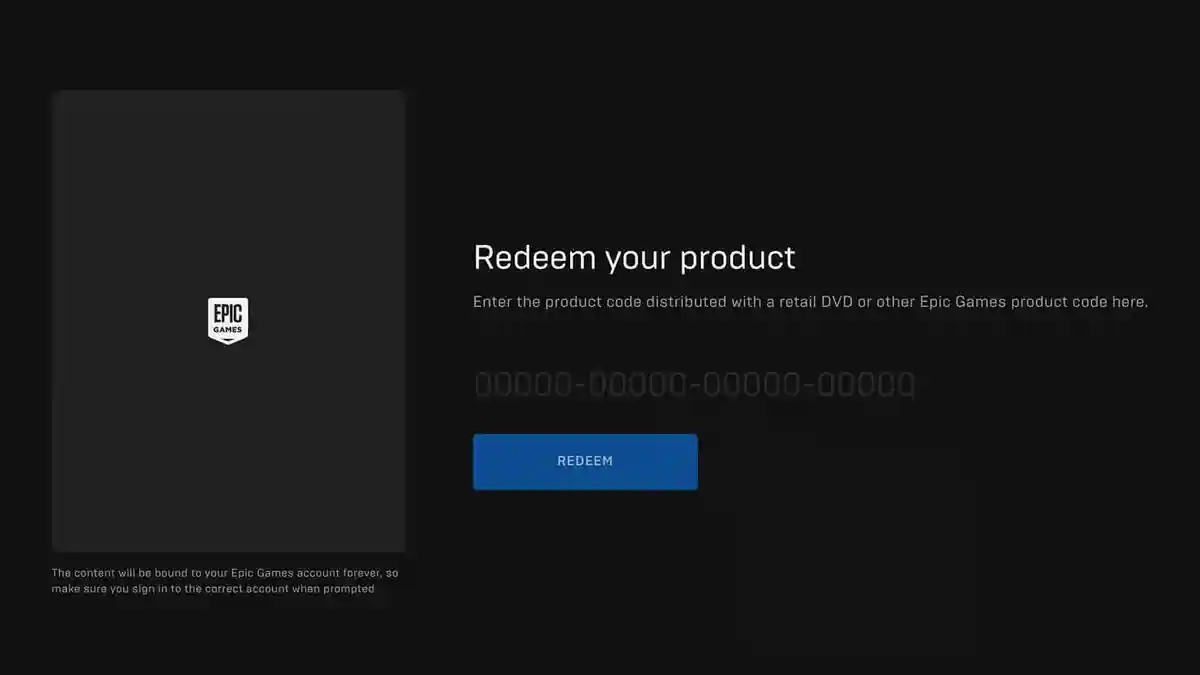
Epic Games or official partners sometimes distribute promotional codes for specific rewards. If a promotion gives away free outfit codes, you can use one to unlock a skin. Codes bundled with paid products or packs require a purchase first.
Once you have a code, sign in to the official Fortnite redemption page using the Epic Games account you normally play on. Enter the code, confirm the reward details, and follow the prompts to redeem it. Then launch Fortnite to check your rewards.
Before redeeming a code, check its source, expiration date, and regional restrictions, and confirm that it includes an outfit. Support-A-Creator codes and island codes do not unlock skins. Do not treat unverified “universal free skin codes” as legitimate offers.
Which Free Fortnite Skin Method Is Right for You?
Free skin methods differ in eligibility and difficulty. The table below compares their main requirements and whether meeting those requirements secures an outfit.
| Method | Main Requirements | Difficulty | Is a Skin Guaranteed? |
|---|---|---|---|
| Epic Games and LEGO account linking | Have both accounts and meet the offer’s regional and eligibility requirements | Low | Claimable after linking, provided you are eligible |
| Mobile quests | Use a supported mobile device and complete the requirements | Low | Claimable after meeting the requirements while the offer is active |
| Limited-time events | Complete an event’s outfit unlock requirements before the deadline | Varies by event | Claimable after meeting the outfit unlock requirements |
| Free quest packs | Claim a free pack that includes an outfit and complete its quests | Varies by quest | Claimable after completing the pack’s requirements |
| Fortnite tournaments | Meet entry requirements and finish within the outfit prize bracket | High | Not guaranteed; depends on your results |
| Official promotional codes | Obtain a valid free code that includes an outfit | Easy to redeem; access to codes is limited | Claimable if the code is valid and you are eligible |
Choose based on your device, available time, and competitive ability:
- Want a quick unlock: Start with Epic Games and LEGO account linking.
- Can play on a phone or tablet: Look for mobile-exclusive outfit quests.
- Willing to spend time on quests: Choose limited-time events or currently available free quest packs.
- Have strong competitive skills: Enter Fortnite tournaments that offer outfit rewards.
- Already have an official promotional code: Check the reward, expiration date, and eligibility before redeeming it.
You can also work toward an Item Shop skin by saving earned V-Bucks. Our guide on how to get free V-Bucks explains the available methods and their requirements.
Want a Specific Skin? Explore Fortnite Items on GamsGo
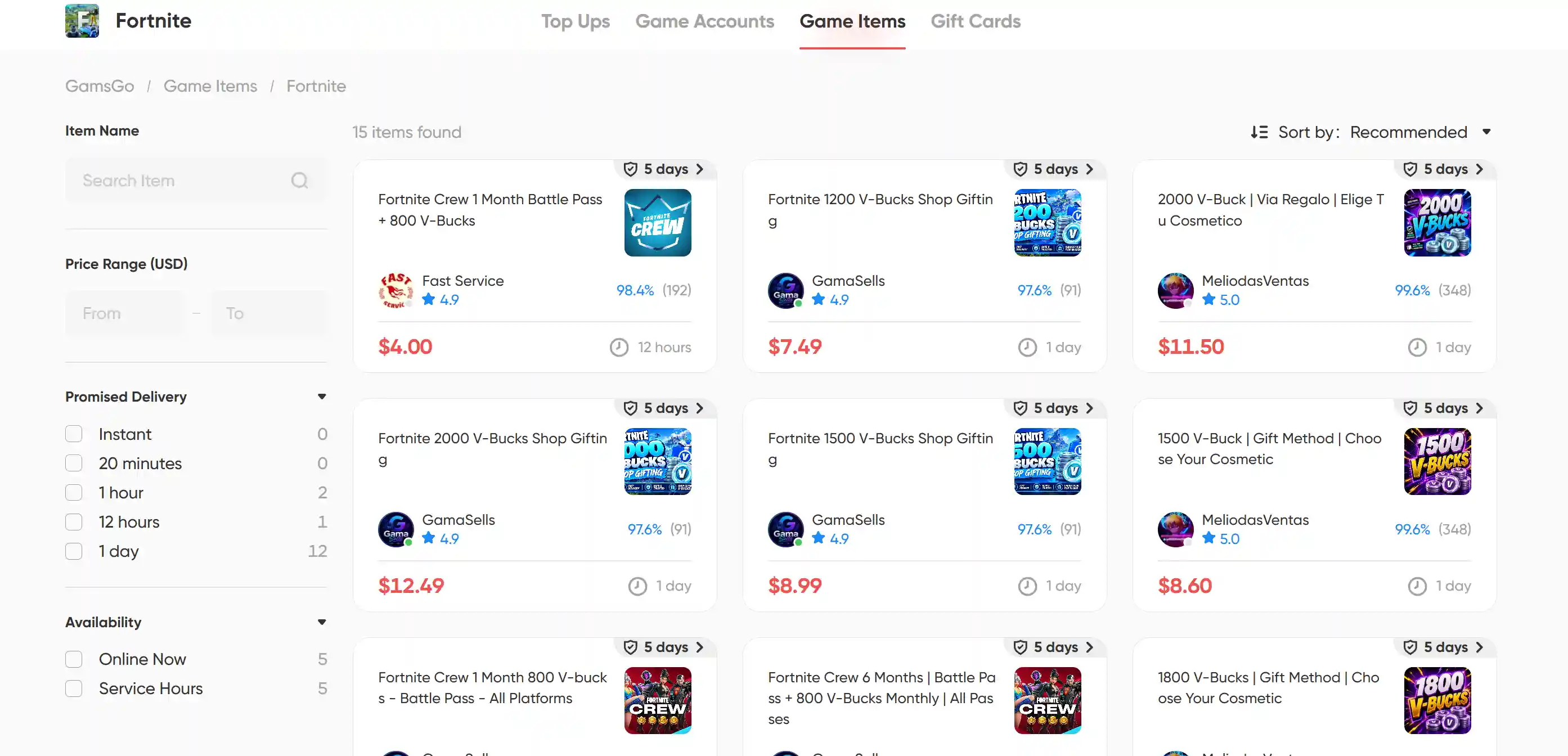
Free skin options depend on available promotions and may not include the character you want. For a specific look, you can use GamsGo to buy Fortnite skins and items at more affordable prices and build a collection that suits your style.
If you are interested in anime collaborations, our One Piece Fortnite guide covers the crossover skins and how to get them.
GamsGo is a marketplace for digital subscriptions and gaming products. Its Fortnite section includes Shop gifting, bundles, and passes, with seller ratings, delivery times, and after-sales terms to help players understand their purchases.
Head to GamsGo and order your favorite Fortnite skin or bundle. Available items and delivery requirements are listed in each offer, helping you put your budget toward the looks you want most.
Conclusion
To get free Fortnite skins, start with Epic Games and LEGO account linking, mobile quests, and limited-time events. Check the rewards, eligibility requirements, and deadlines before choosing the method that best fits your device and schedule.
If the free rewards do not include the character you want, you can also use GamsGo to buy giftable skins or bundles from the current Item Shop at more affordable prices and expand your collection.
FAQ
Are There Any Codes to Get Free Skins in Fortnite?
As of November 4, 2026, we could not verify an active public code that gives every player a free Fortnite skin. Some promotional or retail codes unlock outfits, but they may require a purchase, have regional restrictions, or work only once. Creator codes and island codes do not grant skins.
What Is the 999 Skin in Fortnite?
“999 skin” is not the official name of a Fortnite outfit. If you mean the Juice WRLD skin, Slayer Juice WRLD was offered free during a November 25–30, 2024 login promotion alongside 999 Knives accessories. That free offer has ended. The cosmetic officially named “999” is a Wrap, not a character skin.
Can You Get Skins for Free?
Yes. Fortnite offers free skins through selected account-linking promotions, quests, limited-time events, and tournament prizes. Each offer has its own requirements. For example, eligible players can unlock Explorer Emilie and Mr. Dappermint by linking their Epic Games and LEGO accounts, without purchasing LEGO products.
Are There Any Free Skins Available in Fortnite in 2026?
Yes. As of November 4, 2026, official pages list Explorer Emilie and Mr. Dappermint as LEGO account-linking rewards, while Yeddy can be unlocked by playing Fortnite on mobile and leveling up. Regional and device restrictions apply, so check the current offer requirements before participating.
Related Articles