On YouTube, ads always seem to cut in at the worst possible moment, and the only way to get rid of them is with Premium. The problem is that at $11.99 per month, going solo stings a little, especially with a family plan whose price keeps creeping up every year.
Luckily, by sharing the subscription with others, you split the bill, and each pays just a fraction of the price. We've broken down how to share a YouTube Premium Family plan and how to join a shared plan if you don't have anyone to share it with.
What is YouTube Premium
YouTube Premium is the paid version of YouTube. While the free version comes with ads and limits certain features, this subscription unlocks several perks designed for a more comfortable viewing experience:
- No ads: no more interruptions, before or during videos, across the entire platform.
- Background playback: videos keep playing even when you leave the app or turn off your screen, handy for music and podcasts.
- Offline downloads: save your videos to watch without a connection, on a train or a plane.
- YouTube Music included: full access to the music streaming app, at no extra cost.
In short, Premium gives you the YouTube you already know, strips away everything that gets in the way, and adds the flexibility to enjoy it anywhere.
How Much Does YouTube Premium Cost in 2026
YouTube offers several plans depending on whether you're subscribing alone, as a student, as a couple, or with a group. Here's where pricing in the US stands in 2026:
| Plan | Price per month | Who it's for |
|---|---|---|
| Individual | $11.99 | A single person |
| Student | $7.99 | With proof of enrollment |
| Duo | $17.99 | Two people from the same household |
| Family | $22.99 | Up to 6 people |
| Premium Lite | $7.99 | No ads, but no Music or downloads |
The Family plan is what really makes a difference when you share it. Split $22.99 six ways, and each person pays roughly $4, instead of $11.99, which adds up to nearly $100 in savings per person, per year. The Duo plan follows the same logic for two people.
How Do You Share YouTube Premium with Family
To start a shared plan, you need to be the manager of a Family plan — it's the only one that unlocks this option. Good news: no one has to hand over a password. Each member joins the group with their own Google account through a simple invitation, keeps their own recommendations and watch history separate, and also gets access to YouTube Music.
If you're the manager, to invite someone:
- Sign in to the Google Account linked to your subscription.
- Open youtube.com/paid_memberships in your browser.
- Go to Manage membership, then click Edit next to Family sharing settings.
- Select Invite family member and enter their email address or phone number.
- Send the invite. You'll be notified as soon as they accept.
And if you're the one being invited: open the invitation email, click the link to join the group, then confirm which Google account you want to use. Your Premium perks kick in right away.
There are a couple of rules worth knowing before you dive in. Officially, YouTube requires family members to live at the same address, even though in practice, the invite goes out by email, and plenty of people share beyond their own household.
You need to be at least 13 to be a member, and 18 to be a manager. One thing to keep in mind: once you leave a family group, YouTube makes you wait 12 months before you can join another one. And if you're already part of a Google One group, you won't be able to add a YouTube family group on top of it.
How Do You Share YouTube Premium on GamsGo
Family sharing is great when you've got people around you to build a group with. When that's not the case, going through a platform gets you the same result for your wallet: you take a spot in an existing Family group and only pay for your share.
The advantage of GamsGo is that you don't have to wait for an owner to think of you. Once payment is done, you enter your own email, and the invitation arrives right away.
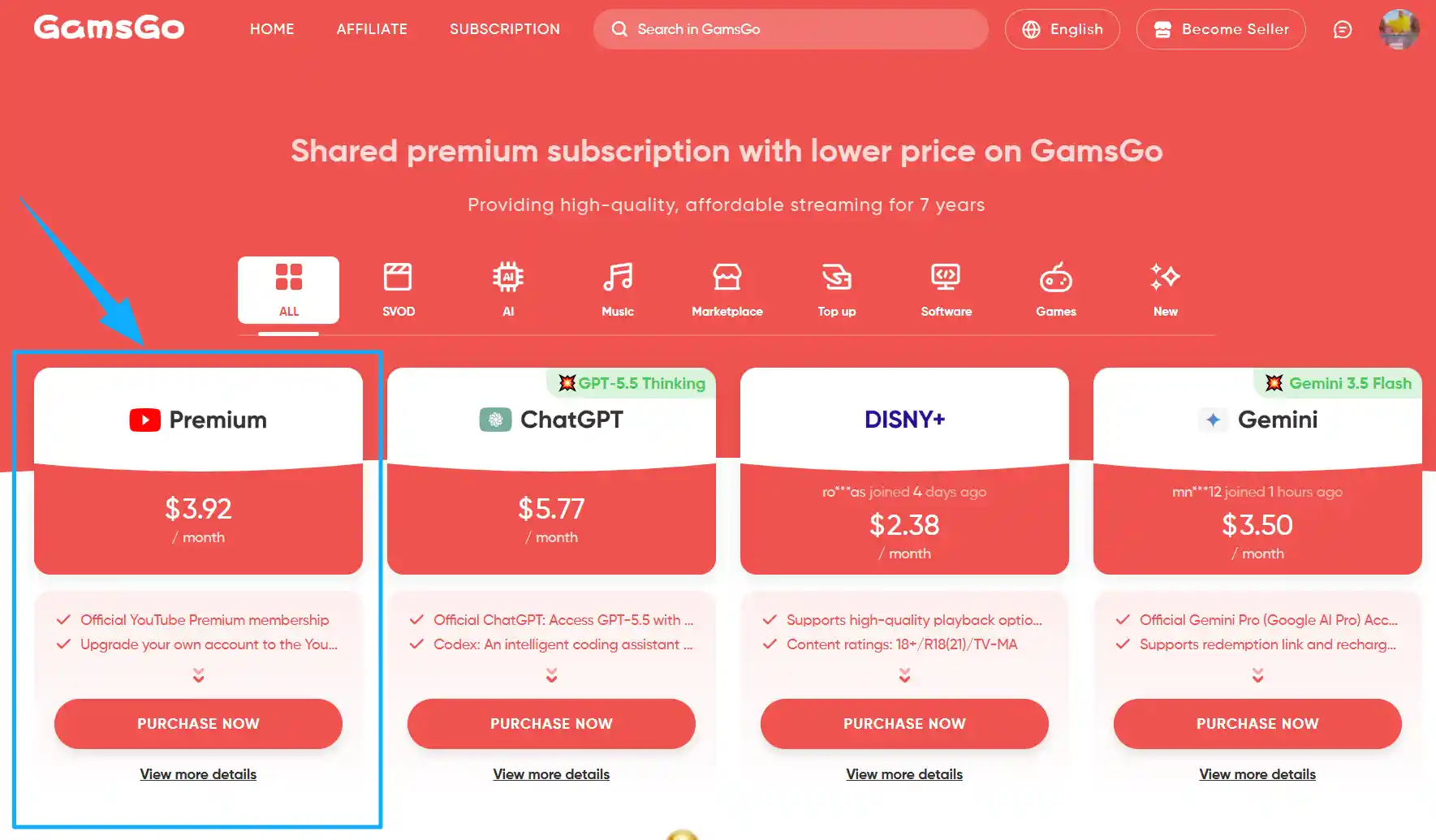
Step 1: Visit the GamsGo website, find YouTube Premium, and click on "PURCHASE NOW".
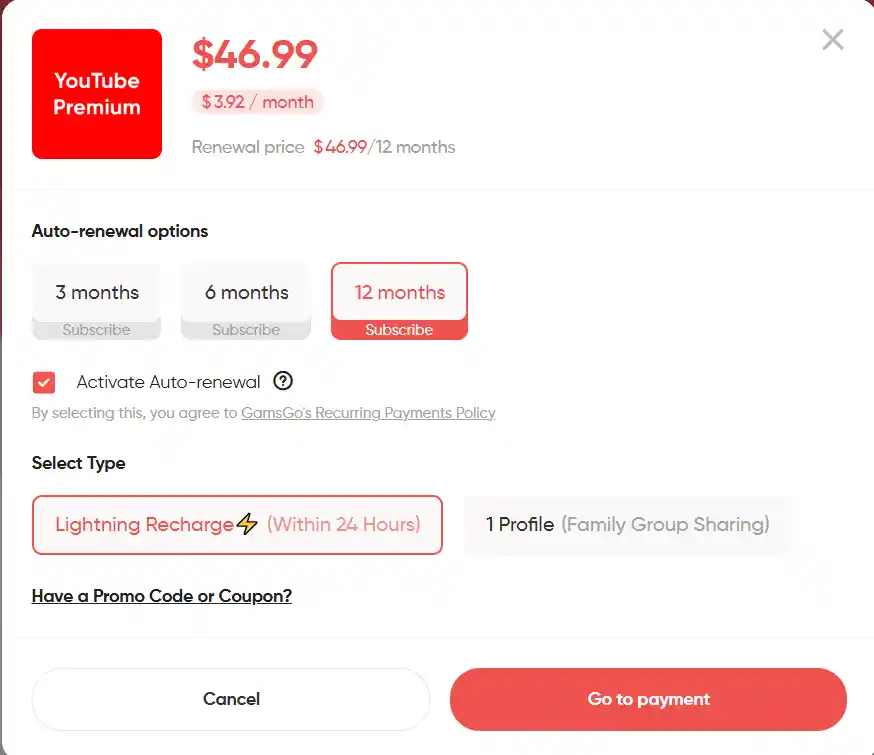
Step 2: Choose how long your subscription lasts, then click on "Go to payment".
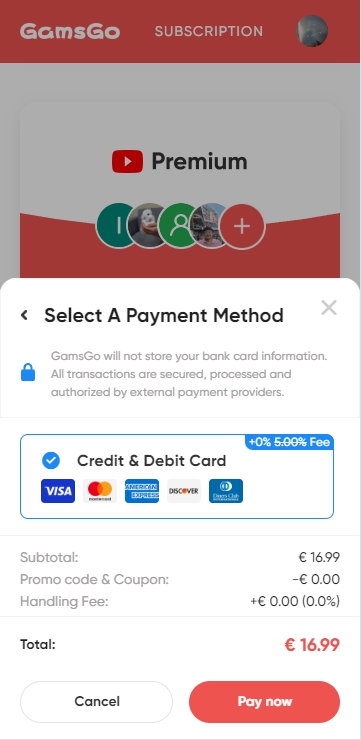
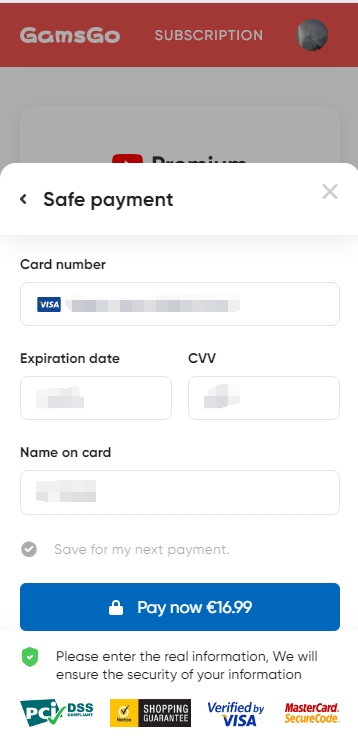
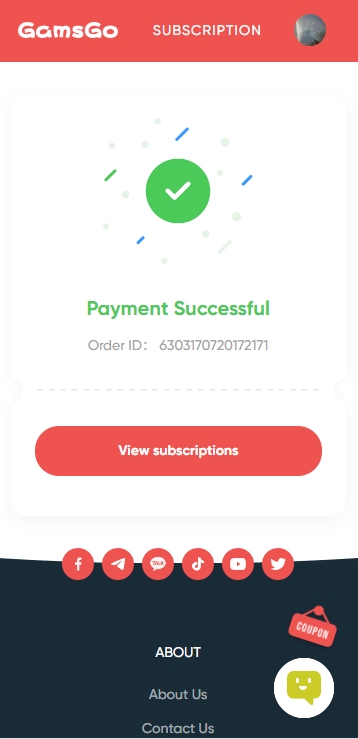
Step 3: Choose your payment method, click "Pay now", and enter your payment details to complete the purchase.
 |  |  |
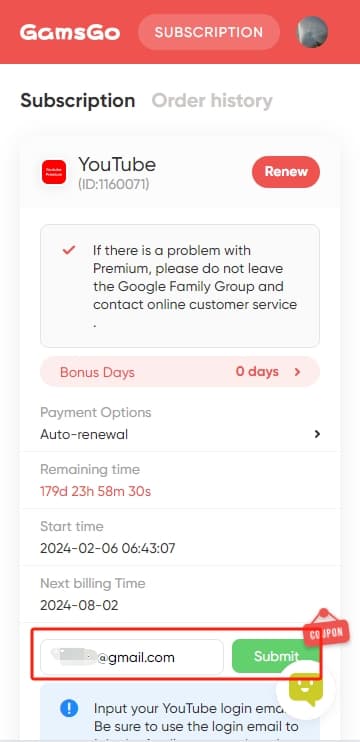
Step 4: On the subscription page, enter the email address for your YouTube account and click "Submit".
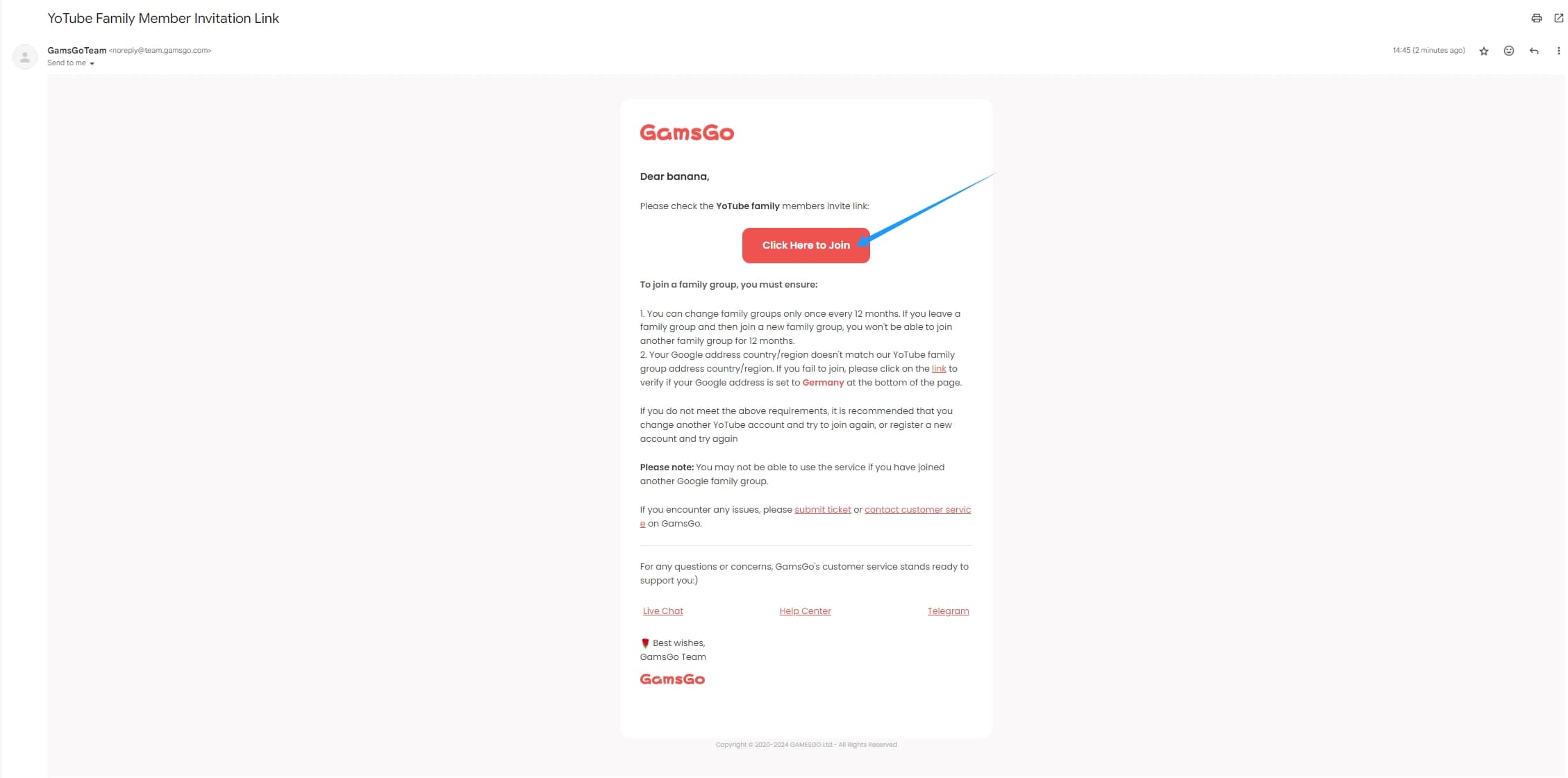
Step 5: You'll receive an email with an invitation link. Click "Click Here to Join".
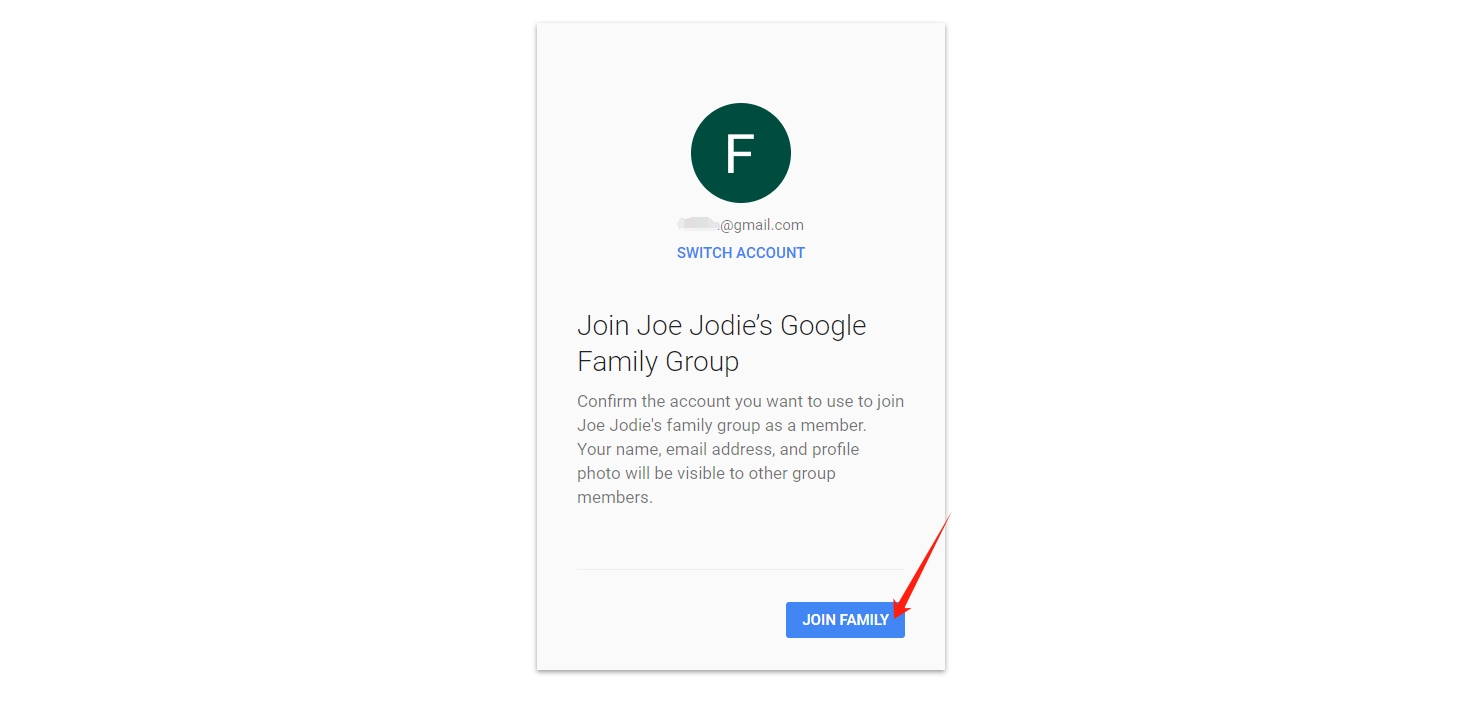
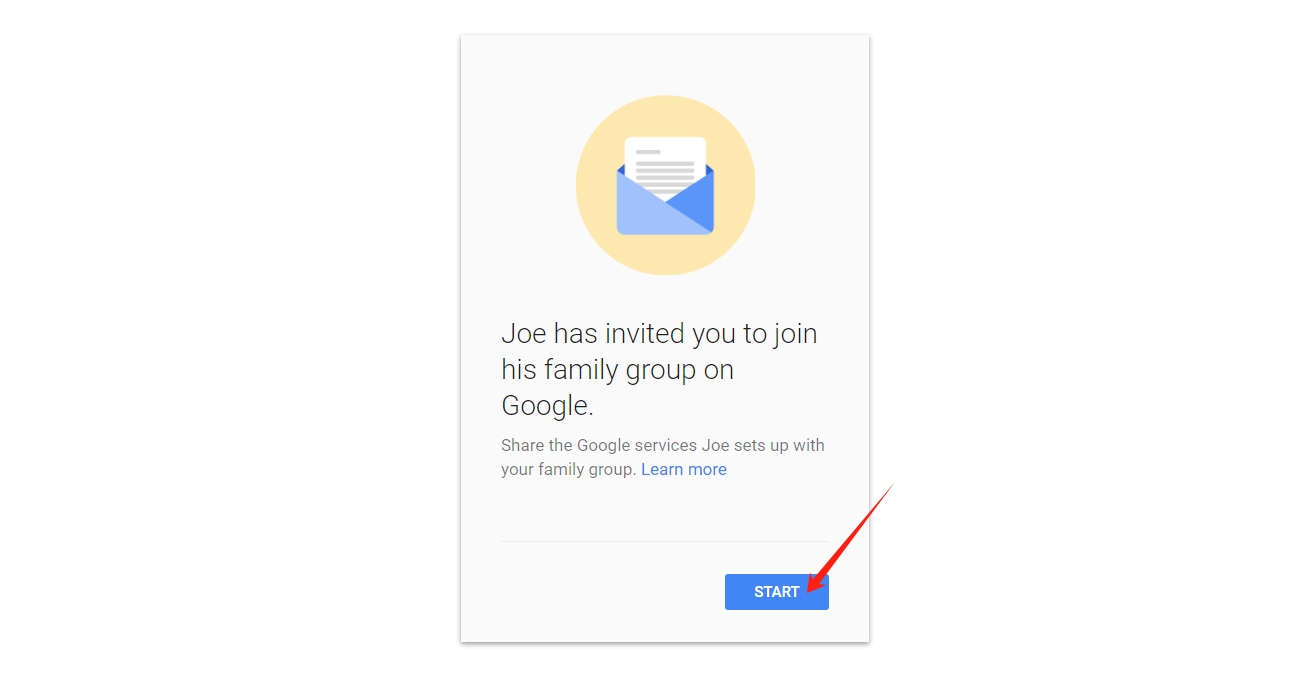
Step 6: Click "Join Family" and confirm. The manager has now successfully added you to their group.
 |  |
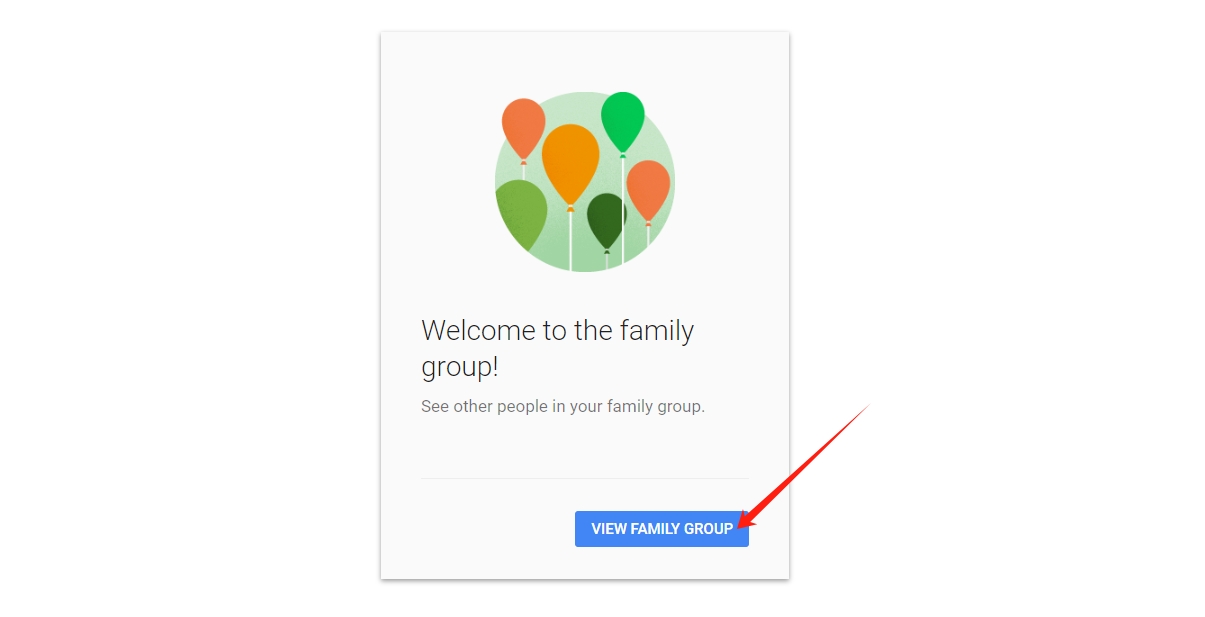
Step 7: That's it, you're now part of the group. Enjoy your videos, ad-free.
In Summary
Sharing YouTube Premium means enjoying ad-free YouTube for just a few dollars a month. With people you know, the Family plan splits $22.99 across six users. If you don't have anyone to share with, a spot on GamsGo gets you access to the same subscription.
Either way, you keep your own account, your own history, and YouTube Music. All that's left is to enjoy your videos, without a single ad.
FAQ
How many people can share the same subscription?
The Family plan allows up to 6 people, including the manager. The Duo plan is limited to 2. Beyond that, you'll need a second subscription.
Do you need to live at the same address to share it?
YouTube designs family sharing for members of the same household. In practice, the invitation goes out by email and nothing actually checks your address day to day, but it's the official rule to know before sharing beyond your own home.
Does everyone have their own account?
Yes. Each member joins the group with their own Google account and keeps their recommendations, playlists, and history separate. Nothing gets mixed between members.
Can you share it without giving out your password?
Yes, and that's actually how it's meant to work. Sharing runs on an invitation tied to each Google account, so no one ever needs to exchange a password.
Related articles: