Ads on YouTube are getting longer, more frequent, and harder to skip, while YouTube Premium keeps getting more expensive. That is why a YouTube Premium code or promo offer can feel like the fastest way to enjoy ad-free videos, background play, offline downloads, and YouTube Music without paying full price.
In this guide, we’ll explain what a YouTube Premium redeem code actually is, where to find legitimate codes, how to redeem them on different devices, what to do if a code fails, and how to keep your Premium cost lower in the long run. No fake generators, no risky tricks, just practical answers.
If you do not want to spend time looking for redeem codes, you can also get a YouTube Premium Subscription on GamsGo for up to 70% off. 👇️
📑 Quick Guide: 8 Methods to Get YouTube Premium Codes
- Official Purchase / Gift Cards
- Best Buy Members: 3 Months Free
- Device Purchase: 2–6 Months Free
- Google Fi Unlimited Plus: Ongoing Free Access
- Walmart+: Free Trial via Partnership
- Discord Nitro: Free Premium in Select Countries
- Student Discount: Half Price for Up to 4 Years
- Holiday & Seasonal Promotions
👇2 Ways to Get YouTube Premium Free or Cheap
What Is a YouTube Premium Code?
A YouTube Premium code is an alphanumeric string that gives you access to Premium — either by adding monetary value to your Google account, or by directly unlocking a set period of Premium access. You redeem it at youtube.com/redeem, and once activated, Premium is live on every device signed into that Google account.
Activating one gives you the full, platform-wide Premium experience: no ads on videos, background play, offline downloads, and YouTube Music Premium included.
What Are the Different Types of YouTube Premium Codes?
While all Premium codes unlock the same ad-free experience, they come in a few different formats depending on how they are purchased or gifted:
Google Play / YouTube Gift Cards (Balance-Based): These are retail gift card codes (found physically or digitally) that add a monetary Google Play balance to your account. You then use this loaded balance to pay your monthly YouTube Premium subscription.
Time-Based Codes (Promo/Redemption): These are promotional codes from partners, carriers, device bundles, or ad campaigns. Instead of adding money, they directly unlock a fixed period of Premium—usually giving you 1 to 3 months for free.
Referral Codes: These are shared by existing users or partners to give new users a free or discounted Premium trial. They are usually single-use, personalized, and time-limited.
How to Get a YouTube Premium Code?
YouTube usually does not release public promo codes that anyone can use. But some official partners, such as carriers, brands, or bundled services like Discord or Walmart+, may offer free redemption deals from time to time. If you find these legitimate offers, you can still get YouTube Premium for free.
So there is no need to trust random codes you see online. This guide summarizes several verified and legal methods. They are simple, safer, and more likely to work.
Official Purchase / Gift Cards
The most straightforward method is buying a YouTube Premium gift code.
You can purchase these digital or physical gift cards from authorized retailers like Amazon, Best Buy, or your local supermarket. They make great gifts and don't require a credit card link.
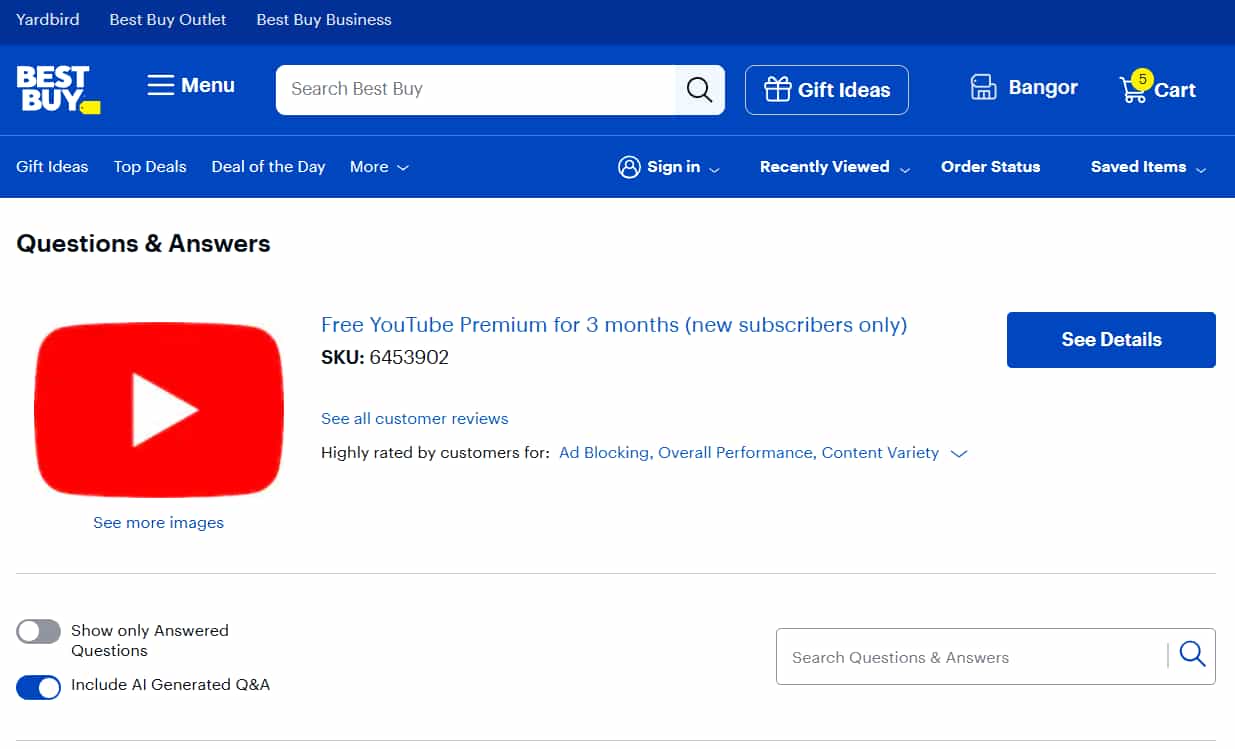
Best Buy YouTube Premium Codes: 3 Months Free
If you're a My Best Buy Plus or My Best Buy Total member, you can add Free YouTube Premium for 3 months to your cart.
After checkout, the code will arrive in your inbox after purchase, and you redeem it at youtube.com/redeem like any other code.
Device Purchase: 2–6 Months Free YouTube Premium Redeem Code
Buying a new Android device is one of the most reliable ways to score a multi-month YouTube Premium redeem code. Current active bundles include:
1️⃣ Google Pixel 9 (and Newer): 3 Months Free Out of the Box
If you are wondering which phone brand you want to buy? You can consider the Google Pixel. With a new Pixel phone, you will get a YouTube Premium code to redeem 3 months of YouTube Premium free.
This offer is specifically for new Premium subscribers and is one of the most generous device bundle deals currently active. If you dismiss the pop-up accidentally, go to your Google account's offers page or check the YouTube app under your profile — the offer should still be accessible for a limited window after device activation.
Don't sit on it; these device bundle offers have expiry windows.
2️⃣ Xiaomi Devices: 2–3 Months Free YouTube Premium Redeem Code
Xiaomi has an active partnership with YouTube that bundles free Premium trials with eligible device purchases.
Depending on your specific model, you'll get 2 to 3 months free. The critical detail here is the deadline: you need to redeem the offer by August 31, 2026, so if you bought an eligible Xiaomi device recently and haven't claimed this yet, go do it now.
The redemption link is typically in the YouTube app on the device itself — open it, tap your profile, and look for the offer under Premium.
3️⃣ OnePlus Devices: Up to 6 Months Free YouTube Premium
OnePlus has arguably the most generous device bundle deal right now, offering up to 6 months of free YouTube Premium on eligible models.
The exact duration depends on which device you bought and your region. Like the Xiaomi deal, the offer is triggered through the YouTube app on the device. If you own an eligible OnePlus phone and haven't claimed this, you may be leaving half a year of free Premium on the table.
Check the YouTube app under your profile picture, or look for a "Get YouTube Premium" prompt in the app's notification area when you first set up the phone.
The code or offer link is typically found in the pre-installed YouTube app on the device, or sent to the email address linked to your Google account at setup.
Google Fi Unlimited Plus: Premium Included as a Plan Perk
If you're on Google Fi's Unlimited Plus wireless plan, YouTube Premium is included as a bundled benefit — and new Premium subscribers get the first 6 months free before it continues as part of the plan. This one is different from the others because it's not a one-time code you redeem and forget.
It's an ongoing perk tied to your phone plan, meaning as long as you stay on Unlimited Plus, you effectively get Premium at no extra cost beyond your carrier bill. If you've been thinking about switching carriers anyway, this makes Google Fi a genuinely compelling option to put on the shortlist.
Walmart+: Free Trial Through Partnership
Walmart+ members have had access to free YouTube Premium trial periods through the Walmart-Google partnership. This deal has run in limited windows, so availability varies — but if you're already a Walmart+ subscriber, it costs nothing to check.
Log in to your Walmart+ account, look under member benefits or perks, and see if a YouTube Premium offer is currently active. Given that Walmart+ already comes with other benefits like free delivery and Paramount+, this is one of those "check your existing memberships before paying for anything" situations that actually pays off.
Discord Nitro: Free Premium for Subscribers in Select Countries
If you're a Discord Nitro subscriber in the US, UK, Japan, South Korea, France, or Germany, Discord has periodically offered free YouTube Premium periods as a Nitro benefit.
These aren't always running, but when they are, they appear directly in your Discord app under User Settings → Nitro → Perks. This one is worth checking every few months, even if it wasn't available last time you looked — the partnership has been active on and off, and the offers tend to appear without much advance notice.
Student Discount
Students get YouTube Premium at roughly half price — around $7.99/month in the US — with verification through SheerID. The discount is renewable annually for up to four years as long as enrollment continues. Note: Starting January 2026, existing student memberships are automatically converting to full-price individual plans unless actively re-verified. If you're a student, check your subscription status now.
For the full step-by-step guide on claiming the student discount, including how to verify enrollment and what to do if verification fails, see our dedicated article: How to Get YouTube Premium Student Discount.
Holiday and Seasonal Promotions
YouTube and its partners run time-limited YouTube Premium promo codes around predictable windows: Black Friday, Cyber Monday, back-to-school season (August–September), and year-end holidays.
These rarely get major marketing pushes — the best way to catch them is to follow YouTube's official social accounts, check the YouTube Premium page directly during these periods, or subscribe to deal-tracking sites that monitor streaming promotions.
How to Redeem a YouTube Premium Code?
Once you have a code, redeeming it is straightforward — but the exact steps differ depending on your device. Using the wrong method can cause unnecessary errors.
How to Redeem on Web Browser (Recommended)
This is the most reliable method and the one YouTube officially recommends.
1️⃣ Open a browser and go to youtube.com/redeem
2️⃣ Sign in to the specific Google account where you want Premium activated. This is important — the code is tied to whichever account is signed in at redemption.
3️⃣ Enter your code exactly as it appears, including all capital letters, hyphens, and special characters. One typo will cause the redemption to fail.
4️⃣ Click "Next" and follow the on-screen instructions.
5️⃣ If prompted to select a plan, choose your preferred option and confirm. Your Google Play balance will increase, and Premium will activate immediately.
✅ Once complete, YouTube Premium is active on all devices connected to that Google account — phone, tablet, computer, smart TV, and more.
How to Redeem on Android
1️⃣ Open the YouTube app and tap your profile picture in the top right corner.
2️⃣ Tap "Purchases and memberships."
3️⃣ Select "Redeem" and enter your youtube premium redeem code in the field provided.
4️⃣ Tap "Redeem" to confirm. Follow any additional prompts to complete activation.
⚠️ Note: If the Redeem option doesn't appear in-app, use the web browser method above instead. Some Android devices route purchases through the Google Play Store rather than directly through YouTube.
How to Redeem on iPhone or iPad (iOS)
Apple's App Store rules mean YouTube cannot process redemptions directly through the iOS app. To use your code on iPhone or iPad:
1️⃣ Open Safari (not the YouTube app) and navigate to youtube.com/redeem
2️⃣ Sign in to your Google account if prompted
3️⃣ Enter your code and follow the instructions to complete redemption
This is why subscribing through YouTube's website is always cheaper than subscribing through the App Store on iOS — Apple takes a cut of in-app purchases, making the iOS price noticeably higher.
How to Use a Gift Card to Credit Google Play Balance (Alternative Path)
If you have a YouTube gift card and prefer to manage your balance manually rather than apply it directly to a Premium subscription:
1️⃣ Go to play.google.com and sign in to your account
2️⃣ Click "Redeem Code" and enter the code from your gift card
3️⃣ The card value will be added to your Google Play balance
4️⃣ Go to your YouTube Premium subscription settings and set Google Play balance as your payment method
This approach is useful if you want to pay for a Premium month by month using gift cards rather than a recurring credit card charge.
YouTube Premium Code Not Working? Complete Troubleshooting Checklist
Work through this checklist in order before contacting support. Most failed redemptions fall into one of these categories.
- Check for typos first — Copy and paste the code if possible rather than typing it manually. YouTube Premium codes are case-sensitive, and a single wrong character (O vs 0, I vs l) causes the redemption to fail with a generic error.
- Confirm you're signed into the correct Google account — If you have multiple Google accounts, you may be logged into the wrong one. Sign out, sign back in with the intended account, then try redeeming again.
- Check if the code is region-locked — YouTube gift codes are linked to a specific country or region. A code purchased in the UK will not work on a US Google account, and vice versa. The error message "this code is not valid in your country" confirms this is the issue. Contact the retailer where the code was purchased if there's a region mismatch.
- Verify the code hasn't expired — Most promotional codes and gift cards have an expiration date printed on them or in the confirmation email. An expired code cannot be reactivated.
- Check if your account already has an active subscription — Some promotional codes are restricted to new Premium subscribers only. If your account currently has Premium — or has had it within the past 6 months — the offer may be blocked. Try the redemption on a different, eligible Google account.
- Confirm you're not using a Google Workspace/school/work account — Google Workspace accounts (including school and corporate accounts) are not eligible for YouTube Premium. Personal Gmail accounts only.
- Make sure you're using the right code type — A YouTube Music Premium code is not the same as a YouTube Premium code. A Channel Membership code won't work at youtube.com/redeem at all. Confirm the code type matches what you're trying to activate.
- Wait and retry if there's high traffic — During major promotions (Black Friday, partner launches), YouTube's redemption servers occasionally experience delays. Wait 30 minutes and try again.
- Try the web browser instead of the app — If you're getting errors in the YouTube app, switch to youtube.com/redeem in a desktop or mobile browser. App-based redemptions have more failure points.
If your code still does not work after trying the steps above, contact YouTube Support directly.
However, if your gift card was purchased from a retailer and the code was invalid from the start, contact the store where you bought it.
Beyond Codes: How to Get Free(Or Cheap) YouTube Premium?
YouTube Premium Free Trial
If you have never used YouTube Premium before, you can usually get a 1-month free trial. The process is simple. Just add a payment method to activate the trial.
Some new users may also see a 2-month free trial offer when signing up through the YouTube mobile app. So if you have not tried Premium yet, open the app first and check whether this offer is available to you.
A small tip: set a calendar reminder right after you start the trial. As long as you cancel before the trial ends, you will not be charged.
This free trial is usually only for first-time subscribers. If you have used Premium before, even years ago, you may not see the offer. In that case, you can move on to the next method.
If you don't have a YouTube Premium promo code right now — or you want a long-term solution rather than a one-time discount — here are the most effective legitimate options.
GamsGo YouTube Premium Accounts
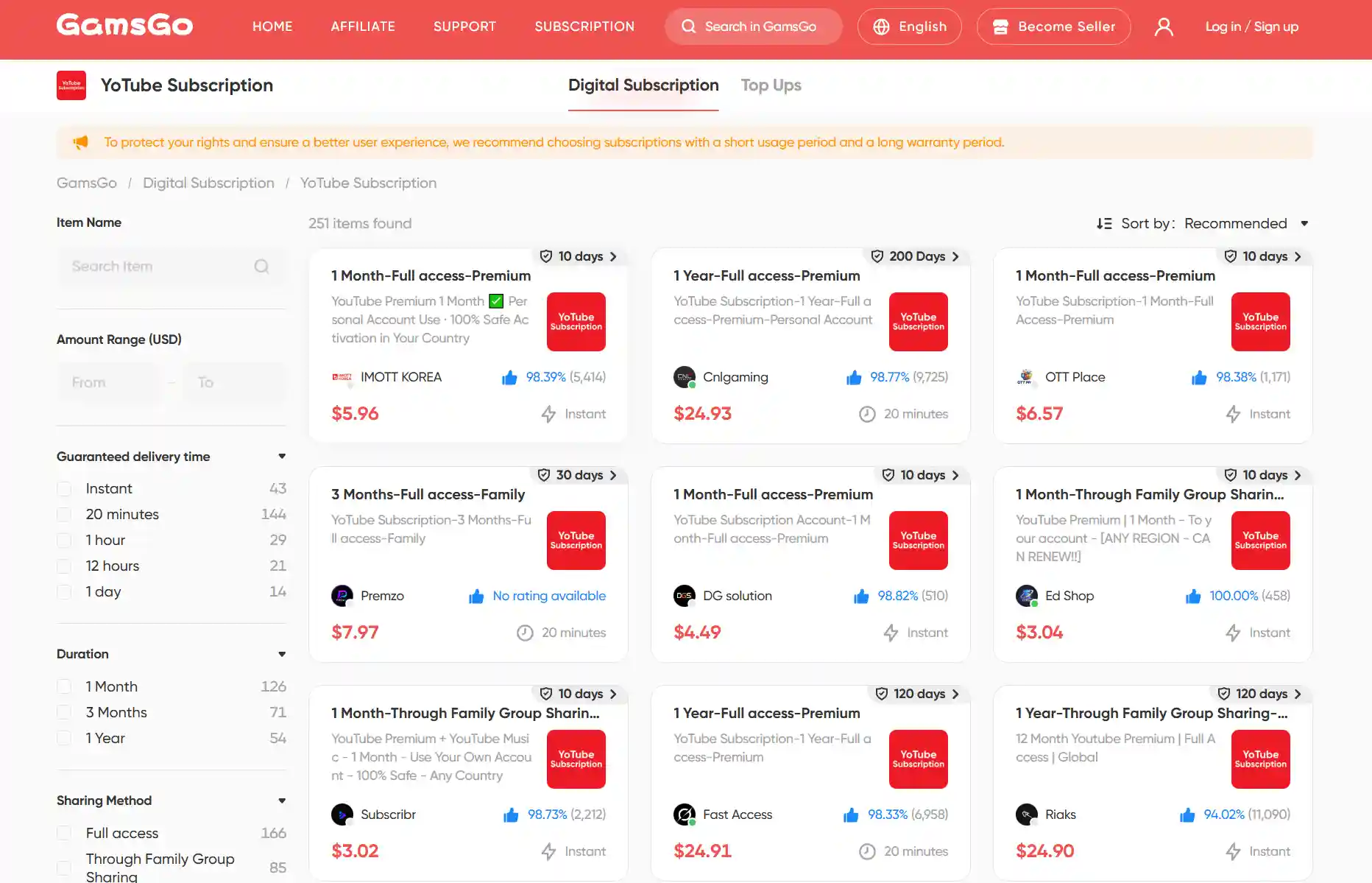
Besides the methods above, my long-term way to save on YouTube Premium is to buy a shared YouTube Premium account through GamsGo.
GamsGo is an account-sharing platform that lets you access YouTube Premium for as little as $5.96 per month, legally and securely. In my experience, the shared account works almost the same as the official Premium version.
With GamsGo's YouTube accounts, I can watch Premium-only content without issues, and all key features, including ad-free viewing, background play, and offline downloads, work smoothly.
If you're curious about how to get it, check out our full guide on how to subscribe to YouTube Premium at a lower price.
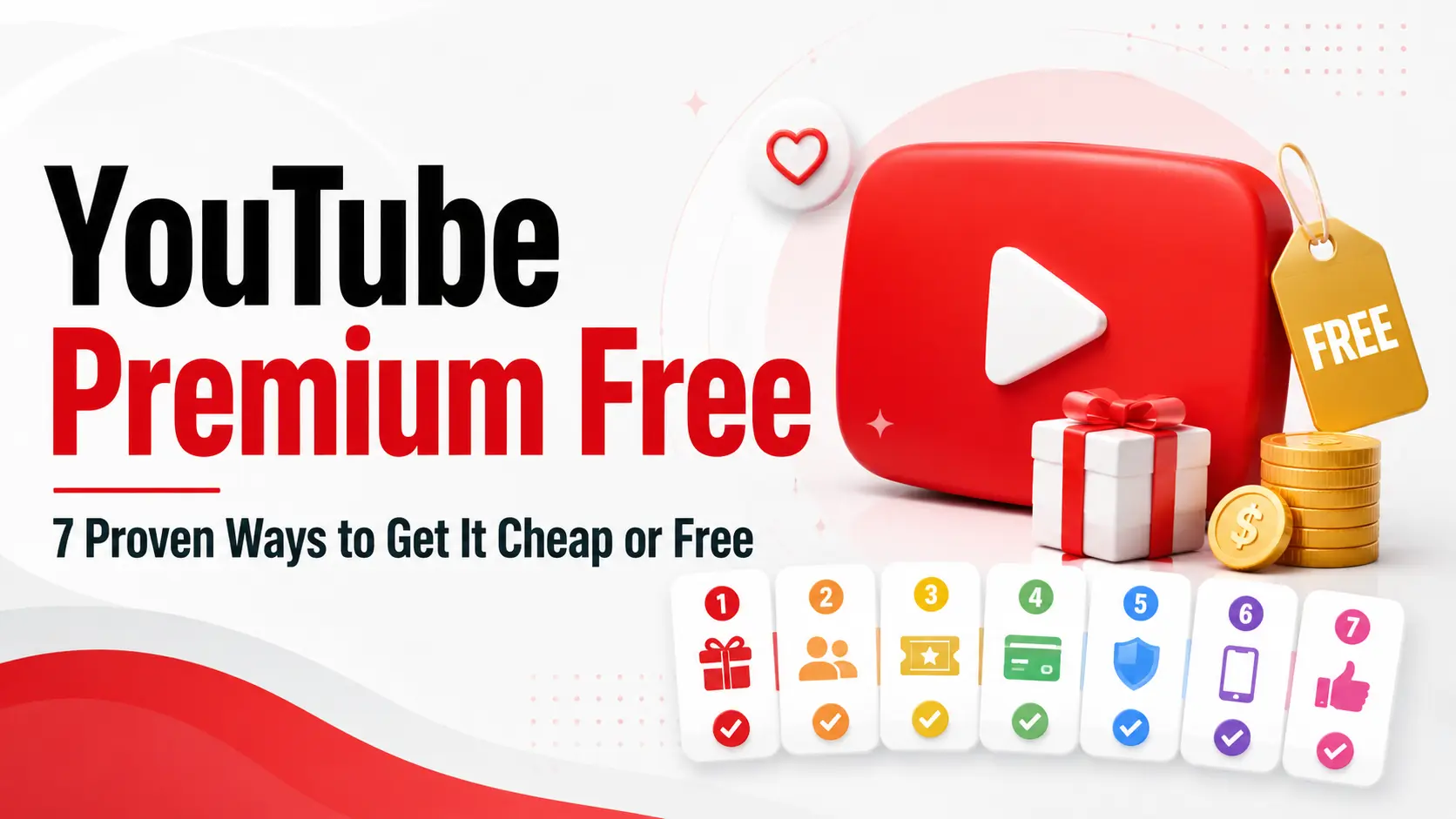
For a full breakdown of every available method — including regional pricing tricks, student verification, and carrier deals — see our complete guide: YouTube Premium Free: 7 Proven Ways to Get It Cheap or Free.
YouTube Premium Code vs. Music Code vs. Membership: What's the Difference?
It is easy to get confused by the different codes floating around. Keep in mind that not all YouTube codes grant the same perks. Here is how to tell them apart:
YouTube Premium Code: As mentioned above, this is the all-inclusive tier covering both video and music across the entire platform.
YouTube Music Premium Code: This is an audio-only subscription. If you only want to listen to songs or extract YouTube music for your playlists without video perks, this code is specifically for the Music app. It does not remove ads from regular YouTube videos. If someone sends you a Music-only code expecting it to work like a full Premium code, it won't.
YouTube Channel Membership Code: This has nothing to do with YouTube Premium at all. Channel memberships are creator-specific subscriptions. A channel membership code only works for one specific creator's channel to unlock fan perks like custom emojis, members-only posts, or exclusive streams. It does not grant any platform-wide ad-free features.
If you are still debating whether this upgrade is right for you, check out our guide on whether YouTube Premium is worth it.
Scam Warning: How to Spot Fake YouTube Premium Codes
Searches for "free YouTube premium redeem code" and "YouTube premium promo codes free" attract a disproportionate number of scam sites. Here's how to identify the three most common types — and what to do if you've already been targeted.
Scam Type 1: "Code Generator" Websites
These sites claim to generate working YouTube Premium codes instantly. They show a convincing loading animation, display a "generated" code, then ask you to complete a "verification" — usually downloading an app, filling out a survey, or entering personal information.
The code they gave you is either fake, already used, or never existed. No website can generate valid YouTube Premium codes. Legitimate codes are issued by Google or authorized partners only, and each one is unique and single-use.
Scam Type 2: Login Phishing Pages
A page styled to look like a YouTube or Google sign-in screen asks for your Google account credentials in exchange for "unlocking" a free Premium code. Entering your details here hands your entire Google account — email, Drive, payment methods, linked accounts — to the scammer. Google will never ask for your password through a third-party site in exchange for a promotion.
Scam Type 3: "Free for Life" Social Media Giveaways
A social media account or YouTube comment claims to be giving away lifetime YouTube Premium codes. They ask you to follow, like, share, or send a small "processing fee." YouTube does not offer lifetime subscriptions through any channel. Genuine giveaways from real partners only ever offer codes for a fixed period (1 month, 3 months), and they never ask for payment or account access to participate.
What to do if you've been targeted:
- If you entered your Google password on a suspicious site, change your Google account password immediately at myaccount.google.com and enable two-factor authentication
- Report the scam site to Google at safebrowsing.google.com/safebrowsing/report_phish
- Report fake YouTube channels or comments directly within YouTube using the "Report" option
- If payment information was shared, contact your bank or card issuer immediately
Conclusion
YouTube Premium codes are real — but they come exclusively from official sources: gift cards from authorized retailers, carrier and device bundle promotions, partner offers from verified platforms, and seasonal campaigns run directly by YouTube. If a website claims to generate them for free or promises lifetime access, it's a scam, full stop.
However, if you do not want to keep waiting for YouTube redeem codes, or carrier offers are not right for you, you can also buy a YouTube Premium subscription directly on GamsGo. The process is simple, the subscription is stable, and it is safer than using random codes from unknown sources.
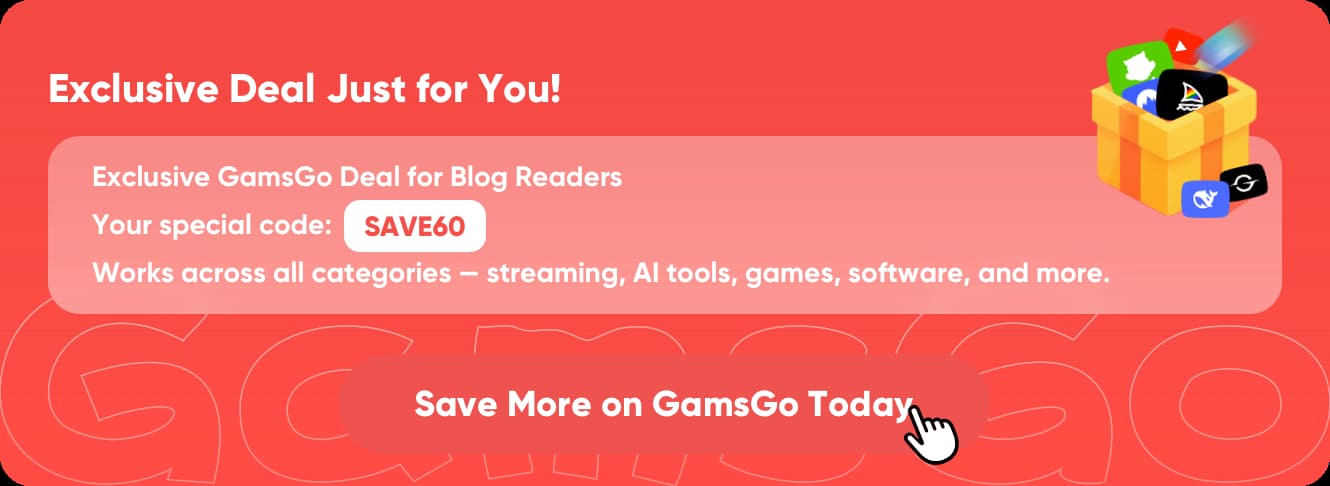
If you choose GamsGo to buy a YouTube subscription or a YouTube top-up, you will also receive an extra bonus: an active promo code SAVE60.
FAQ
How to claim 2 months free YouTube Premium?
Before subscribing on desktop, open the YouTube mobile app and tap your profile picture. Some accounts may see a personalized 2-month free trial offer there. If it appears, claim it in the app and enjoy the full YouTube Premium experience.
How to get YouTube Premium with a code?
Sign in to the Google account you want to use, then visit youtube.com/redeem in a browser. Enter the code exactly as shown, including capital letters and hyphens. Follow the steps to confirm, and Premium will activate on all devices using that account.
How to get YouTube Premium for free?
The easiest legal way is YouTube’s 1-month free trial for new users. You may also find official offers from Best Buy, Pixel, OnePlus, Xiaomi, Google Fi, Google TV devices, or Walmart+. Availability depends on your country, device, and account eligibility.
Can I buy a code for YouTube Premium?
Yes. You can buy YouTube or Google Play gift cards from major retailers in physical or digital form. After redeeming the code, the value is added to your Google Play balance, which can then be used to pay for your YouTube Premium subscription.
How to get 3 months of YouTube Premium trial?
Verified 3-month trials may come from My Best Buy Plus or Total, Google Pixel 9 series purchases, or select Google TV devices. After purchase or setup, check your email, YouTube app, or device offer section to see whether the trial is available.
Are free YouTube Premium codes legit?
Some are legit, but only when they come from official gift cards, verified partner promotions, or carrier offers. Avoid code generators, social media giveaways, and anyone asking for your Google login or payment to unlock a “free” Premium code.
For questions about using YouTube, you can also check these related articles:
How to Stop YouTube Ads in 2026?