If you jumped into WARDOGS around launch, you probably completed your first mission before reaching the battlefield: surviving the queue and server errors. After several Beta tests and continued play since release, I found that the real challenge starts once you enter the match.
With large-scale battles, team roles, vehicles, and an economy system, WARDOGS offers a unique experience beyond traditional FPS games. This Beginner Guide covers the key mechanics new players need to understand, from gameplay basics and team roles to weapons, helicopters, cash, and settings, helping you adapt faster and avoid common mistakes.
Whether you are buying WARDOGS through your own Steam account, joining friends after launch, or looking for a convenient way to start playing, understanding the core mechanics is the first step to better matches. Let’s start with the gameplay basics every new WARDOGS player should know.

WARDOGS Gameplay Basics: How to Play
WARDOGS can feel overwhelming at first, but understanding the basics makes a huge difference. Before moving into advanced roles and systems, let’s start with match objectives, role choices, and what to prepare before each battle.
Understand the WARDOGS Match Objective
Unlike traditional FPS games where kills are often the main focus, WARDOGS is built around controlling the battlefield. Each match features three teams fighting over Control Zones, and the main objective is to gain and maintain control of these areas to earn points.
That's to say, eliminations are important, but they are mainly a way to create openings for your team rather than the only path to victory.
Control Zones will shift throughout the match, forcing teams to constantly adjust their strategy. A strong push can create an advantage, but holding an objective, defending important positions, and moving with your squad are usually more valuable than chasing isolated fights across the map.
For new players, the biggest mistake is treating WARDOGS like a standard shooter. If you focus only on getting kills, you may win individual fights while losing the overall battle. Pay attention to the objective, follow your team’s movements, and learn when to attack or fall back based on the battlefield situation.
Choose Your Role and Support Your Team
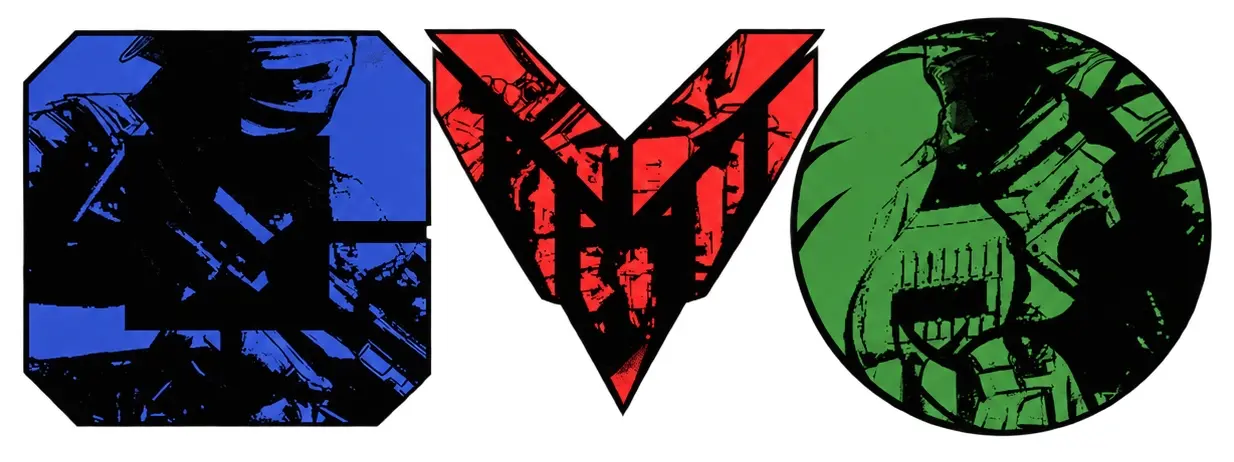
WARDOGS is not only about picking a weapon and winning gunfights. Your role on the battlefield affects how you contribute to your squad, whether you are pushing objectives, keeping teammates alive, or providing support during important fights.
Unlike traditional FPS games where most players follow a similar playstyle, WARDOGS gives different roles more specific responsibilities. New players should understand what their role brings to the team and choose a playstyle that matches their strengths instead of focusing only on kills.
Some roles, such as Support and Medic, have unique mechanics that can directly change the outcome of a match. Support can provide important supplies for the team, while Medic helps keep teammates in the fight through revives and healing.
Learning how these roles work will help you become a more useful teammate and prepare you for the advanced team strategies covered later in this guide.
Manage Your Loadout and Cash Before Each Match
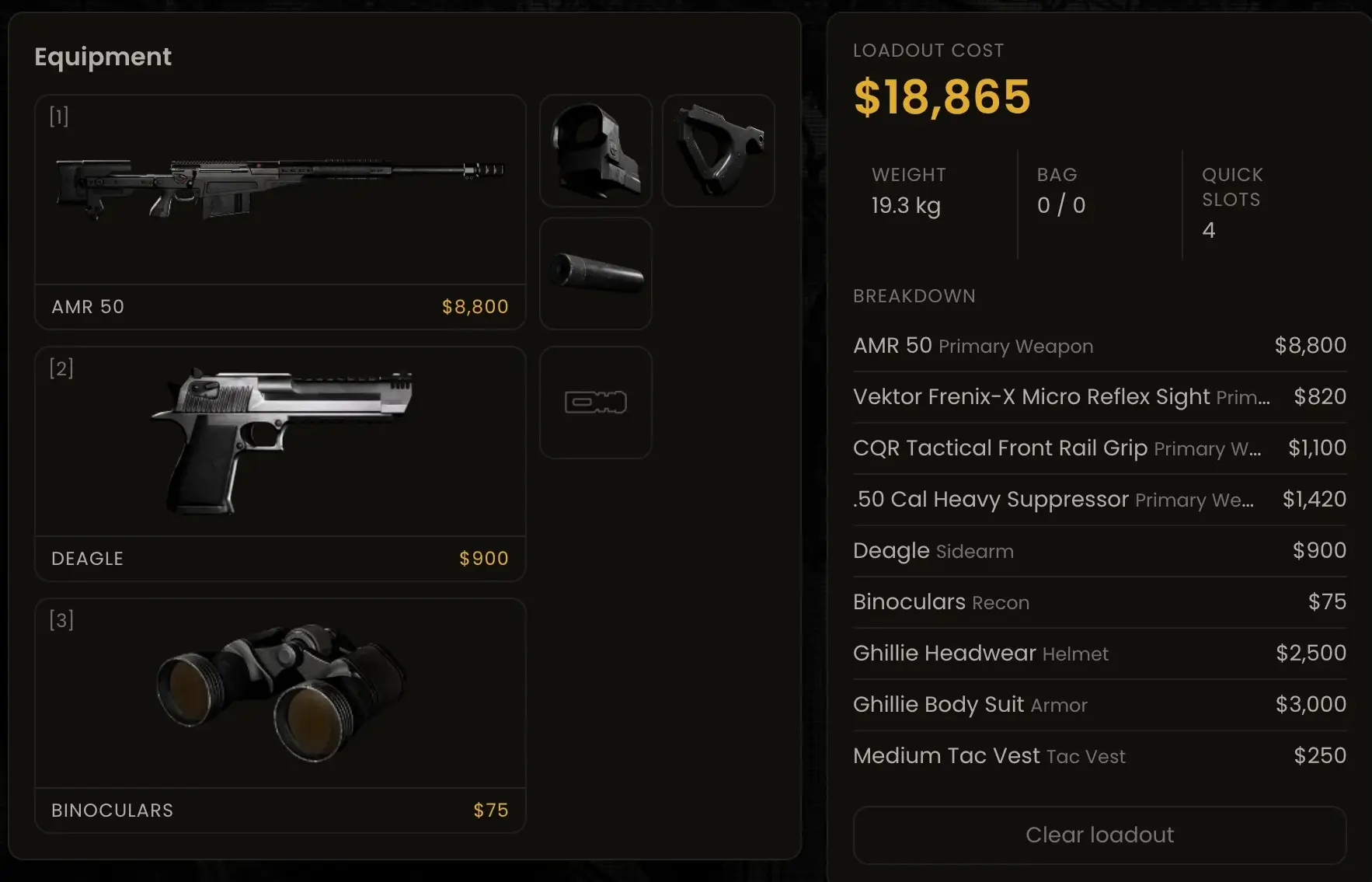
Unlike many traditional FPS games where your equipment resets after every death, WARDOGS adds more resource management to each match. Before entering the battlefield, you need to choose your loadout carefully because dying means replacing your lost equipment, which continuously consumes your cash.
For new players, spending all your resources on expensive gear early can quickly become a problem. Understanding when to invest in better equipment and when to play more carefully will help you stay prepared for longer battles.
WARDOGS Support Guide
What Does Support Do in WARDOGS?
Support is a team-focused playstyle that helps your squad stay effective throughout the battle. While Support players can still take part in frontline fights, their main value comes from helping the team maintain pressure.
A good Support player helps the team stay in the fight through supplies, repairs, construction, and logistics. You may not always top the kill feed, but keeping your teammates equipped and your squad moving can often make the difference between losing ground and taking the objective.
Supplies, Repairs, and Logistics Keep Your Team Fighting
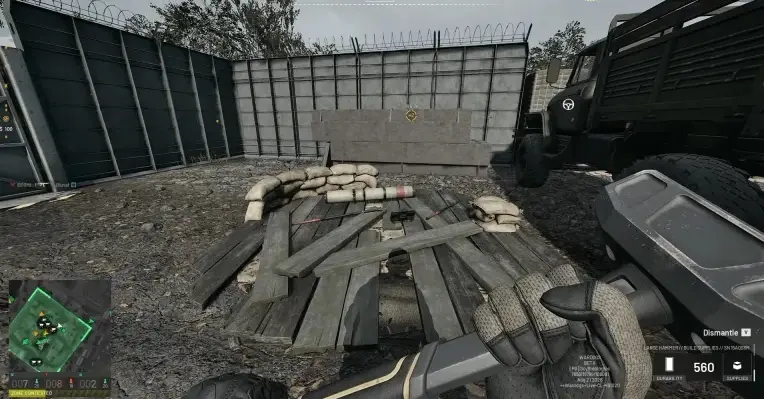
Support’s biggest advantage is the ability to keep your squad prepared during longer battles. Instead of only focusing on direct combat, Support players help maintain the team’s momentum by providing essential supplies, repairing damaged equipment, and supporting battlefield construction.
These tasks become especially important during extended pushes or defensive fights. A squad with enough resources can stay on the frontline longer, recover faster, and continue fighting without constantly falling back.
You do not need to master every Support mechanic immediately as a new player. Start by paying attention to what your team needs most, whether that means keeping teammates supplied, helping with repairs, or supporting the next objective. A good Support player keeps the squad moving when the battle starts to slow down.
How to Play Support Effectively
Playing Support effectively is about understanding when your team needs help instead of only focusing on your own fights. Stay close to your squad, keep an eye on resource needs, and provide support before your teammates are forced to stop pushing.
Avoid staying too far away from the action or using resources without a clear purpose. The best Support players are always aware of the battlefield, know when to help their squad advance, and make sure their team has what it needs for the next fight.
WARDOGS Medic Guide
What Does Medic Do in WARDOGS?
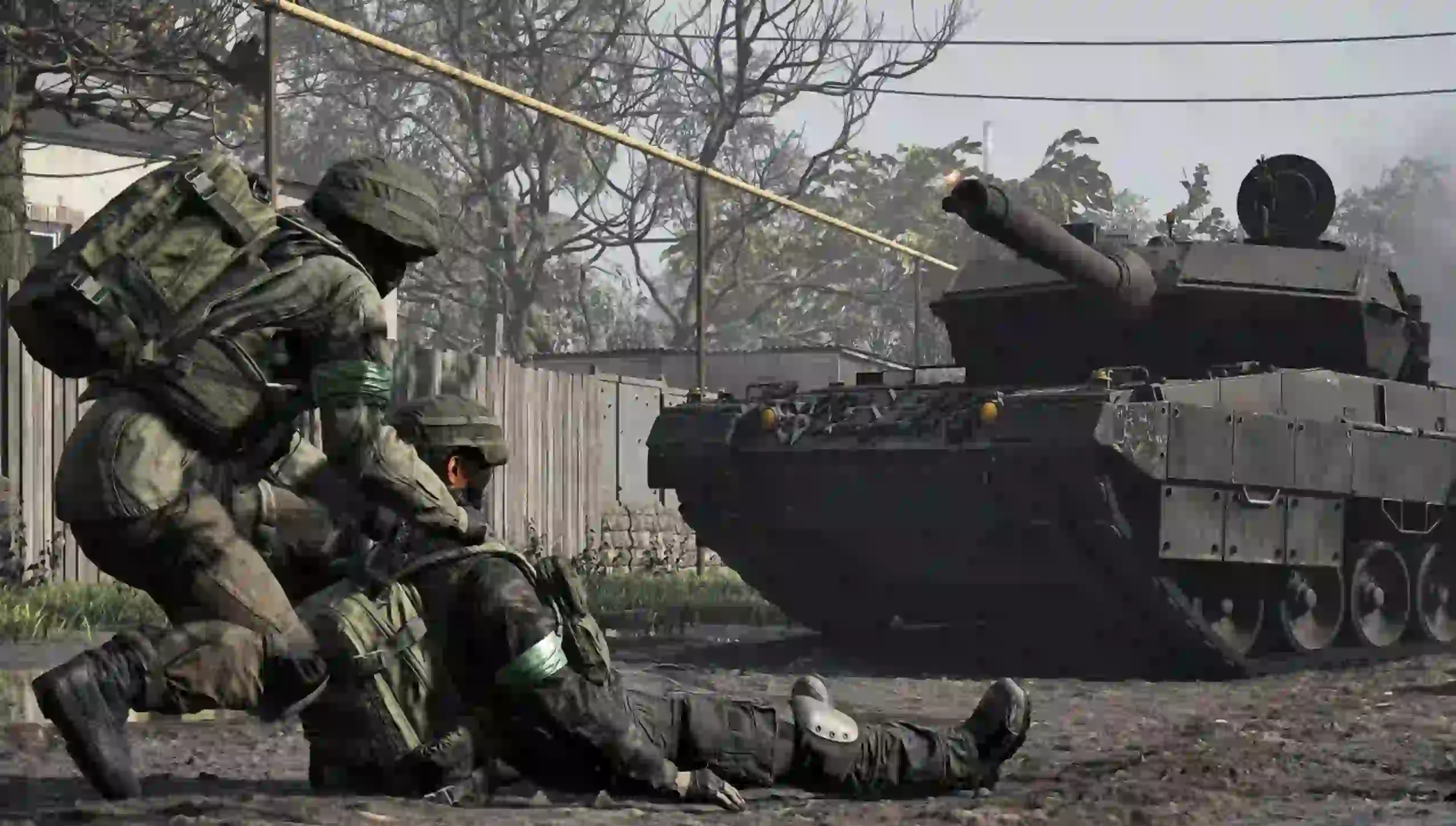
Medic is a team-focused playstyle built around keeping teammates alive during battles. By providing healing and reviving downed players, Medic helps squads recover from difficult fights and maintain pressure on the battlefield.
Unlike a pure combat-focused playstyle, Medic’s value comes from extending the team’s fighting ability. A good Medic knows when to step in, prioritize important revives, and keep the squad ready for the next push.
How to Play Medic Effectively
A strong Medic is not the player who revives everyone instantly, but the one who knows when a revive can change the fight. Stay aware of the battlefield, look for safe opportunities to bring teammates back, and avoid exposing yourself for unnecessary saves.
Keeping yourself alive is just as important as healing others. A Medic who survives longer can help the squad recover after heavy fights and maintain pressure on objectives.
WARDOGS Best Weapons and Beginner Loadouts
Let’s be honest, many Assault players probably came here first to find out which guns are worth running. Here are the weapons that are currently standing out in WARDOGS.
Best Weapons in WARDOGS
| Weapon | Recommended Use | Why Use It |
|---|---|---|
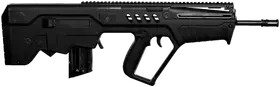 T-21 | Beginner Assault Rifle | Reliable damage, easy handling, and low cost make it one of the safest choices for new players. |
 FAL | Medium-range Power Rifle | High damage and strong performance at range, but the higher cost requires careful use. |
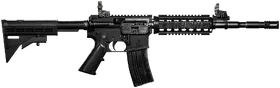 M4 | Flexible Assault Rifle | A reliable rifle with good handling, making it a comfortable choice for different situations. |
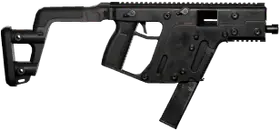 Super-45 | Close-range SMG | High fire rate makes it strong in fast fights, especially inside buildings and around objectives. |
 SVD | Medium to Long-range Support | Semi-automatic fire allows quick follow-up shots for players who prefer ranged fights. |
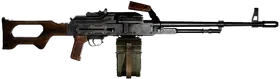 PKM | Defensive Suppression LMG | Large magazine capacity and sustained fire make it effective for holding positions. |
 AMR 50 | Long-range Sniper | High damage at distance, but its cost and slower pace make it harder for beginners to use. |
Beginner Loadouts Recommendation
I know many players want to jump straight into the strongest weapons, but your first priority in WARDOGS should be building a loadout you can afford to replace. A cheap setup that keeps you in the fight is often more useful than an expensive kit you lose after one bad engagement.
Budget Loadout T-21 Infantry Setup Best For: Recommended:
A reliable starter setup with solid performance and low cost. It helps you stay effective while protecting your cash for future deployments. | Balanced Loadout M4 General Combat Setup Best For: Recommended:
A comfortable all-round loadout with good handling and versatility without the high cost of premium equipment. | Advanced Loadout FAL Power Setup Best For: Recommended:
A high-damage option for important fights, but the higher cost means you should use it when you can afford losing the kit. |
WARDOGS Helicopter Guide
Helicopters are one of the hardest but most rewarding parts of WARDOGS. They take time to master, but learning the basics can open up a completely different way to play. This section covers helicopter roles, controls, and tips for new pilots.
How Helicopters Work in WARDOGS
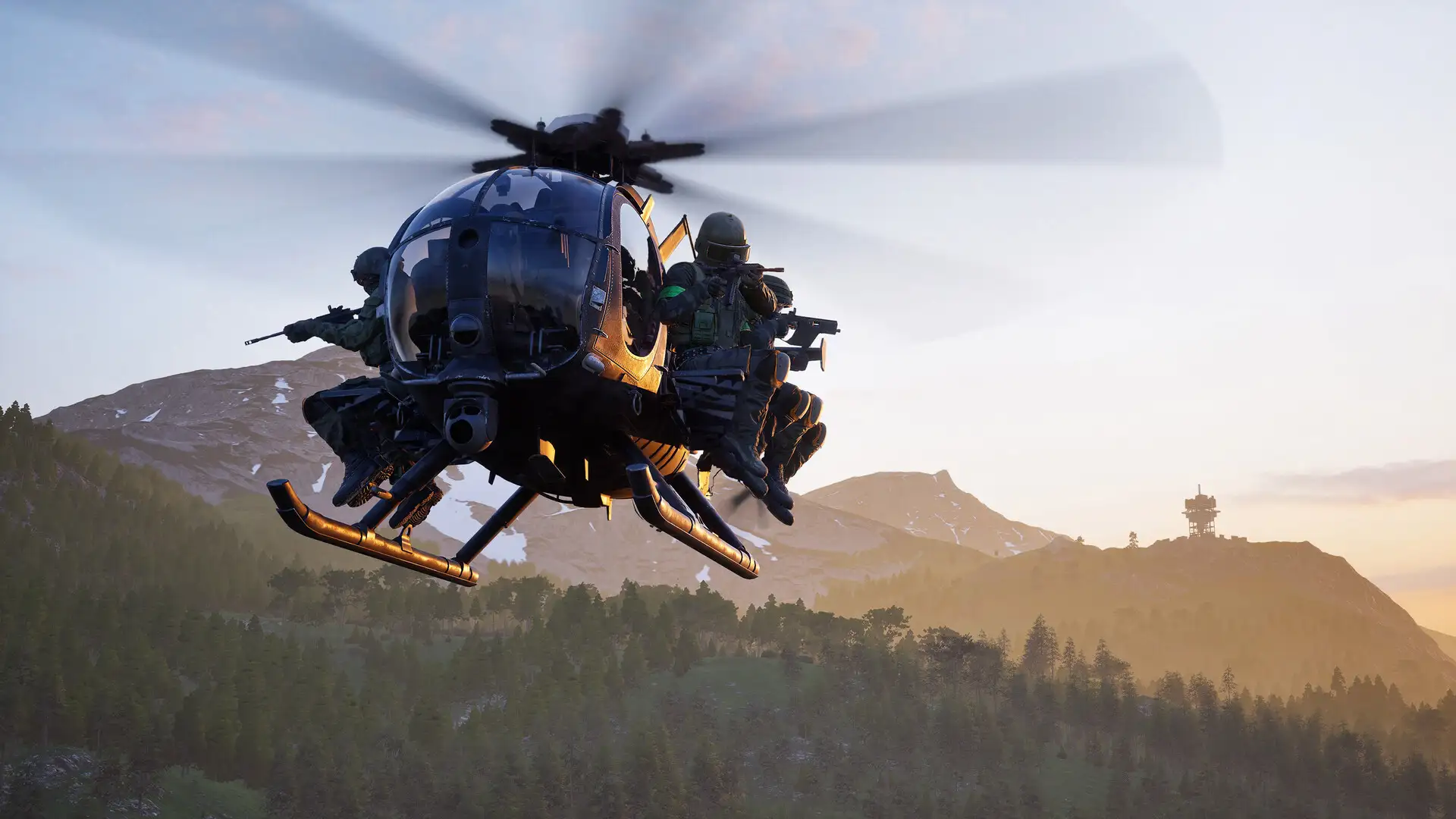
Helicopters are mainly designed for transport and logistics in WARDOGS. They allow squads to reach the battlefield faster, move teammates toward active objectives, and deliver supplies where they are needed.
Their value comes from helping the team maintain momentum. A good pilot knows when to move players, when to support a supply run, and when to reposition instead of treating the helicopter as a simple attack vehicle.
Learn Helicopter Controls and HOTAS Setup
Flying a helicopter in WARDOGS requires a different control style from normal FPS combat. If you are using HOTAS, a few basic adjustments can make the controls feel much smoother.
For a starting setup, keep your Roll, Pitch, and Yaw sensitivity around 1.00 and set a small deadzone around 0.02 for each axis. This keeps full control range available while removing unwanted input drift from your joystick. If your setup still feels too sensitive, adjust the response curve through your joystick software instead of heavily reducing the in-game sensitivity.
If you are coming from Battlefield’s helicopter controls, the default WARDOGS setup may feel unfamiliar at first. Many experienced pilots prefer enabling Rotary Vehicle Mouse Control, using mouse movement for pitch and roll while keeping collective and yaw on separate inputs. This setup feels closer to the classic Battlefield flying style.
For HOTAS users, remember that the goal is not maximum realism, but better control. Spend some time in the firing range practicing hovering, turning, and landing before bringing your setup into a real match.
Beginner Helicopter Tips
Your job as a helicopter pilot in WARDOGS is not just to get kills. A good pilot creates value by keeping the team mobile, transporting teammates to key areas, and helping maintain pressure around objectives.
At the same time, a good pilot should know when to engage. Creating an air threat can force enemies to invest in anti-air defenses and distract them from the ground fight, giving your squad more room to push objectives. However, keeping the helicopter alive and supporting the team should always come first.
To survive longer, avoid predictable routes and staying still in open areas. Keep moving, use terrain when possible, and watch for enemy anti-air positions. A helicopter that completes multiple transport or support runs will usually provide more value than a risky attack that ends with losing the aircraft.
WARDOGS Cash Guide: Economy System and How to Earn More
How the WARDOGS Cash System Works
One of the first things new players notice in WARDOGS is that your gear actually matters. Unlike many FPS games where you simply respawn with a fresh loadout, your cash carries over between fights, and every death means making another decision about what you can afford to bring back into battle.
It is easy to spend too much when you first start playing. A powerful weapon or expensive setup can help you win fights, but losing that gear repeatedly can quickly limit your options. Learning when to invest and when to save is a big part of surviving longer matches.
The good thing is that WARDOGS does not only reward players who chase kills. Capturing objectives, reviving teammates, transporting allies, spotting enemies, and helping your squad all contribute to your economy. Whether you play on the frontline or focus on team support, there are different ways to keep your cash flowing.
How to Earn More Cash in WARDOGS
WARDOGS rewards players for contributing to the battle, not just getting the highest kill count. While combat can generate cash, many team-focused actions such as capturing objectives, reviving teammates, transporting allies, and supporting the frontline can also build your economy.
The most reliable way to earn more cash is to play around your team’s objective. Staying active in the Control Zone, helping your squad maintain control, and completing useful support actions will create a steady income while also improving your chances of winning the match.
Different playstyles can contribute in their own ways:
- Assault players can earn through kills, assists, and spotting enemies.
- Medic players can earn by reviving teammates and keeping the squad active.
- Support players can generate value through supplies, repairs, and logistics.
- Vehicle and helicopter players can earn by transporting teammates and helping move the frontline.
The Hot Zone is also an important part of the economy. It offers higher rewards, but it also creates more risk because more players will fight over the same area. Entering the Hot Zone with a clear plan and enough team support is usually better than rushing in just for the bonus.
How to Spend Cash and Avoid Going Broke
In WARDOGS, every life comes with a price tag. It is tempting to buy the strongest weapon, the best gear, or a full setup every time you deploy, but losing expensive equipment repeatedly can drain your cash faster than you expect.
One of the biggest mistakes new players make is treating every spawn like a final battle. You do not need the most expensive loadout to be useful. A reliable weapon, enough supplies, and a kit you can afford to replace are often more valuable than a high-cost setup you cannot sustain.
As you become more familiar with the game, you can start spending more on specialized gear, vehicles, or stronger weapons when the situation calls for it. The goal is not to save every dollar, but to make sure one bad fight does not leave you unable to prepare for the next one.

WARDOGS Best Settings for FPS and Controls
Best Graphics Settings for FPS and Visibility
WARDOGS features large-scale battles with vehicles, explosions, and many players fighting in the same area, which can put extra pressure on your system. For a smoother experience, focus on reducing settings that add visual effects without improving gameplay visibility.
Recommended adjustments:
Setting | Recommendation |
|---|---|
Motion Blur | Off |
Depth of Field | Off |
VSync | Off |
Shadows | Low |
Global Illumination | Low / Off |
Effects Quality | Low / Medium |
DLSS / FSR | Quality |
These settings aim to improve FPS and visibility while keeping the game readable. If your PC can run WARDOGS smoothly with this setup, you can gradually increase visual settings until you find the right balance between performance and image quality.
Recommended Controls and Keybind Changes
After playing WARDOGS through Beta and launch, I found the default controls work well enough, but a few keybind changes can make movement and teamwork feel much smoother, especially if you come from Battlefield or similar FPS games.
Swap Lean Keys for More Comfortable Movement
The default Q/E lean setup works, but I found a reversed layout feels more natural, especially if you already have experience with Battlefield-style movement or tactical shooters.
Recommended:
- Lean Left → E
- Lean Right → Q
This allows smoother combinations:
- A + E → move left while leaning left
- D + Q → move right while leaning right
It may feel strange for the first few matches, but once you adapt, it becomes much easier to peek, reposition, and stay mobile during fights.
Put Communication Tools Within Easy Reach
WARDOGS rewards players who communicate, and I recommend moving your most important team actions closer to your movement keys or mouse buttons.
Suggested changes:
Action | Recommended Key |
|---|---|
Ping | Mouse Side Button |
Push-to-Talk | Nearby Key / Mouse Button |
Equipment Switch | Easy Access Key |
Map | Comfortable Reach Key |
Quick access to ping and equipment is especially useful when you are playing Support, Medic, or helping your squad around objectives.
There is no perfect setup for everyone. Adjust graphics settings based on your hardware and FPS needs, then customize controls around what feels natural for you. The best keybinds are the ones that match your muscle memory and help you react faster in battle.
Conclusion
WARDOGS is more than a traditional FPS focused on kills. With large-scale battles, team roles, vehicles, and an economy system, every decision can change the flow of a match. Whether you prefer attacking objectives, supporting your squad, or controlling vehicles, finding your own playstyle is the key to enjoying the game.
This beginner guide covered the essential systems you need to get started, including objectives, roles, weapons, cash management, and settings. Once you understand how these mechanics work together, you can focus less on learning the basics and more on helping your team win.
What makes WARDOGS special is the way it combines FPS combat with teamwork and strategy. If you want to play with friends across different platforms, you can buy Steam accounts through GamsGo and join the battlefield more easily.
See you on Bakurani!
FAQ
Is WARDOGS Beginner-Friendly?
WARDOGS is easy to start but takes time to master. Unlike traditional FPS games, it combines large-scale battles, team roles, vehicles, and an economy system. Learn the objective first, choose a role that fits your playstyle, and improve your loadout as you gain experience.
Why Am I Losing Cash So Quickly in WARDOGS?
Cash is a persistent resource in WARDOGS, and every deployment requires you to consider your loadout cost. Avoid buying the most expensive gear every time you spawn. A reliable setup you can replace consistently is often more useful than a high-cost kit you cannot maintain.
How Do I Fix WARDOGS Login Errors or Connection Issues?
If you encounter login failures, authentication errors, or connection problems, first check whether the servers are available. Restart Steam, update the game client, and try again later if the issue is caused by server load. Some launch-period players reported authentication-related errors.
Does WARDOGS Support Controllers?
WARDOGS supports controller input, but keyboard and mouse may feel more natural for players who need precise aiming and quick equipment management. Adjust your sensitivity and keybinds based on your preferred playstyle.
Does WARDOGS Support HOTAS For Helicopters?
HOTAS setups have been discussed by the WARDOGS community for helicopter control. They can provide more dedicated flight inputs, but they are not required. New players should first learn basic helicopter movement before adjusting advanced flight controls.
Can I Play WARDOGS With Friends?
WARDOGS is available on Steam, and playing with friends requires compatible access on supported platforms. If you need another Steam account for joining friends or setting up a separate account, GamsGo provides Steam Accounts for easier access.
Related Articles