If you want to watch the newly released Season 1 of Elle on Prime Video, or get ready for the return of Batman: Caped Crusader Season 2 on July 31, you will need to pay $14.99 per month. For students, that price can be hard to justify.
Fortunately, Amazon offers a 50% discount exclusively for students. This article explains the eligibility requirements, application process, and actual costs in detail, helping you subscribe at a lower price.
Even if you do not qualify for the student discount, we will also show you how to reduce your Prime Video subscription cost through GamsGo. We will also explain account types, regional restrictions, and after-sales rules, so you can enjoy your favorite shows more easily and with less worry.
Does Prime Video Offer a Student Discount in 2026
Yes, but it is not a standalone Prime Video student plan.
As of June 2026, Amazon in the United States does not offer a separate student price or promo code for Prime Video. Eligible students need to sign up for the membership plan formerly known as Prime Student, which has now been renamed Prime for Young Adults.
This plan includes the full range of Amazon Prime benefits. In addition to Prime Video, members can also enjoy Prime delivery, Amazon Music, Prime Reading, Amazon Photos, and more.
Next, let’s break down how much you can actually save with the Prime Video student discount.
How Much Does Prime Video Cost for Students
In the United States, the Prime student discount can help you save a lot on your monthly subscription costs.
Plan | Student Price | Regular Prime Price |
|---|---|---|
First 6 months | $0 | Usually, a 30-day free trial |
Monthly plan | $7.49/month | $14.99/month |
Annual plan | $69/year | $139/year |
The $7.49 monthly price is not just for Prime Video. It also includes Prime delivery, Amazon Music, Prime Reading, photo storage, and other benefits.
For students who shop on Amazon often, it is usually easier to get good value from the membership. If you only want to watch one or two shows for a short time, the monthly plan may be more flexible.
Who Is Eligible for a Prime Video Student Membership
As of June 2026, you may be eligible to apply for a Prime student membership if you meet either of the following conditions:
College and University Students
Students enrolled in a two-year or four-year college or university can apply by verifying their student status.
Amazon may accept any of the following verification methods:
- A valid student ID
- A current transcript or class schedule
- A tuition bill
- An official acceptance letter
- Other documents that prove your current enrollment status
- A .edu school email address
The submitted documents should clearly show your name, school name, and current term or enrollment date. Blurry, expired, or mismatched documents may cause the verification to fail, especially if the name does not match your Amazon account.
Non-Students (Aged 18 to 24)
If you are not currently enrolled in a college or university, you can still apply for Prime for Young Adults as long as you are between 18 and 24 years old. Amazon usually requires you to upload one of the following documents:
- Driver’s license
- Passport
- Government-issued ID
After completing the verification process, you can start a 6-month free trial. Once the trial ends, you can unlock the full Prime benefits, including Prime Video, at the discounted student price.
In addition, the Prime for Young Adults discount must be renewed and verified every year. If you do not reverify your eligibility before it expires, your membership may automatically renew at the standard Prime price at that time. Be sure to check your renewal date in advance to avoid any unnecessary charges.
How to Get a Prime Video Student Discount
Follow the steps below to easily get the Prime student discount.
Step 1: Visit the Official Student Discount Portal
Go to Amazon Prime for Young Adults, then sign in to your existing Amazon account or create a new one. Do not subscribe directly through the Prime Video page, or you may only see the regular price.
Step 2: Choose a Verification Method
Amazon offers two ways to apply:
- Age verification: Users aged 18 to 24 can upload a driver’s license, passport, or government-issued ID. Student status is not required.
- Student verification: Students enrolled in a two-year or four-year college can verify their status with a valid .edu email address.
If you do not have a .edu email address, do not give up right away. If the sign-up page offers an alternative verification option, you can submit a student ID, transcript, class schedule, tuition bill, or acceptance letter. The document should clearly show your name, school, and current semester information, and it should match the details on your Amazon account.
Step 3: Confirm Your Membership and Payment Method
After verification is approved, eligible new users can start a six-month free trial. Once the trial ends, the membership will automatically renew based on the plan you choose:
- $7.49 per month
- $69 per year
Even though the first six months are free, you usually still need to add a valid payment method. It is a good idea to note the renewal date on the confirmation page and choose a monthly or annual plan based on how long you plan to use the service.
If you already have a regular Prime membership, you can sign in to your current account and apply to switch plans without creating a new Prime Video account. If you are eligible, Amazon may refund the unused portion of your current membership. The exact amount will depend on what is shown on the conversion page.
Step 4: Sign In to Prime Video
Once your membership is active, use the Amazon account that unlocked the student discount to sign in to the Prime Video app or website. Movies, shows, and some sports content marked “Included with Prime” can be watched directly, with no promo code required.
After you complete these steps and pass verification, Prime Video, delivery benefits, and other Prime perks will become active at the same time. If verification fails, first check whether your account region, name, date of birth, and supporting documents are consistent. If everything is correct but you still cannot pass verification, you can contact Amazon customer service and request a manual review.
Prime Student vs. Amazon Prime: What’s the Difference
The main differences between Prime Student and a regular Amazon Prime membership are the price, eligibility requirements, and membership duration. The detailed comparison is shown in the table below.
Comparison Item | Prime for Young Adults | Regular Membership |
|---|---|---|
Eligible Users | College students and users aged 18 to 24 | No eligibility restrictions |
Free Trial | 6 months | 30 days |
Monthly Price | $7.49 | $14.99 |
Annual Price | $69 | $139 |
Eligibility Verification | Requires yearly re-verification, up to four years or until age 24 | No verification required |
Prime Video Benefits | Basically the same as regular membership | Full basic benefits |
Other Prime Benefits | Delivery, music, reading, and some youth-exclusive offers | Standard benefits such as delivery, music, and reading |
As you can see, both plans offer access to the same basic Prime Video library. However, the student membership comes with a lower price and a longer free trial, making it the better choice for eligible users.
Is Prime Video Worth It for Students
For students who often watch shows and movies, Prime Video is worth it.
From a viewing experience perspective, the basic membership lets you watch movies, TV shows, and some sports content in the Prime library. It also supports HD, HDR, Dolby Vision, and offline downloads. For students, these features are enough to cover most everyday viewing needs.
At the same time, Prime for Young Adults includes more than just Prime Video. It also comes with Prime delivery, Amazon Music, Prime Reading, photo storage, Grubhub+, and other benefits. If you use just two or three of these perks, it can offer better value than buying a standalone video subscription.
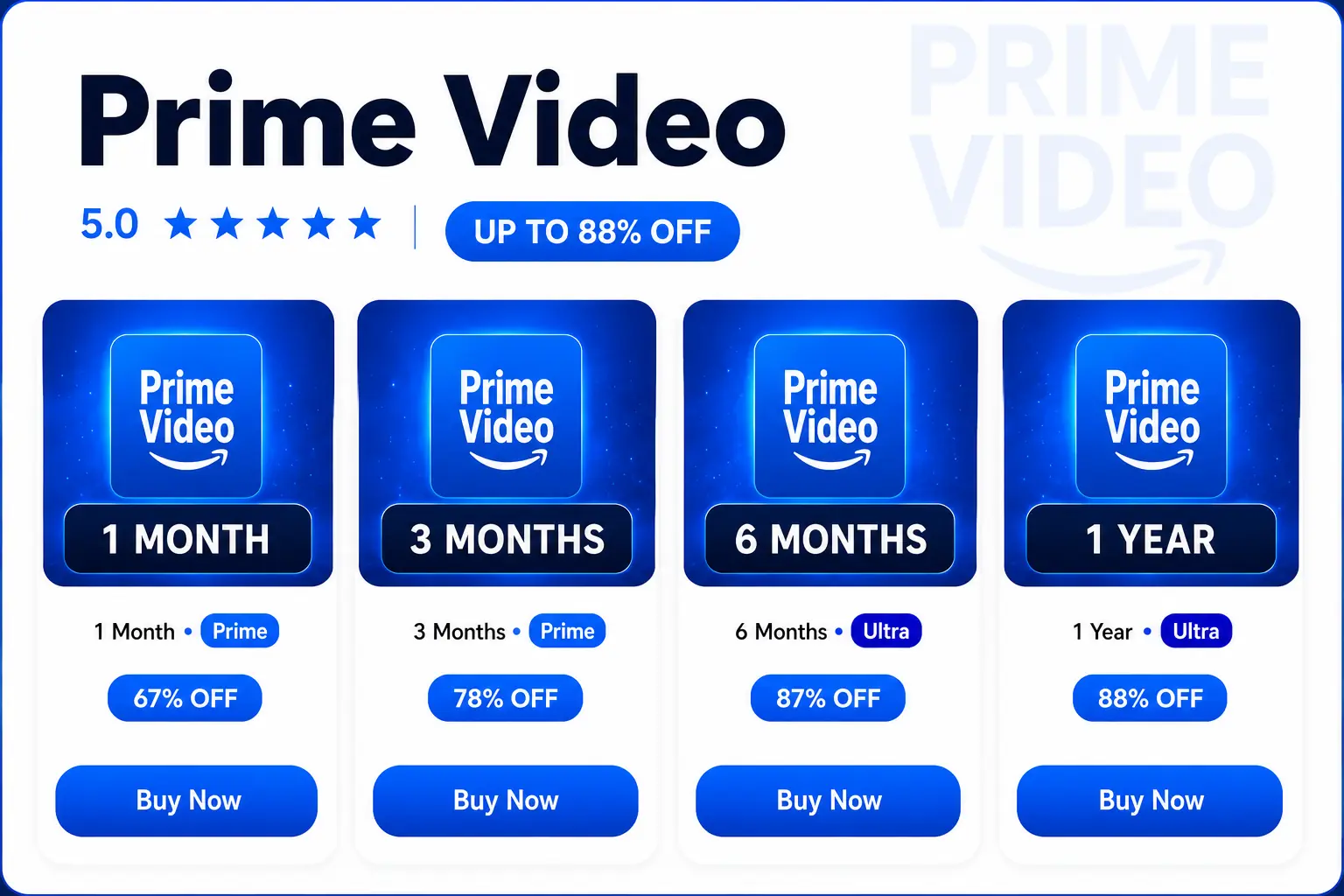
If you only want to watch specific shows, or if you care more about an ad-free and 4K/UHD viewing experience, you can check the available plans on GamsGo. Prices start as low as $2.99 per month, giving you a similar viewing experience at a lower cost.
How to Save Without a Prime Video Student Discount
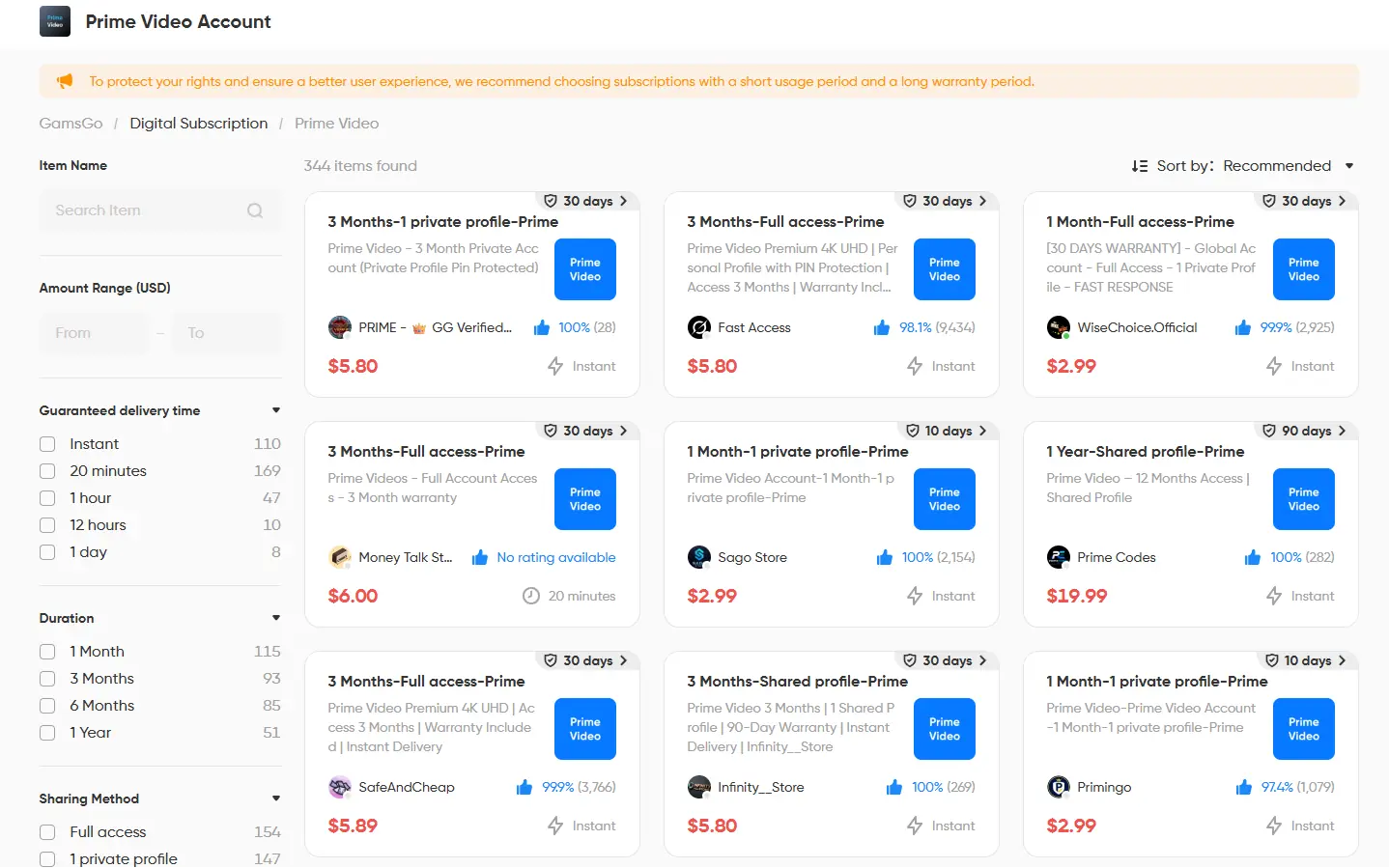
The methods above are designed for specific groups, such as college students or users aged 18 to 24. For those who do not meet the age requirement, another option is to buy a Prime Video account through GamsGo.
GamsGo is a digital subscription marketplace where many verified sellers list Prime Video accounts. Through this platform, you can purchase an account for under $10, saving nearly 50% compared with the official price. More importantly, GamsGo provides 24/7 customer support.
In addition, GamsGo offers separate personal user profiles. Your watch history, favorites, and recommendations are saved independently, helping protect your privacy. Other users cannot view or change your watchlist. In terms of user experience, it is almost the same as an official subscription, but with a more affordable price that better fits a student's budget.
Conclusion
Overall, Prime for Young Adults is only available to college students and users aged 18 to 24. The basic Prime Video plan includes a small number of ads. If you want an ad-free experience and features such as 4K/UHD, you will need to add Prime Video Ultra for an extra $4.99 per month. After the upgrade, the total monthly cost for students rises to $12.48, which weakens the price advantage of the student membership to some extent.
Therefore, for students who want full Prime Video features without paying the full official price, a lower-cost alternative has become the most practical choice. If you are looking for an affordable Prime Video subscription, GamsGo’s shared subscription plan can reliably provide full access at only a fraction of the official price.