In August 2025, ChatGPT surpassed 700 million weekly active users. But is ChatGPT Plus still worth $20 a month when even free users can now access GPT-5.3?
As a Plus subscriber for over two years, my answer is: Yes — but only if you make the most of its features. In this article, I break down the key advantages and limitations of ChatGPT Plus based on the latest 2026 updates, so you can decide whether upgrading is worth it.
If you're already convinced, you can get a ChatGPT Plus subscription at up to 70% off through GamsGo.
ChatGPT Subscription Price
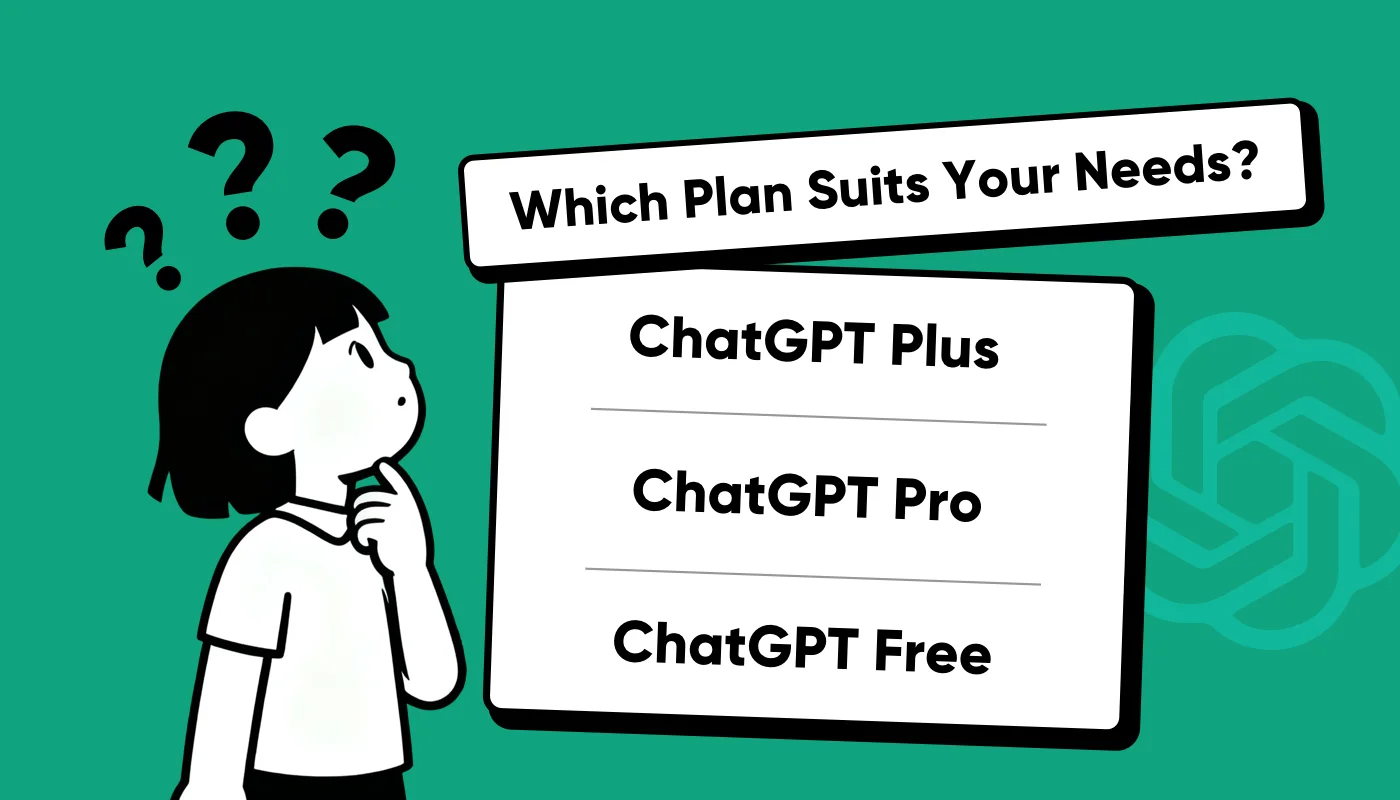
In early 2026, OpenAI offers more flexible ChatGPT subscription options. In addition to the classic Plus and Pro versions, there's the new ChatGPT Go launched in December 2025, a mid-tier subscription that caters to different needs and budgets. Here's a detailed comparison of the three main paid versions:
| Subscription Type | Monthly Price | Main Benefits | Best For |
| ChatGPT Go | $8 | • Access to GPT-5.2 (limited) • Higher message limit than free version • File upload and data analysis • Create custom GPTs • Longer conversation memory • Note: Includes ads | Casual users and students on a budget who still want a solid experience |
| ChatGPT Plus | $20 | • Full access to GPT-5.2 (Instant & Thinking) • Advanced Voice Mode • Sora video generation (1,000 credits/month) • Deep Research (10/month) • Codex coding agent • Early access to new features • Ad-free experience | Power users for work, study, and content creation |
| ChatGPT Pro | $200 | • Unlimited GPT-5.2 Pro mode • Codex programming assistant • Operator intelligent agent • Deep Research 250x/month • Extended Sora access (10,000 credits) • Unlimited Advanced Voice Mode • Highest computing power and priority | Professional researchers, developers, and enterprise users with complex requirements |
In terms of price and performance, ChatGPT Plus ($20/month) is the best choice for most users, offering a good balance between performance and cost. The new Go version is suitable for users on a tighter budget, while the Pro version is designed for professional needs.
But what exactly does the Plus subscription offer that justifies the price? Let's take a closer look.
What Features Make ChatGPT Plus Worth It?
While upgrading to ChatGPT Plus brings many improvements, the main reasons users are willing to pay $20 are found in these core areas:
- Access to more powerful models
- Smoother and more stable experience
- Efficient image and video generation
- Advanced Voice Mode for natural conversation
- Better language processing
- Enhanced data analysis features
- Create your own custom GPT
Access to High-Performance Models
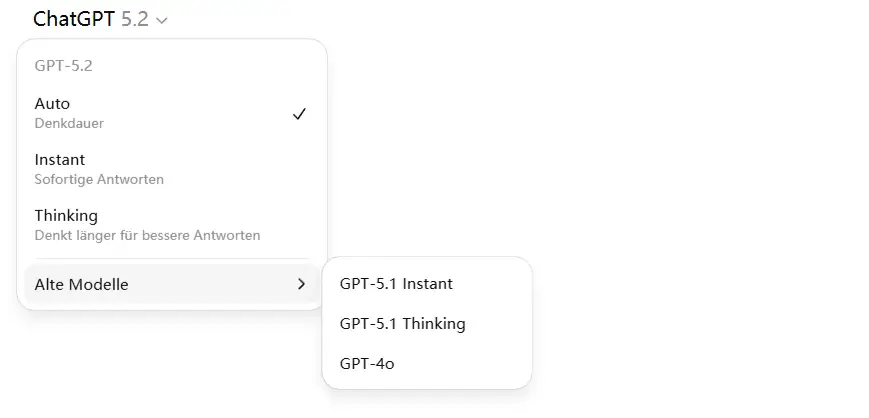
According to the Stanford HAI AI Index Report, advanced models are the true core of modern artificial intelligence. For ChatGPT Plus users, this advantage is clear through exclusive access to GPT-5.2 and GPT-5.2 Thinking.
Plus subscribers can send up to 160 messages every three hours using GPT-5.2. In contrast, the free version limits users to just 10 messages every 5 hours before automatically switching to the much more restricted "mini" model.
Subscribers also have the flexibility to choose the best tool for the job. While GPT-5.2 is the standard flagship for general tasks like writing and context understanding, I personally switch to GPT-5.2 Thinking for complex reasoning, coding, or deep data analysis.
A Smoother and More Stable Experience
For many professionals, the decision to upgrade has less to do with new features and more to do with simple reliability. One of the most common frustrations for free users is seeing the ChatGPT Down notification or "at capacity" alerts during peak working hours.
Compared to free‑tier users who may face queues and delays, ChatGPT Plus subscribers enjoy priority access and can get faster responses even during peak hours.
If you’re busy working or urgently need an answer, seeing messages like “The service is currently overloaded, please try again later” or “We’ve encountered an error and can’t process your request right now” can interrupt your workflow and put you in a bad mood.
That’s why, for users who treat ChatGPT as a work partner, stability often matters more than functionality. The priority access that comes with the Plus plan ensures you’ll get a response when you need it, and that reliability alone can be worth the subscription fee.
Efficient Image and Video Generation
While the new 4o Image Generator has improved image quality across the board, the speed gap is massive. Plus users typically get an image in about 2 to 3 minutes, but free users often wait over 30 minutes. In my own testing, one image took 37 minutes to generate.
This wait time can be a major roadblock if you need to refine a prompt or generate multiple versions. With Plus, you can iterate quickly and get the results you need in a fraction of the time.
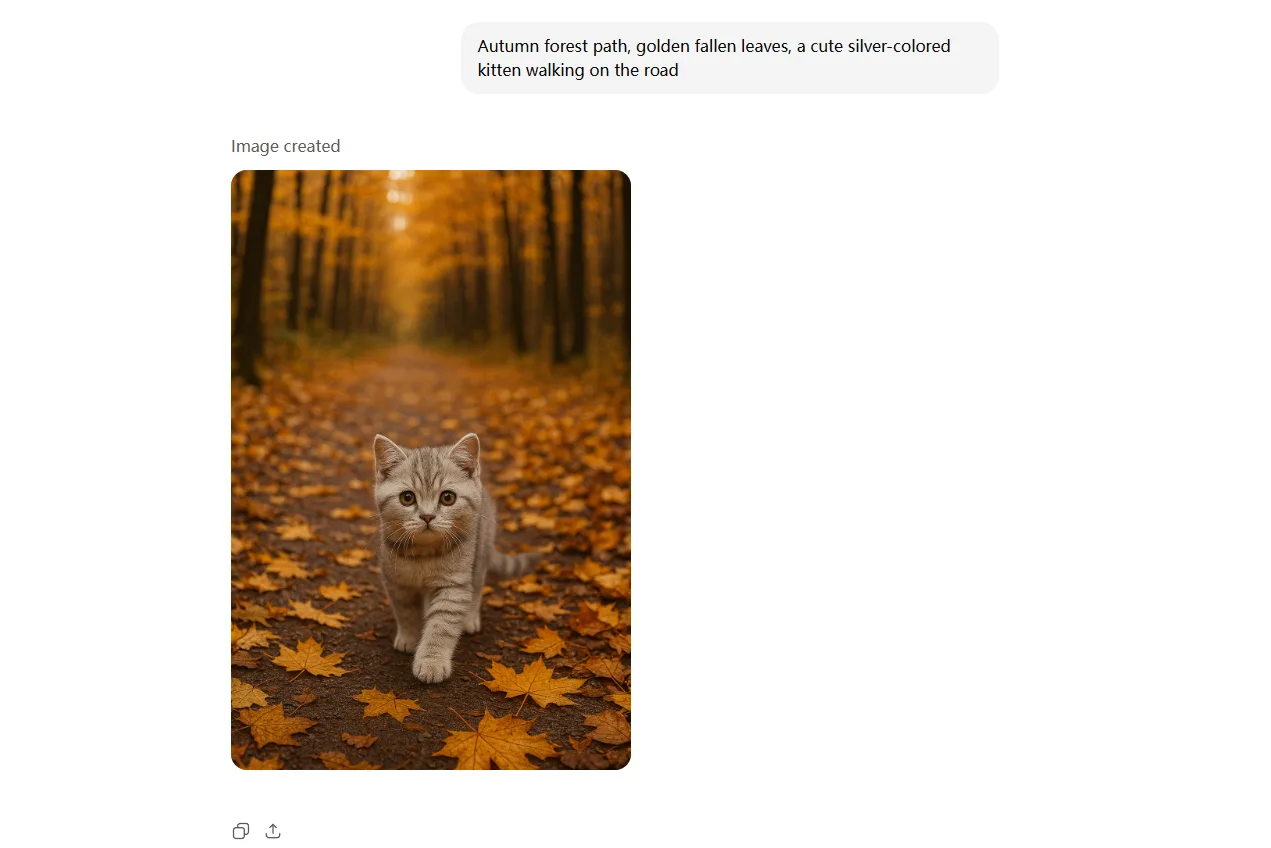
And if you need a complex image, and the first result isn’t satisfactory, would you really want to wait another 30 minutes for a revision? This long wait time and uncertainty greatly reduce the overall experience. In contrast, Plus users can quickly iterate based on the results, and a 2–3 minute wait is far more acceptable.
And if you're serious about AI image creation, you might also want to explore our guide to the best AI image generators available today.
Subscribers also get access to Sora, OpenAI’s video tool, which can create 10-second clips at 720p with a limit of 100 videos per day.
Advanced Voice Mode
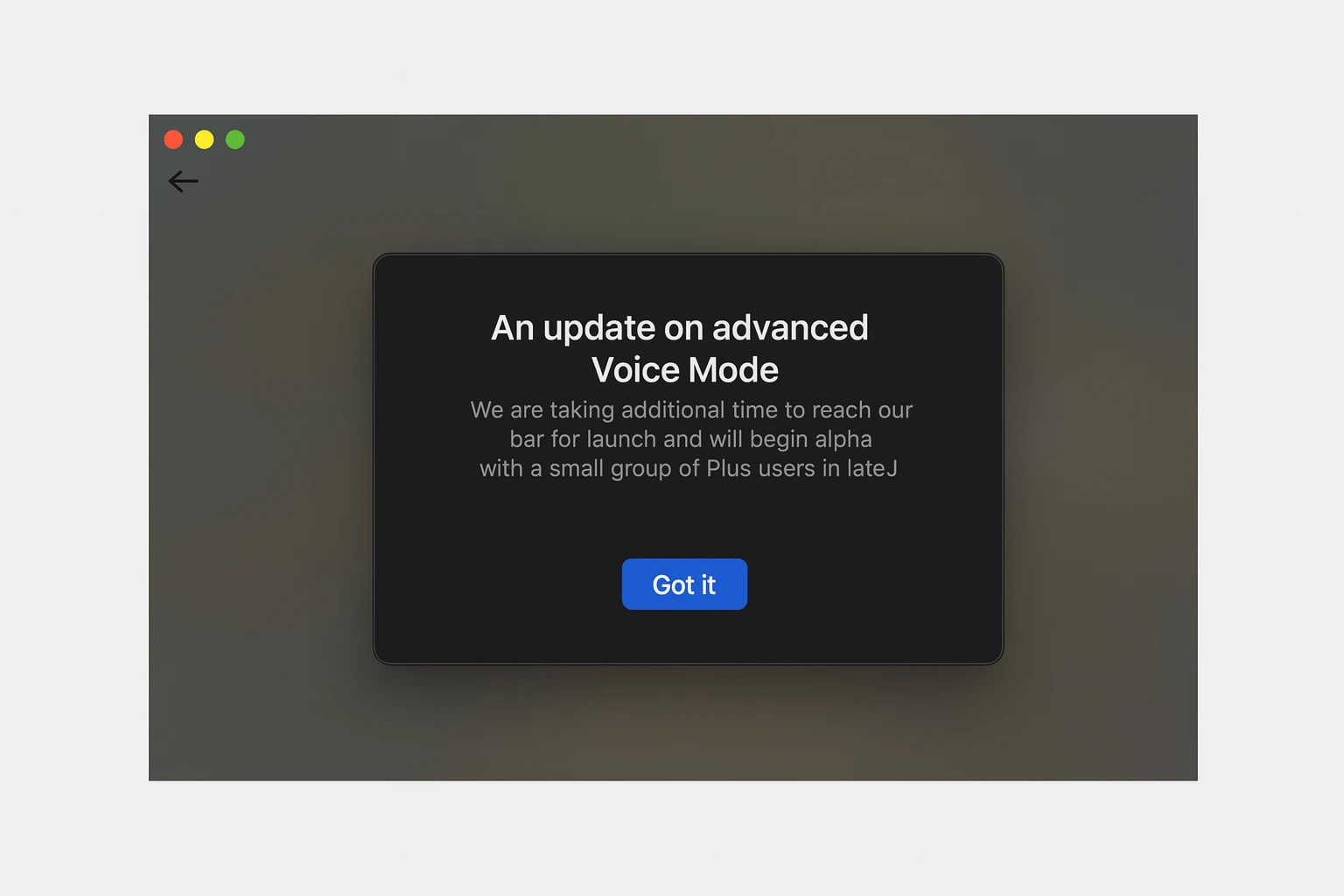
Advanced Voice Mode received several improvements in 2025. The voice output now sounds much more natural and fluid, supports real-time translation, and is integrated directly into the chat interface without needing to open a separate window.
Plus users can use voice mode virtually unlimited each day. When the quota is reached, it automatically switches to a lower tier without interrupting the conversation. Free users, however, only have a few hours per day available. Pro users enjoy completely unlimited usage.
This feature is particularly useful for language learning, mobile work, or real-time translation. If you frequently interact with AI through voice, this feature alone is a compelling reason to upgrade to Plus.
Enhanced Data Analysis Features
ChatGPT Plus offers significantly more stability for data processing. Plus users can upload CSV, Excel, and other file formats to create analysis and visualizations, even handling complex statistical evaluations.
While these features exist in the free version, they're heavily restricted. After 10 messages within 5 hours, the system switches to a limited mini model, which removes file upload and visualization capabilities.
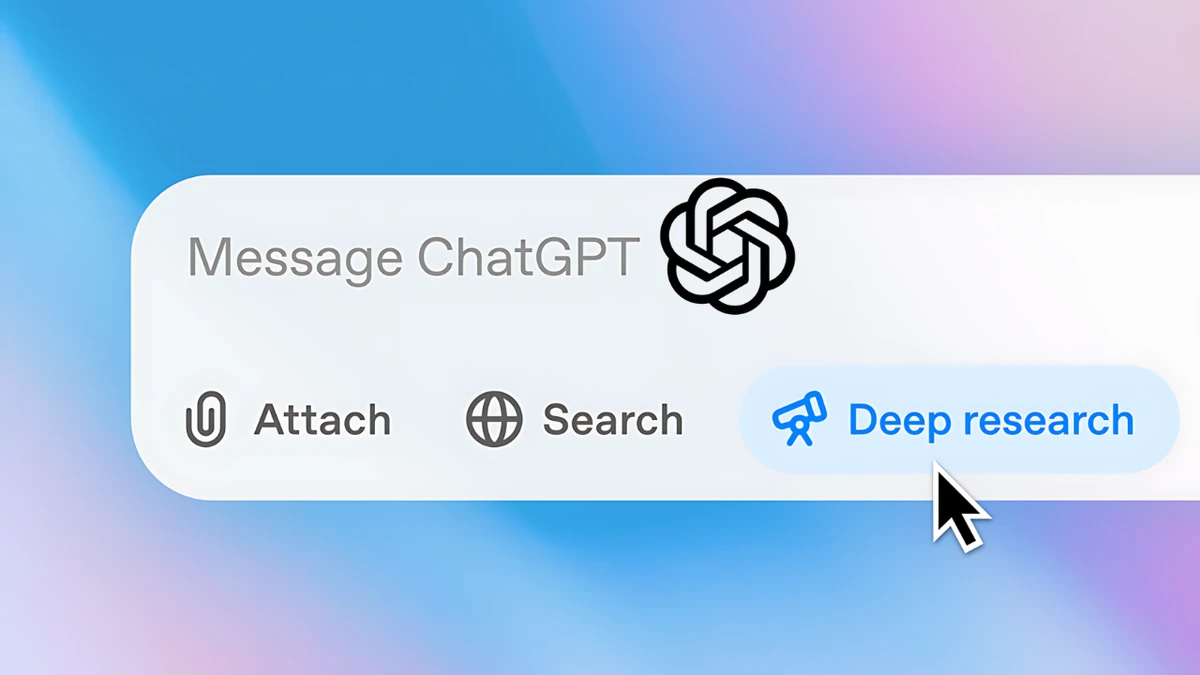
A Plus-exclusive feature is Deep Research, which enables multi-stage online research with automatic structuring, including sources, charts, and summaries. The free version allows only 5 light searches per month, while Plus users get 10 complete research reports per month.
For data analysts and anyone regularly working with complex information, this means more continuity and significantly higher efficiency.
Create Your Own Custom GPT
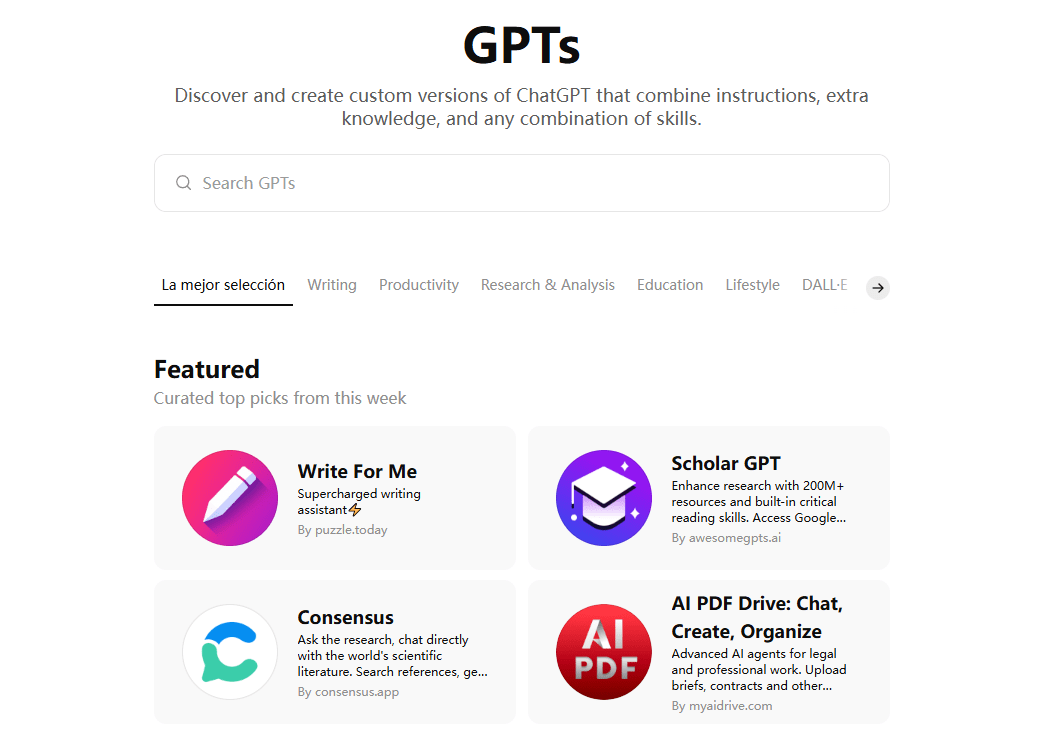
With a ChatGPT Plus subscription, users can create their own custom GPTs—specialized assistants for specific tasks. If you are still learning how to use ChatGPT effectively for your business or studies, these custom bots are a game-changer. They simplify complex workflows by pre-setting specific instructions and knowledge.
The possibilities are incredibly diverse.
For example, you can build a GPT that automatically analyzes customer feedback from Google Sheets, categorizes it meaningfully, and sends regular summaries. Or create a personal writing assistant that knows your preferred tone and quickly generates text in your style.
To get the best results from your custom GPTs, check out our detailed guide on how to write effective ChatGPT prompts.
Free users cannot create their own GPTs but can access publicly available GPTs created by other users. For general use cases, you can find many helpful tools there.
ChatGPT Plus Isn’t Perfect
While ChatGPT Plus is significantly more powerful than the free version, some key limitations still remain. For instance, despite its advanced reasoning, it still maintains strict safety guardrails. This is often a key point in the Grok vs. ChatGPT debate, where some users prefer Grok’s "unfiltered" personality and direct access to real-time X (Twitter) data.
Beyond those specific comparisons, there are practical constraints you should be aware of:
- Limited large file processing: For texts exceeding 2 million tokens or files over 512MB, delays, timeouts, or errors can occur. For spreadsheets, the practical limit is around 50MB.
- Unreliable accuracy: The model occasionally provides incorrect definitions, data, or even fabricated citations in both the free and Plus versions.
- Limited usage quotas: GPT-5.2 is capped at 160 messages every 3 hours, and GPT-5.2 Thinking at 3,000 messages per week. For power users, this can quickly become insufficient.
If you want to overcome these limits, consider ChatGPT Pro. This version offers unlimited access to all models (including GPT-5.2 Pro), more computing power, and is ideal for working with large files or complex tasks.
How to Get ChatGPT Plus for Just $4.99?
In the US, ChatGPT Plus officially costs $20 per month, which isn't exactly cheap for many users. However, through GamsGo, you can access the same features for as low as $4.99 per month.
Here's how GamsGo works: An official ChatGPT Plus subscription is securely shared among multiple users. Each person gets their own profile with separate usage, so there's no overlap. Features like saving chat history, creating custom GPTs, and exporting files are all fully available, just like with a regular Plus subscription, with no limitations.
Who is GamsGo right for?
- Long-term users: If you regularly use ChatGPT Plus for work, learning, or creative projects, GamsGo can save you several hundred dollars a year.
- Students and budget-conscious users: For anyone on a tight budget, GamsGo offers an affordable way to access powerful AI tools.
- Professionals and teams: GamsGo provides individual access with full functionality plus reliable 24/7 customer support, making it ideal for professional use or small teams that need consistent availability and performance.
How to Subscribe to ChatGPT Plus through GamsGo?
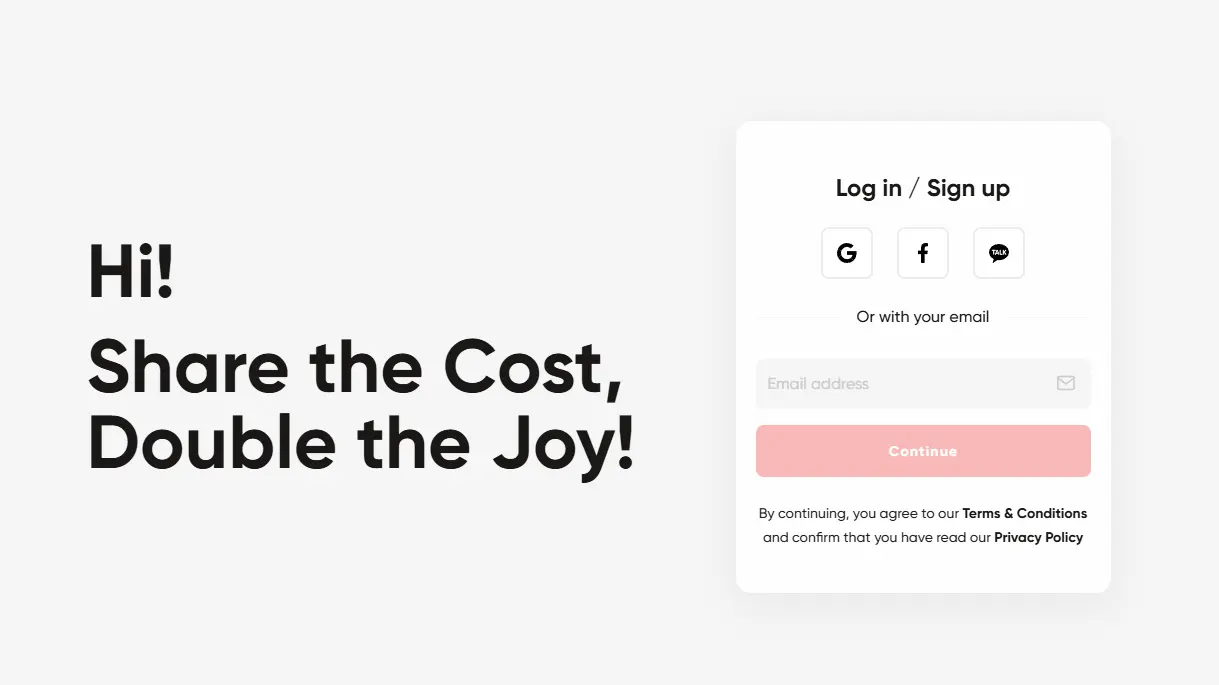
Visit the official GamsGo website and sign up or log in to your account.
After logging in, you'll find the ChatGPT Plus category on the homepage. Click on it.
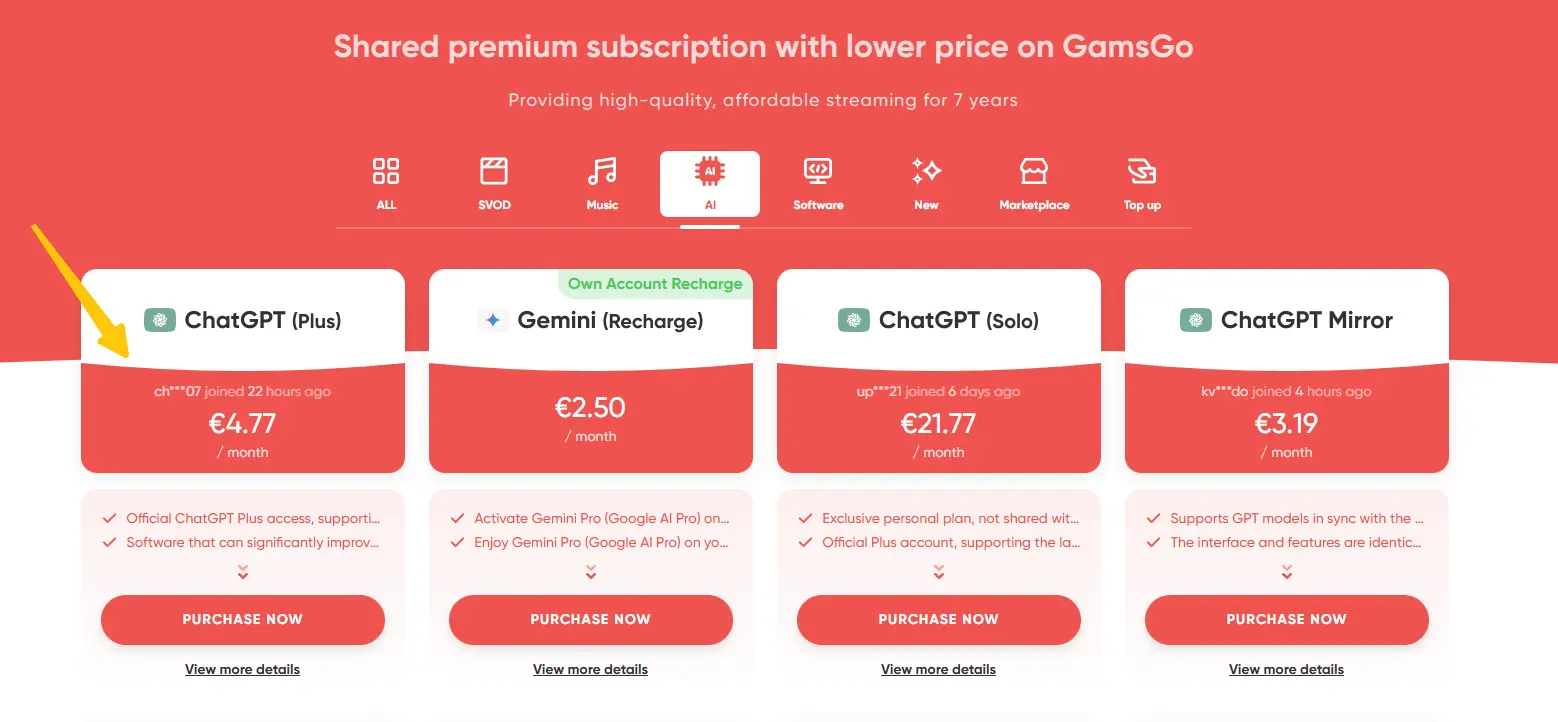
GamsGo offers different subscription plans. Choose the one that best fits your needs.
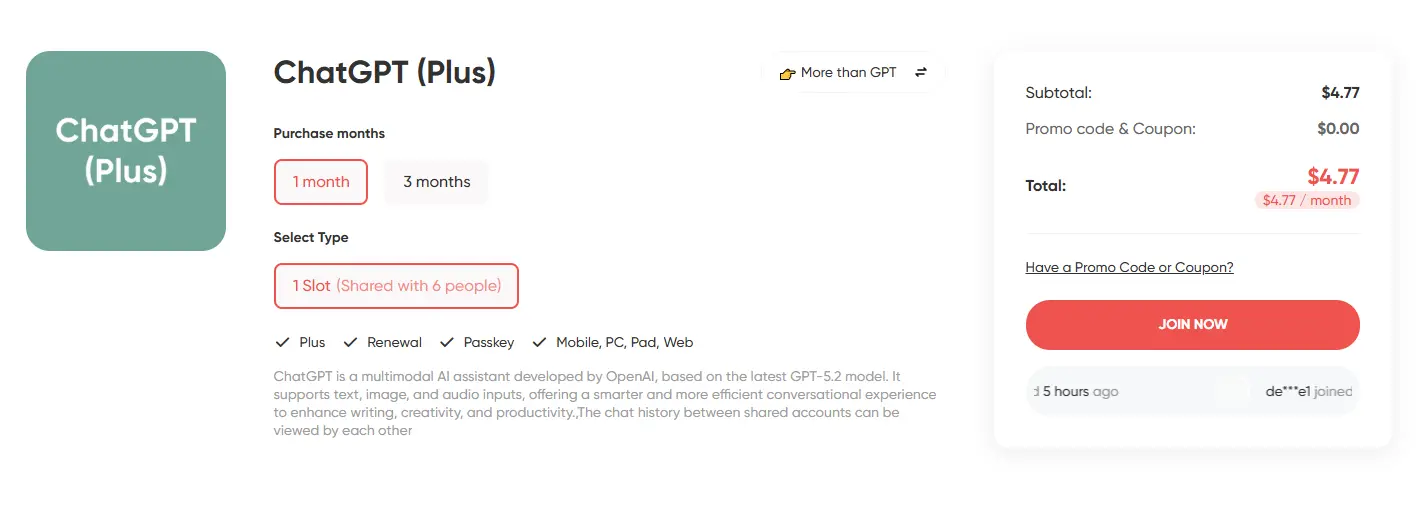
- Click "Join Now" and complete your payment. You'll receive your login credentials via email shortly after.
Are There any Differences Between ChatGPT Plus through GamsGo and The Official?
To be honest, I had the exact same concerns before subscribing. With such a big price difference, you can't help but wonder: Will the features be limited? Is it reliable?
After several months of using it, I can say with confidence: There is absolutely no difference in terms of features and experience. I have access to all Plus features, including the complete GPT-5.2 model family, Advanced Voice Mode, Sora video generation, Deep Research, and creating custom GPTs, exactly the same as a direct OpenAI subscription.
The actual differences are only these:
- Price: GamsGo starts at $4.99 per month versus the official $20. That's the biggest difference.
- Account management: You get a standalone Plus account, not one registered with your own email. But this doesn't affect your privacy at all. Your chat history and data remain private and separate.
- Payment methods: Payment is processed through the GamsGo platform, which supports various common payment methods, making it more flexible than the official option.
For me personally, the math is simple: Save over $180 a year while getting the exact same service. It's absolutely worth it. GamsGo's customer support is also very responsive, with issues typically resolved the same day. If you care about value for money like I do, GamsGo is definitely worth trying.
Conclusion: Is ChatGPT Plus Worth It?
If you only use AI occasionally for simple questions, the free version is probably enough, or you might even find some free ChatGPT alternatives that satisfy your basic needs. However, as AI becomes an essential part of professional work, the ChatGPT Plus subscription is definitely worthwhile in the long run.
With Plus, you get more than just access to more powerful models, higher usage limits, and faster response times. You also benefit from the latest technological developments as they roll out. From GPT-4.5 to GPT-5 and future versions, Plus users are always first in line.
That said, if the price feels too steep, GamsGo offers an unbeatable alternative at just $4.99. You get the same features as the official subscription but pay only a fraction of the cost. For anyone who values efficiency and getting the most bang for your buck, it's clearly the better choice.
FAQ
Is ChatGPT Plus Worth Buying?
Whether ChatGPT Plus is worth it depends on how you use it. If you need access to the most advanced models, regularly generate images, analyze data, or want to create custom AI tools, then the $20 per month is a smart investment.
What Are the Benefits of ChatGPT Plus?
With a ChatGPT Plus subscription, you get access to powerful models like GPT-5 and GPT-5-Thinking. You also benefit from higher usage limits, the ability to generate images and videos, real-time web access, and the option to create personalized GPTs for specific tasks.
What Are the Downsides of ChatGPT Plus?
Even with Plus, there are limits when working with very large files, such as lengthy documents or extensive datasets. The accuracy of responses can also vary at times. And while Plus offers higher limits, certain models still have caps (for example, GPT-5: 160 messages every 3 hours, GPT-5-Thinking: 200 messages per week).
What Are ChatGPT's Daily Limits?
Plus users can use GPT-5 up to 160 times every 3 hours and GPT-5-Thinking up to 200 times per week. Free users, on the other hand, only get 10 requests to GPT-5 every 5 hours, after which they're automatically switched to the more limited mini model.
ChatGPT vs Perplexity AI: Which is Better?
The choice between ChatGPT vs Perplexity AI depends on your goals. Perplexity is better for real-time web search and sourcing citations, while ChatGPT Plus (especially with GPT-5.2) remains superior for complex reasoning, creative writing, and advanced data analysis. If you need a versatile all-in-one partner, ChatGPT Plus is generally the stronger choice.