Acrobat and Adobe Express together have surpassed 850 million monthly active users, up from more than 700 million a year earlier. For work and study alike, Acrobat remains one of the first tools people turn to when they need to work with PDFs.
But occasional PDF editing does not always justify a subscription. Paying $19.99 per month for Acrobat Pro may feel excessive if you only need to update a contract or convert a file. Adobe’s free trials also require payment details and automatically convert to paid subscriptions. Annual plans may carry an early cancellation fee after the refund window closes.
This guide covers seven official ways to use Adobe Acrobat for free in 2026, including paid-product trials, institutional access, and free PDF tools. You will learn who each option suits and what to check before signing up.
If you need continued access after your trial, GamsGo offers Adobe Creative Cloud subscriptions from $17.59 per month—approximately 75% below the stated $69.99 standard Creative Cloud Pro monthly rate.
Is Adobe Acrobat Free in 2026?
Adobe Acrobat is partly free. The Acrobat family includes both free tools and paid products.
Acrobat Reader, the Acrobat browser extension, and Adobe’s free online PDF tools cover basic tasks such as viewing documents, adding comments, filling forms, and signing PDFs. Online tools also offer limited conversions and compression.
Paid options include Acrobat Pro, Acrobat Studio, and business plans. Advanced features include editing PDF text and images, exporting documents, password protection, document comparison, and redaction.
Eligible users can try paid products through official trials: individual offers typically last seven days, while selected team offers provide 14 days. Trial features, refund eligibility, and cancellation terms depend on the offer and region, so review the checkout terms before confirming.
For reading PDFs and basic signing, free tools may be enough. For more extensive editing and conversion, consider a trial or paid plan.
Acrobat Reader vs. Acrobat Pro
Before starting a trial, check whether free Acrobat Reader already covers your needs.
Feature | Acrobat Reader | Acrobat Pro |
|---|---|---|
View and print PDFs | ✅ | ✅ |
Highlight and annotate | ✅ | ✅ |
Fill forms and add electronic signatures | ✅ | ✅ |
Edit PDF text and images | ❌ | ✅ |
Convert PDFs to Word, Excel, or PowerPoint | Limited options through online tools | ✅ |
Use OCR to recognize scanned text | ❌ | ✅ |
Merge, split, and reorder pages | Limited options through online tools | ✅ |
Password protection and redaction | ❌ | ✅ |
Compare PDF versions | ❌ | ✅ |
Price | Free | $19.99/month |
If you need to change contract wording or turn a scanned document into editable text, Acrobat Pro is the more suitable option. If most of your work involves Word and Excel with occasional PDF editing, a WPS Office subscription may also cover your basic needs.
How to Get an Adobe Acrobat Free Trial: 7 Official Options
The first four methods below are trials of paid Adobe products. The remaining three provide institutional access or free tools, rather than another personal trial.
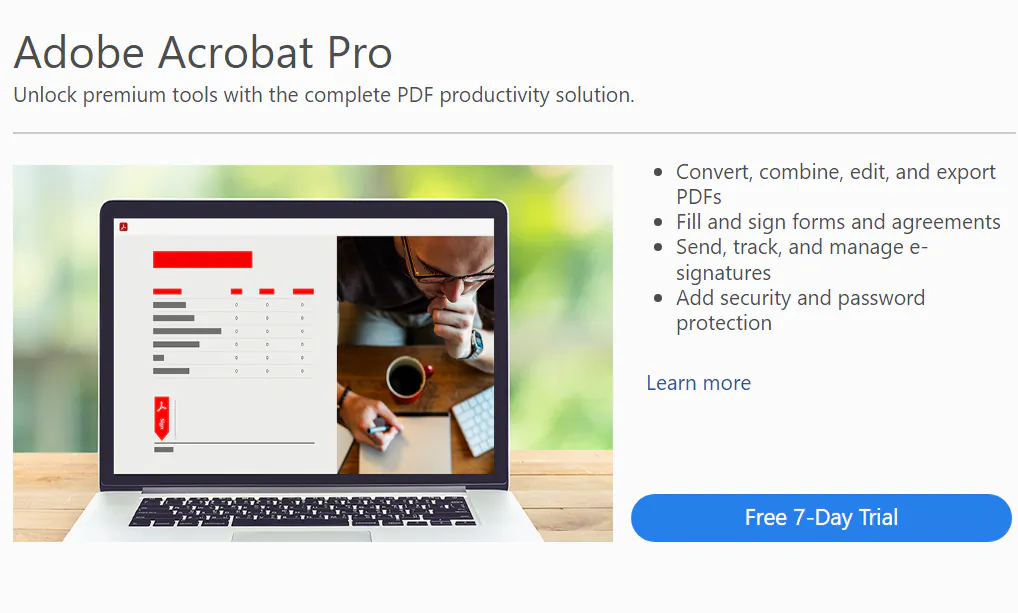
1. Start the 7-Day Acrobat Pro Free Trial
The most direct option is the seven-day Acrobat Pro trial. It requires payment details and suits users who need to complete several PDF tasks within a week. Available desktop, web, and mobile features depend on the trial and platform.
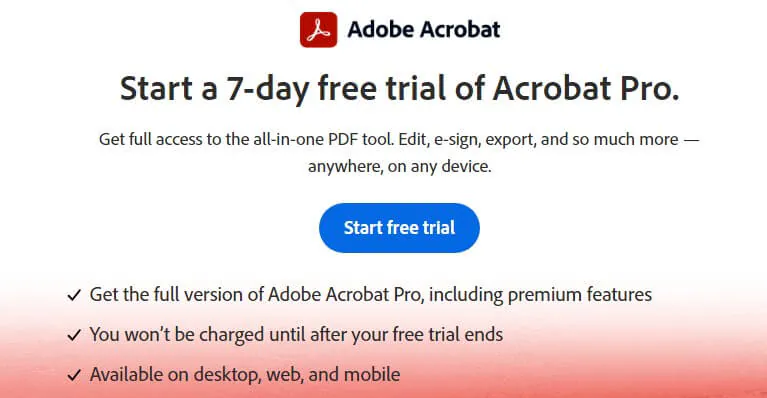
- Open Adobe’s official Acrobat free trial page and select “Start free trial.”
- Sign in or create a free Adobe account.
- Choose an available billing option and enter your payment details. Check whether AI Assistant Plus is included as an additional charge. The US offer described here displays Acrobat Pro at $19.99/month and AI Assistant Plus at $4.99/month.
- Download Acrobat or use the available browser tools.
The trial starts when you register and runs for seven consecutive days. Billing begins afterward unless you cancel. If you only need temporary access, check whether a month-to-month option is available and set a reminder before the trial ends.
Adobe’s applicable subscription terms may provide a full refund when you cancel within 14 days of the initial paid subscription order. For annual plans billed monthly, cancellation after that window may incur a fee equal to 50% of the remaining contract balance. Confirm the dates and terms shown for your purchase.
How to cancel: Sign in to your Adobe account, open “Plans and payment,” find the subscription, and select “Manage plan” followed by “Cancel your plan.” Complete every confirmation step and save the cancellation email. Cancellation steps can vary for team or third-party purchases.
2. Try Acrobat Studio Free for 7 Days
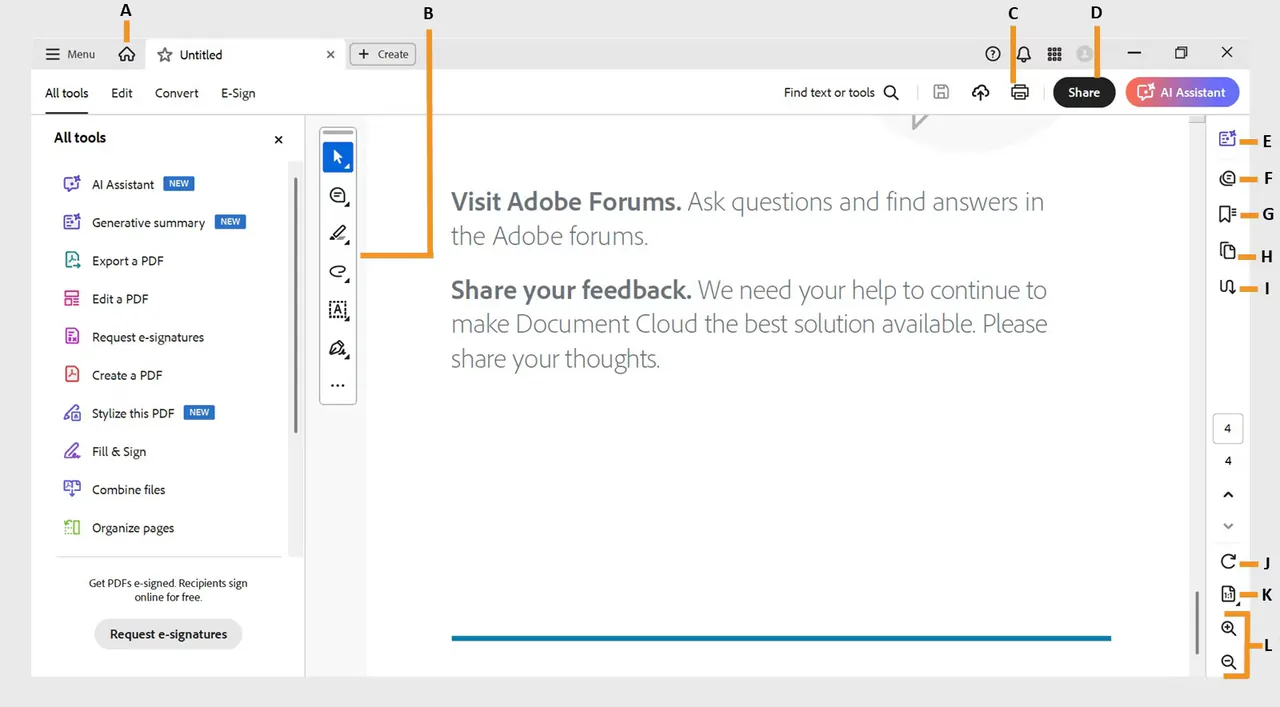
Acrobat Studio combines Acrobat Pro, AI Assistant, and Adobe Express Premium. It adds tools for summarizing documents, creating presentations from files, and producing visual content.
The offer described here includes a seven-day trial, followed by $24.99 per month with an annual commitment, billed monthly. It suits users who want to evaluate AI and design tools alongside PDF editing.
If your main goal is asking questions about long documents and generating summaries, a Gemini Pro account is another option to compare.
3. Get a 14-Day Free Trial with Acrobat Pro for Teams
Eligible businesses can try Acrobat Pro for teams for 14 days. The offer described here supports up to 10 trial licenses, includes an administration console, and provides AI Assistant access.
Registration requires business details and payment information. Existing Acrobat Pro for teams customers may not qualify. Billing starts after the trial unless canceled, and any refund window follows the specific offer terms.
The stated post-trial price is $23.99 per license per month with an annual commitment, billed monthly. This option is best suited to teams evaluating Acrobat together.
4. Get Acrobat Pro Through a Creative Cloud Pro Free Trial
Acrobat Pro is also included in Creative Cloud Pro. Its seven-day trial lets eligible users evaluate more than 20 Adobe applications, including Photoshop, Illustrator, and Premiere.
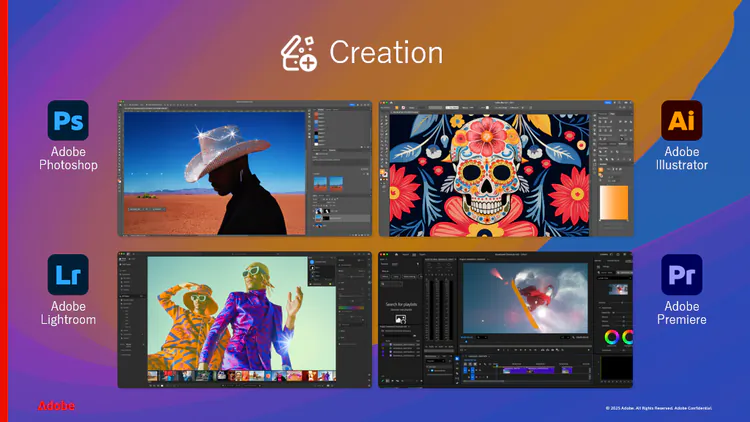
This option suits users who also need design, photo editing, or video tools. The promotional pricing described here is $34.99 per month for the first three months, followed by $69.99 per month, under an annual commitment billed monthly. Check eligibility and checkout terms, and cancel before the trial ends if you do not want a paid subscription.
5. Check Your School or Workplace for Acrobat Access
Many universities and employers purchase Adobe licenses. Ask your IT department or administrator whether Acrobat Pro is included, or try signing in with your school or work email.

If a license has been assigned to you, you may use Acrobat Pro at no personal cost while that access remains active. The institution manages the license, and access generally ends after graduation, departure, or reassignment.
6. Use Adobe’s Free Online PDF Tools
Adobe offers browser-based PDF tools without requiring a desktop installation. Available tools include:
- Word, Excel, PowerPoint, and image conversion to PDF
- PDF-to-Word conversion
- PDF compression
- PDF merging
- Form filling and signing
Free usage limits apply, and signing in may provide additional access. Limits vary by tool and region. Many tools accept files up to 100 MB, while the compression tool may support up to 500 MB. Check the upload page for the current limit.
7. Download Free Acrobat Reader and the Browser Extension
For reading, commenting, filling forms, and basic signing, Acrobat Reader is free with no trial deadline.
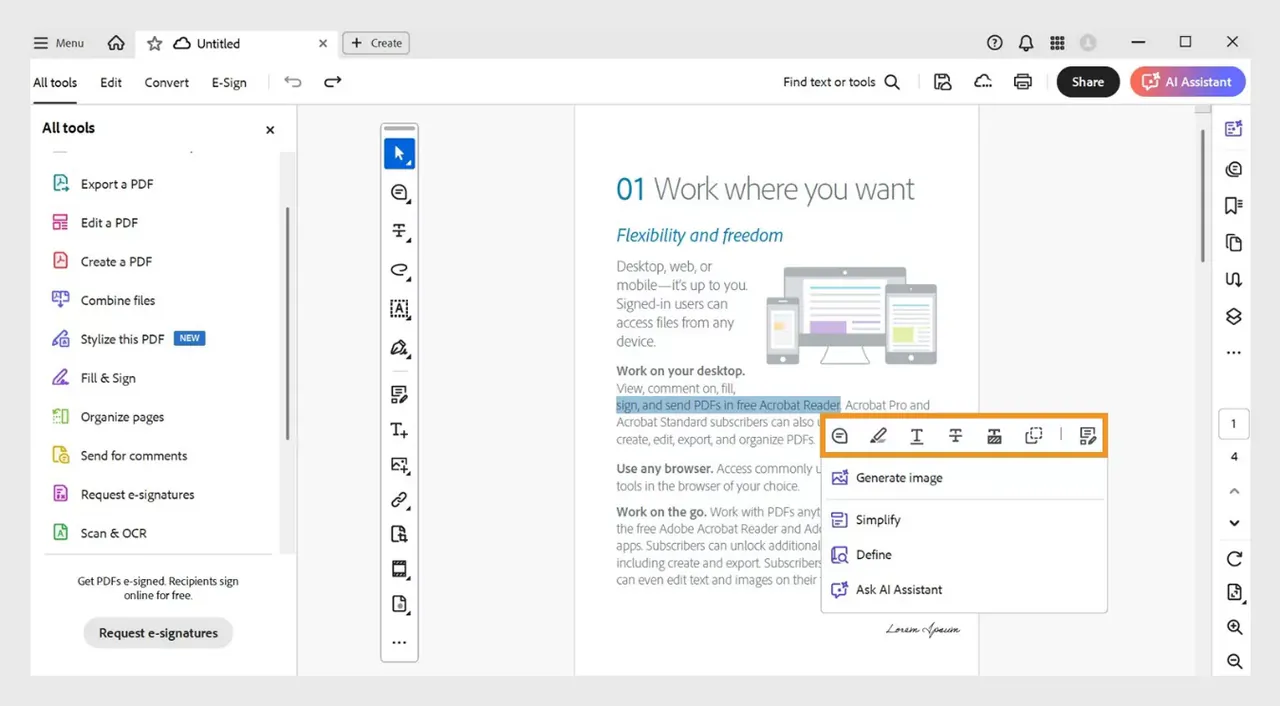
Reader is available for Windows and Mac, with mobile apps for phones and tablets. Adobe also offers Acrobat extensions for Chrome and Edge, bringing supported PDF tasks into your browser.
After a Pro trial expires, basic viewing and commenting may remain available, while paid features become locked.
Which Adobe Acrobat Method Is Best for You?
Your Needs | Suggested Option | Free Access Period | Payment Details Required? |
|---|---|---|---|
Read PDFs, sign, and fill forms | Reader or browser extension | No trial deadline | No |
Occasionally convert or compress files | Adobe online PDF tools | Ongoing, with usage limits | No for free tools |
Edit documents within a week | Acrobat Pro trial | 7 days | Yes |
Try AI summaries and design tools | Acrobat Studio trial | 7 days | Yes |
Evaluate Acrobat as a team | Acrobat Pro for teams trial | 14 days | Yes, for the described offer |
Also use Photoshop or Premiere | Creative Cloud Pro trial | 7 days | Yes |
Access through school or work | Institutional license | While authorization remains active | No personal payment required |
Continue using paid tools without an annual commitment | GamsGo subscription | Paid access | Payment required |
For occasional use, combine Reader and online tools with a trial when a concentrated editing task arises. If you edit PDFs every week, compare the ongoing subscription cost and commitment before choosing a paid option.
What’s the Cheapest Way to Keep Using Acrobat Pro After the Free Trial?
Official subscription costs can add up. The figures below illustrate the prices described in this guide:
Option | Price | Cost Over 12 Months |
|---|---|---|
Official Acrobat Pro | $19.99/month | $239.88 |
Official Acrobat Studio | $24.99/month | $299.88 |
Official Creative Cloud Pro | $34.99/month for 3 months | $734.88 |
GamsGo Adobe Creative Cloud | $17.59 / 1 month | Depends on future purchase prices |
Prices and promotional eligibility may change. Official monthly figures above involve an annual commitment; GamsGo prices refer to the stated fixed-term purchases.
Annual Adobe plans billed monthly may also carry an early cancellation fee after the applicable refund window. If you want shorter access, compare fixed-term options and their included account benefits.
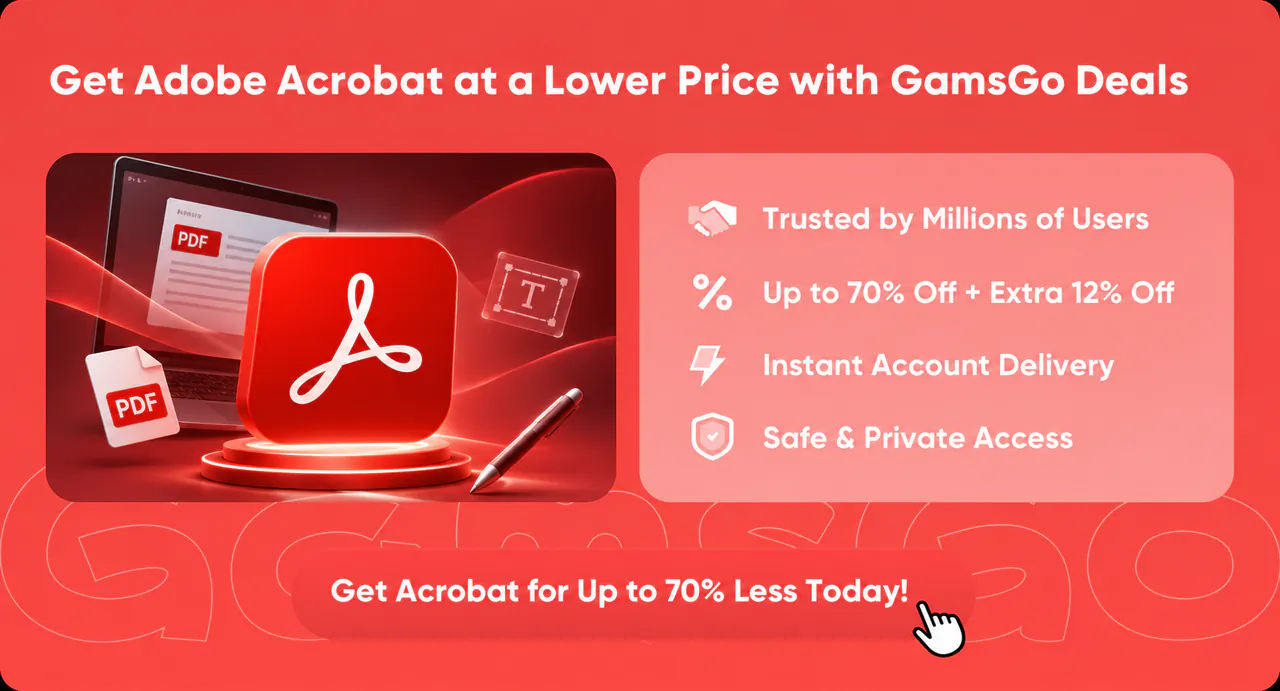
Get Acrobat Pro for Less on GamsGo
Founded in 2020 and headquartered in London, GamsGo offers more than 200 subscriptions across streaming, AI, and productivity software. Its Adobe Creative Cloud offering includes Acrobat Pro from $17.59 for one month, below the stated $19.99 monthly payment for an official annual Acrobat Pro plan.
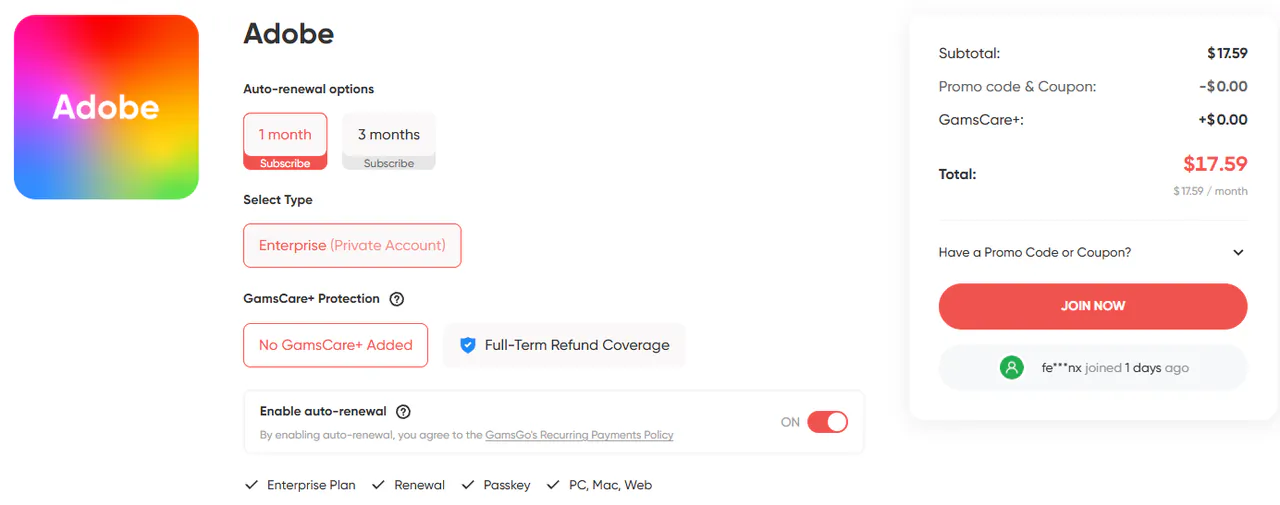
The bundle also includes creative applications such as Photoshop, Illustrator, and Premiere. Key benefits include:
- Lower upfront cost: The stated $17.59 monthly purchase is approximately 75% below Creative Cloud Pro’s $69.99 standard monthly rate.
- Flexible duration: Choose one or three months, with no annual commitment, automatic renewal, or early cancellation fee under the described purchase terms.
- 24/7 live support: Contact customer support for login, access, or order issues.
- Transaction protection: If an account issue cannot be resolved, refunds are available under the applicable terms, with a stated processing timeframe of 1–24 hours.
Conclusion
The most direct way to try Acrobat Pro free is Adobe’s official seven-day trial. Eligible teams can evaluate the team version for 14 days, while Studio and Creative Cloud trials add AI or creative tools. For basic reading, signing, and occasional file processing, Reader and Adobe’s free online tools may be sufficient.
Review the trial’s billing and cancellation terms, and cancel before it converts to a paid subscription if you do not want to continue. If you need ongoing Acrobat Pro access alongside Adobe’s creative applications, GamsGo’s Adobe Creative Cloud offering starts at $17.59 for one month, without the annual commitment described above.
FAQ
1. Does Adobe Acrobat Pro Work Offline?
Most desktop editing features work offline. Installation, activation, and periodic subscription checks require an internet connection. AI Assistant, cloud storage, shared reviews, and online PDF tools also require connectivity.
2. Is There a Student Discount for Adobe Acrobat Pro?
Adobe offers education pricing on eligible Creative Cloud plans that include Acrobat Pro. Student or teacher verification is required. Your school may also provide Acrobat through an institutional license.
3. Will Adobe Remind Me Before My Free Trial Ends?
You may receive a reminder email, but do not rely on it alone. Set your own calendar reminder when registering and check your subscription before the trial ends—for example, on day six of a seven-day trial.
4. Can I Get the Adobe Acrobat Free Trial More Than Once?
Trial eligibility is generally limited for the same product and account. Other Adobe products may have separate eligibility rules, but a different product name does not guarantee another trial. Check the offer before entering payment details.
5. Is Adobe Acrobat Pro the Same Price in Every Country?
No. Adobe prices vary by country, currency, taxes, and promotion. The UK pricing example provided here is £19.97 per month including VAT for Acrobat Pro, with AI Assistant Plus listed separately at £4.98 per month. Check your local checkout page for the applicable price and commitment.
Related Articles