A promo code is more than a small discount field at checkout—it is a simple tool for spending smarter. For anyone buying digital products, subscriptions, or shared services, using the right promo code can lower the final price, stretch the budget further, and make each purchase more cost-effective.
At GamsGo, we focus on offering quality service and better overall value. One way we do this is by providing promo codes that give users extra discounts on GamsGo purchases. By knowing where to find codes, how to apply them, and what to check before payment, users can avoid missing available savings.

Understanding Promo Codes
Promo codes are special codes that provide users with exclusive discounts or offers. At GamsGo, these codes serve as a way to reward our loyal users and enhance their subscription experience. There are two sources of promo codes available on our website:
- Official GamsGo Activities: Some promo codes are issued as part of official GamsGo website activities. These codes can be found on our official Facebook or Twitter pages. Make sure to keep an eye out for these promotions and take advantage of the discounts.
- Affiliate Program: We also offer personalized promo codes through our affiliate program. By joining our affiliate program, our partners can provide their audience with unique promo codes that offer exclusive benefits when used on GamsGo.com. These codes enable us to collaborate with like-minded platforms and extend our reach to a wider audience.
How to Get Promo Codes
- Official Website Activities: Regularly visit the official website of GamsGo to check for ongoing activities. On the activity page, you may find promo codes to get exclusive discounts or offers.
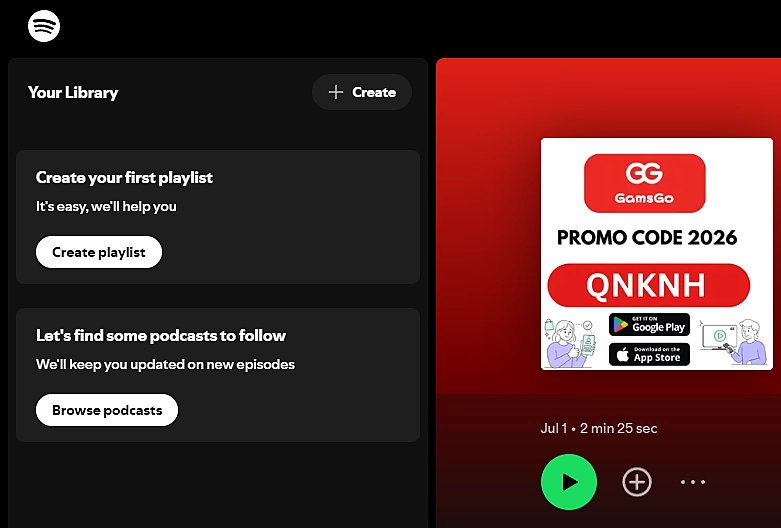
Social Media Platforms: GamsGo has numerous partners, including video bloggers or article bloggers, who have exclusive promo codes on their social media pages. For example, search for GamsGo on platforms like YouTube, Facebook, Naver, Spotify, etc., and you can discover promo codes in the promotional content.
- Email Subscription: You may receive special offers emails containing promo codes from GamsGo. Make sure to check your inbox.
Please note that the ways of obtaining promot codes may vary due to time, activities, and partnership changes. Therefore, it is recommended to regularly follow GamsGo's official channels to get the latest information on promo codes.
How to Use Promo Codes
(Taking Netflix as an example)
Before making a purchase, there will be a prompt asking if you have a promo code. If you have a promo code, you can click on it.
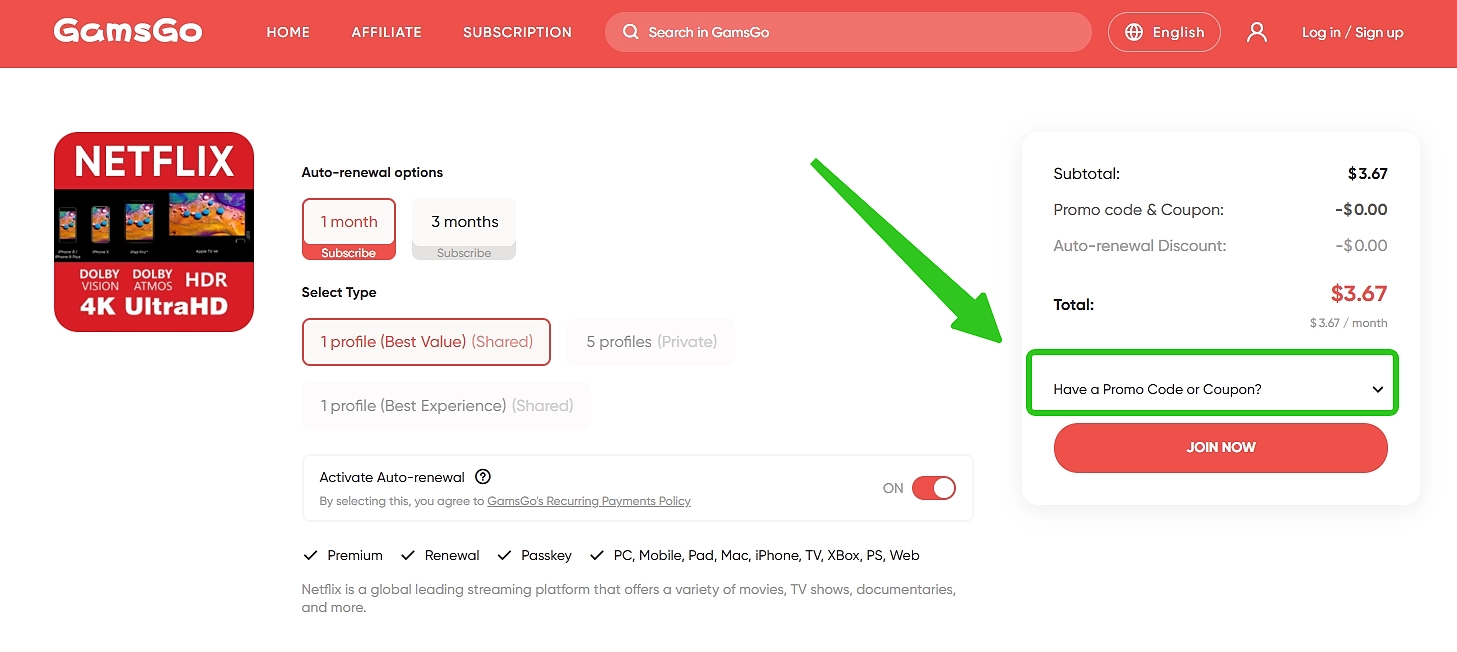
After entering the promo code, click Apply to display the cost savings based on this promo code for you.
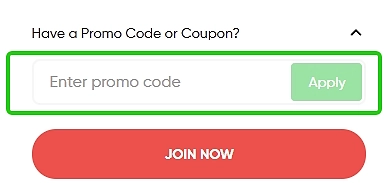
- After confirming the product and promot code, you can click on Go to payment and then select your preferred payment method to complete the purchase.
Conclusion
These are all the steps of How to Utilize Promo Codes on GamsGo. We believe that the Promo Codes will provide our users with even more opportunities to save money and explore new products and services.
Remember to regularly check our official social media pages for exclusive promo code offers. Enjoy the benefits of promo codes and make the most out of your subscription experience with GamsGo.com. If you have other questions, you can also check our Help Center or contact us by online chat. We are ready to serve you 24/7!
We’ve prepared an exclusive promo code for all blog readers:
Enjoy an additional 3% off on your next purchase!
FAQ
How Can I Generate My Own Promo Code as a GamsGo Affiliate Partner?
Please contact our online customer service and leave your contact email. Let them know that you need to generate your own promo code as an affiliate partner. Our customer service team will notify the business department, and they will contact you to help create your promo code.
Can Promo Codes Be Used on All Products?
Promo codes can be used on most products, but not all. Before purchasing, check the product page to see whether there is an option to apply a promo code.
Can I Use a Promo Code After Placing an Order?
No. If you have a promo code and want to use it, you need to apply it before placing the order. It cannot be added after checkout.
Where Can I Check Whether My Discount Has Been Applied?
On the product page. After you enter a promo code, the system will show the discount amount for that order.
Related Articles