Zoom carries a huge share of the world's video calls, with more than 300 million meeting participants joining every day across schools, offices, and home desks. Teachers, freelancers, small teams, and anyone working remotely reach for it without a second thought.
The sticking point on the free plan is the 40-minute cap on group calls. You are mid-sentence, and the meeting just ends. Zoom Pro clears that limit, but the list price runs roughly $170 a year, which stings when Zoom is only one of several tools already on your bill.😞
"Unlock tools" and cracked downloads that promise free Zoom Pro almost always come with malware or a banned account, so this guide leaves them out. What follows are the routes that are legal and actually work in 2026, with a straight answer on which ones get you Pro for free and which ones simply get you a lower price.😎
If you would rather skip the eligibility checks, GamsGo sells Zoom Pro accounts from around $2 a month, and it is listed below as one of the options. Here is the full picture👇.
What this guide covers
Ways to get Pro for free or cheaper:
- School or institutional Licensed account (the one route that can be free)
- Nonprofit 50% discount through Zoom Cares
- Refer-A-Friend, about 15% off the first year
- Annual billing and official promotions
- Zoom Pro through GamsGo, around 88% off
If you are not ready to pay:
What Is the Difference Between Zoom Free and Pro?
Zoom Pro runs $16.99 a month, or roughly $144 a year if you pay annually. Before chasing a discount, it helps to see what that gets you over the free plan, so you can tell whether you even need to upgrade.
The free plan handles plenty on its own. A quick one-on-one, a fast internal sync, or a first look at the platform all fit inside 40 minutes with room to spare.
Where it starts to pull on you is the moment a client consultation, an interview, a class, or a Q and A runs past the cutoff and the call drops for everyone. Restarting with a fresh link works, but it breaks the flow and reads as unpolished.
There is also no cloud recording, so nothing to review afterward or send to whoever missed it, and no full AI Companion to write up notes and pull out action items for you.
So the free plan suits meetings that stay short and can be restarted without much cost. Once Zoom is part of your daily work, those limits show up every day. At that point, the question is not whether you need Pro, but how to get it for the lowest cost.
How to Get Zoom Pro for Free or Cheaper
Unlike a lot of AI tools, Zoom has no always-on free Pro tier you can just claim. The only route that can be genuinely free is an institutional license, and the rest bring the price down rather than to zero. Knowing that up front saves you from chasing offers that were never really free.
School or Institutional Licensed Account
Zoom for Education is sold to institutions in bulk, not to individuals. Universities, colleges, and school districts buy a block of licenses and hand them out to students, faculty, and staff. When your school assigns you one, your account shows up as "Licensed," which gives you Pro-level meeting length and features at no cost to you.

To check whether you already have one, sign in at your school's Zoom portal (usually something like yourschool.zoom.us) with your student or staff credentials, open your profile, and look at the user type. If it says Licensed, you are set.
If it says Basic, your institution has not assigned you a license, and the next step is to ask your IT or help desk whether one is available.
Access varies a lot from one school to the next. Some provide a Licensed account for every student automatically. Others give students only Basic and reserve Licensed seats for staff, and a few ask you to pay a small annual fee or get a faculty sponsor.
It is worth a quick check, because when it is offered, this is the one option that costs nothing and lasts as long as you are enrolled or employed.
Nonprofit 50% Discount Through Zoom Cares
Registered nonprofits can get 50% off select Zoom products through the Zoom Cares program. The discount covers Zoom Workplace Pro and Business, plus the Large Meeting and Webinar add-ons.
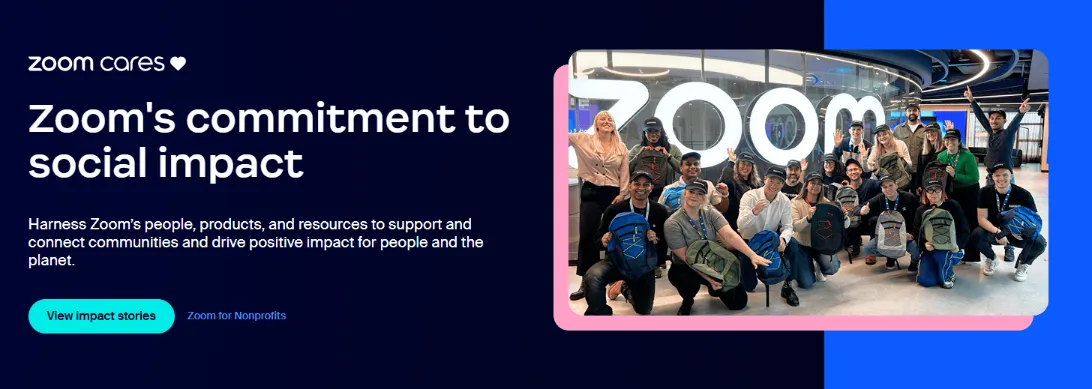
A few conditions matter. The discount applies to annual billing only, not month-to-month. Your organization needs an operating budget under $10 million, and eligibility is confirmed by Zoom's validation partner, Goodstack.
One change to note: the old TechSoup partnership ended on May 1, 2025, so you now apply directly through the Zoom Cares page rather than through TechSoup. This is a real saving, not a free plan, but for a qualifying nonprofit it cuts the cost in half.
Get 15% Off Pro with a Referral Link
Zoom recently reworked its referral program. When an existing user invites you with their link, you get 15% off your Pro subscription, and they receive a $10 Zoom credit once you subscribe.
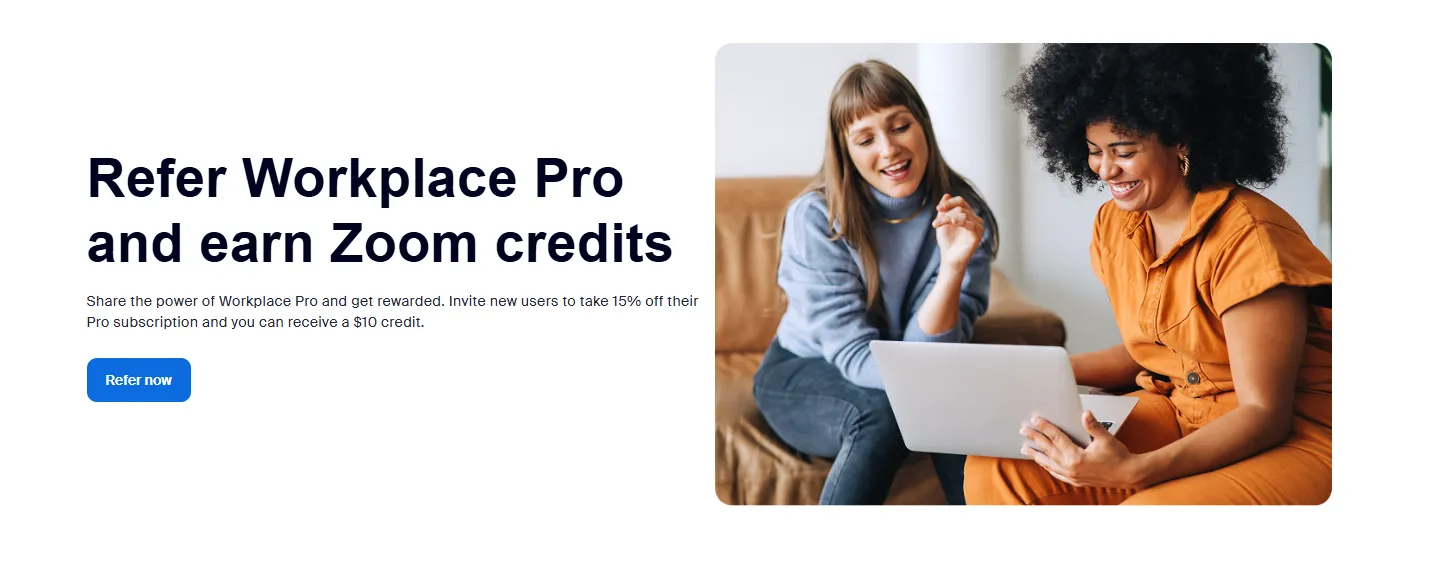
You need to be a new Pro subscriber to qualify, so ask a friend or colleague who is already on Workplace Pro to send you their link before you sign up. The discount is small, but it comes straight off the plan price with nothing to apply for.
Annual Billing and Official Promotions
Paying yearly instead of monthly is the simplest saving of all. Zoom Pro is $16.99 a month if you pay month to month, but the annual plan works out to about $14.16 a month, or roughly $170 for the year. That is around 17% off, close to $34 a year, just for changing how you are billed.
If you expect to use Pro for more than a few months, annual is the easy call.
Zoom also runs promotions now and then, though it rarely gives notice. To catch one, keep an eye on the banners at zoom.us, watch for emails once you have an account, and check the Billing page in your settings before you renew.
Low-Cost Official Pro Through GamsGo
If you do not qualify for an institutional or nonprofit rate and would rather not pay full retail, GamsGo is another option worth weighing alongside the ones above.
It is a London-based digital subscription platform that has been running since 2019 and now serves more than 10 million users across over 150 countries, covering services like Zoom Pro, YouTube Premium, and ChatGPT Plus at lower rates than list price.
Zoom sits in the GamsGo marketplace, where verified sellers offer subscriptions from as little as $2 a month. You pick the plan you need, Pro or Business, and choose how long you want it for.
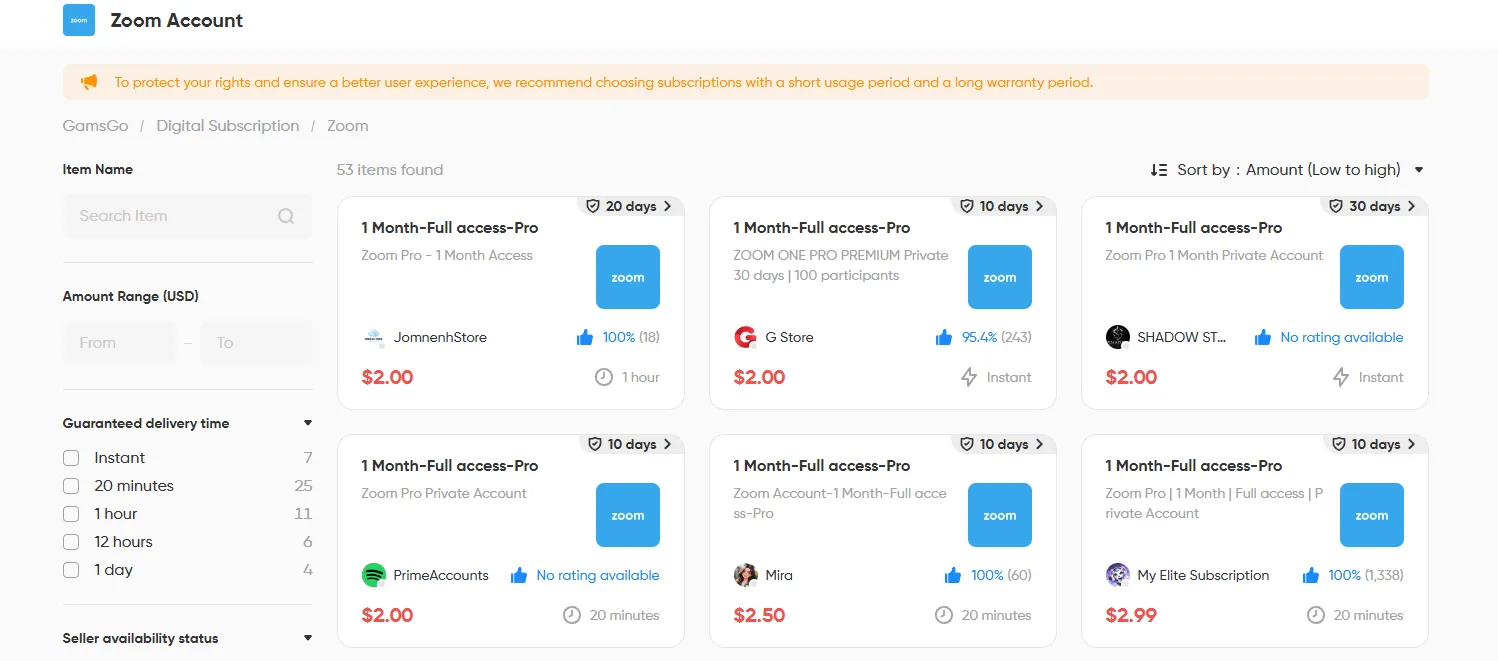
Your payment is held by GamsGo until you confirm the account works, so a seller only gets paid once you are up and running, and if anything goes wrong you can get a refund, with 24/7 support on hand.
Of the paid routes here, it has the lowest barrier, so it suits anyone who wants Pro without the eligibility checks.
Free Zoom Alternatives Worth Trying
If Pro is more than you need right now, a few free tools can carry you further than Zoom Basic on their own.
- Google Meet gives group calls 60 minutes and one-on-one calls up to 24 hours on a free account, with up to 100 people. It is the easy pick if you already have a Google account and mostly need quick calls.
- Microsoft Teams free caps group meetings at 60 minutes with up to 100 participants, and one-on-one calls have no limit. It fits small teams already working inside the Microsoft ecosystem.
- Jitsi Meet is open source and fully free, with no account, no download, and no time limit. Quality holds up to roughly 35 people, so it suits smaller groups that want to skip sign-ups entirely.
These can get you out of a jam, but switching platforms means moving your habits and your contacts over. If your team already lives on Zoom, a low-cost Pro is usually less hassle than changing tools.
Which Option Is Right for You?
Here is how the routes compare at a glance.
To pick quickly: if you are a student or work at a school, check your institutional account first. If you run a registered nonprofit, apply through Zoom Cares. If you only need Zoom now and then, free Basic or Jitsi Meet will do. And if you use it most days but do not want to pay retail, GamsGo has the lowest barrier of the paid routes.
Final Thoughts
Zoom keeps folding more into Workplace and adding to AI Companion, and paid tiers rarely get cheaper as that happens. So the practical move is to settle two things now. First, whether the free plan actually covers how you meet. If the 40-minute cutoff keeps interrupting real work, it does not.
Second, which of the routes above fits your situation, whether that is a license you already qualify for, a discount you can apply for, or a low-cost account you can start today. Sort those out once and you stop overpaying for a tool you use all the time.
On our side, we keep tracking new ways to get Zoom Pro for free or cheaper and will update this guide as they turn up. If you are looking to get other subscriptions for free too, the guides linked below are a good place to start.
You might also like
- How to Get ChatGPT Plus for Free in 2026
- How to Get Canva Pro for Free in 2026
- How to Get Claude Pro for Free in 2026
- How to Get LinkedIn Premium for Free in 2026
FAQ
Will I Be Charged Automatically When a Zoom Trial Ends?
If you activated a promotional Pro trial and added a card, it will usually convert to a paid plan when the trial ends. Cancel from the Billing page at least a day before it expires if you do not want to continue.
Can I Record Meetings on the Free Plan?
Cloud recording is a Pro feature and up, so the free plan does not include it. Local recording may be available in some cases, so check your account settings if you need it.
Can Students Get Zoom Pro for Free?
Sometimes, but not always. It depends on whether your school assigns you a Licensed account. Sign in at your school's Zoom portal and check your user type, and if it shows Basic, ask your IT team whether a license is available to you.
Can I Get Around the 40-Minute Limit?
You can restart the meeting with the same link and get another 40 minutes, but it interrupts the call and is not a real fix for regular use. For meetings that run long, Pro or one of the free alternatives above is the better answer.
Is Zoom Premium the Same as Zoom Pro?
There is no plan officially called Zoom Premium. People tend to use premium loosely for Zoom's paid tiers, and for an individual account that usually means Pro. So if you see Zoom Premium mentioned somewhere, it is almost always pointing to Pro.