88% of surveyed companies now use AI in at least one business function. As AI becomes more common in the workplace, AI Document Analysis is emerging as an important way to improve productivity. With Gemini, users can quickly summarize PDFs, extract key data, and analyze business documents.
However, reviewing lengthy financial reports, complex contracts, or multiple project files manually can be time-consuming and lead to missed information. Even with AI tools, users may encounter incomplete summaries, inaccurate data extraction, or confusion when analyzing multiple documents.
Can Gemini really solve these problems? This guide explains how to use Gemini for PDF analysis, financial data extraction, and document comparison, with practical examples and comparisons with competing tools to help you choose the right solution. If you're looking to save on subscription costs, you can also explore more affordable options through Gemini Pro Account.

What Is AI Document Analysis?
AI Document Analysis uses artificial intelligence to automatically read, understand, and analyze documents, generating summaries, data tables, or comparison results. Unlike traditional keyword searches, it can also understand context and identify relationships between information.
For example, when analyzing a 100-page company annual report, you don't need to search for financial figures manually. Instead, simply ask AI:
Extract the revenue, operating expenses, and net profit from this report, compare how these figures have changed, and analyze the main factors affecting profitability.
AI will attempt to extract the relevant data and organize it into a table. Currently, AI document analysis has five main applications:
- Document Summarization: Summarize lengthy PDFs and business reports.
- Information Extraction: Extract financial figures, dates, and key metrics.
- Document Comparison: Compare differences and changes between documents.
- Data Analysis: Identify trends and anomalies in financial data.
- Question Answering: Ask questions directly about document content.
Keep in mind that AI document analysis can still produce errors or miss important details. Critical financial and legal information should always be verified manually.
What Types of Documents Can Gemini AI Analyze?
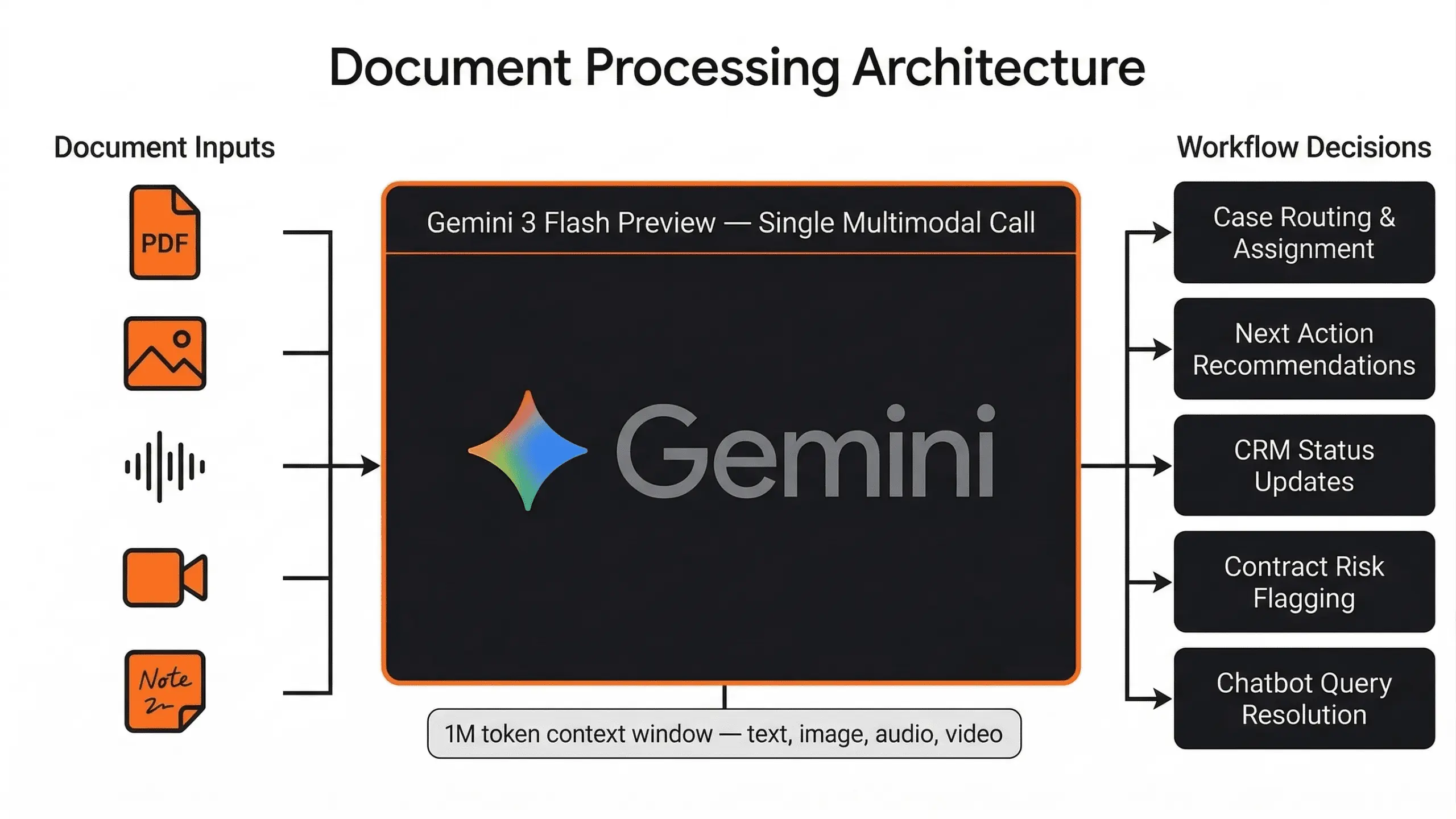
Gemini is Google's AI assistant that can process various file types, including PDFs, text files, office documents, spreadsheets, and images. You don't need to organize key information in advance. Simply upload a supported file and start analyzing it through a conversation.
The following document types are particularly useful for everyday office work and business applications:
Document Type | Common Formats | Typical Analysis Tasks |
|---|---|---|
Reports and Research Materials | PDF, TXT | Summarize key points, extract conclusions, and explain specific sections. |
Business Contracts and Agreements | PDF, DOCX | Extract contract clauses, compare versions, and identify potential risks. |
Financial and Budget Data | XLSX, CSV | Extract key metrics, calculate differences, and detect anomalies. |
Scanned Documents and Images | PDF, JPG, PNG | Recognize text and extract information from tables. |
According to Google's official help documentation, Gemini allows users to attach up to 10 supported files per prompt under applicable conditions, with a 100 MB limit per regular file. Specific limits may vary depending on the file type, subscription plan, and feature availability.
However, being able to upload a document doesn't guarantee accurate analysis. The accuracy of scanned PDF recognition depends on image quality, layout complexity, and handwriting clarity. When documents are particularly long or contain information from multiple connected sources, Gemini may also overlook important details.
We'll explain how to address these limitations in the FAQ section later in this guide.
How to Analyze Documents with Gemini AI: Step-by-Step
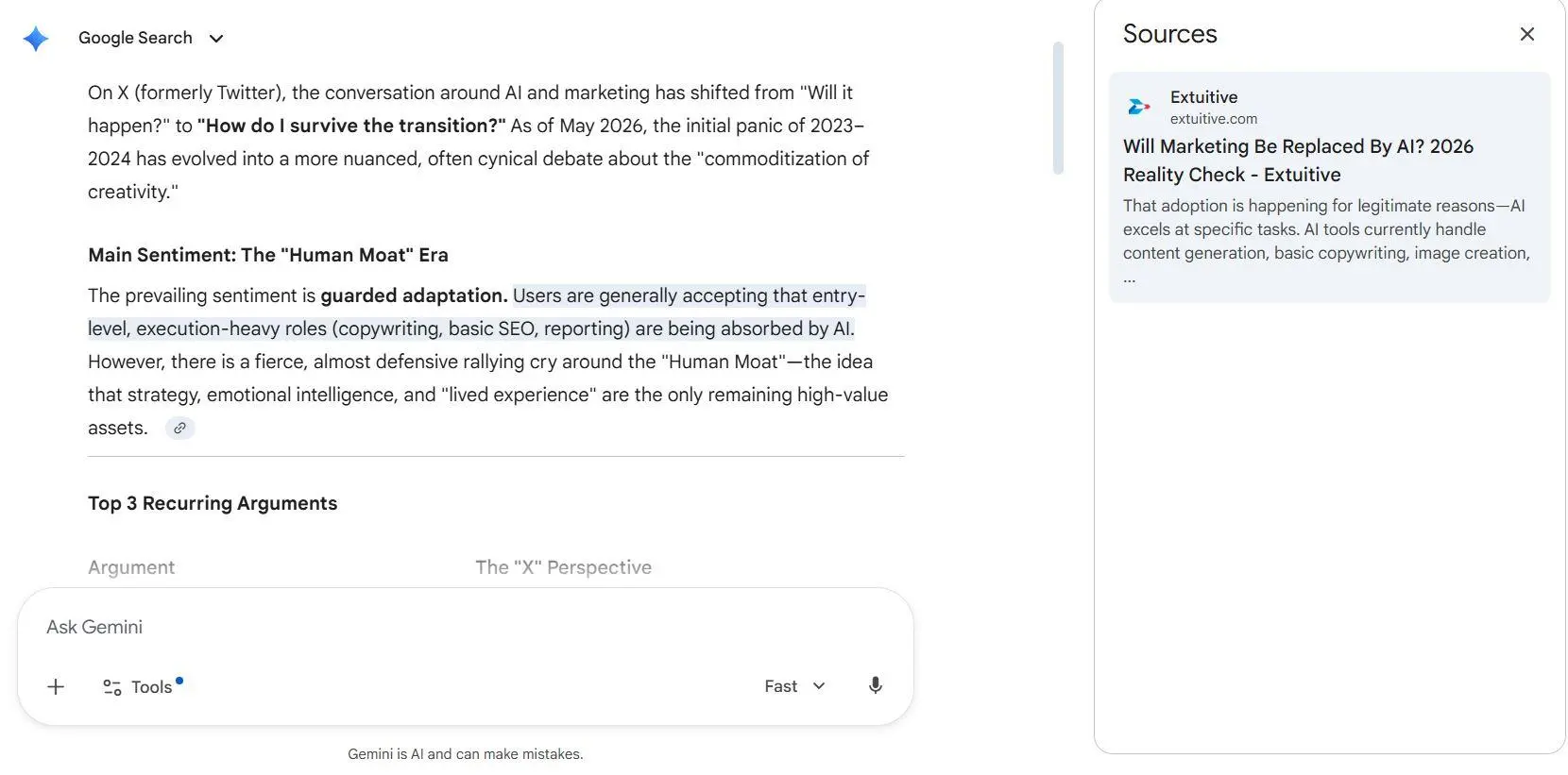
You don't need any programming experience to analyze documents with Gemini. Students, researchers, financial analysts, and business managers can all use it. Using a business report as an example, let's break down the process into four steps: uploading, extracting, comparing, and verifying information.
Step 1: Upload Your PDF or Business Documents
Open the official Gemini website and sign in with your Google account. Find the option to add files next to the prompt box, then upload a file from your device or select one from Google Drive.
Once the file is attached to your conversation, you can start asking questions. For example, to analyze an annual financial report:
If you're uploading multiple documents, use clear file names such as
Annual_Report_2024.pdf and Annual_Report_2025.pdf to make it easier to distinguish between sources later.
If you're using a business or school Google Workspace account, some Google Drive integration features may need to be enabled by your administrator.
Step 2: Tell Gemini What Information to Extract
Uploading a document is just the beginning. The usefulness of Gemini's analysis largely depends on your prompt.
Simply entering "Summarize this document" often produces a general overview. A better approach is to clearly specify your analysis goals, the information you want to extract, your preferred output format, and how Gemini should handle missing information.
For example, when reviewing a contract:
Analyze the uploaded contract and extract: parties, effective and expiration dates, payment terms, termination conditions, liability and confidentiality clauses, and potentially unfavorable terms. Present the results in a table with the relevant section or page. Mark missing information as "Not found".
This helps Gemini organize information into specific fields instead of generating a vague summary.
The same approach works for other document types. For financial reports, you can specify metrics such as Revenue and Net Profit. For project reports, you can ask Gemini to extract Status, Risks, and Next Steps.
Step 3: Compare Multiple Documents and Identify Differences
Comparing multiple documents can provide even more value than summarizing a single PDF.
A project often involves budgets, expense reports, vendor quotes, and contract attachments. Manually checking these documents page by page for inconsistencies can be time-consuming.
Instead, you can upload multiple files at once and enter the following prompt:
Compare the uploaded documents. Identify discrepancies in names, amounts, dates, and reporting periods. Create a comparison table showing the source file, each value, the difference, and the supporting page. Flag anything that cannot be verified.
The accuracy of cross-document analysis depends on whether Gemini has processed all the relevant information.
If your documents use different measurement units, reporting periods, or project names, it's best to ask Gemini to standardize them before making comparisons.
If the number of files exceeds the upload limit for a single prompt, you can process them in batches, create a consistent extraction table, and then perform a combined analysis.
Step 4: Verify the Results and Export Your Findings
Generating an answer isn't the final step. Verifying the accuracy of the results is just as important.
Incorrect amounts, dates, or contract terms can create real risks in financial and legal situations. That's why it's important to perform three checks:
- Ask Gemini to provide the source page for each key finding, then verify the information against the original document.
- Independently check important calculations using Excel or another spreadsheet tool.
- Ask Gemini to identify any missing or ambiguous information.
You can also use the following follow-up prompt to double-check the analysis:
Review your previous analysis against the uploaded documents. List each key claim with its source, recalculate all numbers, and clearly mark unsupported claims and missing information.
Once you've verified the results, you can use Share & export → Export to Docs below the response to save your findings as a Google Doc, then download it as a Word document or PDF.
Responses containing tables may also offer an option to export data to Google Sheets, depending on your account and available features.
5 Practical AI Business Document Analysis Use Cases
Now that you understand the basic process, let's explore how AI document analysis can help with real-world business tasks. The value of AI business document analysis goes beyond reading documents faster. It helps turn scattered information into useful insights for reporting and decision-making.
The following five use cases cover common business needs, including finance, legal reviews, project management, budget control, and procurement.
1. Financial Report Analysis
Financial reports contain balance sheets, income statements, cash flow statements, and extensive written explanations. Extracting data and comparing figures across reporting periods manually can be time-consuming.
After uploading annual or quarterly reports, you can ask Gemini to extract revenue, operating expenses, net profit, and cash flow, calculate year-over-year changes, and provide a source reference for each figure.
For example, if a company's revenue increases while net profit declines, Gemini can help locate explanations in the report related to rising costs or increased research and development spending.
However, important calculations such as growth rates and profit margins should always be verified in Excel. You should also confirm that different reports use consistent accounting methods and reporting periods.
2. Contract Review and Comparison
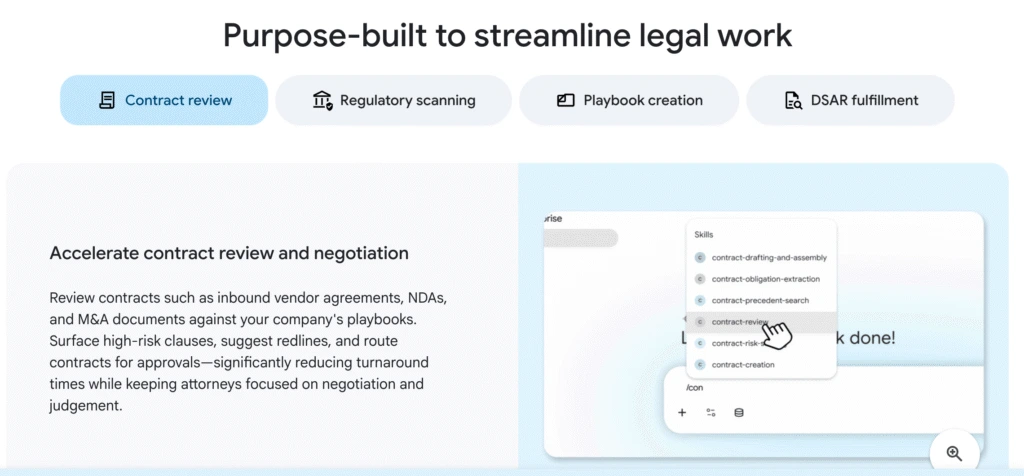
Upload the original and revised versions of a contract, then ask Gemini to compare payment terms, contract duration, termination conditions, liability clauses, and confidentiality provisions, with references to the relevant sections.
For example, if the revised contract changes the payment deadline from 30 days to 15 days or introduces an automatic renewal clause, Gemini can highlight these changes for closer review.
This approach is useful for initial contract reviews and comparing supplier agreements. However, AI-identified risks are not a substitute for professional legal advice. Contracts involving significant legal rights and obligations should still be reviewed by qualified professionals.
3. Project Report Summarization
As projects progress, teams continuously generate weekly reports, meeting notes, and risk lists. After uploading reports from the past few weeks, Gemini can organize completed milestones, delayed tasks, unresolved issues, and next steps by project and timeline.
Project managers can then ask Gemini to turn this information into an Executive Summary, highlighting the three most important issues that require management's attention. This helps them prepare materials for regular project meetings more quickly.
4. Budget Analysis and Discrepancy Detection
Budget analysis is one of the most practical business applications of AI document analysis.
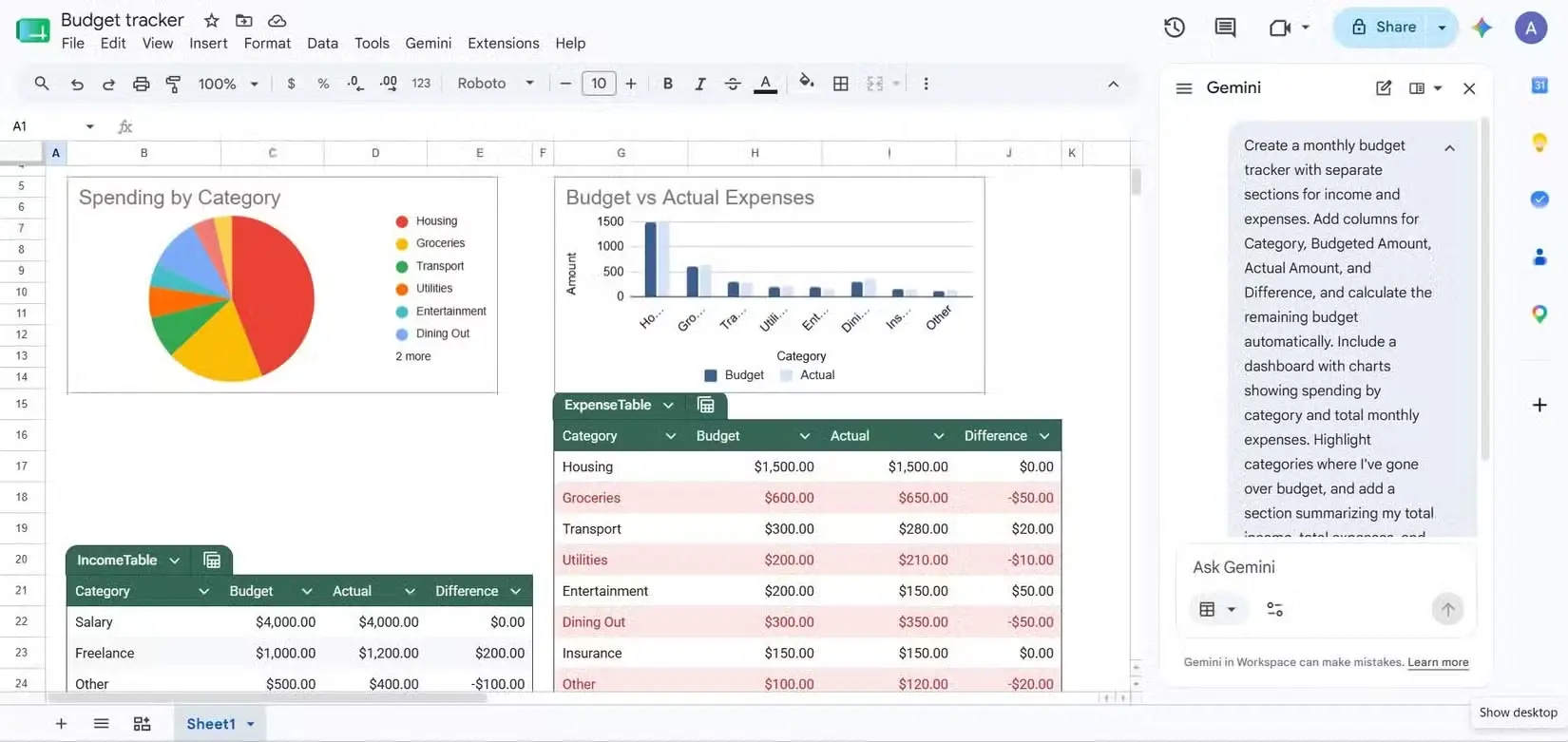
Budget data is often spread across annual budget spreadsheets, departmental expense records, and procurement reports. Gemini can extract this information and compare budgeted amounts with actual spending.
For example, if the annual budget is $100,000 and actual spending reaches $115,000, Gemini can calculate the $15,000 budget overrun and look for relevant explanations in the expense details.
However, budget discrepancies do not necessarily indicate data errors. Project delays, additional purchases, or exchange rate fluctuations can all cause differences between planned and actual spending.
A more reliable approach is to use Gemini to identify unusual discrepancies first, then have finance professionals verify the underlying causes rather than automatically treating every difference as a financial problem.
5. Business Proposal Analysis
When selecting suppliers, business proposals often have different structures. Some focus on pricing, while others include service limitations in the attachments.
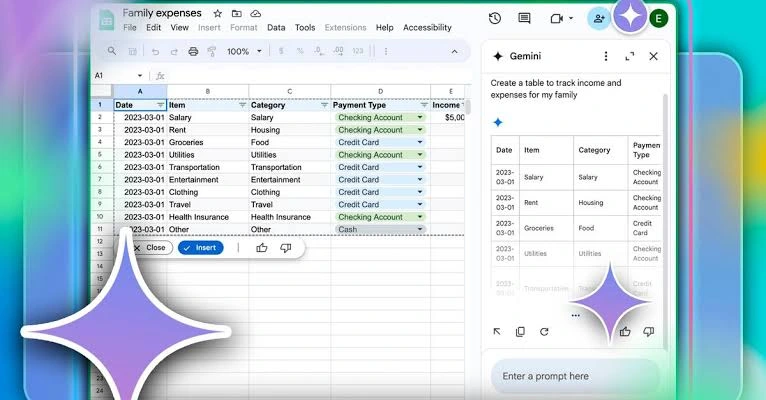
Gemini can organize multiple proposals into a standardized comparison table based on total cost, scope of services, delivery timelines, payment terms, after-sales support, and potential risks, highlighting the advantages and disadvantages of each option.
However, recommendations should be based on clear evaluation criteria. Factors such as service quality, contractual responsibilities, and long-term maintenance costs still need to be assessed according to the company's specific business needs.
Gemini vs ChatGPT vs Claude: Which Is Best for Document Analysis?
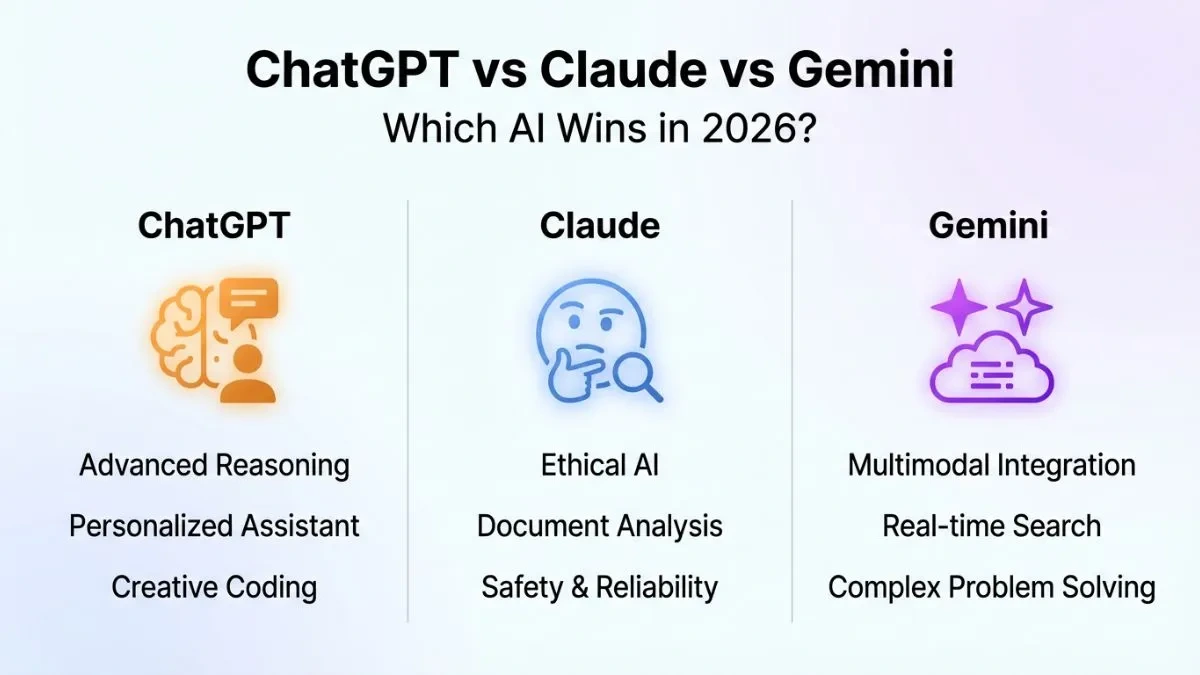
Besides Gemini, ChatGPT and Claude are also popular AI document analysis tools. NotebookLM, on the other hand, focuses more on research and question answering based on sources provided by users.
All of these tools can help users summarize documents, extract information, and answer questions to varying degrees. However, they differ in their product focus, document processing workflows, and integration with productivity tools.
Let's compare these three tools based on practical document analysis needs.
Comparison | Gemini | ChatGPT | Claude |
|---|---|---|---|
PDF Summarization | Supported | Supported | Supported |
Multiple Document Analysis | Supported, subject to upload and context limits | Supported, subject to plan limits | Supported, subject to plan limits |
Financial Data Analysis | Can extract and analyze table data | Can use data analysis tools | Can analyze documents and tables |
Contract Comparison | Supported | Supported | Supported |
Source Verification | Requires verification against original documents | Requires verification against original documents | Requires verification against original documents |
Office Integration | Integrated with the Google ecosystem | Offers tools and connector capabilities | Offers file handling and integration capabilities |
Best For | Google ecosystem and comprehensive document workflows | General document analysis and data processing | Long-form text understanding and professional writing |
This table compares the tools' main product focus and common workflows. It does not represent an accuracy ranking based on standardized testing. Actual features may vary by version, subscription plan, and region.
Gemini's main advantage is its integration with the Google ecosystem. If your files are primarily stored in Google Drive or you regularly use Google Docs and Google Sheets, Gemini can provide a more seamless document processing experience. It's suitable for users who need to read files, organize data, generate summaries, and continue working with documents in their everyday office workflows.
ChatGPT is better suited for tasks that combine document understanding with data processing. For example, users may want to extract financial figures from reports, perform calculations, generate charts, or conduct further data analysis. When the relevant tools are available, ChatGPT can support these workflows.
Claude is also worth considering for long-form text understanding and professional content organization. It's an option for users who need detailed contract explanations, structured summaries of complex reports, or formal business documents.
Therefore, no single tool consistently outperforms the others across every AI document analysis use case.
If you already use Google Workspace and want to combine PDF analysis, business document processing, and everyday office tasks, Gemini is a strong option to try first.

How to Get Gemini Access at a Lower Cost
Gemini offers different plans, but free and paid accounts vary in terms of AI model access, usage limits, and advanced features.
For users who only need to summarize one or two PDFs occasionally, the free version may be sufficient. However, if you frequently analyze lengthy financial reports, compare multiple business documents, or perform complex multi-step analyses, usage limits may affect your productivity.
If you're looking to reduce your subscription costs, consider GamsGo. GamsGo is a London-based digital subscription discount platform offering more than 200 popular subscription services worldwide, including streaming platforms, AI tools, productivity software, and gaming top-ups. It also offers hundreds of other digital products across various categories.

For Gemini users, GamsGo offers several options, including Gemini Pro accounts, Google AI Pro recharge services, and access to AI models through the Rita platform. You can choose the option that best fits your usage frequency and budget.
The table below compares the prices of official Google subscriptions and GamsGo's available options:
Subscription Plan | Price | Estimated Annual Cost | Best For |
|---|---|---|---|
Google AI Pro Official | $10.49/3 months | $239.88 | Users who prefer subscribing directly through Google |
From approximately $3.50/month | Approximately $42, based on the reference monthly price | Users looking for affordable access to Gemini Pro | |
$45.99/18 months | Approximately $29.33, averaged over 18 months | Users who want to access Pro features through their existing Google account |
Common Gemini Document Analysis Problems and How to Fix Them
When using Gemini for document analysis, you may encounter issues such as failed file uploads, missing information in long documents, or inaccurate numerical data. The table below summarizes five common problems and how to fix them:
Common Problem | Possible Cause | Solution |
|---|---|---|
File Upload Failed | Unsupported file format or file size exceeds the limit | Convert the file to PDF or DOCX, compress it, or split it into smaller files. |
Missing Information in Long Documents | Too many requests at once, exceeding the model's processing capabilities | Break the task into smaller steps, analyze each section separately, and then combine the results. |
Inaccurate Numbers or Citations | AI hallucinations or incorrect interpretation of tables | Ask Gemini to provide source page numbers and manually verify important data. |
Scanned Document Recognition Errors | Blurry images or complex document layouts | Use OCR to convert scanned documents into searchable text before analysis. |
Unable to Export Results | Account restrictions or unavailable application features | Copy the results into Google Docs or Google Sheets and organize them manually. |
Among these issues, missing information in long documents and AI hallucinations deserve particular attention.
For example, when analyzing a 200-page annual report, you can first extract financial metrics, then analyze business risks, and finally summarize management discussions. Once each section is complete, ask Gemini to generate a comprehensive report.
To reduce the risk of AI-generated information that isn't supported by the document, you can add the following instruction to your prompt:
Only use information explicitly supported by the uploaded documents. If it cannot be found, state "Not found" instead of making assumptions.This type of instruction can help guide Gemini's responses, but it cannot completely eliminate errors. Important data should still be verified manually.
Additionally, data privacy is essential when using Gemini to analyze business documents. Avoid uploading unauthorized customer information or confidential contracts. When working with internal company data, use an account that complies with your organization's security policies.
Conclusion
AI Document Analysis is making PDF and business document processing more efficient. From summarizing reports and extracting contract terms to financial analysis and multi-document comparison, Gemini can organize scattered information into summaries, comparison tables, and structured reports. It's particularly useful for users who already work with Google Drive, Docs, and Sheets.
However, AI cannot completely replace human judgment. Important figures, contract terms, and business conclusions should still be verified against the original documents.
If you frequently work with complex documents, choosing a suitable paid Gemini plan may be worthwhile. To reduce subscription costs, you can also explore Gemini discounts on GamsGo and compare current prices, included benefits, and purchase conditions.
FAQ
Can Gemini AI Analyze PDF Documents?
Yes. Gemini supports PDF uploads and can summarize content, extract information, and analyze documents based on your questions. You can ask it to organize key data, explain specific sections, or present analysis results in a table.
Can Gemini Analyze Multiple PDF Files at Once?
Yes. Under applicable conditions, you can upload up to 10 supported files in a single prompt, depending on your account and available features. For larger numbers of files or complex documents, it's recommended to extract information in batches before conducting a comprehensive comparison.
How Accurate Is Gemini for Financial Document Analysis?
Gemini can help extract financial metrics, compare report data, and explain financial trends, but it cannot guarantee that all calculations will be accurate.
Can I Use Gemini for AI Document Analysis for Free?
Yes. Gemini's free plan supports certain document analysis tasks, but access to AI models and usage limits are restricted.
Is Gemini or ChatGPT Better for Business Document Analysis?
It depends on your specific workflow. If you primarily use Google Drive, Google Docs, and Google Sheets and want to integrate document analysis with Google's productivity ecosystem, Gemini is an option worth considering.