Claude has earned a real place in many writers' workflows. Its answers often feel calm, careful, and less rushed than a typical chatbot draft, which is exactly why it works so well for essays, long-form edits, and reflective prose.
Still, Claude is not always the easiest tool for every writing moment. You may want a tool that can throw out rougher story ideas, expand a chapter faster, work from research notes, clean up sentences, or give you a backup when Claude's usage limits get in the way.
That is why I tested 8 Claude alternatives for creative writing. This guide focuses on where each tool genuinely helps, where it still needs human editing, and which writing job it suits best. Even if you already use a Claude account every day, it is worth knowing which tools can cover the gaps Claude does not always fill.

Quick Answer: Best Claude Alternatives by Writing Need
Why Do You Need a Claude Alternative?
Claude is great for polished long-form writing, but creative writing often needs tools with different styles and strengths.
Access also matters. Claude's Free, Pro, and Max plans come with different usage capacity, and availability can vary by region.
Having one or two reliable alternatives keeps drafting from stopping just because one tool feels too restrained, too limited, or unavailable at the wrong moment.
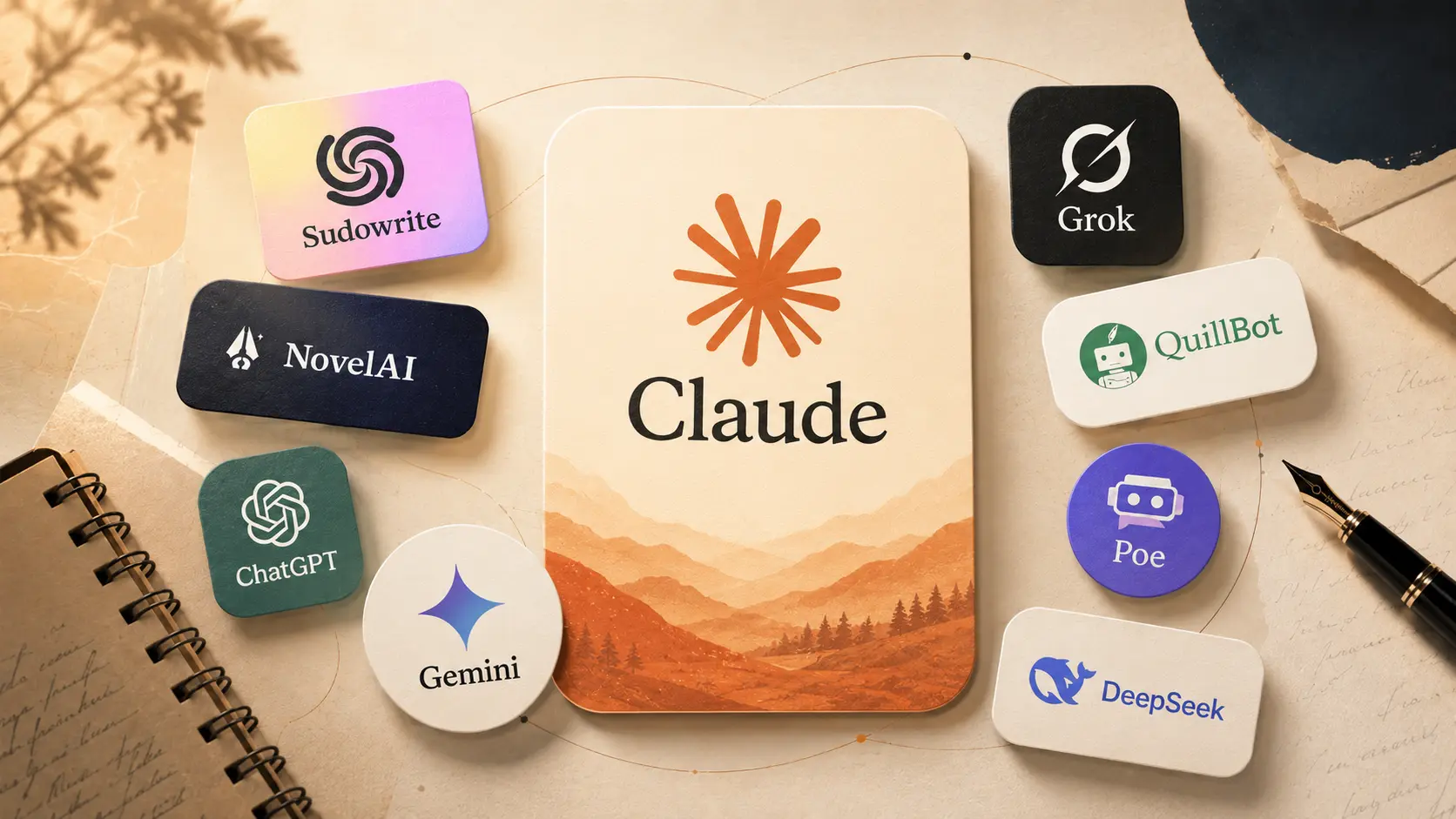
How These Claude Alternatives Were Tested
For this comparison, each tool was tested with repeatable writing tasks: opening scenes, blog intros, article outlines, character dialogue, paragraph rewrites, research notes, and long draft continuation.
Voice consistency
Whether the tool could keep the same narrator, mood, and rhythm across several revisions.
Long-draft control
Whether it stayed on track during outlines, section expansion, and continuation instead of drifting into generic filler.
Rewrite quality
Whether it improved clarity while keeping humor, tension, warmth, or personality intact.
Daily writing practicality
Pricing, access, usage limits, context length, model choice, and writing-focused features.
Best Claude Alternatives for Creative Writing
The tools below are ordered by how closely they fit creative writing, not by brand size alone. I looked at fiction support, rewrite control, story context, long-draft handling, pricing, access, and whether the product itself is actually designed for writers.
Best for Novel-Style Drafting and Chapter Expansion: Sudowrite
- Core advantage
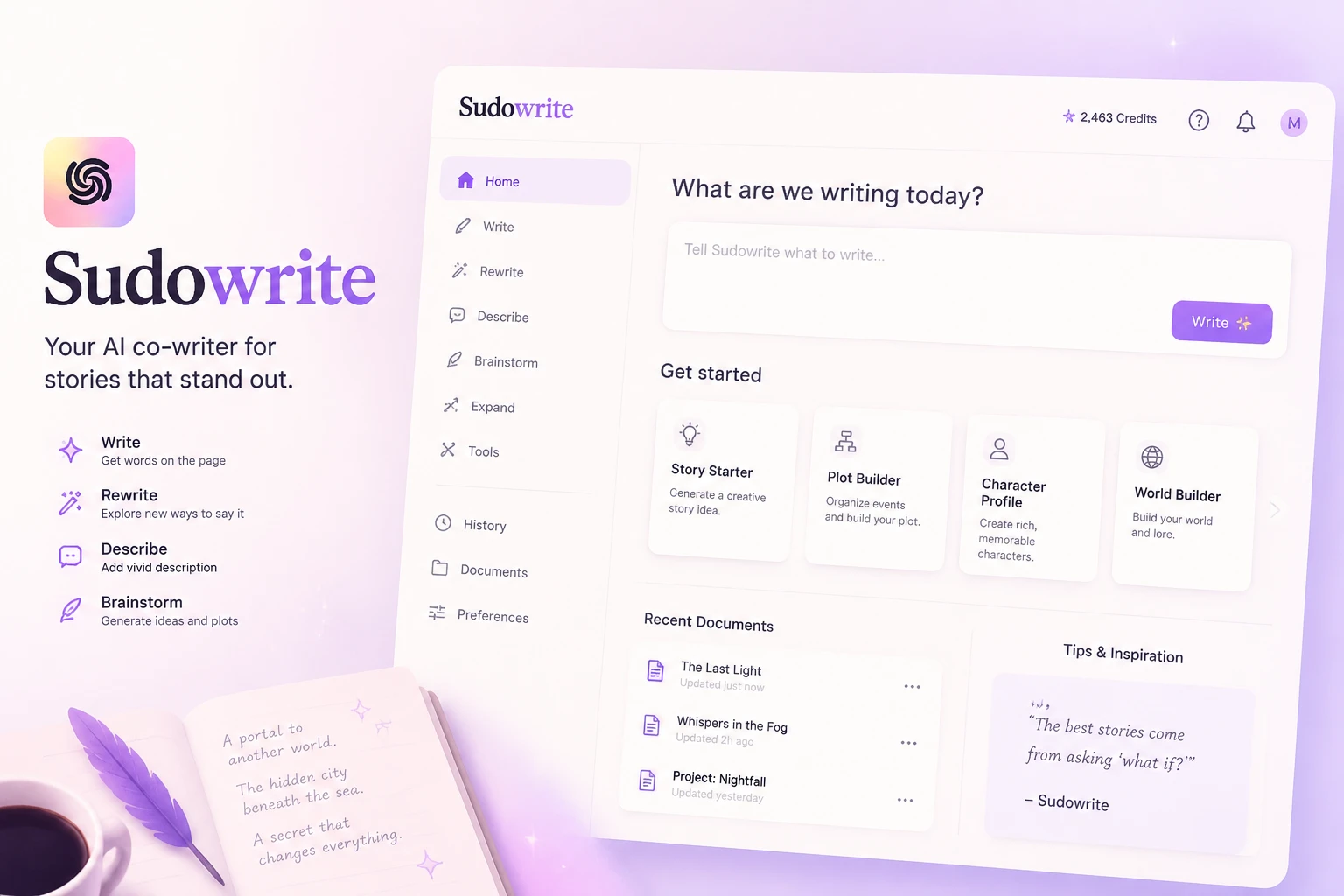
Sudowrite is the most fiction-specific Claude alternative here. Its Story Bible helps keep character notes, world rules, and plot details in one place, while Write, Rewrite, Describe, Expand, Brainstorm, Feedback, Canvas, and First Draft are built around scenes, chapters, sensory detail, and story continuity.
It is especially useful when you already have characters and a direction, but need help turning a thin scene into a fuller chapter without losing the manuscript's shape.
- Drawback
Sudowrite is not trying to be a universal assistant. It feels much less natural for factual research, coding, spreadsheet work, or news-based articles. It can also over-decorate prose if you accept every suggestion without trimming.
- Price
Sudowrite's official plans currently start at $10/month for Hobby & Student, $22/month for Professional, and $44/month for Max, with a free trial available.
- Real user feedback
5.0/5 on G2: Sudowrite feels strongest when I am already inside the manuscript and need the next scene to move. Story Bible keeps the world, characters, and plot notes close to the draft, while Feedback helps me see where a chapter needs more tension, clearer motivation, or richer sensory detail.
Best for Fiction and Roleplay-Heavy Writing: NovelAI
- Core advantage
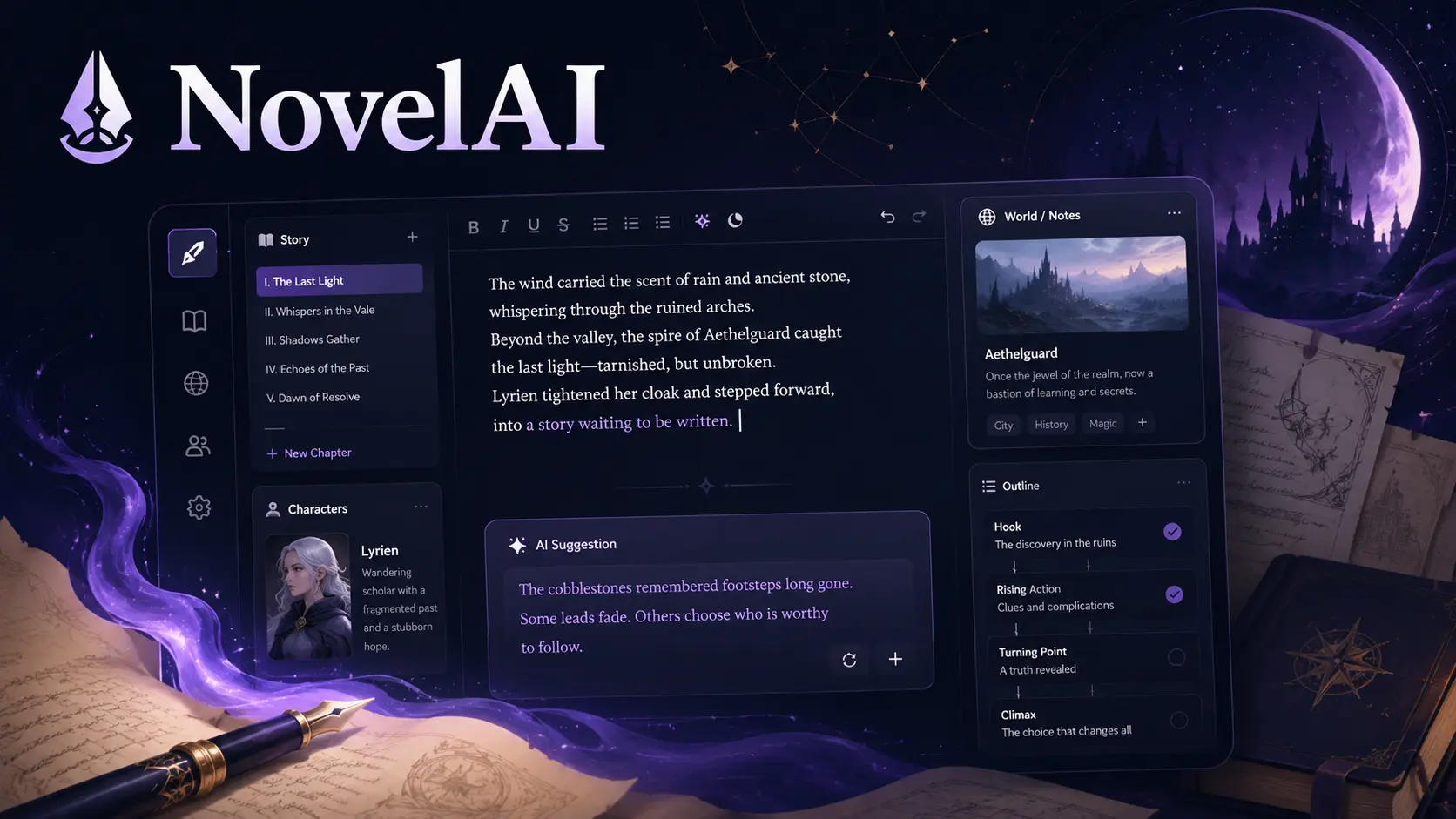
NovelAI is closest to a creative sandbox. Its real strength is continuing scenes, keeping roleplay momentum, and letting writers manage story memory through tools like context settings, lorebook-style information, generation presets, and custom modules.
If you care about character voice and ongoing fictional worlds, it gives you more control than a plain chatbot because you can shape how much background the model sees before it writes the next passage.
- Drawback
NovelAI can feel too open-ended for article writers. It is strong at improvising scenes, but it will not automatically give you the clean structure, factual discipline, or editorial polish that Claude usually brings to essays and blog posts.
- Price
NovelAI offers a free trial with limited text generations. Paid tiers currently start at $10/month for Tablet, then $15/month for Scroll and $25/month for Opus, with higher tiers increasing memory and context capacity.
- Real user feedback
4.4/5 on the App Store: NovelAI feels easy to pick up when inspiration hits on a bus ride or between errands. I like that it can start a quick story from a category or tone choice, then leave enough room for me to edit the result into my own style later.
Best for Flexible Creative Drafting: ChatGPT

- Core advantage
ChatGPT is the safest all-around Claude alternative when the draft is still taking shape. It is fast at hooks, outlines, tone variations, title ideas, scene premises, product copy, and rewrite directions, and it is easy to ask for five different angles before choosing one.
For creative work, its biggest value is range: you can move from story brainstorming to paragraph editing in the same conversation, then ask it to make the result sharper, warmer, shorter, or less formal.
- Drawback
ChatGPT can sound too neat if the prompt is vague. It often needs clear voice rules, examples, or instructions like "less polished," "more tension," or "avoid generic transitions" before the writing feels personal.
- Price
ChatGPT has a free plan. Official paid plans currently include Plus at $20/month and Pro at $200/month. For users who mostly need everyday AI writing access at a lower monthly cost, the ChatGPT subscription on GamsGo currently starts from $5.99/month.
- Real user feedback
4.9/5 on the App Store: ChatGPT feels less like a single writing tool and more like a daily thinking space. I can use it to question an idea, turn rough notes into a plan, simplify a confusing section, or test five different openings before I decide which direction feels alive.
Best for Drafting From Notes and Research: Gemini

- Core advantage
Gemini is strongest when a creative draft starts from a pile of notes. Google's current Gemini lineup includes large-context Pro models such as Gemini 3.1 Pro, with up to a 1M-token context window in the model card.
That makes Gemini especially useful for organizing long reference material, character sheets, source snippets, research notes, and scattered outlines before you move into final prose. It is the tool I would choose when the writing problem is not "give me a pretty paragraph" but "help me make sense of all this material."
- Drawback
Gemini is often better at structure than emotional texture. It can make a draft clearer, but fiction scenes and personal essays may still need another pass for warmth, rhythm, and tension.
- Price
Google offers Gemini access through free and paid plans, with Google AI Pro commonly listed at $19.99/month. If you only need a more affordable way to try Gemini for writing, research, and note-heavy drafts, the Gemini Pro subscription on GamsGo is currently listed from $3.99/month, with a free plan for light testing.
- Real user feedback
4.6/5 on Google Play: Gemini is useful when I want the writing process tied to the rest of my Google workflow. The practical appeal is that it can work with documents, images, videos, Gmail, Calendar, YouTube, and Search, so it feels especially helpful when a creative draft starts from real materials instead of a blank prompt.
Best for Real-Time Ideas and Bolder Creative Angles: Grok
- Core advantage
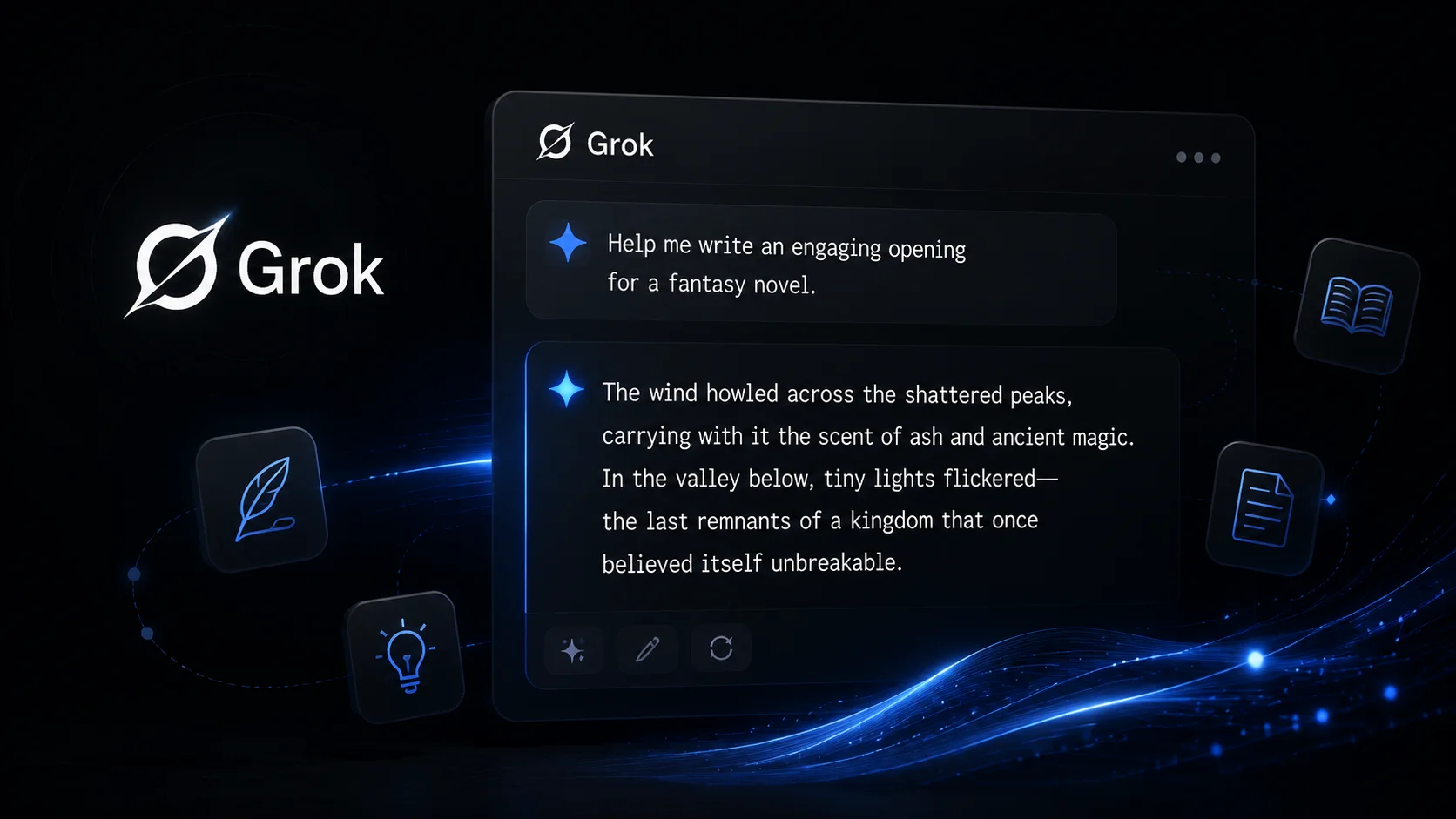
Grok brings a different writing energy. Because xAI connects Grok with X, live search, and features such as DeepSearch and Think, it is useful when a draft depends on current reactions, social-style hooks, trending arguments, or a sharper opinion angle.
For creative writing, that matters most at the idea stage. Grok can help you turn a flat topic into a punchier angle, test how a headline might sound in a social feed, or pull in the kind of current context Claude may handle more cautiously.
- Drawback
That same energy can make Grok uneven. It is not the first tool I would choose for delicate memoir-style prose, careful literary pacing, or a final edit where every sentence needs restraint.
- Price
Grok has free access with limits, while SuperGrok is commonly listed at $30/month. For writers who want Grok mainly for X-linked ideas, current-topic hooks, and faster angle testing, GamsGo lists a Grok subscription from $12.99/month, depending on quota and model category.
- Real user feedback
4.8/5: Grok feels most useful when I want a draft to catch the rhythm of what is happening online. It is good for turning a plain topic into a sharper take, especially when I need references to current reactions on X, news-like context, or a punchier social angle.
Best for Quick Rewrites and Cleaner Sentences: QuillBot
- Core advantage
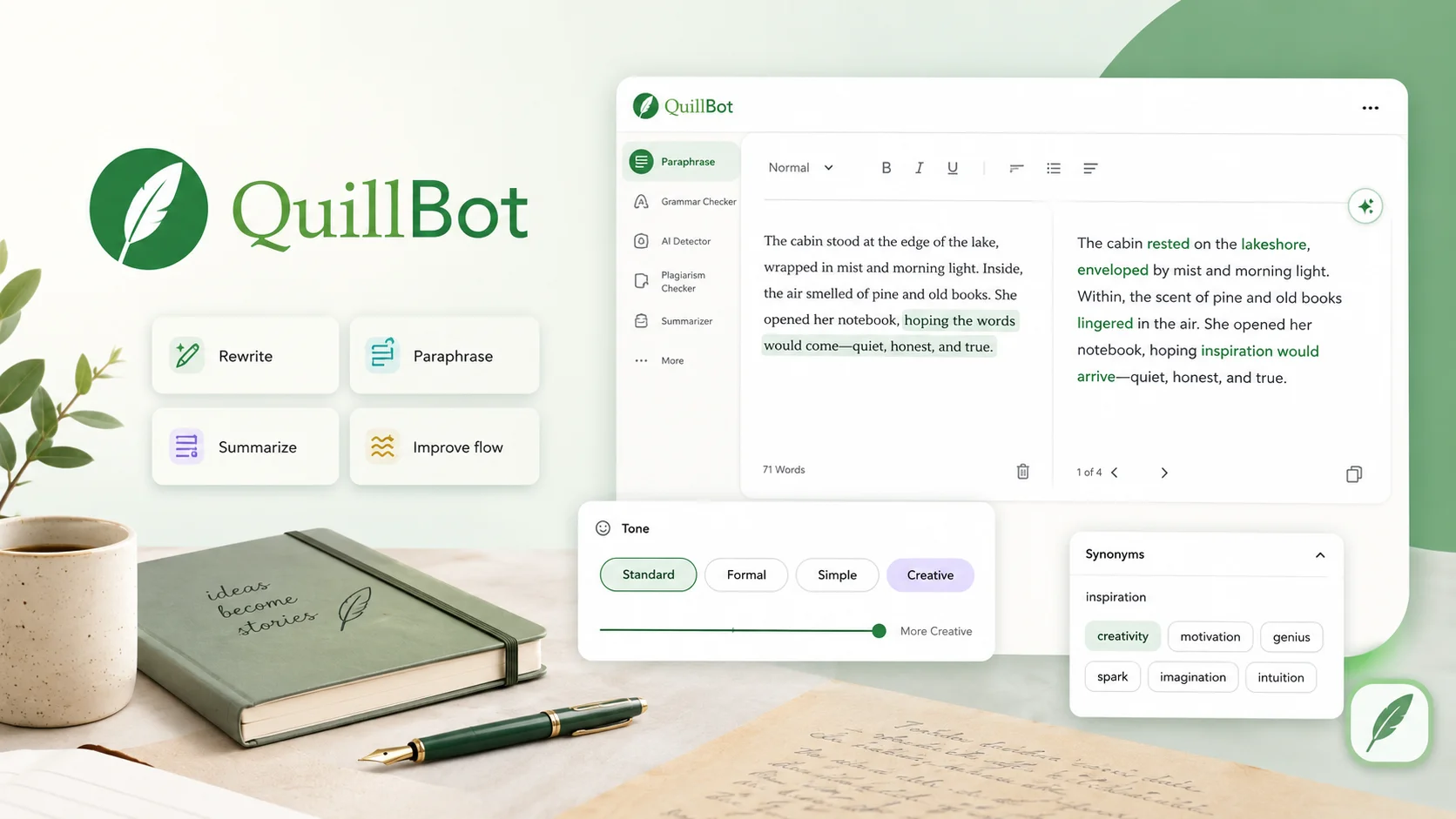
QuillBot is not a full Claude replacement, but it is excellent when the problem is small and specific: a sentence feels clumsy, a paragraph needs shortening, or a line needs a cleaner paraphrase.
Its paraphraser, grammar checker, summarizer, citation tools, and plagiarism checker are built for polishing existing text rather than inventing a full draft.
- Drawback
QuillBot does not think like a story partner. It will not build a fictional world, preserve complex character arcs, or reason through a messy creative concept. It belongs near the editing stage, after the main draft already exists.
- Price
QuillBot has a free plan, and its current official Premium page lists Premium at $8.33/month when billed annually.
- Real user feedback
4.4/5 on Trustpilot: QuillBot is the kind of tool I would keep open during editing, not brainstorming. It is useful when I already know what I want to say and just need a cleaner sentence, a shorter version, or a different phrasing without opening a long chatbot conversation.
Best for Trying Multiple AI Models in One Place: GamsGo AI

- Core advantage
GamsGo AI is useful when you do not want to commit to one AI voice too early. Its AI chat workspace is designed to let users access different models in one place, including ChatGPT, Claude, Gemini, Grok, DeepSeek, Midjourney, and other AI tools.
Current GamsGo AI pages also mention newer model access such as ChatGPT 5.6, Claude-4.5-Sonnet, Gemini 3.6 Flash, Grok 4, Seedance 2.0, NanoBanana, and Sora-image.
For creative writing, that means you can test the same hook, scene, or outline across several model styles before choosing the one that fits the draft. One model may give you a sharper hook, another may handle a softer rewrite better, and another may be better for research notes.
- Drawback
Rita is a multi-model entry point, not a dedicated fiction studio. It is better for comparing voices, switching models, and handling mixed AI tasks than for manuscript-specific tools like Sudowrite's Story Bible or NovelAI's long-running story setup.
- Price
Rita can be tried for free. Its current GamsGo AI pricing shows Free, Pro at $7.99/month, and Mega at $12.99/month. That makes it easier to test several AI models without paying for every official subscription separately.
- Real user feedback
80/100: Rita feels useful when the real problem is model choice. I can try the same prompt across different AI styles, compare which one gives the best hook or rewrite, and keep working from one place instead of jumping between separate official subscriptions.
Best Budget Option for Drafting and Reasoning: DeepSeek

Core advantage
DeepSeek is strongest when cost and reasoning matter more than polished voice. It is useful for turning a messy idea into an outline, finding weak logic in a comparison, breaking a long argument into sections, or building a low-cost first structure before another tool handles the emotional finish.
Drawback
DeepSeek can be clear and methodical, but its creative prose often needs another pass for warmth and rhythm. It is better at scaffolding a draft than making the final voice feel intimate or literary.
Price
DeepSeek offers low-cost API pricing compared with many premium model providers, and its chat access is often used as a budget-friendly drafting option. Pricing can shift by model and platform, so it is best treated as a low-cost reasoning layer rather than a fixed writing subscription.
Real user feedback
4.0/5: DeepSeek is useful before the pretty writing starts. It is good at breaking a messy idea into sections and checking whether an argument makes sense, though I would still rewrite the final draft in a warmer voice.
Claude vs Other Creative Writing Tools: Which One Fits Your Draft?
When Should You Keep Claude or Pair It With an Alternative?
Keep Claude when the draft needs polished long-form thinking, calm transitions, and a careful editorial tone. It is still a strong choice for essays, reflective blog posts, structured rewrites, and drafts where voice control matters more than speed.
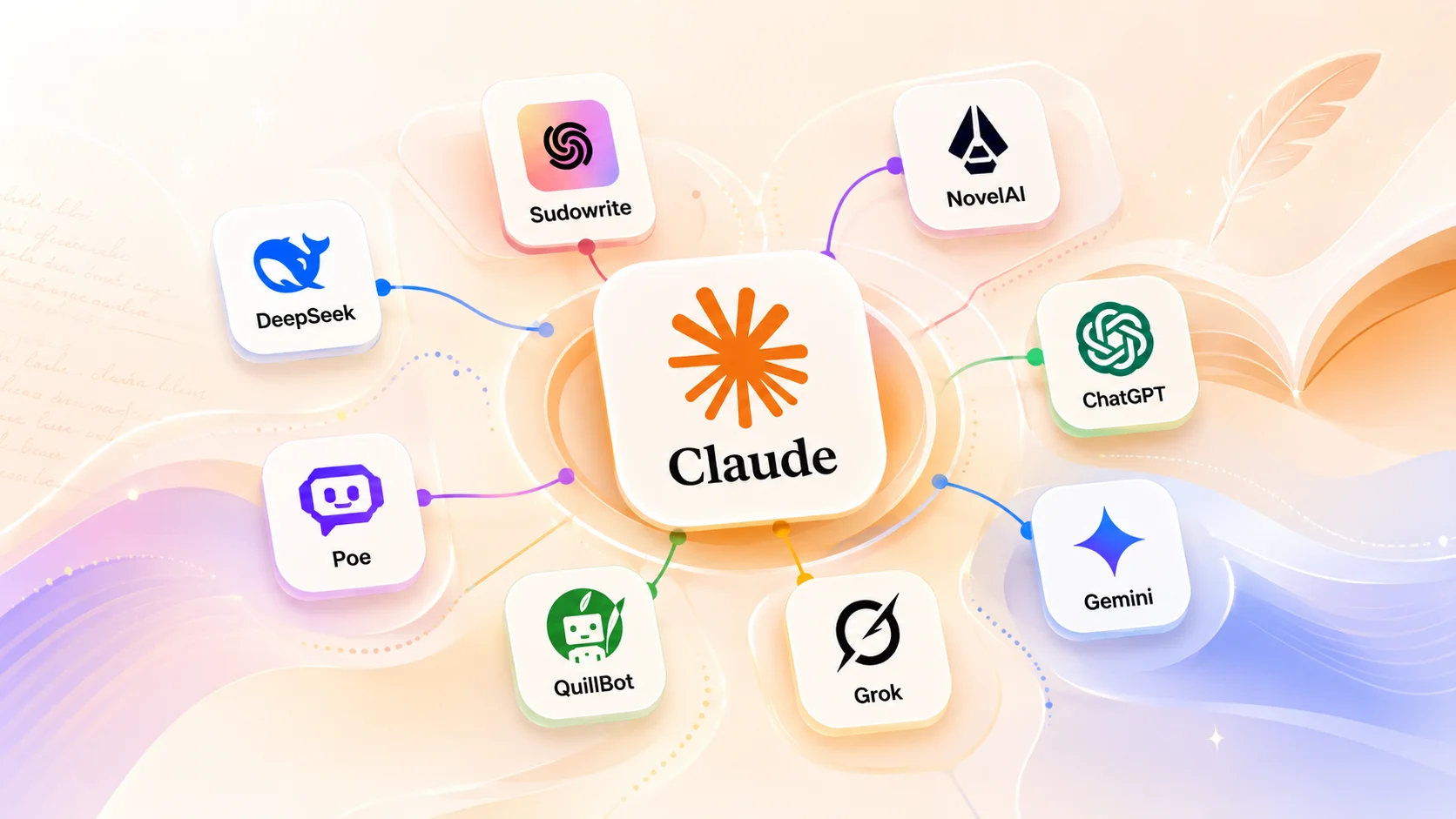
Use an alternative when the writing problem is more specific. Sudowrite is better for fiction structure, NovelAI is better for story momentum, ChatGPT is better for quick creative angles, Gemini is better for turning scattered notes into a draft plan, and Grok is better when the idea needs a sharper or more current angle.
The strongest setup is usually not replacing Claude completely. It is pairing Claude with one or two tools that cover its weak spots, so Claude stays useful without carrying the whole workflow. You get more range without losing the parts of Claude that made it worth using in the first place.
What If You Also Need Other AI Help?
Creative writing is the main focus here, but many writers also use AI for practical side tasks. You may need help fixing a page layout, checking a small script, summarizing research, translating a draft, building a table, or turning rough notes into a cleaner work plan.
For code-related tasks, ChatGPT is usually the easiest first stop for step-by-step explanations, while Claude is still strong when the code question sits inside a longer document.
If you are comparing tools for that side of the workflow, it is fair to search for a claude code alternative, but your main choice should still depend on what you do most often.
For research-heavy writing, Gemini is often helpful because it handles long notes well. For low-cost reasoning, DeepSeek is useful before the final style pass. For mixed AI needs, Rita is convenient because you can test several model families without jumping between separate tools.
Final Thoughts
The best Claude alternative for creative writing is not just the tool with the strongest model name. It is the tool that helps when Claude feels too restrained, too limited, too expensive, or simply not right for the draft in front of you.
My own takeaway is simple: I would not replace Claude completely unless it clearly does not fit your workflow. I would pair it with one or two tools that cover its weak spots. That gives you more control over story, voice, structure, access, and cost.
If Claude still feels like the tool you want beside you for long drafts, it is worth making access easier before you start the next project. You can get a Claude subscription on GamsGo when you want a more cost-effective way to keep Claude in your writing routine.
We have prepared an exclusive promo code for all blog readers:
Enjoy an additional 3% off on your next purchase!
FAQ
Do I Own the Copyright to a Novel I Write With AI?
You may own the parts of the novel that reflect your own original creative choices, but copyright rules around AI-assisted writing depend on jurisdiction and how much human authorship is involved. For serious fiction, scripts, or commercial drafts, keep your outlines, edits, notes, and revision history so your human creative contribution is clear.
When Is It Worth Paying for a Claude Alternative?
A paid plan is worth it when the free version starts breaking your normal writing rhythm. If you often hit usage limits, need longer context, want access to stronger models, or use the tool for weekly drafts, the upgrade is mainly about stable writing output, not just extra features.
Can I Move a Long Claude Draft Into Another AI Tool?
Yes. The better way is to move it with instructions, not just paste the whole draft and hope for the best. Give the new tool a short summary, character notes, tone rules, and the exact section you want revised, so it can protect the voice and structure instead of rewriting everything from scratch.
What Is Claude Cowork?
Claude Cowork is Anthropic's task-based work mode for paid Claude plans. Instead of only replying in chat, it can handle longer tasks through sessions, connected tools, files, plugins, and, in supported cases, computer-use actions. In plain English, it is closer to asking Claude to work through a task than asking it to answer one prompt.
Can Claude Still Run When I Close My Computer?
Yes, but only for remote Cowork or scheduled tasks. Those tasks run on Anthropic's servers, so they can continue even if your computer is asleep or the Claude Desktop app is closed. If the task needs your local files, browser, desktop apps, or screen control, your computer must stay awake and the Claude Desktop app must remain open.
How Do I Stop AI Writing From Sounding Too Generic?
Give the tool a clear voice direction before asking for a full draft. Mention the audience, mood, sentence style, point of view, and what to avoid. A short sample paragraph also helps, because the model can follow a real writing texture instead of guessing what "natural" means.
Recommended Reading