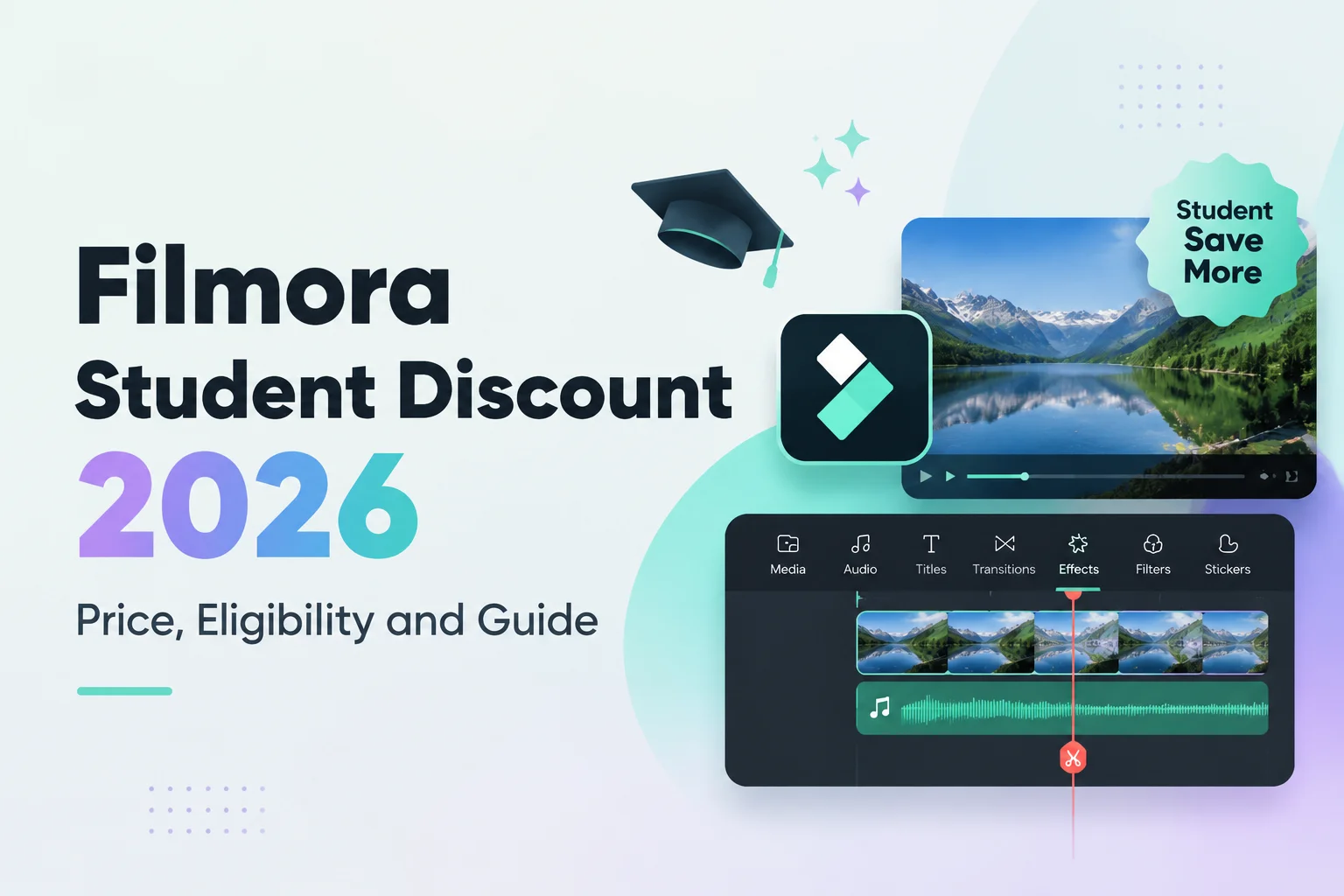
Filmora 15 is a video editor designed for beginners and content creators. It offers more than 2.9 million creative assets, 100+ advanced editing features, and 20+ AI tools for creating short-form videos, school assignments, and work projects.
However, videos exported with the free version usually include a watermark, while some premium assets and AI features are also restricted. To unlock watermark-free exports and the full feature set, you need to upgrade to Filmora Advanced, which officially costs $59.99 per year. This may not be good value for occasional users.
So, how can you use Filmora 15 Advanced for free or at a lower price in 2026? This guide covers 6 safe methods and does not include cracks, illegal activation codes, or pirated downloads. If you would rather skip the time-consuming steps, you can also visit GamsGo to purchase a Filmora Advanced account for as little as $4.99/month.
Can You Use Filmora Advanced for Free in 2026?
You can try some features for a limited time, but you cannot use the complete version of Filmora Advanced for free indefinitely. Filmora 15 offers an official free version that you can download and use for basic editing, captions, transitions, filters, audio editing, and some AI tools. However, using the free version does not give you Advanced access.
Filmora Advanced mainly unlocks watermark-free exports, premium assets, additional AI features, and cloud resources. The free version usually adds a Filmora watermark to exported videos, while some assets and features remain restricted.
This free-to-try and paid-to-upgrade model is also one of the main ways Filmora attracts new users. As it competes with other video editors, Filmora lets users try basic features with a low barrier to entry, then encourages them to upgrade to Advanced for watermark-free exports, AI tools, and creative assets.
What Is the Difference Between Filmora Free and Advanced?
Before looking for ways to get Filmora 15 for free, it helps to understand the practical differences between Filmora Free and Advanced. This will help you decide whether you only want to test the editing features or need to create finished videos over the long term.
Filmora Free vs. Advanced
| Comparison | Filmora Free | Filmora Advanced |
|---|---|---|
| Export Watermark | Exported videos usually include a Filmora watermark | Supports watermark-free exports |
| Watermark-Free Export Offer | Some users can claim one watermark-free export, which must be used within 3 days after it is activated | Unlimited watermark-free exports during the subscription period |
| AI Tools | Includes access to some AI tools, but features and usage are limited | Includes access to more AI features |
| AI Credits | Limited free credits, so some features may not remain available for continued use | Includes 1,000 AI Credits per month |
| Premium Assets | Some templates, effects, and creative assets are unavailable | Includes access to more premium templates, effects, and creative assets |
| Cloud Resources | Cloud features and resources are limited | Includes access to the cloud resources provided with the plan |
| Best For | Testing the software, learning how it works, and trying basic features | Long-term editing and publishing finished videos without a watermark |
Overall, Filmora Free is a good way to try the core editing features in Filmora 15. If you only make one or two simple videos each week, the free version may cover your basic needs.
However, Advanced is a better fit if you publish content regularly, create commercial videos, or use AI tools frequently. The difference is not limited to the watermark. It also includes AI Credits, the export experience, and the efficiency of producing finished content.
Upgrading to Advanced does not necessarily mean buying the official annual plan directly. Filmora also offers free or lower-cost options, including a one-time watermark-free export, official events, and education discounts. Below are 6 ways to get or use Filmora Advanced, so you can choose an option based on how often you edit and what you create.
How to Get Filmora Advanced for Free
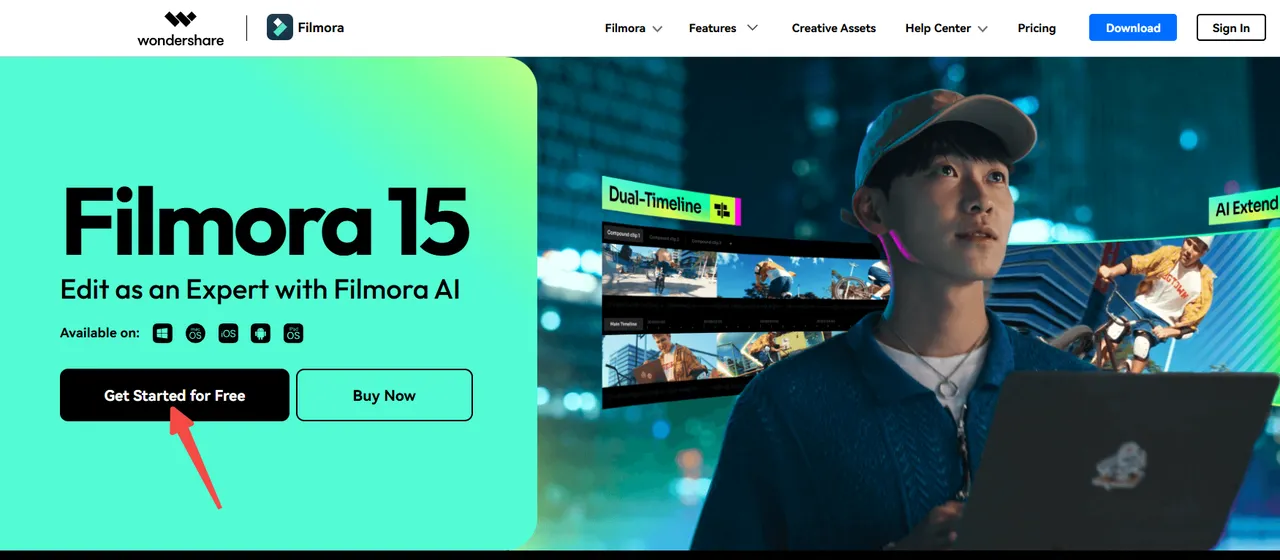
Use the Official Filmora 15 Free Trial and Claim One Watermark-Free Export
The most direct option is to download Filmora's official free trial. The free version does not have a fixed expiration date, so you can use it to try basic editing, captions, transitions, filters, audio editing, and some AI tools.
However, videos exported with the free version usually include a Filmora watermark. Each Wondershare ID can claim one watermark-free export. After signing in and activating the offer, you must complete the export within 3 days or the offer will expire.
This method is enough if you only want to practice editing, test AI features, or compare different video editors. However, if you want to publish videos on YouTube, TikTok, Reels, or use them commercially, you need to upgrade to Advanced for watermark-free exports.
Join Official Filmora Events and License Giveaways
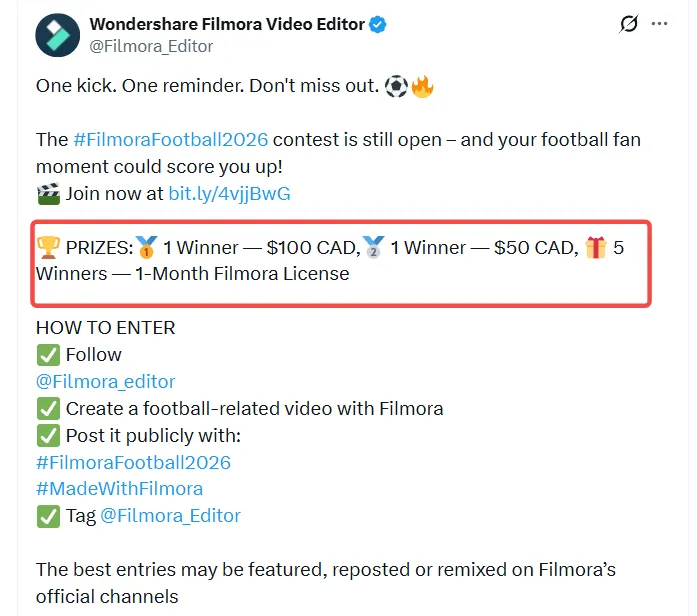
Filmora runs free license campaigns during holidays, version releases, creative challenges, and major sporting events. If you receive a license, you can use the paid version of Filmora for free.
For example, the Filmora Football Season event ran from June 16 to July 25, 2026, and users could participate without making a purchase.
For future opportunities, follow Filmora's official social media accounts on YouTube, Instagram, Facebook, and X.
Apply for a Filmora Community Partnership
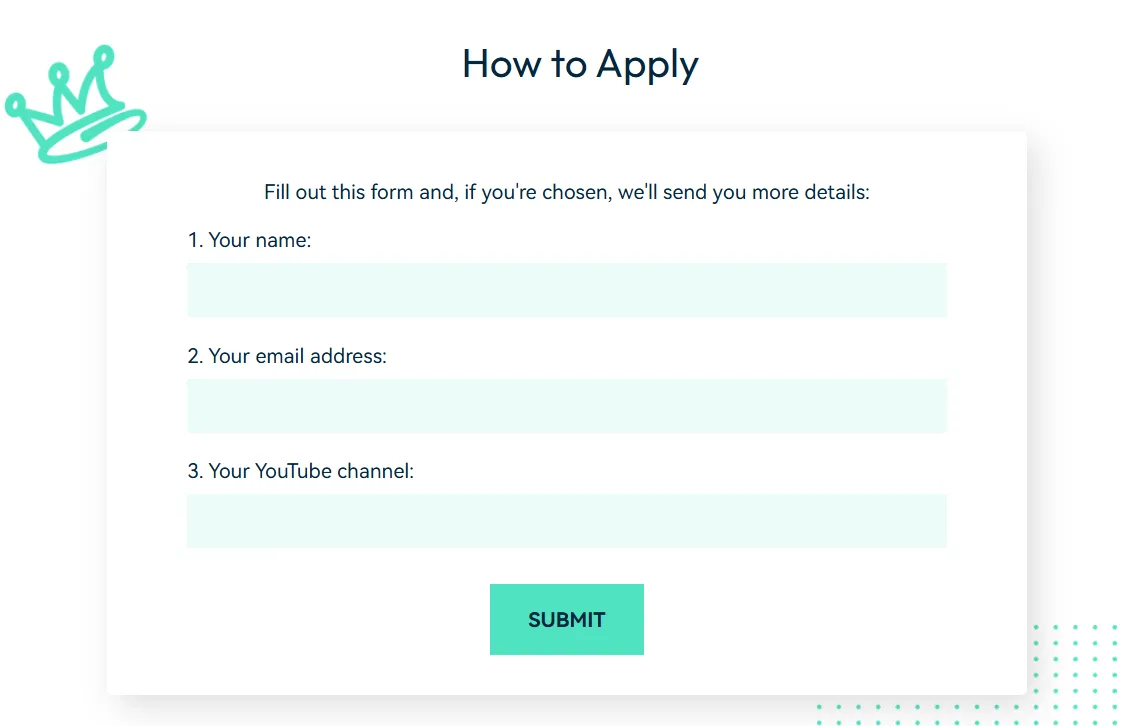
Users with a YouTube channel or an established content account can apply to become a Filmora Community Partner. According to Filmora's official page, approved creator partners can receive the following for free:
- A Wondershare Filmora license
- A Filmstock Standard plan
- Early access to new features and beta testing
- Official creator resources and training
- Free Filmora licenses to give away to their audience
The application usually requires your name, email address, and YouTube channel. Filmora reviews each application and decides whether to provide a free license.
Invite Friends to Earn Points and Redeem a License
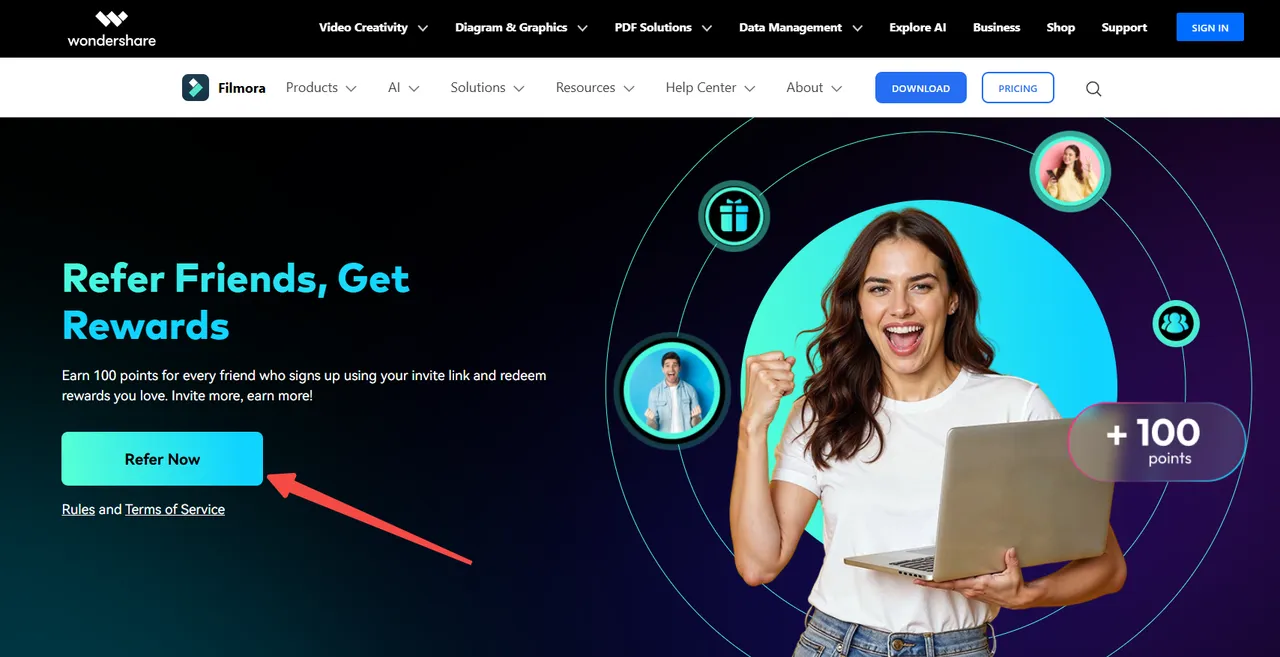
Filmora's Refer a Friend program is one of the most reliable ways to earn free Filmora access. You can receive 100 Points for each friend who registers through your invite link. These Points can be redeemed for Filmora benefits in the Rewards Center.
The official redemption options include:
- 3, 7, 14, or 30 days of access to Filmora or Creative Assets
- 300, 500, or 1,000 Filmora AI Credits
- 10%, 15%, or 20% product discounts
- A 30-day free Filmora license
The available rewards and required Points may vary by region, account, and campaign period. Check the Rewards Center inside Filmora for the latest details.
Complete Filmora Achievement Tasks
Filmora also offers the Achievement Program. You can complete designated badge tasks in the Account Center, collect Points, and then redeem licenses, AI Credits, or other benefits in the Rewards Center. The program is available in Filmora 12.5.5 and later.
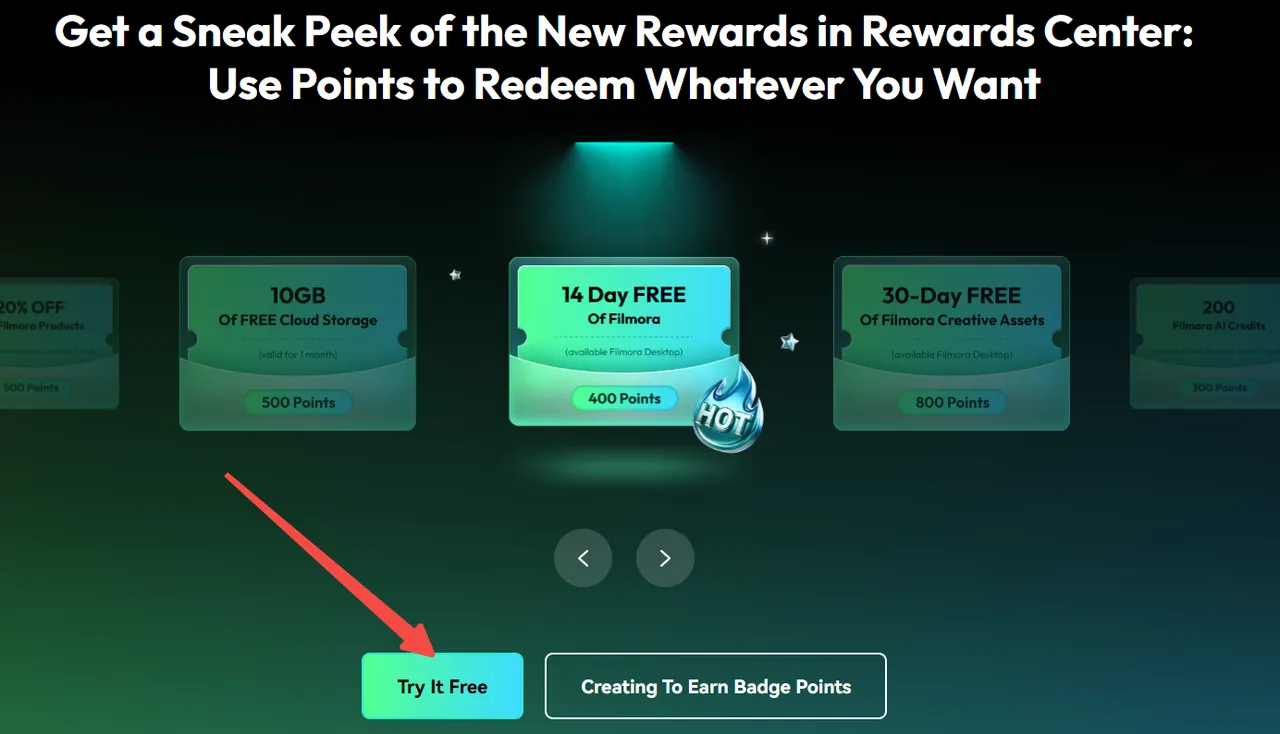
Officially listed rewards include:
- Complete your Filmora account profile to receive a 3-day free Filmora trial.
- Take part in the #FilmoraCommunity survey and submit feedback to receive a 30-day Creative Assets trial.
- Edit and export one video longer than 30 seconds each week to receive 30 days of Creative Assets access.
- Upload videos or projects to Filmora Cloud at least three times per week to receive a 30-day Filmora trial and 20GB of cloud storage.
Use Filmora Advanced Safely at a Lower Price Through GamsGo
If you do not receive a free official license, or the free trial does not meet your long-term needs, you can also purchase Filmora Advanced at a lower price through GamsGo. When you buy a Filmora Advanced account on GamsGo, you can review the account type, subscription period, delivery method, and usage instructions before choosing an option that matches your editing needs.
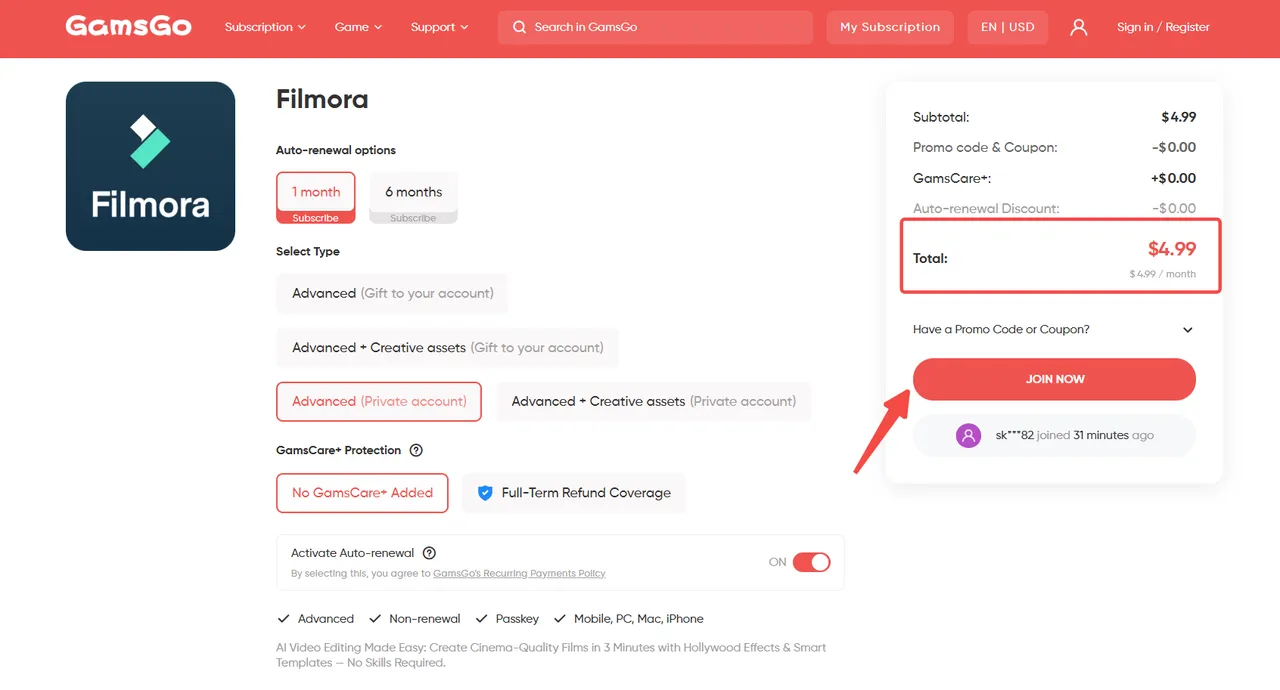
GamsGo records payment, delivery, and after-sales information through its order system, while platform-verified sellers handle delivery. If you experience an account or subscription issue, you can contact 24/7 customer support for help. For people who regularly create short-form videos, product videos, or social media content, this option can avoid the long-term watermark, AI Credit, and export limitations of the free version while reducing the cost of upgrading to Filmora Advanced.
Comparison of 6 Free or Low-Cost Ways to Use Filmora 15
The table below can help you quickly decide which option is best for you:
| Method | Best For | Cost | Main Limitations | Rating |
|---|---|---|---|---|
| Official Free Trial | Beginners who want to try Filmora 15 features first | Free | Standard exports include a watermark. Each Wondershare ID can claim only one watermark-free export, which must be used within 3 days after activation | ★★★★ |
| Official Events and License Giveaways | Users willing to follow Filmora's official events and social media accounts | Free | Event schedules are not fixed, and a license or reward is not guaranteed | ★★ |
| Filmora Community Partner | Creators with a YouTube channel or an established content account | Free to apply | You must submit channel information and pass Filmora's review, which creates a high barrier for regular users | ★★★ |
| Invite Friends to Earn Points | Users who can invite friends to register for Filmora | Free | You need to collect enough Points, and redemption requirements and rewards may vary by region | ★★★★ |
| Complete Achievement Tasks | Active users who regularly edit, export videos, or upload cloud projects | Free | You must continue completing designated tasks, and some benefits are available only for a short period | ★★★ |
| GamsGo Filmora Advanced | Users who need long-term watermark-free exports and reliable access to advanced features | Low-cost paid option | No obvious limitations | ★★★★★ |
In summary, if you only want to test Filmora 15, start with the official free trial. If you want a longer period of free access, try inviting friends or completing Achievement tasks. For users who regularly create YouTube videos, short-form content, and product assets, GamsGo Filmora Advanced provides a clearer subscription period and delivery method. It is suitable for people who do not want to keep waiting for events or collecting Points.
Which Filmora 15 Features Are Worth Using?
With Filmora 15, you can use more AI editing tools and creative features. These tools reduce manual work, speed up video production, and are particularly useful for short-form videos, YouTube content, product showcases, and social media posts.
- AI Extend: Extends video or audio clips to create smoother transitions. It is especially useful when your original clip is too short.
- AI Smart Cutout: Quickly separates people or objects from the background. It is useful for talking-head videos, product showcases, thumbnails, and short-form video assets.
- Dynamic Caption: Generates animated captions that make short-form videos easier to watch and understand. It is suitable for TikTok, Reels, and YouTube Shorts.
- Pen Tool: Draws paths, lines, and shapes for tutorials, visual annotations, and creative transitions.
- Animated Charts: Turns data into animated charts for educational videos, business presentations, and product introductions.
- Templates and Creative Assets: Filmora offers a large library of transitions, filters, music, sound effects, and stickers. Beginners can create complete videos faster without starting from scratch.
These features are useful for frequent creators. If you regularly produce short-form videos, product videos, lesson clips, or ad creatives, AI tools can reduce the time spent on captions, voiceovers, sound effects, visual extensions, and asset processing.
For beginners, Filmora 15's templates and AI features also lower the barrier to video production. You do not need to build every effect manually. Start with a template to create the basic video structure, then adjust it to fit your content.
Conclusion
In 2026, you can still try Filmora 15 for free. The official free version, short-term trials, student discounts, and limited-time events can help you test basic editing, AI tools, templates, creative assets, and some advanced features before paying.
However, Filmora 15 is not a permanently free professional video editor. The free version is better for learning and testing, and exported videos usually include a watermark. If you need to create YouTube videos, TikTok content, course videos, or commercial assets over the long term, Filmora Advanced is a better fit.
If you want to use Advanced over the long term at a lower price, you can also purchase a Filmora account on GamsGo. We will continue to update this guide when new free trials or discount options become available.
We’ve prepared an exclusive promo code for all blog readers:
Enjoy an additional 3% off on your next purchase!
FAQ
Is Filmora 15 Free in 2026?
Yes. Filmora 15 can be downloaded and used for free with basic editing tools. However, videos exported with the free version usually include a Filmora watermark.
Does Filmora 15 Offer a 7-Day Free Trial?
Some Filmora plans, such as Creative Assets, may offer a 7-day free trial. Check the included features, renewal price, and cancellation date before subscribing.
Which Version of Filmora 15 Is Completely Free?
Some Filmora plans, such as Creative Assets, may offer a 7-day free trial. Check the included features, renewal price, and cancellation date before subscribing.
How Long Can I Use Filmora 15 for Free?
You can use Filmora Free without a time limit, but exported videos usually have a watermark. Some separate resource plans may only include a 7-day trial.
Is Filmora 15 Good for YouTube and TikTok Videos?
Yes. Filmora works well for YouTube, TikTok, Instagram, Shorts, Reels, vlogs, and product videos, with tools such as templates, captions, music, and AI features.
🔍 You Might Also Like: