Freepik is no longer just a site for downloading photos, vectors, and PSD files. With tools such as AI Image Generator, Photo Editor, Video Generator, and Upscaler added over time, it has grown into a full AI creative platform.
On April 28, 2026, Freepik officially rebranded as Magnific. The original stock library remains available, while Magnific AI Upscaler, advanced AI models, and more generation tools are now part of the same platform.
However, if you want ongoing access to advanced models, more AI Credits, and full upscaling features, you still need a paid plan. If you only want to try these tools first, paying for a subscription right away may not be worth it.
This guide covers 3 ways to use Magnific for free, including up to 20 AI image generations per day, free AI editing, Free Stock downloads, Background Remover, and free Credits available through Creative Partners.
If the free daily limits are not enough for you, a more direct option is to buy a cheap Magnific subscription on GamsGo and save up to 70% compared with the official subscription price.
What Is Magnific?
Magnific is the new name for Freepik. Freepik acquired Magnific, which was best known for its AI Image Upscaler, in 2024 and gradually brought Magnific's image enhancement technology into the Freepik platform.
On April 28, 2026, Freepik officially rebranded as Magnific. Existing accounts, projects, subscriptions, and stock services remain available. The main change is that the platform now uses the Magnific brand.
Magnific is no longer just the AI Upscaler it was once known for. It is now a complete Creative AI Platform that includes:
It is also important to note that Magnific.ai, which appears in older guides, is not exactly the same as the full Magnific platform today. Magnific.ai mainly referred to the standalone Magnific Upscaler service, while Magnific.com is now the full platform that evolved from Freepik.
Magnific Free vs Premium vs Premium+ vs Pro
Before looking at how to use Magnific for free, it helps to understand the difference between the free and paid plans. Magnific currently offers Free, Premium, Premium+, and Pro. Pro also comes with two different Credit tiers.
These prices are the monthly averages for Magnific's annual plans. Premium costs $14.50/month, Premium+ costs $33.75/month, and Pro costs about $82.50/month or $210/month, depending on the Credit tier. Monthly billing costs more.
For most users, the Free Plan is best for trying the AI Image Generator and Free Stock. Premium is better for users who need Premium Stock and a steady amount of AI Credits. Premium+ adds Unlimited Generation on most supported models. Pro is mainly for professional users who need a large number of AI Credits and create content frequently.
Magnific may change its plan prices, Credits, and Unlimited Models. The information above is based on the official Pricing page as of September 2026. Your final payment may also include VAT or local taxes.
Magnific updates its AI models and Credit rules regularly, so it is best to check the official pricing page for the latest Credits, Unlimited Models, and prices before you buy.
Ways to Use Magnific for Free
There are only a few ways to use Magnific for free right now. Here are the options:
1. Use the Magnific Free Plan
This is the easiest way to use Freepik AI for free, and there are no student, business, or creator requirements. Once you create a Magnific Free Account, you can keep the account and use the AI tools and Free Stock Content currently available to free users.
The Free Plan does not give you a pool of AI Credits to spend however you want. Instead, Magnific sets Daily Limits for different free features, so each tool has a set number of free uses.
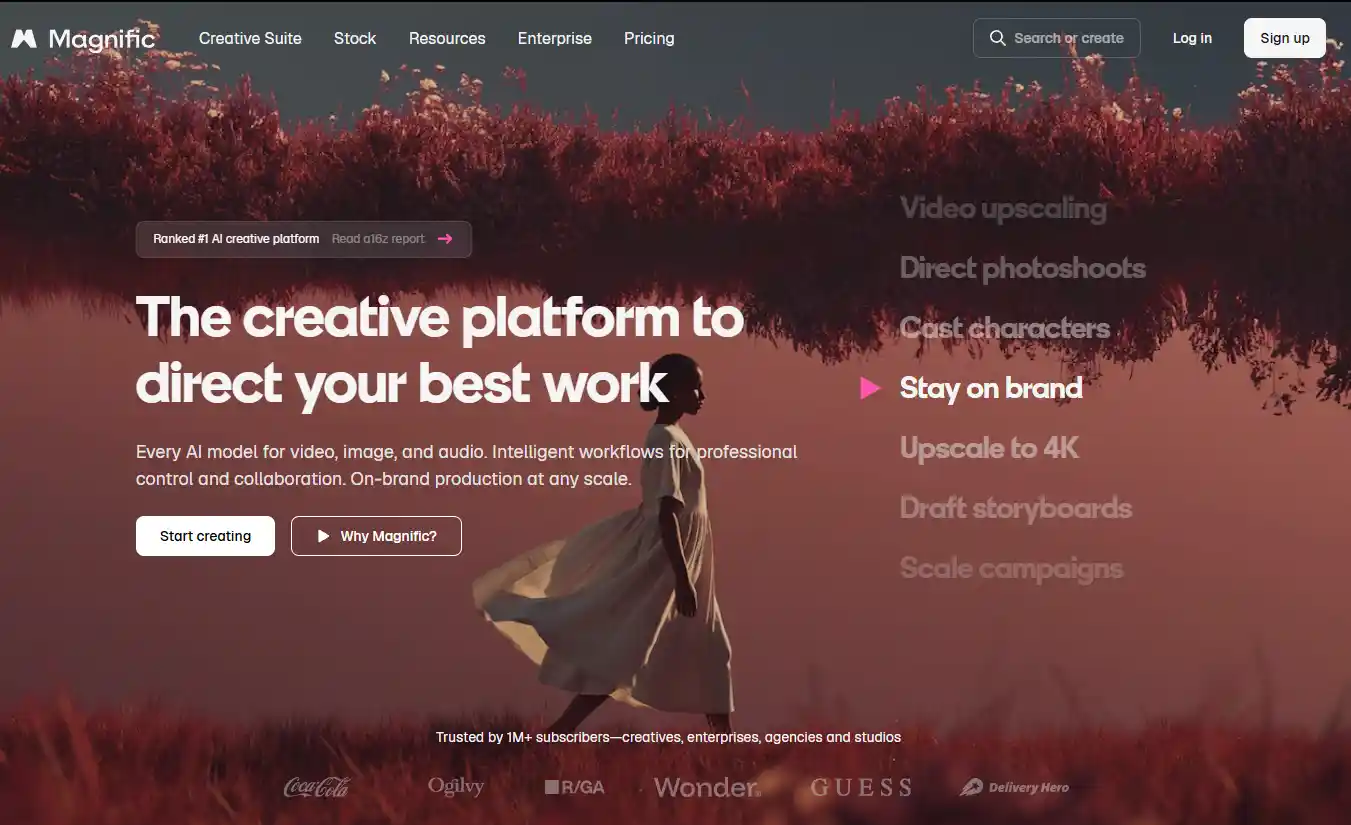
Some of the most useful features included with the Magnific Free Plan are:
The AI Image Generator is one of the best features to try first. A Free Account can currently generate up to 20 AI images per day. If you only need blog banners, social media graphics, concept art, or simple product visuals, this limit can be enough for light use.
If you already have an image you mostly like, you do not need to generate it again from scratch. Use Retouch to change a specific area, Expand to add more space around the image, or Reimagine to try a different visual direction.
Magnific also keeps the stock download features that Freepik was known for. Free users can download up to 10 Free Stock Assets per day, but Premium Stock is not included with the Free Plan.
The Photo Editor and Video Editor also support basic editing. Keep in mind that basic editing and generative AI features are not the same. Even if the editor itself is free to open, some AI Actions may still have Daily Limits, model restrictions, or Credit costs.
Note: The Magnific Free Plan is mainly for testing and light use. Daily free uses are not general AI Credits, and free users do not have access to every Premium AI model. Check your account for the models currently available to you and your remaining daily usage.
To use the Magnific Free Plan:
- Open the Magnific official website.
- Create a Free Account with your email, Google account, or another supported sign in option.
- After signing in, choose the AI Tool or Stock Content you want to use.
- To generate an AI image, open AI Image Generator and select a model available on the Free Plan.
- Enter your prompt, choose the image ratio and other available settings, then click Generate.
- If you want to edit an existing image, use Retouch, Expand, Reimagine, or another free tool currently available.
- Before generating or editing again, check the Daily Limit, Credit Cost, or Plan Requirement shown on the page.
Tip: If you are using Magnific for the first time, avoid generating many nearly identical images right away. Use 3 to 5 free generations to test different prompts, compositions, and styles. Once you find a workflow that works for you, use the rest of your daily allowance.
2. Apply for Magnific Creative Partners
If you need more AI usage than the standard Free Plan provides and you are a designer, AI artist, filmmaker, content creator, marketer, or another type of visual creator, you can apply for the official Magnific Creative Partners Program.

The Magnific Creative Partners Program does not list a fixed profession requirement. However, Magnific reviews your creative background and application. The company does not promise that every Creative Partner will receive the same number of Credits, and it does not publish one standard free access period.
The application process is straightforward. Fill out the application form on the official Magnific Creative Partners page and provide information about your creative background. The Magnific team reviews applications individually. If you are selected, you will receive onboarding details and information about your benefits.
Magnific does not publish a standard review time. It only states that applicants will receive a response as soon as the review is complete.
Before applying, it helps to prepare:
- A portfolio or personal website.
- Your Instagram, X, YouTube, TikTok, Behance, or other portfolio profiles.
- Work that clearly shows your creative style and quality.
- A short explanation of how you plan to use Magnific AI.
If your application is approved, current benefits may include:
- Free AI Credits that can be used with selected Premium AI tools.
- Access to selected Premium features.
- Early access to new AI Tools and features.
- Opportunities to provide feedback directly to the Magnific team.
- Access to the Magnific Creative Partner community and selected creator activities.
Go to the official Magnific Creative Partners page, complete the application, and submit it for review. If you are selected, Magnific will send further onboarding details and information about your benefits.
Joining the CPP also comes with expectations. Magnific encourages Partners to keep using the Creative Suite, share strong AI work, take part in the community, and give feedback on new tools. Magnific also notes that staying active is important for keeping Creative Partner status and benefits.
Partners can share feedback through community discussions and direct channels such as Discord. This makes the CPP more of an ongoing creator collaboration program than a one time way to claim free Credits.
If you no longer want to take part, you can contact Magnific and leave the Creative Partners Program.
3. Buy a Cheap Magnific Subscription on GamsGo
If the Daily Limits on the Magnific Free Plan are no longer enough and you do not want to wait for Creative Partners approval, free options may not work well for frequent long term use.
For example, you may need to generate many AI images every day, use Premium AI Models, download Premium Stock, or use Magnific Upscaler often. These needs are better suited to a paid plan.
In that case, you can buy a cheap Magnific subscription on GamsGo and save up to 70%. It is a lower cost way to get the Magnific features you need and start using them right away.
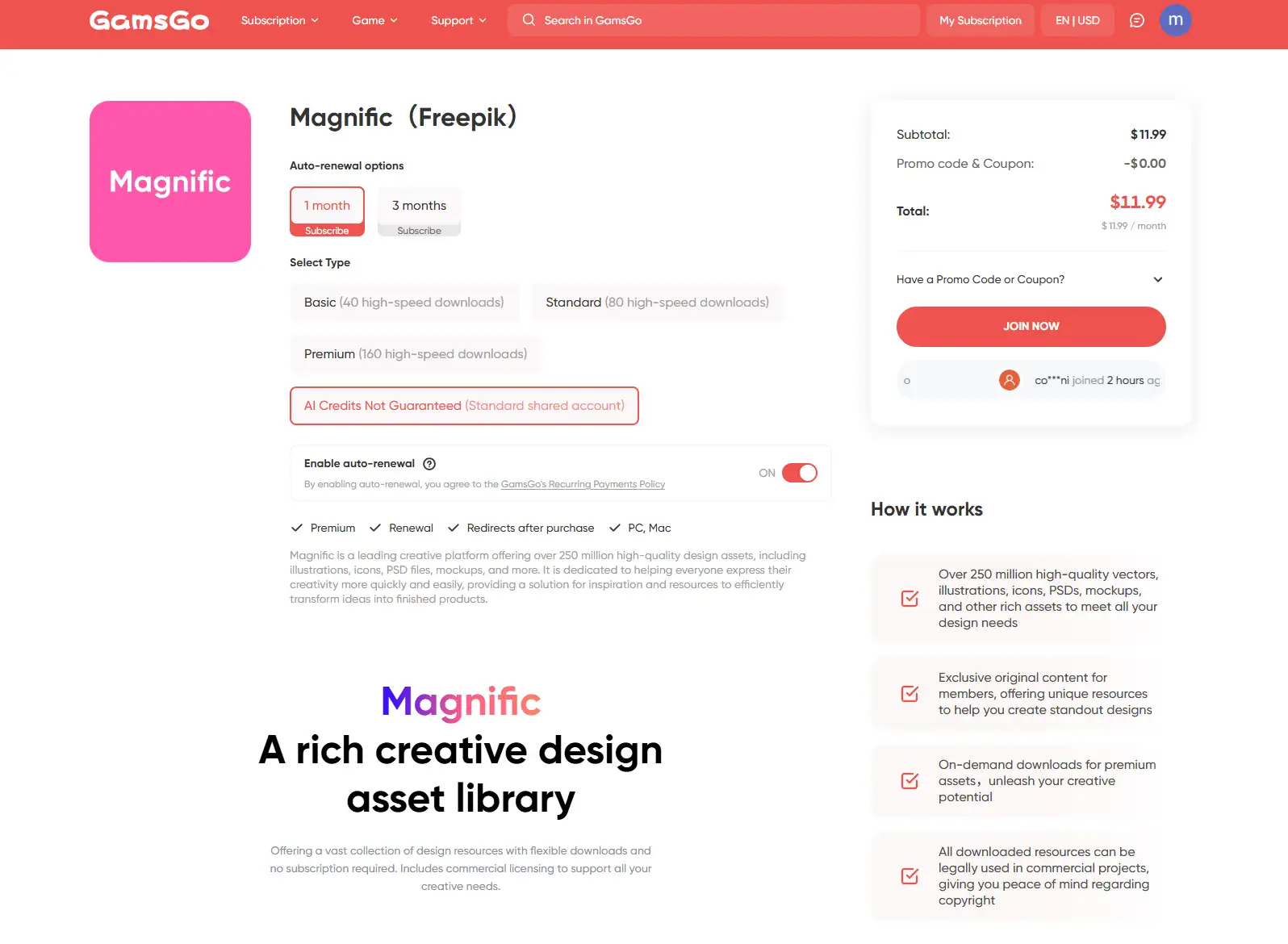
Follow these steps to buy:
- Open the GamsGo Magnific subscription page.
- Check the available plans, current prices, subscription length, and product details.
- Choose a plan based on how often you use Magnific.
- Complete your order and payment.
- Open the order page and review the instructions.
- Follow the instructions provided to start using your Magnific benefits.
Can You Use Magnific AI Upscaler for Free?
Magnific has a Free Plan, but the flagship Magnific AI Upscaler is not a feature you can use for free on an ongoing basis.
Free users mainly get limited daily access to selected basic AI Tools, and the Free Plan does not include an AI Credit balance that you can spend freely. Magnific Upscaler is a Credit based AI tool, so the cost depends on the Upscaler you choose, the processing mode, and the output resolution.
For example, Magnific currently states that Classic Upscaling starts at about 50 Credits, while advanced options such as Magnific Creative and Precision may cost 200 to 1,000+ Credits at higher resolutions. The same image can use very different amounts of Credits at 2K, 4K, or higher output resolutions.
If your main goal is to use Magnific Upscaler regularly, the standard Free Plan will not be enough. You will usually need to upgrade to a paid plan and use the AI Credits included with that plan.
Tip: Magnific shows the Credit Cost before processing. Check the amount shown near the Generate or Process button before you click Upscale, then choose the Mode and Resolution that fit your needs.
So if you are searching for Magnific AI Upscaler free, the more accurate answer is that Magnific lets you try some basic AI features for free, but full Magnific Upscaler access mainly depends on paid plans and AI Credits.
Which Free Magnific Method Is Right for You?
If you are still not sure which option to choose, the easiest way is to match the method to what you actually need.
If you only want to see whether Magnific fits your needs, the easiest option is to start with the Free Plan and try the Image Generator and AI Editing Tools. If you mainly need design assets, Free Stock Assets may be more useful.
If you need AI Generation, Upscaling, or more Credits every day, the free options are better for testing than for long term use.
Conclusion
For most users, the easiest option is the Magnific Free Plan. It currently gives you free access to the AI Image Generator, selected AI Editing tools, Background Remover, Free Stock, and basic editing features.
However, the Free Plan is mainly for trying the platform, not for unlimited use. Premium AI Models, more Credits, advanced video generation, and the flagship Magnific Upscaler are still mainly available through paid plans.
If you are a creator, you can also apply for the Magnific Creative Partners Program for a chance to receive extra Free Credits and selected Premium benefits.
If you are exploring other AI tools, you can also check out top up ChatGPT Plus and Gemini Pro for writing, research, brainstorming, and everyday AI tasks. Magnific is better suited to visual creation and image editing, while these tools can complement your workflow when you need help with prompts, content ideas, research, or text based tasks.
Magnific Free Plan is useful for testing AI tools, but daily limits may not be enough for regular image generation, premium models, stock assets, or upscaling. Get Magnific for less on GamsGo and use our exclusive blog promo code:
Get an extra 3% off your next purchase on GamsGo.
FAQ
What happens if a Magnific generation fails after credits are deducted?
If a generation fails because of a system or model issue, Magnific will usually return the deducted Credits automatically, although it may take a few days to appear. If the Credits do not return after some time, contact Support and provide the related Generation ID.
Why does Magnific reject my prompt or reference image?
Common reasons include Content Moderation, a restricted Reference Image, or Prompt and Resolution settings that exceed the model's limits. Try removing the Reference Image, shortening the Prompt, or adjusting the settings before generating again.
Why does Magnific Upscaler use so many credits?
Upscaler Credit Cost changes based on the Model, Mode, and output Resolution. The cost can vary a lot between 2K, 4K, and 8K, and Upscaler is usually not included in standard Unlimited Generation. Check the Credit Cost shown on the page before processing.
Can I buy more Magnific credits if I run out?
Premium+, Pro, and Business users can buy additional Credit Packs, while the standard Premium Plan usually does not support Extra Credits. If you often run out before renewal, you can upgrade your plan or buy extra Credits on an eligible plan.
Do AI generations and stock downloads use the same Magnific credits?
No. AI Generation uses AI Credits, while Stock Assets use a separate Daily Download Limit. Downloading images that you generated with AI also does not use your Stock Download quota.
Where can I find my previous Magnific AI generations?
Magnific saves your previous AI generations. You can find earlier images in Recent Creations or in the Image Generator History, then continue with Download, Edit, Upscale, or other available actions.
You Might Also Like:
How to Get ChatGPT Plus for Free