Kling, Kuaishou's text-to-video and image-to-video generator, turns a prompt or a single photo into short, cinematic clips, and it has grown into one of the most-used AI video tools in the world. The catch is that Kling AI pricing rarely works the way newcomers expect.
The question only got louder in late 2026. Kling 4.0 arrived in October with up to 30 seconds of native video and stereo audio, and Kling Image 4.0 followed on November 17, pulling the tool firmly into pro-grade territory. Every jump in capability sends more people back to the same worry: what is this going to do to the bill?
Here is the part that trips people up. There is no flat "per video" fee. You buy credits through a monthly plan, and each clip spends a different number of them depending on the model, the length, the resolution, and whether it has sound. That is why two people on the same plan can walk away with very different output. The rest of this guide turns that into plain numbers: every plan, what a clip really costs, and which tier fits which kind of creator.
If you already know Kling is for you, you can start a Kling AI subscription and skip straight past the free-trial limits.
How Kling AI Pricing Actually Works
Kling runs on a single currency: credits. Your plan refills a set number of credits, and each generation subtracts from that balance. Nothing is billed per video directly, so two people on the same plan can get very different output depending on what they make.
Paid plans refill monthly and credits do not roll over to the next cycle. The free tier works differently: it hands out a small batch every day that resets at midnight, so unused free credits simply disappear rather than stacking up.
The amount a clip costs climbs with four things: a newer or higher-end model, a longer duration, higher resolution, and added audio. A quiet five-second test clip barely dents your balance; a ten-second 1080p scene with native sound on the latest model costs many times more. Once you are generating in earnest, those four choices add up faster than the price list makes it look.
What One Kling AI Video Really Costs in Credits
To make the credit system concrete, it helps to price a single clip. The figures below are typical for a five-second clip on Kling 3.0, the model most paid users default to in 2026, and they show how fast the price climbs once you add resolution and sound. Kling shows the exact credit cost in the generation panel before you confirm, so you always see the number for your own settings.
| 5-Second Clip (Kling 3.0) | Credit Cost |
|---|---|
| 720p, no audio | 30 credits |
| 1080p, no audio | 40 credits |
| 720p, with native audio | 45 credits |
| 1080p, with native audio | 60 credits |
| Voice control add-on | +10 credits |
Those numbers explain why a plan's credit count matters more than its sticker price. A clean 1080p clip with sound runs 60 credits, so a 3,000-credit plan covers roughly 50 of them in a month, while a 660-credit plan covers about 11. The premium models cost noticeably more per second than Kling 3.0, which is worth remembering before you lean on them for everything.
Kling AI Plans and Prices in 2026
Kling sells one free tier and four paid tiers. The table pairs the current price and credit allowance with the three things people weigh most before paying: resolution, the watermark, and how fast clips render.
| Plan | Monthly Price | Monthly Credits | Max Resolution | Watermark | Generation Speed |
|---|---|---|---|---|---|
| Free | $0 | Small daily refill | 720p | Yes | Standard queue |
| Standard | $8.80 | 660 | 1080p | No | Fast-track |
| Pro | $32.56 | 3,000 | 1080p | No | Priority |
| Premier | $80.96 | 8,000 | 1080p | No | High priority |
| Ultra | $159.99 | 26,000 | 1080p | No | Top priority |
Two discounts sit on top of these rates. The first month is reduced on every paid tier (Standard drops to $6.99, Pro to $25.99, Premier to $64.99, Ultra to $127.99), and paying annually saves about 34% versus month-to-month. If you already know Kling fits your workflow, the yearly plan is where the real saving lives.
Free Plan: What the Daily Credits Get You
The free tier is a real trial, not a locked demo. You get a small daily allowance that refreshes every day, and it covers a clip or two before the balance runs dry, which usually happens in one sitting rather than across the whole day. Either way, it is the cleanest way to learn how Kling reads a prompt before paying anything.
The limits are the catch, and the watermark is the one that ends the fun fastest: it lands on every clip, so nothing you make here is ready to post. Add the 720p cap, the 5- or 10-second ceiling, a handful of Professional Mode tries, and no commercial license, and free becomes a place to practice rather than ship.
Standard and Pro: The Everyday Plans
Standard at $8.80 and 660 credits is for people who make a handful of clips a month and want the watermark gone and commercial rights on. It is affordable, but the credit pool empties quickly once you shoot in 1080p with sound.
Pro is where most active creators settle. At $32.56 for 3,000 credits, it covers roughly fifty finished 1080p clips with sound, drops the trial caps, and speeds up rendering. That is enough headroom to stop rationing every generation and start actually iterating, and for anyone posting on a schedule it is what makes the plan worth it.
Premier and Ultra: For Heavy and Pro Users
Premier at $80.96 brings 8,000 credits, aimed at creators who publish often or work with the newest, credit-hungry models daily. Ultra pushes that to 26,000 credits for $159.99, which is really a team or studio budget rather than a solo one. Unless you are generating all day, the jump from Pro to these tiers outpaces what most people use.
Kling AI Models and Features That Change the Price
The model you pick is the biggest single factor in how fast credits disappear, because each generation of Kling trades cost for capability. A talking head or a slow landscape pan does not need the flagship. Running it on 2.5 Turbo instead of 4.0 gets a watchable result for a fraction of the credits. Save the expensive models for shots where motion and fine detail actually carry the scene.
Kling 2.1 introduced the split that still shapes pricing: a Standard mode at 720p and a Professional mode at 1080p, with the 2.1 Master variant improving motion and prompt accuracy. Kling 2.5 Turbo followed as the fast, high-motion option that stays relatively light on credits, which makes it a smart default for quick drafts.
Late 2025 brought sound. Kling O1 unified creation and editing, and Kling 2.6 added native audio: lip sync, sound effects, and music generated alongside the video. Audio roughly doubles a clip's credit cost, so it is worth turning on only when the scene needs it.
Kling 3.0, released in February 2026, is the current workhorse, and most of the per-clip costs above come from it. It brought physics-accurate motion, a Multi-Shot mode that links up to six connected shots, and a Draft Mode for cheap previews. That preview matters, because fast hands, crowded frames, and on-screen text are still where AI video wobbles, so it is far better to catch it in a draft than to pay for the full render.
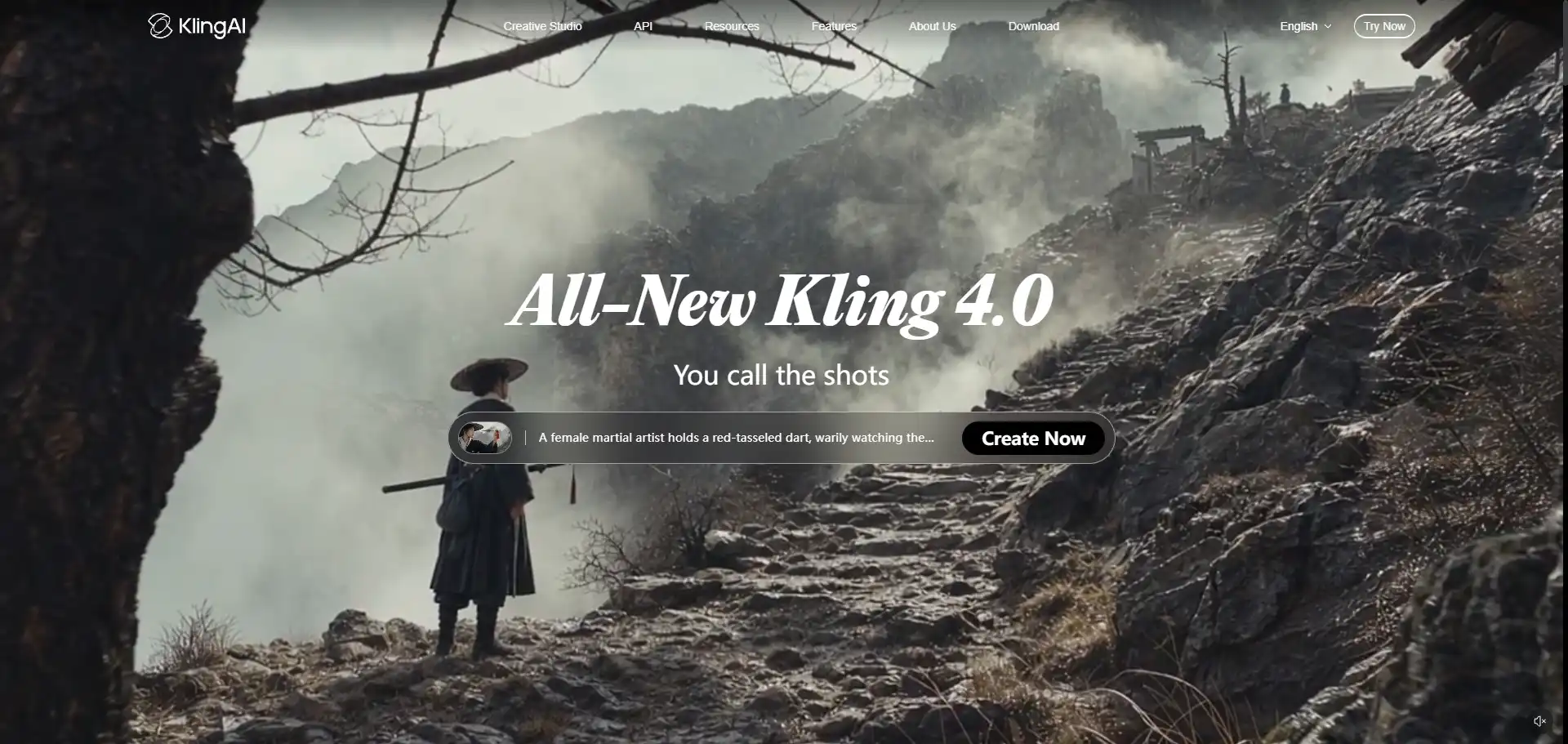
Kling 4.0 is the late-2026 flagship, supporting up to 30 seconds of native video, first-and-last-frame control, and stereo audio. Its lighter sibling, 4.0 Flash, is faster and cheaper but stays at 720p, caps out around 20 seconds, and only accepts a first frame.
Both 4.0 models consume credits far faster than 3.0, so they reward careful, deliberate prompting over endless re-rolls. You can confirm the latest rates on Kling's official site, since the newest models update often.
Across every model, a few features quietly move the bill: Professional Mode raises quality and credit cost together, video extend adds length in five-second steps, keyframe control shapes the start and end of a shot, and the Kling Image models handle still generation separately. Match the feature to the need and your credits stretch much further.
Is Kling AI Worth the Price?
Whether Kling earns its price depends entirely on how much you create. For someone making the odd clip for fun, the free tier or Standard is plenty, and anything more is wasted credits. The value only appears once you are generating often enough to feel the 720p cap and the watermark getting in the way.
For steady creators, Pro is where the tool justifies itself. Three thousand credits, 1080p, native audio, and faster renders cover a real posting schedule without the constant "out of credits" wall. Premier and Ultra make sense only when output becomes a daily job or a shared team workload, where the larger pool pays for itself in time saved.
The pattern almost everyone hits is the same: credits vanish faster than the price tag implies, above all on 1080p, native audio, and the 4.0 models. When the bill starts to sting, the answer is rarely a bigger plan; it is smarter model choice, annual billing, and, for a lot of people, not carrying the whole subscription alone.
How to Get Kling AI for Less
There are a few legitimate ways to bring the monthly cost down. Annual billing trims roughly a third off the rate, Draft Mode and Kling 2.5 Turbo keep drafts cheap, and reserving native audio for clips that truly need it protects your balance. Those habits alone stretch a Pro plan a long way.
The bigger saving comes from not paying full list price at all. GamsGo is one route: it offers the official Kling AI Pro plan at a discount, with its current listing running around 30% off the standard monthly rate. You still generate on the genuine Kling service, just for less than it costs to buy direct.
What makes that practical rather than risky is how the purchase is handled. Orders come with clear records, multiple payment methods, a plain explanation of how access is delivered, and after-sales support if something goes wrong. For a tool where credits are the real cost, paying less for the exact same plan is the simplest lever most people overlook.
Final Thoughts
Kling AI pricing looks complicated only until you see it for what it is: a credit budget, not a per-video charge. Once you know that models, length, resolution, and audio are the four dials that move the cost, choosing a plan becomes a question of how much you genuinely create rather than guesswork over a price list.
Pick the tier that matches your output, keep the lighter models for drafts, and decide whether paying full price solo or buying at a discount makes more sense for you. Get those three right and Kling stops feeling like a meter ticking in the background, which is the point where you can focus on the work instead of the balance.
FAQ
How much does Kling AI cost per month?
Paid plans run from $8.80 a month for Standard up to $159.99 for Ultra, with Pro at $32.56 as the most popular middle option. The first month is discounted on every tier, and annual billing saves about 34%. The right number depends less on the price itself than on how many credits you burn through each month.
Is there a free version of Kling AI?
Yes. The free plan gives you a small batch of credits that refreshes daily, enough for one or two short clips. The catch is a 720p cap, a watermark on every clip, 5- or 10-second limits, and no commercial rights. It is built for testing the tool and learning prompts, not for publishing finished work.
Why do my Kling AI credits run out so fast?
Because higher quality costs more. A plain 720p clip is cheap, but adding 1080p, native audio, longer durations, or the newer 4.0 models multiplies the credit cost per clip. If your balance drains quickly, use Draft Mode and lighter models for tests, and save the expensive settings for clips you actually plan to keep.
Should I pick Standard or Pro?
Choose Standard if you make only a few clips a month and mostly want the watermark removed. Choose Pro if you post regularly: 3,000 credits covers roughly fifty 1080p clips with audio, versus about eleven on Standard. For most active creators the extra headroom on Pro is worth the step up in price.
Is annual billing actually cheaper?
Yes, noticeably. Paying yearly cuts roughly a third off the monthly rate across every paid tier, which adds up fast on Pro and above. It only makes sense once you are sure Kling fits your workflow, so most people start monthly, confirm they will keep using it, then switch to annual to lock in the lower rate.
Can I get Kling AI cheaper through GamsGo?
Yes. GamsGo offers the official Kling AI Pro plan at a discount (its current listing runs around 30% off the standard rate), so you pay less for the same real service. Orders come with records, several payment options, clear delivery details, and after-sales support, which makes it a simple way to cut the monthly cost without changing how you use Kling.
Recommended Reading